Understanding Block and Mob Density in Minecraft
Density in Minecraft refers to how tightly blocks, mobs, or features are packed into a space. It affects everything from how your world looks to how well your server runs. Whether you're building a sprawling city, managing a survival world, or optimizing chunk loading, understanding density is crucial.
What Does Density Mean in Minecraft?
Density isn't just one thing. It's a catch-all term that describes concentration and saturation across different elements of the game. When someone talks about high density, they might mean a thick forest biome, a mob farm packed with spawners, or an intricate building with tons of detail blocks crammed together. Low density could mean an empty desert, sparse mob spawning, or minimalist architecture.
The term gets thrown around a lot in Minecraft communities, and people often mean different things by it. Context matters here.
Block Density and Building
When builders talk about density, they're usually referring to how many different block types or decorative elements fill a given space. A dense medieval town has tight building clusters, multiple roof variations, and lots of visual texture. A sparse desert city spreads out with wide plazas and simple structures.
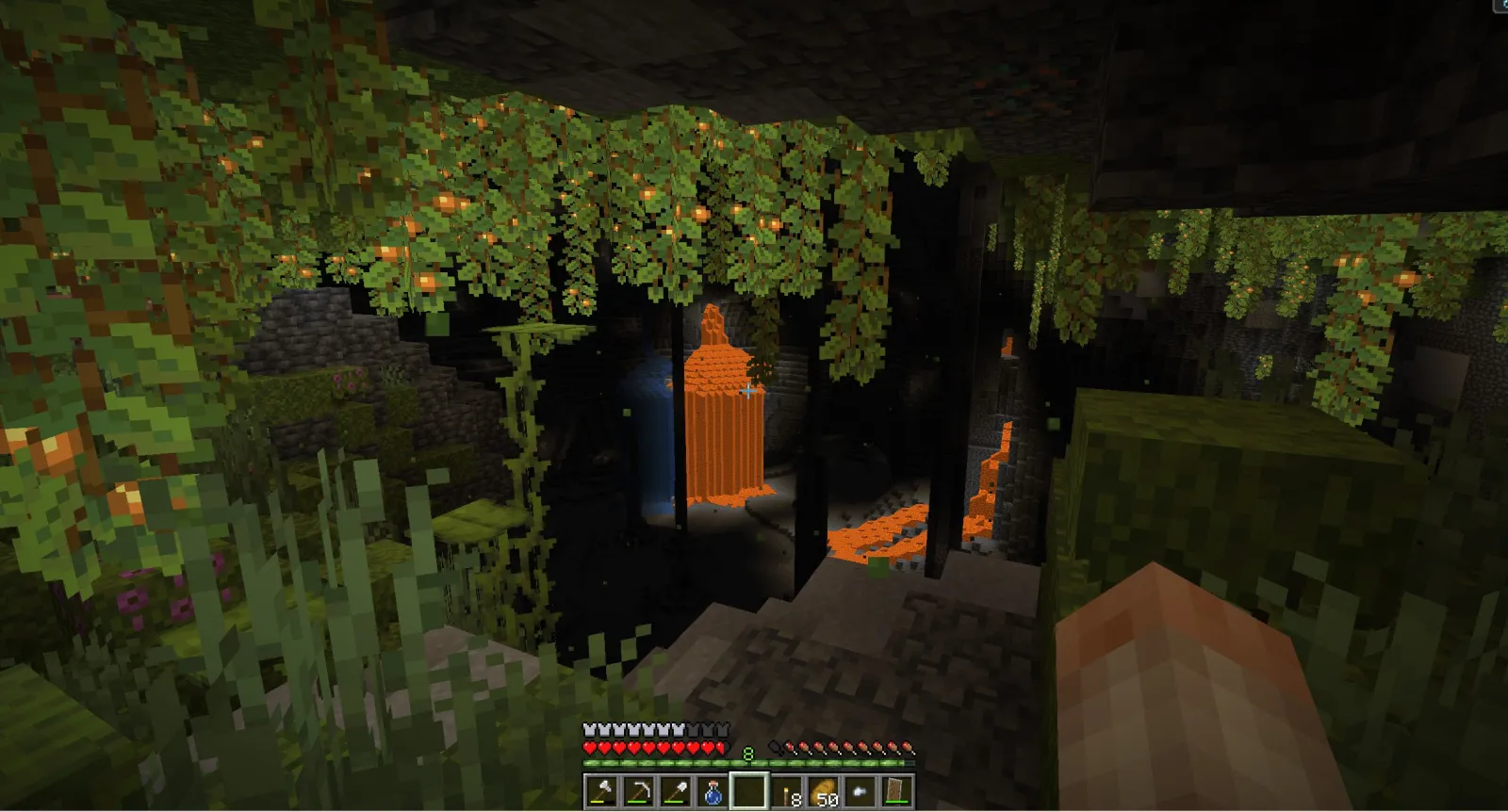
High block density creates more visually interesting builds. More variety, more depth, more personality. But there's a balance. Throw too many blocks into one area and it starts looking cluttered instead of detailed. The best builds usually use density strategically, concentrating detail where it matters and leaving breathing room elsewhere.
If you're looking for inspiration on how different players approach visual density, check out skins from builders in the community. What and Whatasnipe are well-known builders with distinct styles that often reflect their approach to density in their builds.
Mob Density and Spawning Mechanics
This is where density gets technical. Mobs spawn based on light levels, biome type, and available space. Pack too many mobs into one area and your server suffers. Pack too few and you're not getting the drops you need for your farm.
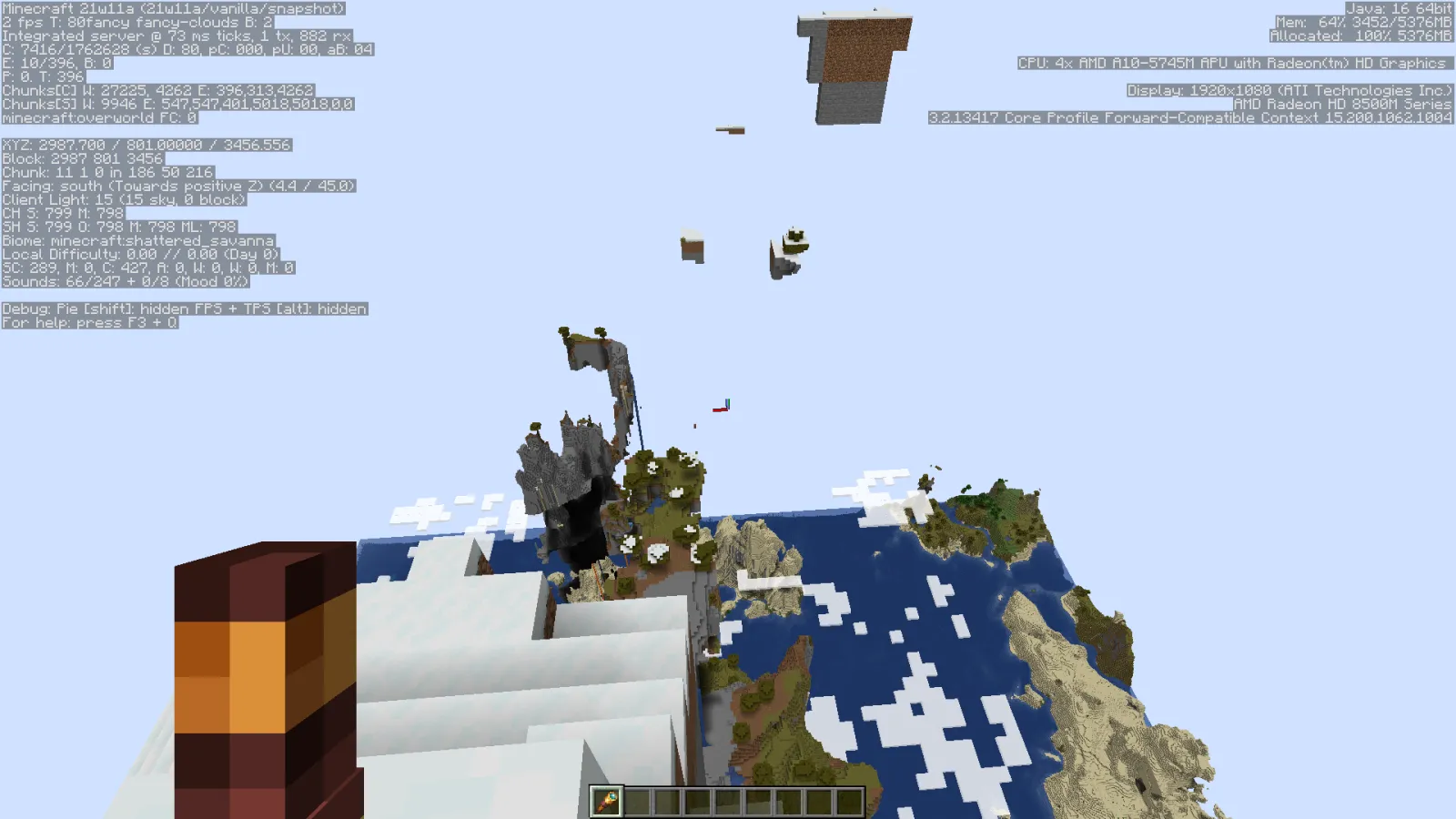
Mob grinders and XP farms rely heavily on density. You want maximum spawn rates in the dark farm chamber, then funneling mobs into a kill zone. The density of hostile mobs in a dark room is directly tied to how much light you exclude and how much valid spawn space you provide. Each mob takes up a spawn attempt, and only so many can exist at once before the game stops spawning new ones.
Peaceful mode players can ignore this entirely, but if you're running survival, you've probably noticed how mob distribution changes between a dense cave system and an open field.
Biome Density and World Generation
Biomes themselves have density variations built into their generation. Some biomes are dense with trees, tall grass, and features. Jungles and dark forests have extremely high vegetation density. Deserts and savannas are sparse by design.
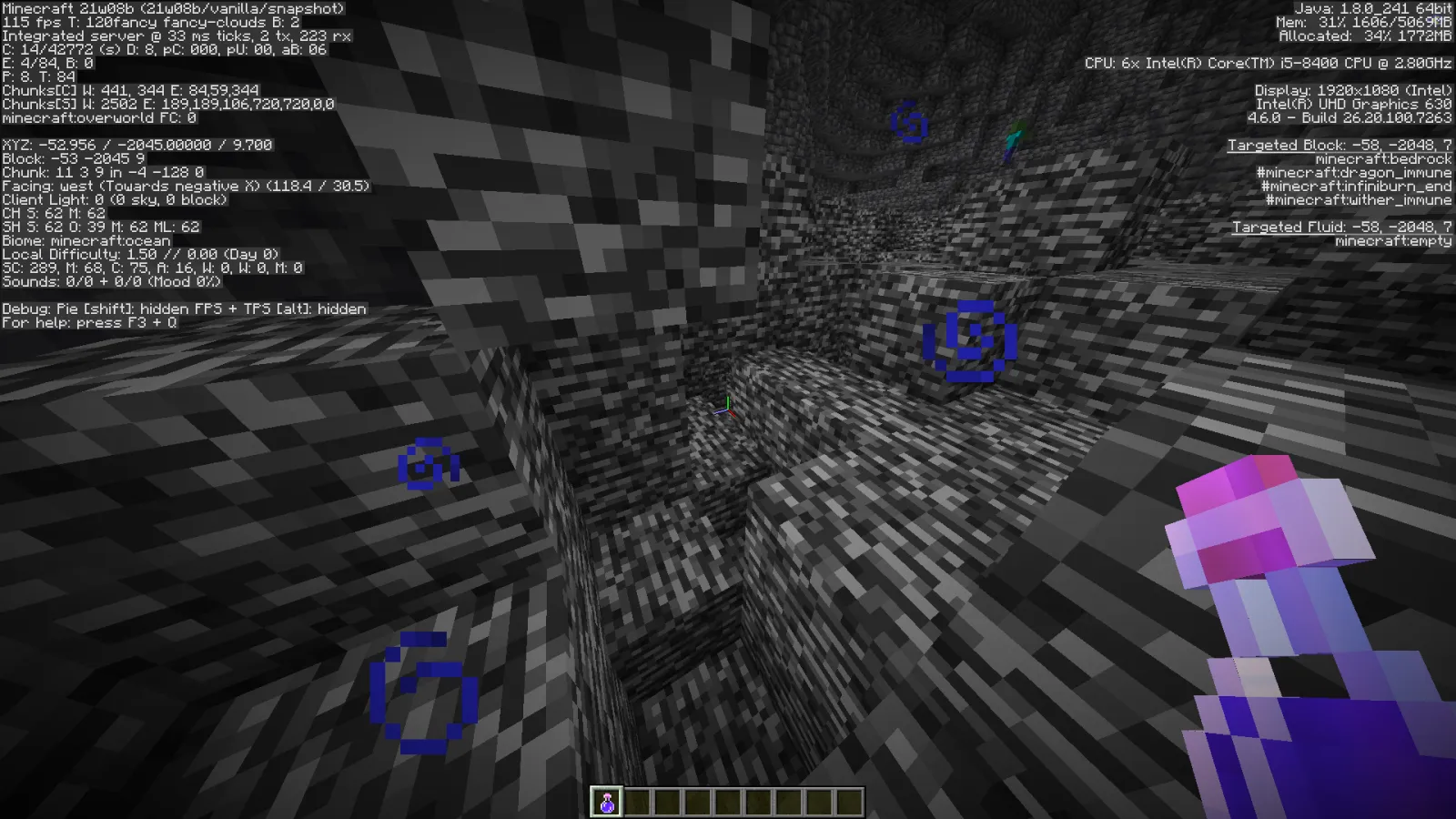
Tree density in a forest biome affects how much wood you can harvest, how dark the ground is, and how much visibility you've when exploring. Dense forests are great for hiding and shelter but terrible for orientation. Sparse biomes are easier to navigate but offer less protection.
You'll see this reflected in how different players design their bases. What_Max and whateverdaniela often show off bases in varied biome types, each making different use of what the environment provides.
Performance and Server Impact
Here's where density stops being fun and starts affecting your frame rate. High block density in your base absolutely tanks FPS if you're not careful. Tons of block states, lots of entity rendering, complex redstone mechanisms all running at once. Your computer has to calculate all of it.
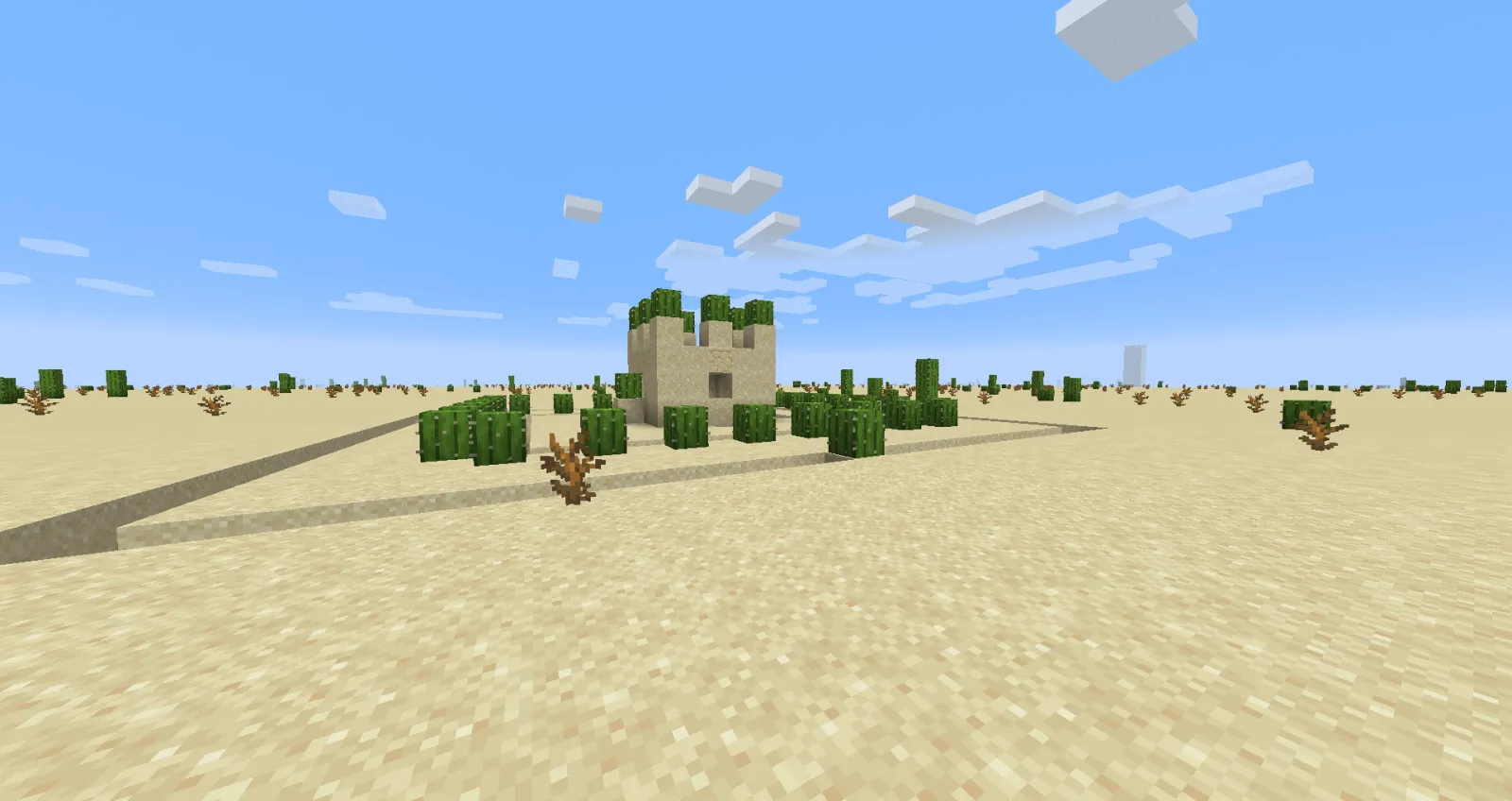
More blocks in a chunk means higher rendering load. More mobs in a region means more entity calculations. More players building dense structures in the same area means the server has to work harder. This is why server admins often set mob caps and ask players to spread out major farms.
Optimization mods help here (if you're on a modded server), but vanilla Minecraft has hard limits. A server can only handle so much density before lag becomes unplayable.
Practical solution: density is fine for a single player world. On a server with friends? You'll want to coordinate where major builds and farms go.
Finding Your Density Sweet Spot
The right density depends on what you're doing. Creative builders want high block density to showcase detail. Farmers want dense mob spawn chambers. Explorers actually prefer lower density landscapes because they're more navigable. Performance-conscious players minimize density everywhere.
Honestly, most players benefit from mixed density. High density where it serves a purpose (your main base, farms, specific builds), lower density elsewhere. This keeps the world visually interesting while maintaining playable frame rates.
Turbowhat1 and other builders known for large-scale projects often balance density across their entire world. They'll have dense building zones, but open up space with farms, storage, and transit routes.
Learning to read and use density effectively is honestly a skill that separates okay Minecraft players from great ones. You start noticing which biomes feel comfortable to explore, which builds look cohesive, which farms are efficient. Then you apply that knowledge to your own world.
Next time someone mentions density in chat, you'll know whether they're talking about how their base looks, how many mobs are spawning, or whether their server is about to crash. Context is everything.

Lead writer at minecraft.how. Long-time Minecraft player running a small SMP server, testing every build, mod, and seed before writing about it.
Frequently Asked Questions
How does block density affect Minecraft performance?
What's the best mob density for XP farms?
Which biomes have the highest and lowest density?
Can density affect the density of ores when mining?
How do I balance density for a multiplayer server?
Have a Question or Tip about this Guide?Community Q&A
Ask a question or help other players below. Join the discussion and share your Minecraft tips!