Multiverse-Core: Managing Multiple Minecraft Worlds
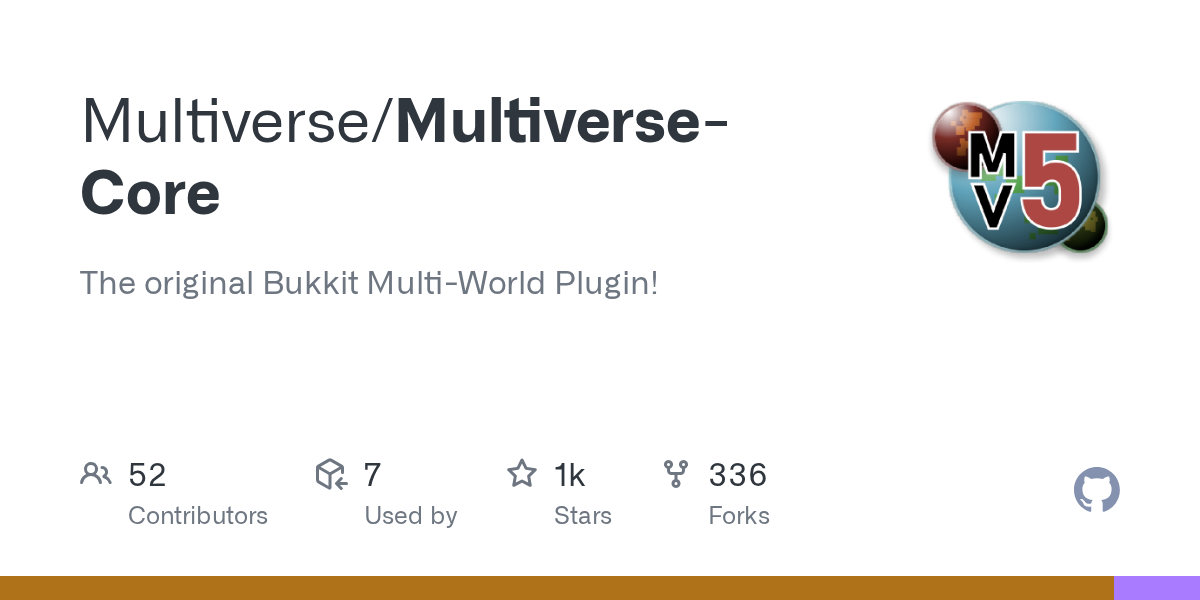
Multiverse-Core (Multiverse/Multiverse-Core)
The original Bukkit Multi-World Plugin!
If you run a Minecraft server and want separate survival, creative, and PvP worlds without constantly restarting, Multiverse-Core does exactly that. It's the plugin that lets you create, switch between, and customize multiple worlds on a single server instance. Been around since the Bukkit days and it still does the job better than anything else in 2026.
What This Project Does
Multiverse-Core is a world management plugin for Bukkit and Spigot servers. At its core, it lets you run multiple Minecraft worlds simultaneously on one server without needing separate server instances or constant restarts. That's the whole appeal. Players can teleport between worlds, each world gets its own settings, difficulty, PvP rules, and game modes.
The plugin was literally designed at the dawn of Bukkit multiworld support and has been the standard ever since. It's got 1083 GitHub stars and appears on basically every serious server admin's plugin list. There's a reason it's stuck around for over a decade.
You can create a brand new world in seconds, import existing worlds, set unique properties for each one. Want your survival world with hard difficulty but your creative world wide open? Done. Need separate nether and end dimensions per overworld? That's what the NetherPortals addon does. Want players to teleport through portals instead of commands? There's an addon for that too.
Why You'd Use This
Most servers need multiple game modes. You can't just have one world and expect everyone to be happy. Hardcore PvP players don't want to share a survival world with creative builders. Roleplayers need their own isolated space. Event servers need arenas separate from the main survival area.
Before Multiverse, you either ran separate server instances (massive resource waste) or reset everything constantly (kills player motivation). With Multiverse, you get one server, multiple worlds, everyone plays how they want.
Real example: Your server could've an economy-focused survival world for building bases, a completely separate creative world for architectural experimentation, and a standalone arena for PvP tournaments. Players earn money and progress in survival but can hop over to creative anytime for no-limits building. Their inventories stay separate per world too if you use the Inventories addon, so someone doesn't accidentally bring god-mode gear into survival.
The plugin integrates with existing permission systems. You can say "only donators access the creative world" or "this group gets these permissions only in the PvP arena." It respects the permission structure you already have.
How to Install It
Installation is straightforward if you've ever added a Bukkit plugin before:
- Download the latest JAR from the GitHub releases page (currently 5.6.1)
- Drop the JAR file into your server's
plugins/folder - Restart the server
- Configure worlds via config files or commands
That's it for basic setup. The plugin generates a config file on first run.
cd ~/minecraft-server
wget https://github.com/Multiverse/Multiverse-Core/releases/download/5.6.1/multiverse-core-5.6.1.jar
mv multiverse-core-5.6.1.jar plugins/
# Restart your server here
After restart, you've got the plugin loaded. You can create a new world using commands:
/mvcreate creative_world NORMAL -t FLAT
/mvcreate pvp_arena NORMAL
/mvcreate mining_world NETHER
These commands create worlds on the fly. The NORMAL/NETHER/END parameter sets the world type. Players can then teleport between them with /mv tp worldname or through portals if you install the addon.
Key Features That Matter
Per-world difficulty and game rules. Your survival world can have mobs and damage. Your creative world can have no mobs, instant build, and no death damage. Your PvP arena gets PvP enabled while your hub world disables it. These aren't global settings that affect every world the same way.
World importing. Got an existing world you want to add to a multiworld setup? Multiverse imports it. You don't lose anything. The world just becomes another managed world the plugin controls alongside the others.
Player teleportation and movement control. You decide who can go between worlds. Maybe new players can't access the dangerous hardcore survival world yet. Maybe guests can only visit the lobby and creative world. Permissions hook into this naturally.
World inventory separation via addons. If you install Multiverse-Inventories, players get separate inventories per world or per group of worlds. Someone with full diamond armor in survival doesn't carry it into creative. This is huge for economy servers because it prevents item duping across worlds.
Nether and end world isolation. Normally Minecraft uses one nether and one end dimension for all worlds. Multiverse-NetherPortals addon lets each overworld have its own nether and end. Your survival world and creative world each get unique nether dimensions. Sounds niche but it's important for isolation and prevents resource contention.
Common Gotchas and Setup Mistakes
The biggest gotcha: world naming matters. Multiverse is pretty strict about folder names and configuration keys. If your config says the world is called "survival_world" but the folder is "Survival_World," you'll get errors. Keep folder names consistent and lowercase.
Player skins don't carry special permissions across worlds. If you've got a custom skin like adderall_abuser or ironmouse, that's visual only. Your actual permissions come from permission plugins. Multiverse respects those but doesn't replace them.
Performance can suffer if you run too many loaded worlds at once. Each world chunk-loads in the background. Five or six concurrent worlds is fine on decent hardware. Twenty worlds will cripple your server. This isn't a Multiverse limitation, it's just how Minecraft servers work. Be realistic about how many worlds you actually need.
The recent 5.6.1 release fixed an issue with PaperMC 26.1 where world folders were being lowercased incorrectly. If you're running a modern Paper build, make sure you update to at least 5.6.1. Older versions have a couple bugs around folder migration that'll cause headaches.
One more thing: plugin conflicts. Some plugins don't play nicely with multiworld setups. Plugins that assume there's only one world or hardcode world name checks will break. Most modern plugins handle this fine, but test your addon combinations before going live on a big server.
The Addon Ecosystem
Multiverse is the core. The addons are where it gets powerful. These aren't required, but they solve real problems.
Multiverse-Portals lets you create custom portals that teleport players. Instead of typing commands, walk through a frame of obsidian and you're in another world. You can also link specific portal frames to specific destinations. Makes the user experience feel less admin-command and more vanilla.
Multiverse-Inventories separates player inventories and stats per world or per world group. Player A has 64 diamonds in survival but zero in creative. Their level and experience bar is separate too. This is what prevents the economy server economy from collapsing.
Multiverse-SignPortals does portals via signs instead of portal frames. Walk into a sign and teleport. Slightly less vanilla-feeling but sometimes more practical depending on your building aesthetic.
The fact that all these addons exist and are actively maintained says something. One Multiverse team solved the problem well enough that the community keeps building on top of it. That's the mark of a good foundation plugin.
Alternatives Worth Mentioning
Multiverse isn't the only multiworld solution, but it's the dominant one. A few alternatives exist if you need something different.
MyWorlds is another multiworld plugin but it hasn't been updated in years. Security patches alone make Multiverse the safer choice. Multiverse stays actively maintained.
VoidGen creates void worlds (useful for creative building) but it's not a world management solution. You'd use VoidGen alongside Multiverse, not instead of it.
Bukkit's built-in world management exists but it's barebones. No teleportation system, no permission integration, no addons. But it works for two or three worlds if you're okay with minimal control, but any server with real ambitions uses Multiverse.
Honestly, unless you have a very specific use case, Multiverse is the right choice. It's been the standard for over a decade for good reason. The latest release covers modern server versions up to 1.21 and the maintainers stay on top of version compatibility.
One last note: popular players like testuser, joakim2tusen, and housecz_zero are probably on servers running Multiverse somewhere. Not because of their skins specifically, but because any public Minecraft server with multiple game modes uses this plugin.

Lead writer at minecraft.how. Long-time Minecraft player running a small SMP server, testing every build, mod, and seed before writing about it.
Frequently Asked Questions
Is Multiverse-Core free and open source?
What Minecraft versions does Multiverse-Core support?
Do I need Multiverse-Inventories to keep inventories separate?
Can I import a world I already have into Multiverse?
Does Multiverse-Core work with permission plugins like LuckPerms?
Have a Question or Tip about this Guide?Community Q&A
Ask a question or help other players below. Join the discussion and share your Minecraft tips!