RealIP Plugin for Minecraft: Protecting Your Server from DDoS Attacks
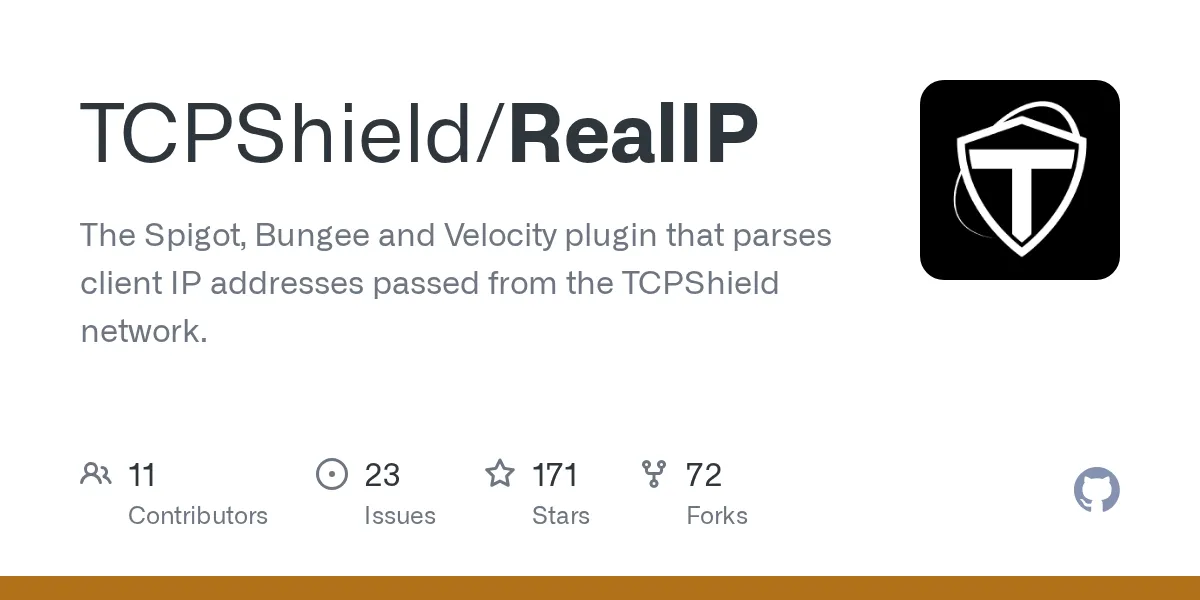
TCPShield/RealIP
The Spigot, Bungee and Velocity plugin that parses client IP addresses passed from the TCPShield network.
View on GitHub ↗If you're running a Minecraft server with proxy protection through TCPShield, you need a way to actually read the real player IPs instead of seeing the proxy's address. That's where the RealIP plugin comes in. It's the missing piece that tells your server who's actually connecting, not just the protective layer in front.
What This Project Does
RealIP is a lightweight plugin that works with the TCPShield DDoS protection service. When players connect through TCPShield's network, the connection looks like it's coming from TCPShield's servers. Without this plugin, your server logs and player data would show the proxy's IP, making it impossible to identify actual players or troubleshoot real connection issues.
The plugin intercepts connection data passed by TCPShield and extracts the real player IP address. It's a bridge between your proxy protection and your actual game server. Once installed, your server knows exactly who's connecting and can treat player data properly.
Why You'd Want This
Server admins pick this up for a few concrete reasons. First, banning becomes meaningful. If someone's causing problems, you need to ban their actual IP, not the proxy's. Second, your server logs become useful. Connection diagnostics, player tracking, anti-cheat systems - they all need real IPs to work properly. Third, TCPShield itself can be smarter about protection when your server reports back accurate connection data.
If you're already using TCPShield, you're probably already finding this plugin mentioned in their setup docs. It's not optional for most setups - it's the thing that makes everything else work right.
Getting It Installed
The project's README points you to TCPShield's official documentation for step-by-step setup. That's the authoritative guide. The basic process is straightforward: download the jar file, drop it into your plugins folder, and restart your server. That's usually it.
For Spigot or CraftBukkit setups, there's one catch - you'll need to have ProtocolLib installed first. It's another plugin that RealIP depends on. Latest versions of the plugin (2.8.1+) work with Minecraft 1.21, though if you're on older server versions, check the release history to make sure you're grabbing compatible builds.
If you want to build from source instead, the project uses Gradle. The README shows the command:
gradle buildDependencies pull automatically, and your compiled jar ends up in the /build/libs folder.
How It Works
RealIP handles the magic that makes proxy-protected servers transparent to themselves. TCPShield sends connection headers containing the real player's IP. RealIP validates that the connection is actually legitimate (came through TCPShield, not spoofed locally), then rewrites what your server thinks the player's IP is. Your server logs, bans, and antifreeze systems now see the actual source.
There's also validation happening under the hood. The plugin checks that connections claiming to come from TCPShield actually did. This keeps someone from spoofing IPs locally by pretending to be the proxy.
Compatibility matters here. The plugin supports three Minecraft proxy platforms - Spigot/CraftBukkit, BungeeCord, and Velocity. Pick the version that matches your setup. (If you're unsure which proxy platform you're running, a quick look at your server's jar filename usually tells you.)
Things That Can Trip You Up
Missing ProtocolLib on Spigot is the biggest gotcha. Without it, the plugin won't load and you'll get cryptic errors in your startup log. Install that first.
ProtocolLib can sometimes lag behind on updates for new Minecraft versions. The latest RealIP release (2.8.1) actually had to work around ProtocolLib being slow to support 1.21, so the maintainers included a local copy temporarily. This means it's worth checking the latest release notes before updating - there might be compatibility notes specific to your version.
Also double-check that TCPShield is actually set up on your network first. RealIP only works if your connection is actually routed through TCPShield's protection. If it's not configured on their end, the plugin won't have anything to parse.
If You're Just Starting With Server Admin
Understanding your server's IP setup is genuinely useful beyond this plugin. Once you've got RealIP running, you might want to check your server's actual status and response codes. Honestly, we've got a server status checker that shows connection health. And if you're running a server community, exploring things like custom skin creation helps you understand the full player experience.
Worth Installing?
If you're using TCPShield, yes. It's not optional - it's the thing that makes your server actually work properly with DDoS protection. The install is dead simple and the MIT license means there's zero cost or licensing hassle. That project has 171 GitHub stars and solid maintainer support, including recent updates for new Minecraft versions.
If you're not using TCPShield, you don't need this. It only works with that specific service. But if you're already protected by TCPShield and haven't installed RealIP yet, your server's logging and ban enforcement are flying blind. Fix that first.

Lead writer at minecraft.how. Long-time Minecraft player running a small SMP server, testing every build, mod, and seed before writing about it.
Frequently Asked Questions
Do I need RealIP if I use TCPShield?
Is RealIP free? What license does it use?
What Minecraft versions does RealIP support?
Does RealIP work on all proxy types?
What happens if RealIP doesn't load?
Have a Question or Tip about this Guide?Community Q&A
Ask a question or help other players below. Join the discussion and share your Minecraft tips!