zmusic-plugin: Building a Music System for Your Minecraft Server
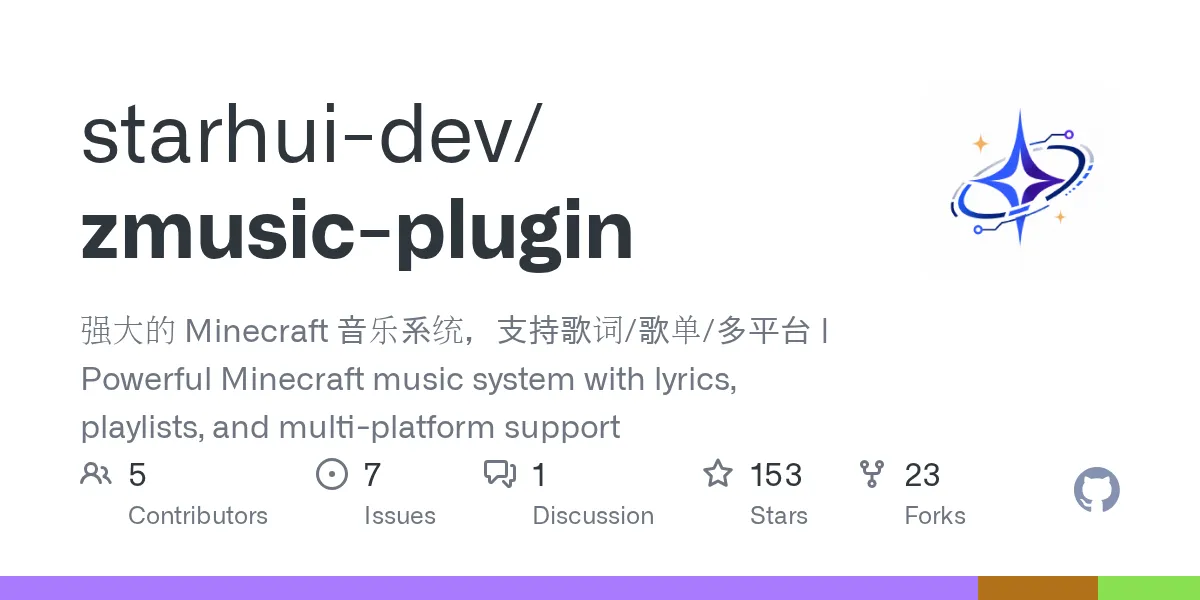
zmusic-plugin (starhui-dev/zmusic-plugin)
强大的 Minecraft 音乐系统,支持歌词/歌单/多平台 | Powerful Minecraft music system with lyrics, playlists, and multi-platform support
Ever wanted your Minecraft server to feel less like a sandbox and more like a concert venue? That's where zmusic-plugin comes in. This Kotlin-built server plugin transforms how your community experiences music together - turning those awkward silent moments into curated soundtracks, full-server jam sessions, and private listening parties. If you've ever envied multiplayer servers that somehow had cohesive music experiences, this is worth a serious look.
What This Plugin Does
zmusic-plugin is a server-side music system that lets players request songs, control playback, see lyrics, and build playlists without installing anything on their client. The plugin integrates with your Minecraft server (like Paper or Spigot) and taps into multiple music sources to serve requests in real time.
So you're not limited to one music platform.
Players can search by keywords, pull from personal collections, tap into server-wide playlists that rotate songs everyone might enjoy, and toggle between solo listening and full-server broadcasts. There's volume control, lyrics translation display, and support for network setups using BungeeCord - meaning you can sync music across multiple connected servers if you're running that kind of infrastructure. The latest release (2.12.0) refreshed the login system and expanded support beyond music to video content from certain platforms.
Why You'd Install This
Most Minecraft servers are quiet. Genuinely silent unless someone's streaming from another tab. This plugin fills that void in ways that feel organic to the game.
Builder communities benefit most - putting on ambient music while constructing megastructures, or letting someone pump hype tracks during a group build session. Roleplaying servers use it to set atmosphere (tavern music for one area, boss-fight themes for dungeons). Survival multiplayer groups often end up wanting background music without everyone having to maintain separate playlists externally. It's the kind of feature that seems like a luxury until it's installed, then it becomes weird to play without.
There's also the social angle. Shared playlists mean someone can curate a setlist that defines your server's culture. You're not stuck with Minecraft's C-418 soundtrack (great as it's) or silence - you're building something.
Getting It Running
Installation follows standard Minecraft plugin patterns. Download the latest release JAR from the GitHub releases page, drop it into your server's `plugins` folder, then restart. Once the plugin boots, it generates a configuration file you'll tweak to point at your preferred music sources and set login credentials.
The maintainers host documentation at docs.zmusic.cc, though be aware that English translations exist but the project originated in Chinese - so some docs might have translation quirks. Still navigable, and the Discord community (linked on the GitHub page) has English-speaking members who can help troubleshoot.
One thing to confirm before you install: check that your server version is compatible. The plugin's GitHub page lists tested Minecraft versions. Paper 1.21 and recent snapshots are supported as of the latest releases, but older or heavily modded servers might hit compatibility walls.
The Features That Matter
Here's what actually moves the needle once it's live on your server:
Multi-source song requests. Players search by song title or artist, and the plugin pulls results from whichever music platforms you've configured. Instead of being locked into one service, you've got real flexibility. Someone wants a Spotify track, someone else has something on YouTube - the plugin handles the lookup transparently.
Synchronized lyrics. When a song plays, lyrics scroll in the chat or on screen (depending on configuration). There's built-in translation support, too, which is genuinely useful if your server's international. It's not game-breaking, but it's the kind of polish that feels premium.
Playlist flexibility. Personal playlists mean players can build custom queues. Server playlists let admins set a rotating background ambiance. Actually, that's underrated - a well-curated server playlist that rotates every few minutes keeps things from getting stale without requiring active management.
Per-player volume control. Everyone can adjust how loud the music is on their end. Not everyone wants full volume, and this sidesteps arguments about whether the ambient music is too intrusive.
BungeeCord support. If you're running a network of connected servers (like a hub with multiple game modes), music can sync across instances. Most small servers don't need this, but if you're at that scale, having unified music control is valuable.
Where Things Get Tricky
The plugin works server-side, so players don't modify their clients - that's actually great from a security perspective. You're not asking players to run third-party software. But there are a few gotchas worth knowing:
Music platform availability matters. If you're using Bilibili as a source (a platform the plugin has good integration with), content availability depends on your region and Bilibili's current terms. Free services sometimes have regional blocking or can change APIs without warning. Keep that in mind if you're betting your server's vibe on a specific platform.
Configuration can feel dense if you're unfamiliar with plugin setups. You're managing music source API keys, login systems, and playlist databases. It's not plug-and-play like a vanilla mod; it requires actual server administration work. If you're already running a plugin-heavy server, this is fine. If you're running vanilla+ with one or two plugins, adding zmusic-plugin might be the moment you realize you need to learn more about Spigot configuration.
Performance is solid on most hardware, but music streaming consumes bandwidth and processing - something to keep in mind on extremely low-resource servers. A potato server running 100 players will notice the difference between vanilla and loaded with plugins.
Setup Tips and Workarounds
Start minimal. Get basic playback working before you layer in translations, multi-platform searches, and network sync. That means configuring one music source first, testing it, then expanding.
Read through the GitHub releases and changelog before updating. The maintainers are active (2.12.0 just shipped recently), but updates sometimes include breaking changes to configuration files. Backup your config before upgrading, just in case.
If you're trying to support multiple music regions (like players from different countries), test your configured platforms' availability in those regions. Some services geo-block aggressively, and you don't want to set players up to fail their requests.
To uninstall and return to vanilla server music behavior, simply delete the zmusic-plugin JAR from your plugins folder and restart the server. The plugin doesn't modify core server files - it operates as a discrete module. Any playlists or data it created sit in its own data folder that won't interfere with vanilla play.
How It Stacks Up Against Alternatives
If you want server-wide music, your options are limited. Some servers hack together music playback using command blocks and note blocks, but that's manual and tedious. Others use simpler plugins that offer basic jukebox improvements or parrot-based music systems. zmusic-plugin stands out because it actually integrates with real music platforms instead of limiting you to Minecraft's built-in sounds.
The closest alternative might be a custom Discord bot integration that pipes music into a voice channel, but that requires players to join Discord separately and keeps the experience fragmented. zmusic-plugin keeps everything in Minecraft, where it belongs.
You could also just... not have music. Honestly, that's a valid choice if your community doesn't care. But if you're running a creative server or a long-term SMP, having a music layer adds something that vanilla alone can't match.
Before You Deploy
If you're running your server with strict security policies, review the plugin code on GitHub - it's open source (GPL-3.0), so transparency is baked in. So that said, like any plugin that interacts with external APIs, make sure you understand what it's sending to music platforms and how it handles authentication.
Let me check one more thing here - the plugin is server-side only. That means your players don't need modified clients. That's huge because it means zero anti-cheat risk for players, and you're not asking anyone to download suspicious software. You manage it entirely from the server.
The GitHub community is active on Discord, and the project has 153 stars, which suggests it's stable enough for production use. Recent releases (2.12.0 came out in 2026) show the maintainers are keeping pace with current Minecraft versions.
If you've been looking for a way to add a real music layer to your server without cobbling together a frankenstein setup, this is worth trying. It's genuinely mature for a community plugin.

Lead writer at minecraft.how. Long-time Minecraft player running a small SMP server, testing every build, mod, and seed before writing about it.
Frequently Asked Questions
Is zmusic-plugin free and open source?
Do my players need to install anything to use the music system?
What Minecraft versions does zmusic-plugin support?
Which music platforms can players request from?
What happens if I uninstall the plugin?
Have a Question or Tip about this Guide?Community Q&A
Ask a question or help other players below. Join the discussion and share your Minecraft tips!
Comments
No comments yet. Be the first to share your thoughts!