How wgpu-mc Brings Modern Graphics to Minecraft

wgpu-mc (wgpu-mc/wgpu-mc)
Rust-based replacement for the default Minecraft renderer
If you've noticed Minecraft's renderer feels dated compared to modern games, wgpu-mc offers an alternative. This Rust-based rendering engine replaces the aging OpenGL backend, bringing support for modern graphics APIs and potentially better performance on current hardware.
What This Project Does
Wgpu-mc is a WebGPU-based rendering engine built entirely in Rust. Instead of relying on OpenGL (which has powered Minecraft's graphics since the beginning), it uses a modern GPU abstraction layer that can target multiple graphics APIs depending on your hardware. On Windows, that's typically DirectX 12. On Linux and macOS, it falls back to Vulkan or Metal.
The project started as a passion project back in 2021 with a straightforward goal: give Minecraft a rendering pipeline designed for current-generation hardware instead of code written for systems from 2009.
For actual Minecraft gameplay, you'd use wgpu-mc through Electrum, a Fabric mod that swaps out Minecraft's default Blaze3D renderer for the wgpu-mc engine. Both the engine and the mod are still in beta, which is worth noting upfront.
Why You'd Want This
Modern graphics cards are built around concepts that OpenGL handles poorly. If you're running a newer GPU, your hardware is essentially waiting around for OpenGL to catch up. Wgpu-mc cuts out that middle layer.
The real benefits come down to three things: potential performance gains on modern systems, better support for newer GPU features, and future-proofing. If you've been frustrated with Minecraft's performance even on hardware that should handle it easily, this might help. That said, actual frame rate improvements vary wildly depending on your specific GPU and what mods you're running alongside it.
This isn't for players who just want vanilla Minecraft to run faster (you're probably fine already). It's for people interested in seeing what a modernized Minecraft renderer could do and who don't mind running beta-stage software to experiment.
How to Get It Running
Installation assumes you're comfortable with Fabric modding. First, you'll need a Fabric installation for Minecraft Java 26.1.2 (the latest stable release as of 2026) or your preferred version.
Electrum, the Fabric mod that integrates wgpu-mc, is still in development. You'll download it from GitHub or the project's official sources. Given that malware often disguises itself as Minecraft mods on third-party sites, always pull mods from official GitHub releases or trusted launchers like MultiMC or Modrinth whenever possible.
The basic installation process looks something like this:
1. Install Fabric for your chosen Minecraft version
2. Download the latest Electrum JAR from the wgpu-mc GitHub releases
3. Drop it into your mods folder
4. Launch Minecraft through Fabric
5. Test in a single-player world first before importing a world you care about
One thing that trips people up: even with Electrum installed, Minecraft might still render through OpenGL initially. You may need to enable the wgpu-mc renderer explicitly in Minecraft's video settings. Check the mod's documentation for your specific version.
What Improves
If you're expecting dramatic visual changes, you'll be disappointed. Real talk, wgpu-mc doesn't add ray tracing or overhaul Minecraft's art style. What it does is handle the graphics pipeline more efficiently, which can mean smoother frame rates, better support for high render distances, and potentially less GPU memory waste.

You might notice improved frame times in large builds or complex scenes with lots of entities. Shader compatibility is more limited than with standard Minecraft (since you're using a different rendering backend), though development is ongoing.
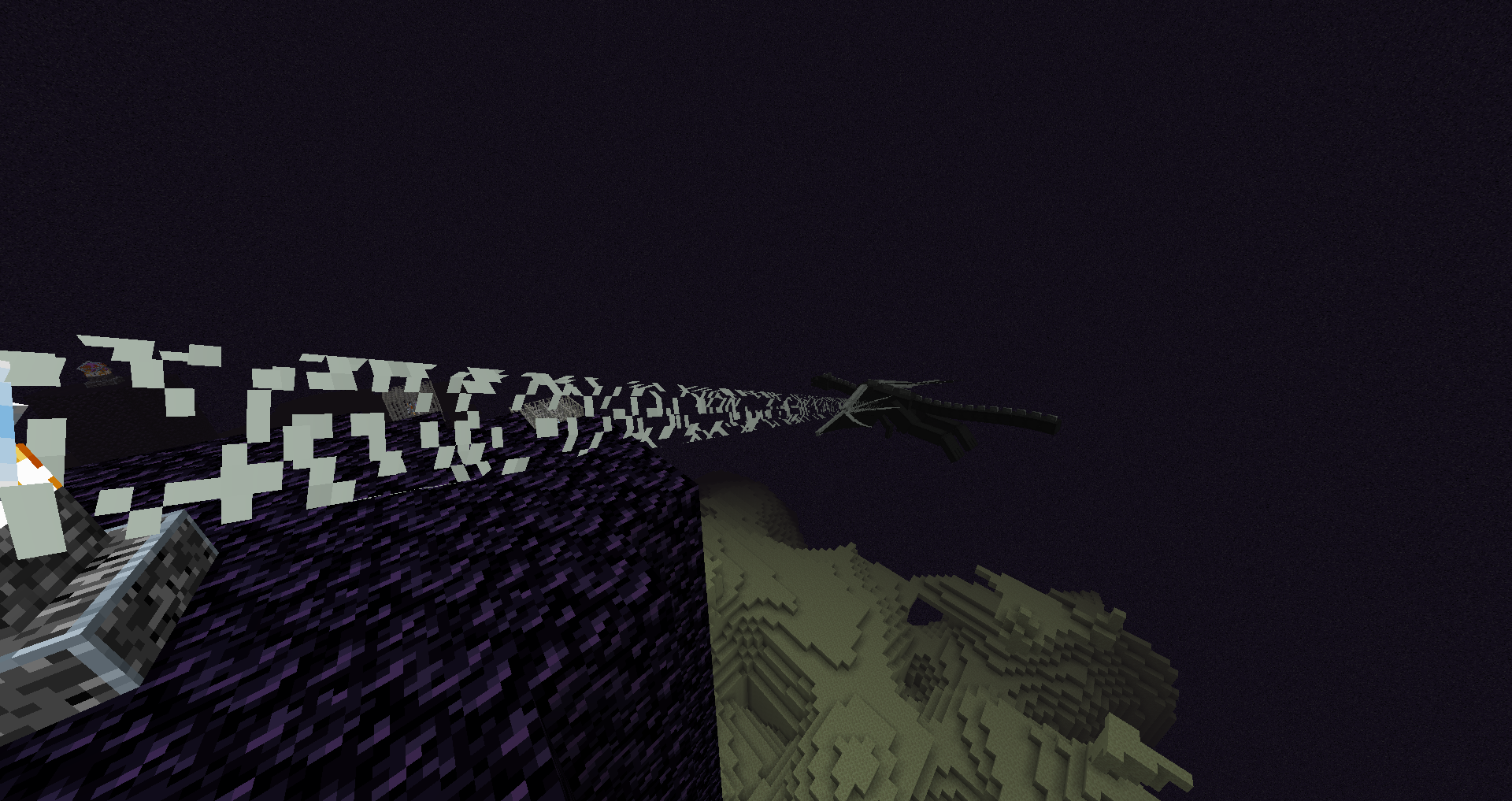
The Minecraft community has captured some screenshots showing the engine in action. A visuals look... like Minecraft. Because they're. The improvements are under the hood.
If you use tools like the Minecraft Block Search to plan detailed builds, you might find that complex scenes render more smoothly when you actually place them in-world.
Real Limitations and Gotchas
Let's be direct: this is beta software. You might encounter crashes that don't happen in vanilla Minecraft. Mod compatibility is hit-or-miss. Some mods that modify rendering will break. Others work fine.
Shader support is limited compared to OptiFine or Iris, though that's improving. If you're heavily invested in shader packs, wgpu-mc might not be ready for you yet. Actually, you should test it in a fresh world first regardless of what mods you're running.
The project relies on community contributions, and development is slower than a commercial product. This is standard for open-source projects, but it matters if you find a bug or compatibility issue. You might have to wait for a fix.
Older AMD GPUs and some integrated graphics have reported issues. If your hardware is more than 5-6 years old, you might want to test in a non-critical save first.
Comparable Projects
You've probably heard of OptiFine and Iris, which are performance mods for Minecraft's existing renderer rather than replacements. Both are more stable and have broader shader support, but they work within OpenGL's constraints. For newer hardware, wgpu-mc's approach could eventually outperform them, though it's not there yet.
There's also Sodium (a Fabric mod focusing on optimizing the base renderer) and Lithium (optimizing server-side logic). Both can coexist with wgpu-mc if you want, though you'll sacrifice some stability for the combination.
If you just want better Minecraft performance without experimenting, Sodium plus Lithium is the mainstream answer. If you want to help develop the next generation of Minecraft rendering, wgpu-mc is where that happens.
Visit wgpu-mc/wgpu-mc on GitHub ↗