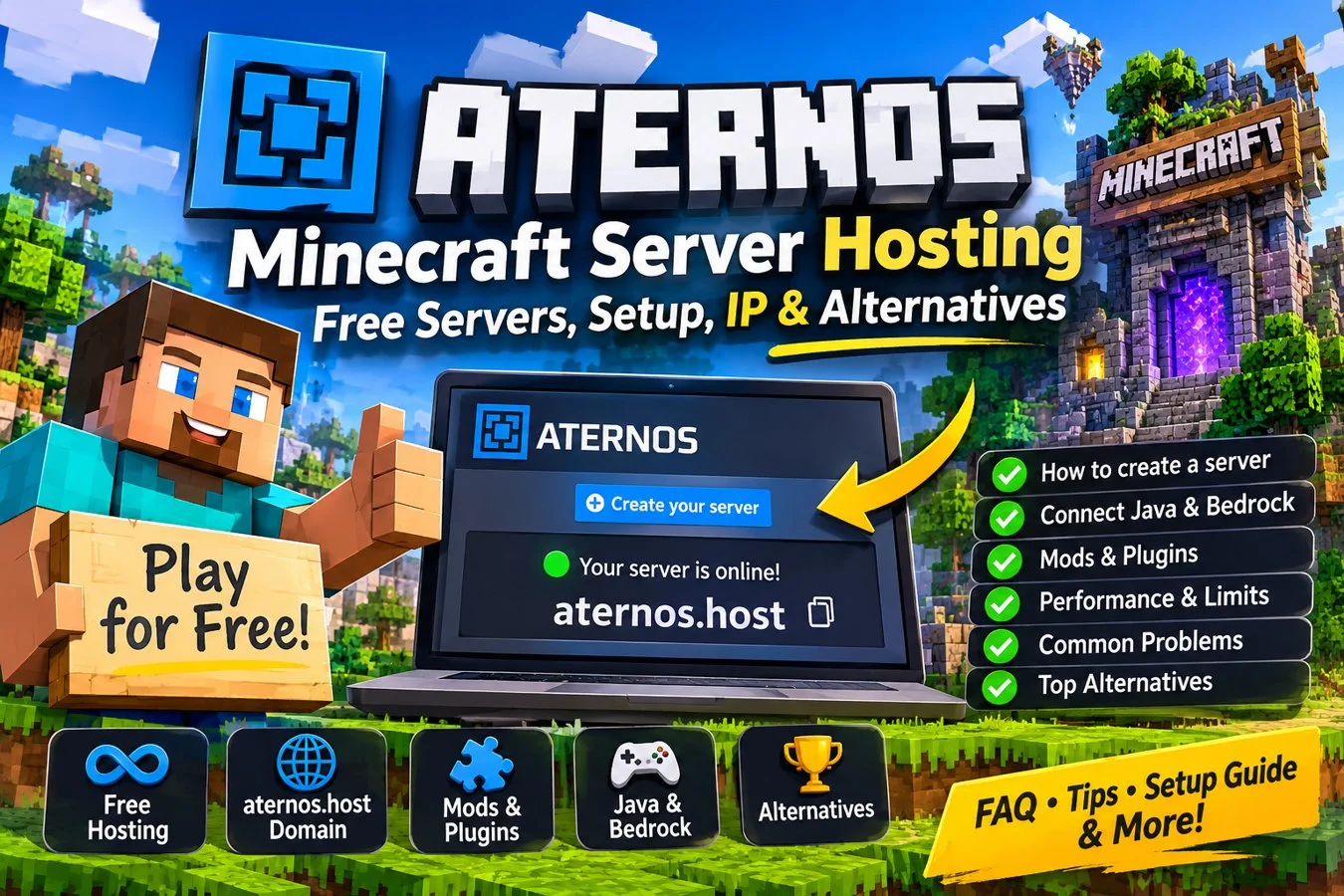

Quick answer: Aternos is a free, on-demand Minecraft server host for Java and Bedrock. Create a server in its control panel, choose compatible software, copy the exact server address, and start it when you want to play. It supports selected mods, plugins and modpacks, but servers are not guaranteed to stay online 24/7 and startup queues may occur.
Aternos Minecraft Server Hosting: Free Setup, Server IP, Mods and Alternatives
Aternos is a free, on-demand Minecraft server hosting service for players who want to build a multiplayer world with friends without paying a monthly hosting bill. You create a server through the Aternos control panel, choose Java or Bedrock server software, configure the world and start it when your group is ready. Aternos supports several Java server types, including vanilla, plugin-compatible software, mod loaders and selected modpacks.
This guide explains how to create a server, connect players, choose compatible software, install mods and plugins, understand the limits of free hosting and decide whether an alternative is more suitable. Panel options and supported projects can change, so always check the current Aternos interface and official Help Center.
What is Aternos?
Aternos is operated by Aternos GmbH. The company says the project began in 2013 and that its free hosting service is financed through advertising. Its control panel lets users manage server software, worlds, player permissions, settings and supported add-ons.
Aternos is designed around on-demand play rather than guaranteed 24/7 uptime. A server can stop when nobody is playing, and starting it may involve a queue when resources are busy. This model can work well for friends who play together at specific times. It is less suitable for a public community that expects its world to remain available around the clock.
Official website: https://aternos.org/ Official Help Center: https://support.aternos.org/
How to create a free Aternos Minecraft server
- Visit the official Aternos website and sign in or create an account.
- Choose the option to create a server.
- Select Minecraft: Java Edition or Minecraft: Bedrock Edition, according to the players you want to support.
- Choose server software. Vanilla is a straightforward choice for a standard world; Paper, Spigot or Purpur are commonly used for plugins; Forge, NeoForge, Fabric and Quilt are used for modded gameplay.
- Review the server address and port displayed in the panel. Copy the exact details for your players.
- Configure basic options such as game mode, difficulty, whitelist and player permissions.
- Create or upload a world using the available Worlds options. Back up an existing world before making major changes.
- Press Start and follow any queue instructions until the panel reports that the server is online.
- Test the connection yourself before sharing the address with friends.
The control panel may change over time. Follow the current labels and warnings shown by Aternos rather than relying on an old screenshot.
Java and Bedrock: which server should you choose?
Aternos offers server options for both Java and Bedrock. Players should normally connect with the edition and version supported by the server. A Java server address and port should not be assumed to work as-is for a native Bedrock server.
For Java multiplayer, choose vanilla for a basic survival world. Paper, Spigot and Purpur are options when you want compatible plugins. Forge, NeoForge, Fabric and Quilt are mod loaders; they are not interchangeable, so the server and client must use compatible versions. Supported modpacks can provide a preconfigured collection of mods.
If Bedrock players need to join a Java server, Aternos documents a setup using the Geyser plugin. This requires configuration and is not automatically enabled on every server. Follow the current official Geyser instructions in the Aternos Help Center and verify the connection details for your setup.
Installing mods, plugins and modpacks
Mods and plugins are different systems. Plugins generally require plugin-compatible server software such as Paper, Spigot or Purpur. Mods require a matching loader such as Forge, NeoForge, Fabric or Quilt. Modpacks bundle multiple mods and dependencies into a prepared installation.
Before installing anything, check the Minecraft version, loader and project requirements. Select compatible server software in the Aternos panel, then use the relevant Mods, Plugins or Modpacks section to find supported content. Restart the server after making changes.
For modded Java gameplay, players usually need the matching mod loader and required mods on their own computers as well. A mod installed on the server does not automatically install it on every client. Everyone should use compatible versions and dependencies.
Aternos warns that third-party software, mods, plugins and add-ons are not guaranteed to work, remain updated or be safe. Use trusted project pages, read installation instructions and make a backup before changing a working world.
Aternos server address, IP and custom domains
The safest way to find your server address is to copy it from the current Aternos server panel. Do not guess an IP, hostname or port, and do not rely on a third-party server listing that may contain an outdated address.
A custom domain is a DNS configuration that points a hostname toward a server destination. It does not change the Minecraft edition, create missing network support or guarantee that a connection will work. Java and Bedrock can use different connection details, so follow the instructions for the relevant edition and DNS provider. A DNS record alone is not a substitute for the correct server address and port.
Aternos documents custom-domain support. Check its current Help Center instructions before configuring an external domain. Never share account credentials or private control-panel information.
Queues, uptime and performance: what to expect
Free on-demand hosting has trade-offs. Keep these points in mind:
- Startup queues: when the service is busy, starting a server may take time. Follow the prompts in the panel.
- Automatic stopping: a server may stop when nobody is playing. This is part of the on-demand model, not necessarily a crash.
- Performance: results depend on the Minecraft version, software, world, mods and number of active players. Do not assume one RAM figure or player limit applies to every setup.
- Backups: use the available backup features and keep an independent copy of important worlds where possible.
- Modpacks: large packs and poorly optimised worlds can be demanding. Add content gradually and check logs after changes.
- Administration: use a whitelist for private worlds, grant operator permissions carefully and keep software up to date.
If a server will not start, first check its status and any queue message. Then review the console for errors, confirm that the selected software and Minecraft version match, and investigate recent mod or plugin changes. If players cannot join, copy the current address again and confirm that they are using the correct edition, version and port.
Is Aternos good for your Minecraft server?
Aternos is a practical choice for casual groups that want a free world, play in sessions and do not need the server to remain online when everyone leaves. Its Java and Bedrock options, supported mods and plugins, world management and browser-based panel make it approachable for players who are new to hosting.
It may not suit a large public network or a community that needs guaranteed uptime, predictable dedicated resources, extensive file-level control or advanced infrastructure. In those cases, compare paid Minecraft hosts and check CPU and RAM limits, storage, backup and restore options, server locations, support, DDoS protection, renewal pricing and cancellation terms.
Aternos operates exaroton as a separate service for users with higher requirements. Compare its current features and pricing directly rather than assuming that every player needs to upgrade.
How to compare Aternos alternatives
Do not choose a host based on a headline RAM number alone. Compare the uptime model, CPU and memory limits, storage, supported Minecraft versions, mod and plugin support, backup policy, server location, support response and total renewal cost. A host that is suitable for a small private SMP may not be appropriate for a large public network.
For occasional play with friends, Aternos may be enough. For a persistent community world, a paid service may be worth the cost. The right choice depends on how often the server is used and how much control you need.
Official sources
- Aternos official website: https://aternos.org/
- Aternos Help Center – creating a server: https://support.aternos.org/hc/en-us/sections/31173235175837-Create-a-server
- Aternos Help Center – server options: https://support.aternos.org/hc/en-us/articles/360030513552-The-options-of-your-server-explained
- Aternos GmbH – company information: https://aternos.gmbh/en
- Aternos Terms of Service: https://aternos.gmbh/en/aternos/terms
This is an independent Minecraft.How guide. Minecraft.How is not affiliated with or endorsed by Aternos GmbH.