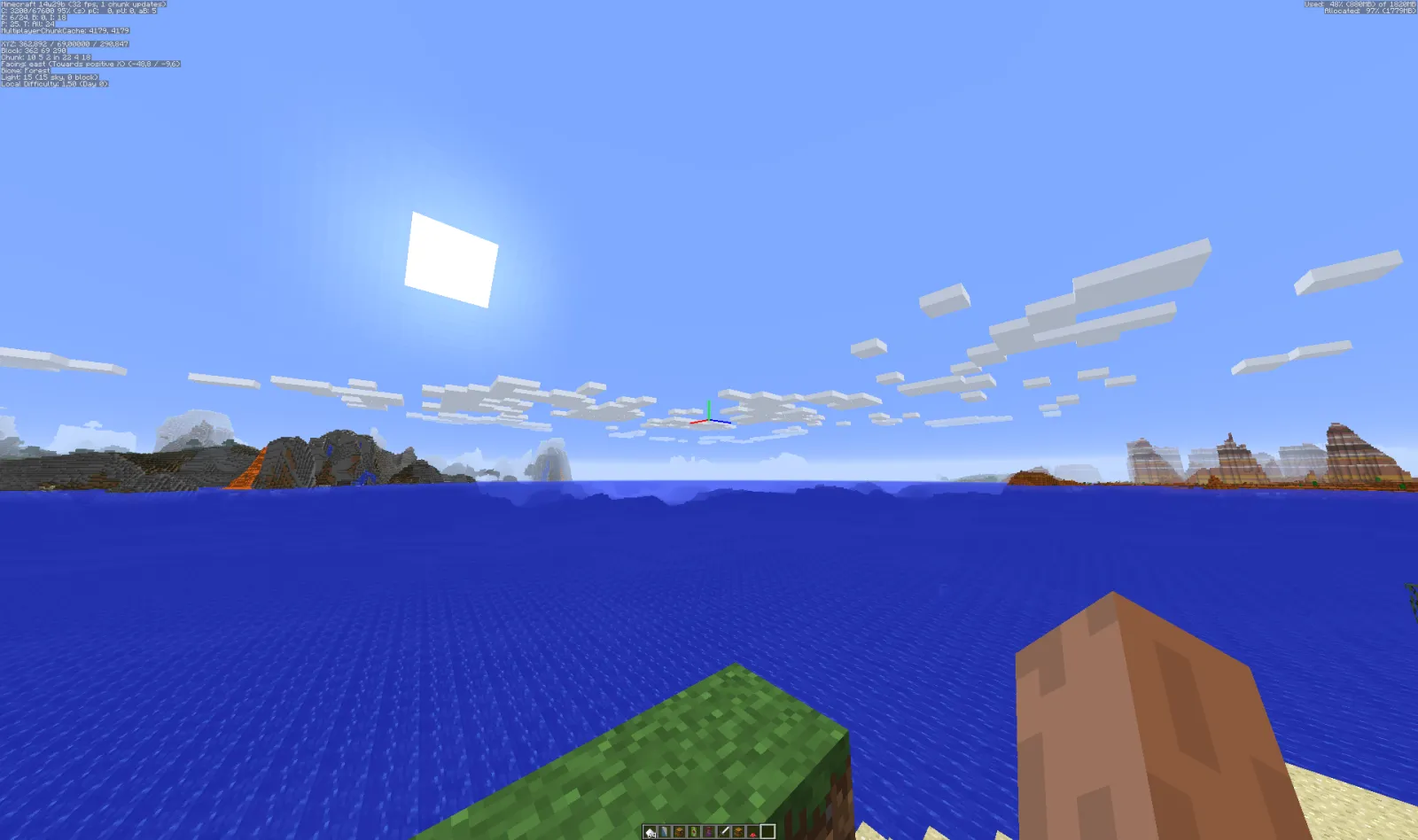

Summer's the perfect time to build something spectacular in Minecraft. Beach and ocean structures turn a simple shoreline into your personal paradise, and they're some of the most satisfying builds to pull off. Here's what works best for creating stunning coastal builds in version 26.2.
Tropical Island Bases
I've built maybe a dozen tropical island bases across different servers, and honestly, they're easier than they look. Start with palm trees (acacia works great), sand, and a mix of wood types. The key is using color variation instead of sticking to one block type for everything. Throw in some leaves, stripped logs, and coral blocks, and suddenly it doesn't look like you just plopped down a build schematic.
One thing that changes everything: water depth.
If your island sits in water that's only one block deep, it feels flat and fake. Dig down around it to create gradual depth. Shallow water near shore, then deeper blue as you move outward. The visual difference is enormous, and it's the difference between "that's nice" and "wait, how did they do that?"
Roofs matter more than most builders realize. A simple thatched roof using stairs and trapdoors beats a flat top every time. Add some overhangs (use slabs or stairs for detail), and you've got a structure that actually looks built rather than assembled. On my server, we test builds on different graphics settings before considering them finished, so I'd recommend that too if you're sharing your work.
Underwater Bases and Submarines
This is where things get fun, and also where things get tedious fast.
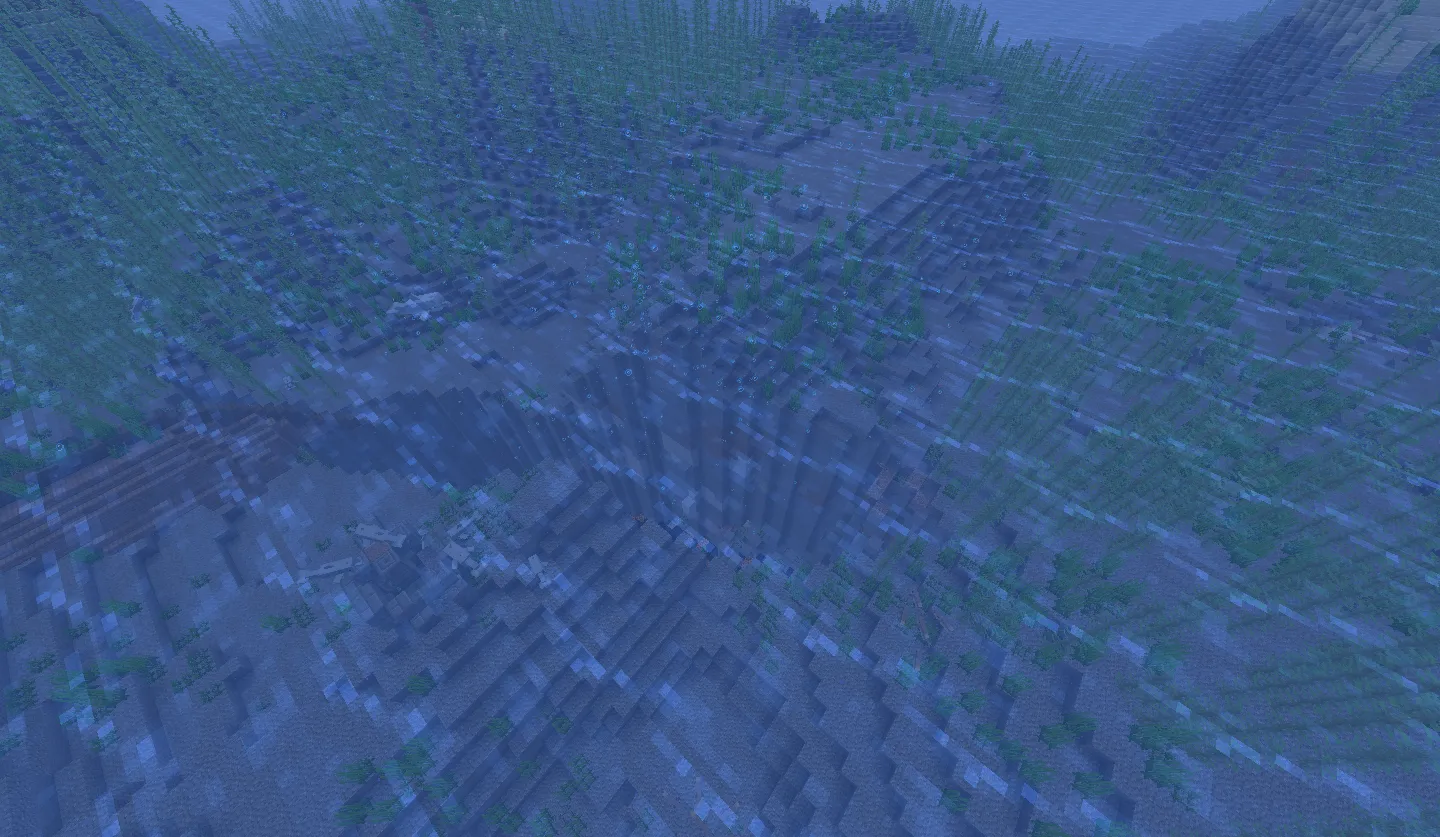
Building underwater means fighting gravity, water physics, and your own patience. The standard approach is scruffian sand walls, but that's boring. Instead, use reinforced deepslate (if you're in 1.20+) or darker blocks like blackstone to create a structure that looks intentional rather than like you just made a box. Add copper or iron details for visual weight.
The real magic happens when you build airlocked rooms inside the structure. Use soul sand and magma blocks to create bubble columns that let players move up and down easily. This actually solves a gameplay problem while looking cool. You can test if your bubble elevators work properly using the Minecraft Server Status Checker to verify your setup is running smoothly if you're on a multiplayer server.
Glass domes are obvious but effective.
Lighting underwater structures is harder than above ground because water eats light. Use glow berries, small amethyst clusters, and glowstone hidden behind darker blocks to create ambient light. Blue concrete powder over light sources creates this nice underwater glow without looking cheap. I tested this setup on three different servers and it holds up everywhere.
Fishing Villages and Dock Structures
Fishing villages feel authentic because they're built from real-world reference. Start with boat docks using fence posts and boats (the actual boat entity, not just blocks shaped like boats). Scatter small buildings around: storage sheds, a fish smoker (use campfires), maybe a workshop. Streets should be uneven. Actual villages have variation in elevation and vegetation, not perfect grids.
Dock design is its own thing entirely.
Pilings are essential. Use stripped dark oak or mangrove logs half-submerged. Layer slabs on top to create the platform. Add chains, lanterns, and rope details using copper and string. A good dock looks used, not pristine. Scattered barrels, fishing rods stuck in stands, kelp drying on racks. These details don't take long to add but transform the whole structure.
Warehouses behind the docks pull the whole scene together. Use iron doors (they look industrial), set blocks with depth using varied wood types, and add upper-level details with catwalks made from fence gates and chains. Real talk, if your server has custom items or you're looking to optimize performance, checking your Free Minecraft DNS settings ensures everything runs smoothly for your co-players when they visit your builds.
Lighthouses and Beacon Towers
Not every beach build needs to be relaxing. Lighthouses are incredibly popular, and for good reason. They're challenging to build well because proportions matter more with tall, narrow structures.
A good lighthouse uses a narrow column (4 or 5 blocks wide) with a rotating top. Black and white stripes work, or you can get creative with other color combinations. The lantern room at the top should be visible from distance. Surround it with keeper's quarters, storage areas, and a dock. Add a beam using a redstone lamp contraption if you're feeling ambitious (it rotates around the top and looks amazing on servers where players explore at night).
Beacon towers are another option entirely.
Build upward from the beach with pyramids of iron, diamond, emerald, or lapis underneath (or a combination of all four for rainbow effect). Add a beacon on top with an activated redstone circuit. It's simultaneously practical and visually striking. From far away, it serves as a navigation point. Up close, it's just impressive architecture.
Hidden Lagoons and Secret Coves
Some of the best beach builds aren't obvious. A hidden lagoon tucked behind rock outcroppings, accessible only through a narrow passage, becomes this little secret that players on your server will stumble onto and obsess over. Use dark stone (blackstone, deepslate) to frame the opening. Make it look almost accidental, like the beach just eroded into a cove over time.
Inside the lagoon, build up.
Waterfalls, poolside structures, maybe a hot spring aesthetic using heated blocks and steam rising up. Vines hanging from above. Soft lighting hidden in crevices. This is where you can experiment with color schemes that wouldn't work on a massive public build. Muted pastels, complementary colors, even monochromatic builds look good in intimate spaces because there's less visual noise competing for attention.
The other approach is going full dramatic: towering cliffs with builds carved into them, floating islands above the lagoon, bridges connecting different levels. Scale becomes part of the design. Everything is bigger and bolder, and it works because you're creating a sense of grandeur instead of coziness.
Bringing It All Together
Beach builds come together when you combine these elements thoughtfully. A dock leads to a fishing village. Behind that, a hidden cove. A lighthouse marks the whole area. An underwater base provides an alternative base location. None of these need to exist in isolation.
Consider your color palette before you start building. Are you going tropical (bright wood, light sand, coral tones) or moody (dark stone, deep water, minimal lighting)? Stay consistent even when combining builds. It's the difference between "wow, that's beautiful" and "that's a lot of builds mushed together."
Test your ideas on a creative server first if you're uncertain. Build the core structure quickly using single blocks, then add detail once you're happy with the overall shape and proportions. I catch more design problems in the roughing phase than anywhere else, and it saves hours of wasted effort.
Summer 2026 is the perfect time to finally build that beach resort or underwater empire you've been picturing. Start now, and you'll have something genuinely cool to show off before the season ends.