Top Minecraft Texture Packs for 2026: Best Visuals for Every Style
Texture Packs vs. Shader Packs
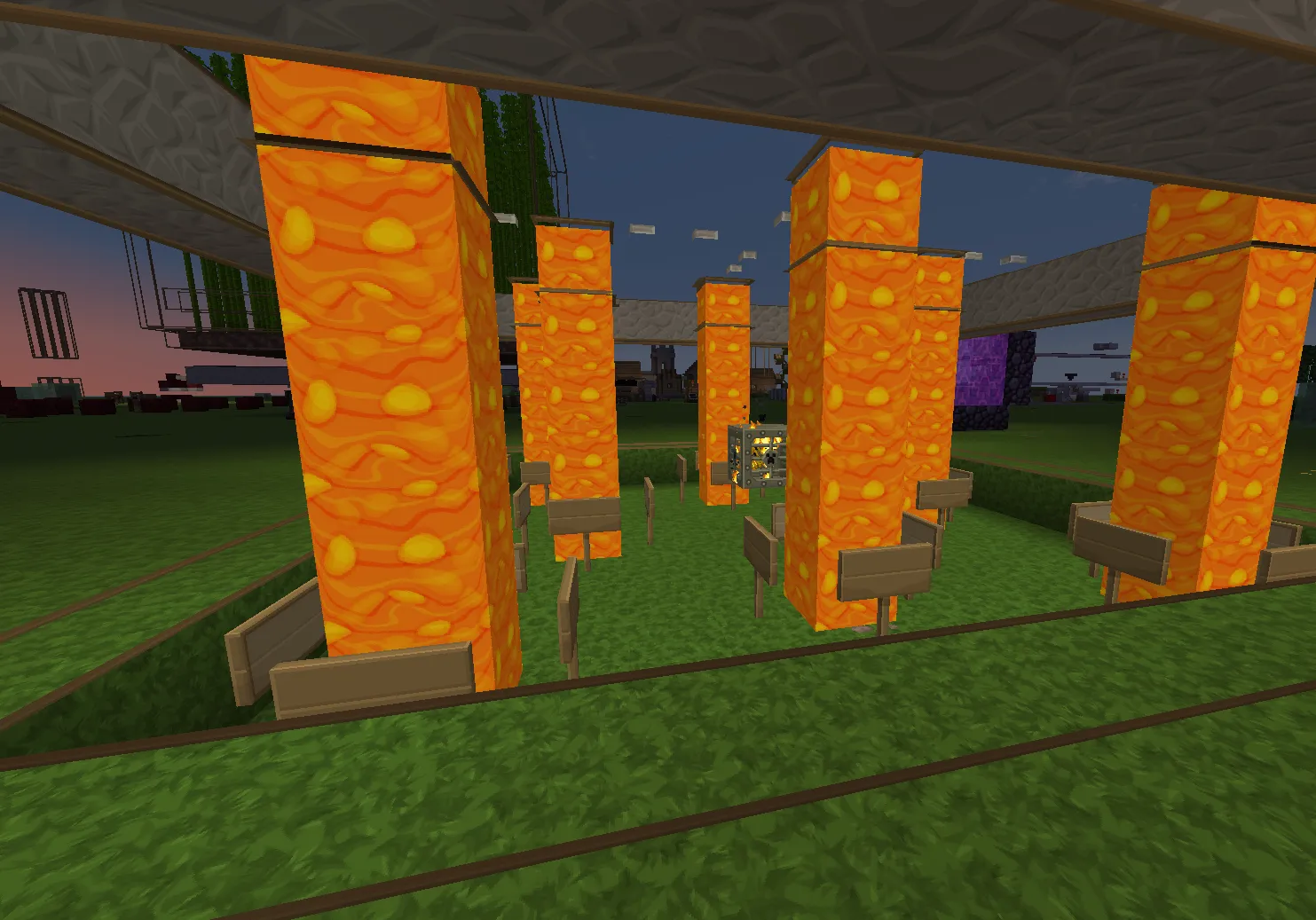
Ever tried building a massive castle only to realize the blocks look a bit... flat? That's where texture packs come in. They change the actual appearance of blocks and items, giving your world a completely different vibe. You might go from a retro pixelated look to something that looks like a modern survival game.
Don't confuse these with shader packs. Shaders primarily affect lighting, shadows, and color. Texture packs define the surface itself. You can actually use both at the same time. Combining a high-quality texture pack with a good shader is the secret to making Minecraft look incredible.
It is a powerful combination. Look, one changes the skin, the other changes the light.
Understanding PBR and Realistic Textures
If you want your world to look truly real, you need to look for PBR (Physically Based Rendering) packs. This is more than just higher resolution. A pack that uses PBR includes extra texture maps that tell the game engine how surfaces should behave under light. This is what makes a polished stone block look glossy while a dirt block stays matte.
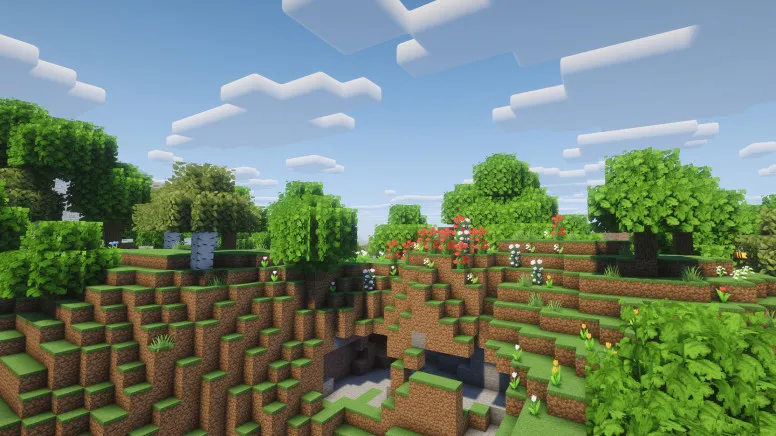
According to information from Optimum Realism, there are a few key components to a realistic pack:
- Albedo: This is the base color map. But it contains the texture without any lighting or shadows baked in.
- Normal maps: These encode the direction of a surface. This makes flat blocks look like they've bumps, grain, or mortar lines.
- Specular/Material maps: These control how rough or metallic a surface is.
- POM (Parallax Occlusion Mapping): This provides actual perceived depth to textures.
On Java 26.3, the community standard for these maps is LabPBR. Using a pack that supports LabPBR ensures that your textures look correct when paired with compatible shaders. Without it, you might end up with weird, blown-out highlights that look unnatural.
Top Java Edition Texture Packs
Java players have access to some of the most advanced visual mods in the game. If you want to move away from the standard voxel look, there are several paths you can take.
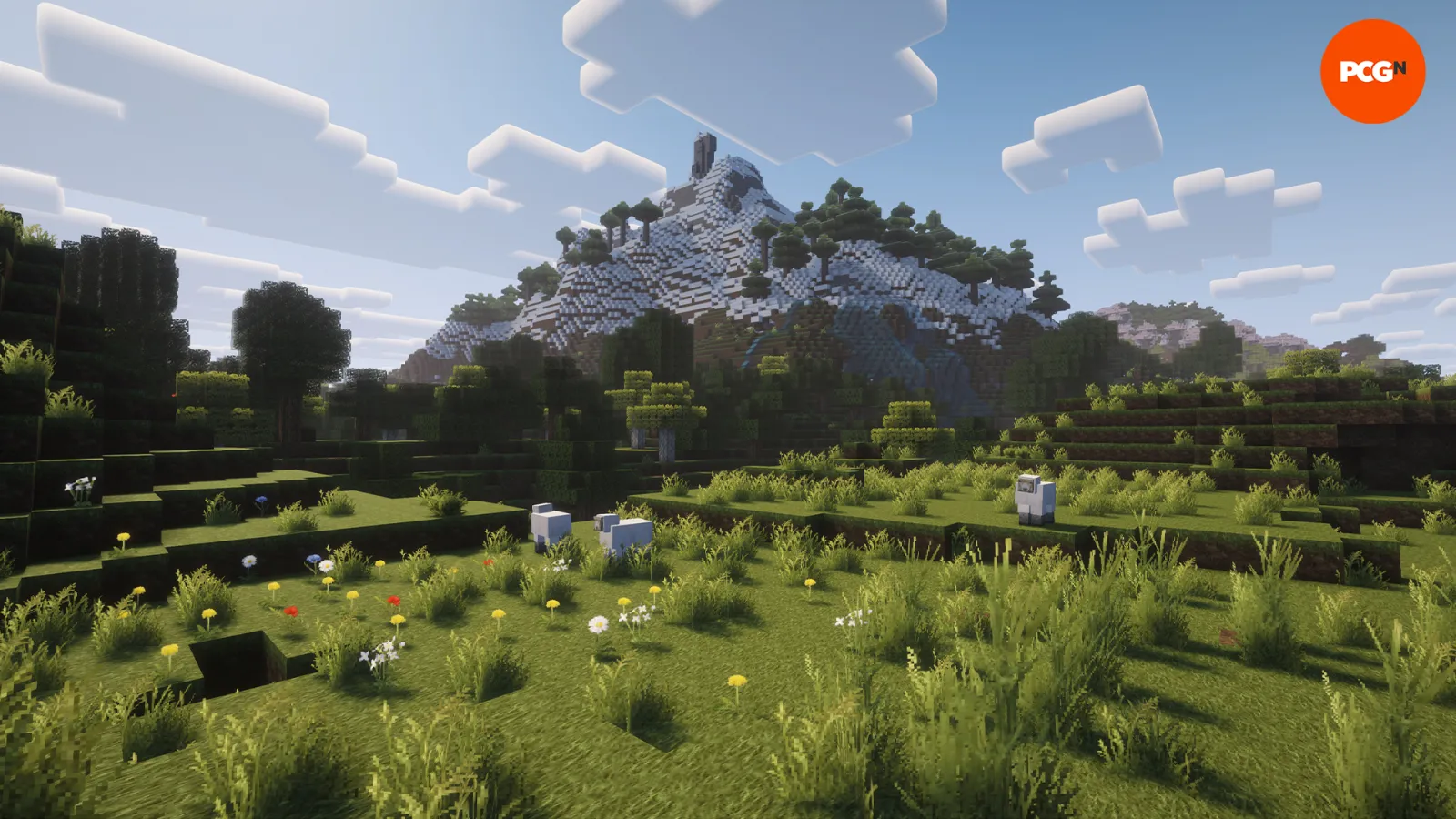
Misa's Realistic is a solid choice for those wanting a more grounded experience. PCGamesN lists it as a top option for Java users looking to add a touch of realism to their gameplay. So it provides a more natural feel to the environment without completely breaking the Minecraft spirit.
For those chasing the absolute peak of realism, Optimum Realism is a great starting point. It offers a 64x version for free, which is a good balance between visual fidelity and performance. They also offer higher resolutions through their Patreon if your PC can handle the extra load.
Changing your textures is only half the battle. You might also want to change how you look in-game to match your new aesthetic.
Best Bedrock and RTX Options
Bedrock players aren't left out. If you have a device that supports ray tracing, you should specifically look for RTX-ready packs. These are designed to work with the Bedrock RTX engine to provide stunning reflections and lighting.
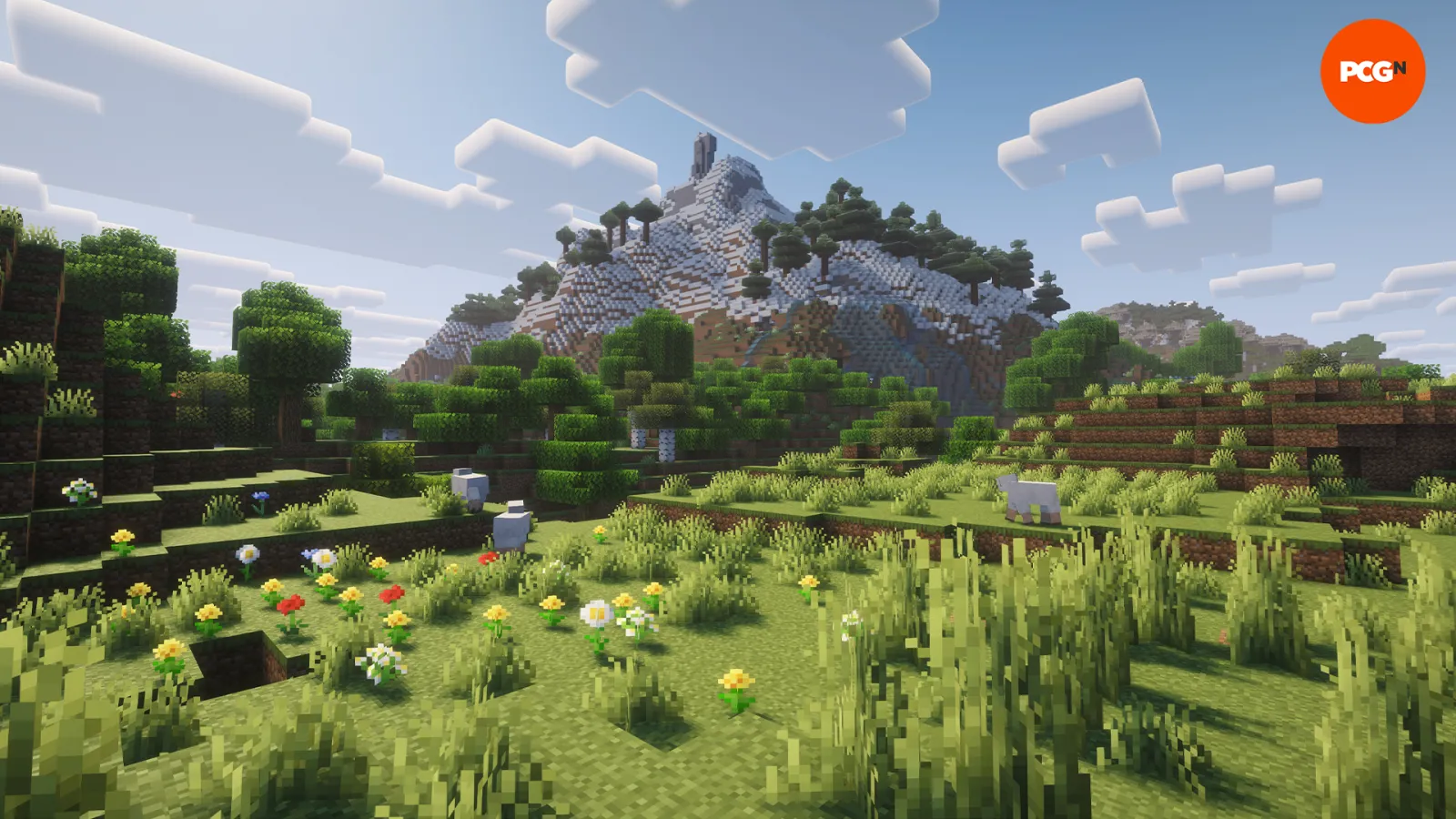
The experience is different from Java. While Java relies heavily on LabPBR and specific shader mods, Bedrock uses the built-in RTX capabilities. This makes setting up a beautiful world a bit more streamlined, provided your hardware is up to the task.
Choosing the Right Resolution and Compatibility
Before you download anything, consider your hardware. Higher resolution packs (like 256x or 512x) look amazing, but they require much more RAM and GPU power. If you're playing on a laptop, a 32x or 64x pack might be the smarter move.
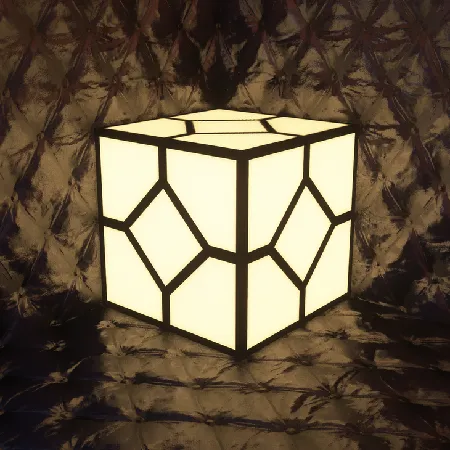
One thing to keep in mind: compatibility. Even if a texture pack hasn't been specifically updated for Java 26.3, it will likely still work. However, there's a catch. Any new blocks added to Minecraft after the texture pack was last updated will still use the default vanilla textures. This can lead to a bit of a visual mismatch in newer biomes or structures.
It's a small trade-off for a massive visual upgrade.

Lead writer at minecraft.how. Long-time Minecraft player running a small SMP server, testing every build, mod, and seed before writing about it.
Frequently Asked Questions
What is the difference between a texture pack and a shader?
Do old texture packs still work on version 26.3?
What does PBR mean in Minecraft?
Can I use realistic texture packs on Bedrock Edition?
Will high-resolution texture packs slow down my game?
Have a Question or Tip about this Guide?Community Q&A
Ask a question or help other players below. Join the discussion and share your Minecraft tips!