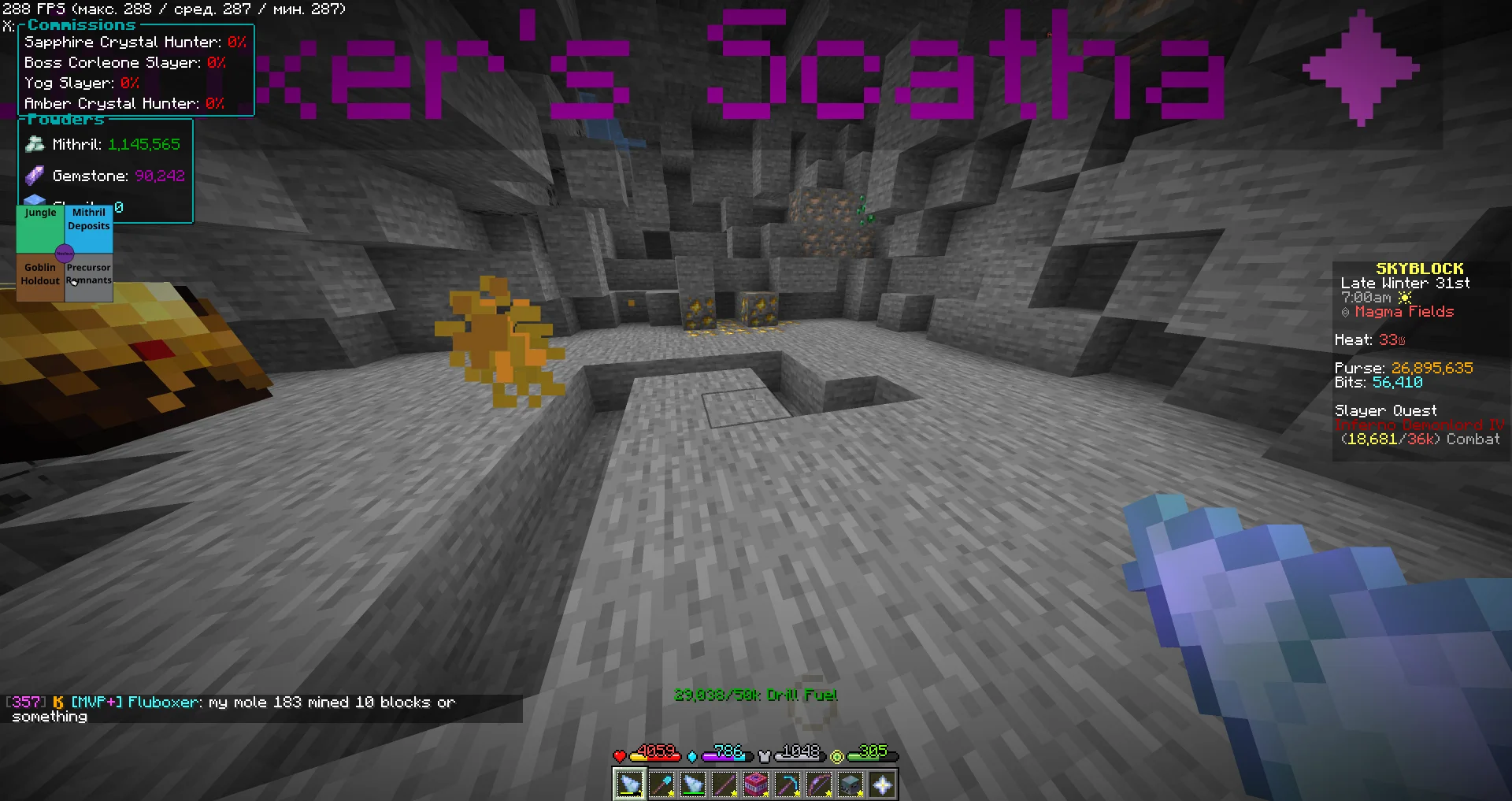

ColeWeight is a ChatTriggers module used by Hypixel SkyBlock players, particularly in mining progression and related calculations or utilities. The important detail for anyone installing it now is that the original Ninjune/coleweight GitHub repository was archived on April 1, 2025, and its README points users to the Vinxey project for further updates.
What does the ColeWeight mod do?
ColeWeight belongs to the Hypixel SkyBlock mod ecosystem and is distributed as a ChatTriggers module. Its published history includes mining-related utilities and commands. Features can vary by version, so do not assume that every screenshot, command, or tutorial from an older release describes the current maintained branch.
Before installing
- Confirm that your Minecraft version and client setup are supported by the current ChatTriggers release.
- Read the instructions for the maintained ColeWeight project rather than relying only on an archived repository.
- Back up your Minecraft instance and configuration before changing mods.
- Download from the project’s trusted official distribution channel. Avoid repackaged JARs or executables from unknown sites.
- Review Hypixel’s current rules for allowed modifications and never use automation to gain an unfair advantage.
Installation using ChatTriggers
The original ColeWeight README documents the ChatTriggers import command /ct import coleweight. Because that repository is archived, first check the maintained project’s instructions and module page to confirm that the command and package name remain current.
- Install a compatible Minecraft client and ChatTriggers version using their official instructions.
- Launch Minecraft and join a world where you can safely test client-side modules.
- Open chat and follow the maintained ColeWeight project’s current installation instructions. The archived README lists
/ct import coleweightfor the original module. - Allow the module to finish installing, then follow any prompts to reload or restart the client.
- Test a documented command and confirm that the module loads without errors before relying on it during mining.
If the import fails, do not repeatedly download random copies. Check whether the module name or distribution method changed, whether ChatTriggers is loaded correctly, and whether the maintained project documents a different installation process.
Commands and mining utilities
The archived repository’s release notes mention commands such as /cw calculate, including calculation subcommands for mining perks, mining speed, and tick-related information. Exact syntax and availability depend on the installed version. Use the README, release notes, or help output for your specific build rather than copying a command from a different release.
For mining routes, some community route repositories separately document using ColeWeight with ChatTriggers and commands such as /cw ordered load and /cw ordered unload. Those commands belong to the route workflow documented by that repository and should not be presented as universal commands in every ColeWeight build.
Original repository vs. maintained continuation
The original repository at Ninjune/coleweight is archived and read-only. Its README points to Vinxey/coleweight for further updates. Check the current activity, instructions, and releases on the maintained project before choosing what to install.
An archived repository can still be useful for historical documentation, but it should not be described as actively maintained. Equally, a linked continuation should not be assumed compatible with every Minecraft or ChatTriggers version without checking its current documentation.
Troubleshooting
- ChatTriggers commands are unknown: verify that ChatTriggers loaded successfully and that the module installation completed.
- The import command fails: check the maintained project’s current module name and installation instructions.
- A command is missing: compare the command with the documentation for your exact version.
- The game crashes or errors appear: test with a backed-up, minimal mod profile and check the relevant client logs.
- You are unsure whether a feature is allowed: review Hypixel’s current rules and avoid automation or prohibited behaviour.
Is ColeWeight safe to use?
No third-party mod should be treated as risk-free simply because it has a public repository. Prefer trusted sources, review the project and its permissions, keep backups, and avoid builds that ask for credentials or unrelated executable downloads. Also distinguish technical safety from server-rule compliance: a module can load correctly and still include a feature that is not allowed by a server’s rules.
Sources and further reading
- Original ColeWeight repository — archived project and original installation note.
- Vinxey ColeWeight continuation — destination linked by the archived README for further updates.
- ChatTriggers ColeWeight module page — verify the current module listing.
- Hypixel SkyBlock Rules — check current restrictions.
Use the maintained project’s current documentation as the source of truth for installation and commands. Older guides remain useful for context, but may describe an archived version.