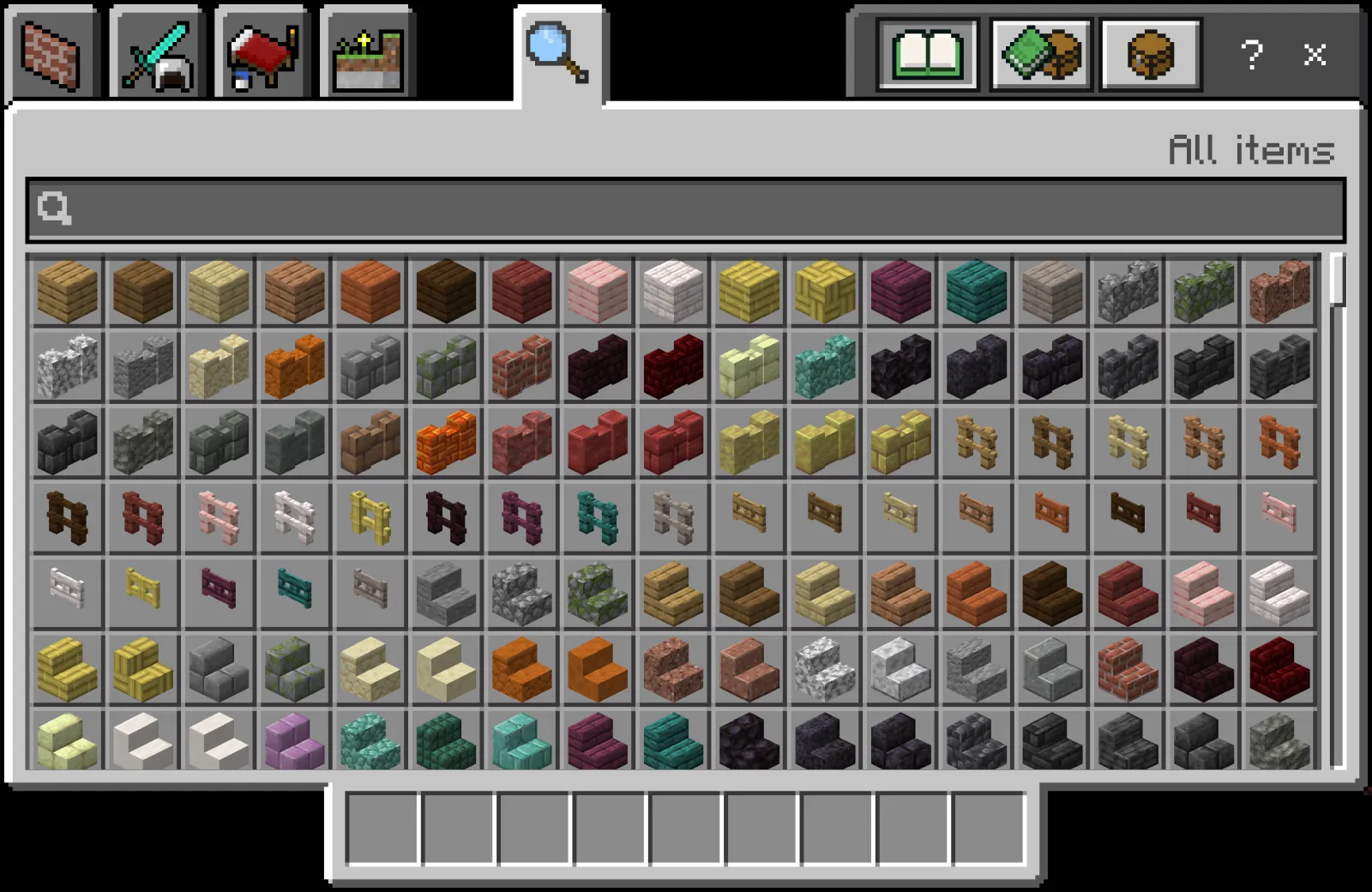

Concrete’s 16-color palette just got a major upgrade with the new stairs and slabs in Minecraft 26.3 Snapshot 7, opening up fresh ways to spice up plot competitions on creative servers. Whether you're building on a private realm or joining a public plot world, these blocks let you add sharp details without cluttering your inventory with stair variants from other materials. The update landed in the latest testing snapshot, so if you’re running 26.3-snapshot-7 or later, you’ve got access to the full set.
Why Concrete Stairs and Slabs Change Plot Builds
Before this update, concrete was great for flat walls and floors but awkward for anything with depth - roofs, overhangs, or detailed facades meant mixing in quartz, stone, or wood, which often clashed with clean modern designs. Now, matching stairs and slabs in all 16 colors let you keep a build’s palette tight while adding slopes, recesses, and layered textures. It’s especially useful in plot competitions where theme consistency and visual polish score high with judges.
Think about it: a futuristic city plot using only white, light gray, and cyan concrete can now have smooth transitions from walls to rooftops without introducing a single foreign material. That kind of restraint often reads as more intentional than a rainbow of mismatched materials.
Running a Fair and Fun Plot Competition
Set clear boundaries - plot size, height limit, and a theme (like "retrofuturism" or "overgrown ruins") - then let players loose with the full concrete suite. To keep things balanced, consider banning non-concrete decorative blocks or limiting them to a small percentage (say, 10%) for accents like glass or glowstone. This pushes creativity within constraints, which is where the best builds usually emerge.
If you are hosting a public creative event, publish the plot size, time limit, allowed blocks and judging criteria before the competition starts. Ask participants to use the same game version so everyone has access to the same block set.
Design Tips for Using the New Concrete Variants
Start with a base color for large surfaces, then use darker or lighter shades of the same hue for stairs and slabs to create subtle shadow and highlight effects - this mimics real-world architectural detailing without needing custom textures. For example, pairing concrete stairs in red with orange slab risers can suggest terracotta roofing in a Mediterranean build.

Quieter colors such as light blue or lime can also work well for sci-fi or laboratory themes when combined with white and gray. The new explorer maps in Snapshot 7 are a separate survival feature; they are not needed to plan a creative plot.
Tools to Help You Plan and Judge
Before laying a single block, sketch your plot’s layout using graph paper or a simple top-down diagram - this prevents mid-build overruns on tight plots. For servers with voting systems, tools like the Minecraft Votifier Tester can help verify that vote rewards are triggering correctly during competitions, ensuring fairness.
If your build involves nether-portal transitions (say, a plot that splits between Overworld and Nether themes), the Nether Portal Calculator saves time by showing exact frame dimensions and obsidian counts.
Staying Within Snapshot Boundaries
Concrete stairs and slabs were introduced in Java 26.3 Snapshot 7. They are testing-version features in that snapshot, so players on an earlier stable release such as 26.2 will not have them in the normal vanilla block set. Check the version used by your server before planning an event around them.

Final Thoughts on Creative Limitations
Constraints breed creativity. By focusing your plot competition on 16-color concrete and its new derivatives, you’re not limiting expression - you’re channeling it. The best builds often come not from having every block in the game, but from making deliberate choices with a focused palette. Give it a try at your next server event, and see what happens when players have to think more about shape, shade, and less about which exotic block to use.