Getting Started With Flarial Client for Bedrock
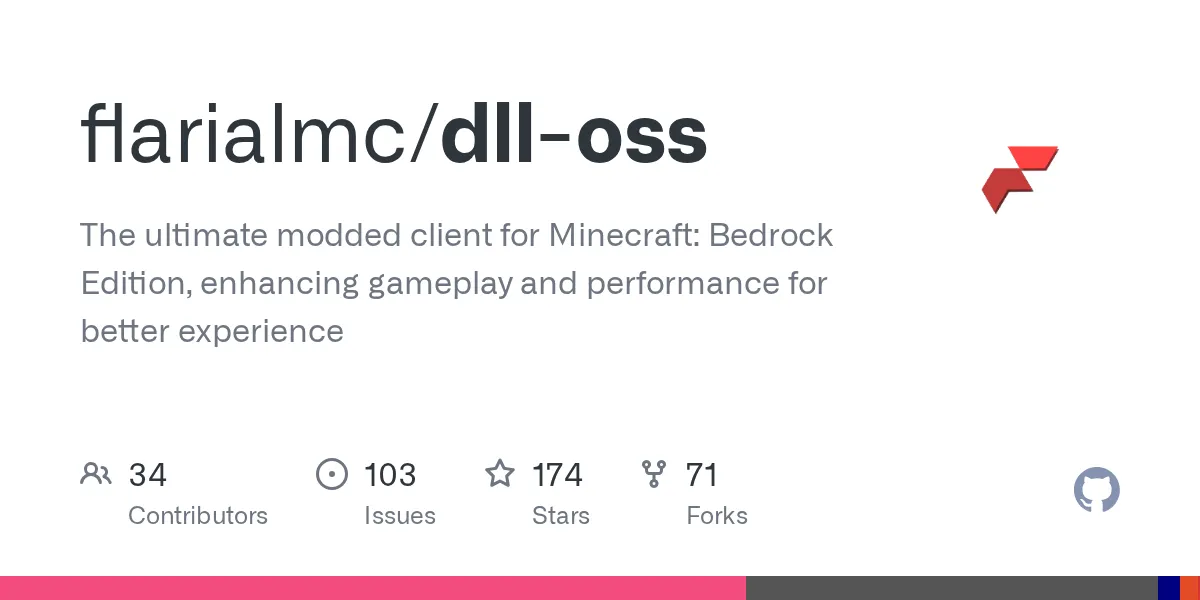
"The ultimate modded client for Minecraft: Bedrock Edition, enhancing gameplay and performance for better experience"
flarialmc/dll-oss · github.com
If you've spent much time in the Minecraft Bedrock community, you've probably heard about modded clients that squeeze extra performance out of your PC. Flarial Client is one of the more interesting open-source takes on this - it's a performance and visual enhancement tool specifically built for Bedrock Edition, and it's actually worth looking into if you're tired of playing at default settings.
What's Flarial Client?
Flarial Client is a modded client for Minecraft Bedrock Edition (the Windows 10/11 version). Built in C++, it acts as an overlay and enhancement layer that gives you control over visual settings, performance tweaks, and gameplay features that the vanilla launcher doesn't expose. The project itself is open source under the AGPL-3.0 license, meaning anyone can inspect the code, contribute improvements, or even build it from scratch if they want to.
The maintainers operate on a specific model here: some features stay private (they don't want to make *everything* public), but the core tool is open source with delayed releases - usually one Minecraft version behind the latest release. If you're impatient, you can build it yourself from the repository. The team actively takes community contributions through pull requests, and they're recruiting developers on their Discord if you want to get more involved.
Why You'd Want This
Here's the thing about Bedrock Edition - it's optimized for console and mobile first, so on PC you sometimes get framerate dips on lower-end hardware, or you're stuck with visual settings that don't match what Java Edition offers. This is where Flarial steps in.
If you're running a world on a potato GPU, Flarial's performance optimizations can genuinely help. Better render distance handling, memory management tweaks, and efficiency improvements mean you might actually hit a stable 60fps instead of bouncing between 40 and 50. Beyond that, it lets you customize visual quality - sharper textures, better lighting, that kind of thing - without waiting for Mojang to add it natively. And if you're building complex redstone contraptions or large farms, every bit of optimization counts.
That said, if you're already running Bedrock smoothly at high settings, you probably won't notice dramatic differences. Honestly, this is more for people who've hit a performance ceiling and want to push past it.
How to Install It
Here's the thing a lot of guides get wrong: Flarial isn't a file you drop into a folder. It's an injection-based client, which means something has to load it into Minecraft while the game is running. There are three ways to do that, from easiest to most hands-on.
Option 1: Flarial Launcher (easiest, recommended)
Grab the official Flarial Launcher from flarial.xyz. It downloads the right Minecraft Bedrock version, launches the game, and injects the client for you - you just open the launcher and hit Inject on the title screen. It also keeps Flarial updated every time you play, so this is the path most people should take. Windows 10/11 64-bit only, and it works with MCBE 1.20 and above.
Option 2: Standalone injector (advanced)
There's a lighter, launcher-free route for advanced users: you supply your own injector and inject the DLL yourself on the title screen. It's fiddlier and you're on your own for updates, but it skips the launcher entirely. Flarial's site has a short usage guide for this method.
Option 3: Build from source (for developers)
If you want to compile it yourself and run the bleeding-edge code, you'll need:
- CMake (grab it from cmake.org)
- Git
- Microsoft Visual Studio with the MSVC compiler (Clang won't work here), preferably paired with Ninja
Clone the repo and build it - open it in CLion or Visual Studio with the MSVC toolchain, or just run the included build.bat:
git clone https://github.com/flarialmc/dll-oss.git
cd dll-oss
cmake -B build -DCMAKE_BUILD_TYPE=Release
cmake --build build --config Release
Building only gives you the compiled DLL - you still inject it with the launcher or a standalone injector like in the options above. Copying the DLL into Minecraft's com.mojang folder won't do anything, since that folder holds your worlds and resource packs, not running code. And heads up: Flarial targets MCBE 1.20 and newer, so older versions are out of luck.
Key Features That Matter
The project advertises performance optimization and visual improvements, but what does that actually *do*?
The performance side is the meat of it - Flarial handles memory more efficiently and optimizes chunk rendering, which means less stutter when you're flying around in Creative Mode or exploring a massive world. There's also configuration for render distance, particle optimization, and graphics settings that give you granular control. If you're playing on integrated graphics, you'll probably notice the difference. If you're on a 4080, maybe less so.
On the visual side, you get options for shader-like effects, lighting tweaks, and visual fidelity adjustments that go beyond what Bedrock's settings menu offers. The specifics depend on which version you're running - because releases are delayed compared to Minecraft versions, you might not have every bells-and-whistles feature on day one of a new Minecraft update.
One thing worth noting: Flarial is Bedrock-specific. If you're a Java Edition player, you won't find what you're looking for here. Java has Fabric, Quilt, and a huge modding ecosystem. Bedrock is more limited, so tools like this fill a gap.
What Can Go Wrong
First, the obvious: this is a third-party tool. If Minecraft updates and breaks something, you might need to wait for a fix. The delayed-release model helps mitigate this, but it also means you're always running one version behind the latest content.
Second, Windows Defender or other antivirus software might flag the DLL, because third-party injection looks suspicious to heuristic scanners. Being open source means the code is at least inspectable, but that on its own doesn't make any download safe - only grab Flarial from the official site or its GitHub releases, never random re-uploads. If you trust the source and understand the risk, you can choose to allow it in your antivirus settings, but don't blanket-disable your antivirus to do it.
Third, and this one matters if you play online: plenty of servers run anti-cheat and explicitly ban third-party or modified clients, even ones you only use for visuals or performance. Injecting Flarial on a server that forbids it can get you kicked or banned. Check the server's rules before you connect, and stick to single-player or servers that allow client mods if you're not sure.
Third, the configuration menu can be overwhelming if you're not technical. There are a lot of sliders and toggles. Start conservatively - enable one or two features at a time and see how they affect your framerate. Not every optimization is a win; sometimes turning on a visual feature tanks your fps, and you won't know until you try it.
And finally, if you're on an older PC with minimal RAM or a really weak GPU, some of the visual enhancements might make things worse, not better. It's a performance tool, not a magic wand.
Alternatives Out There
If Flarial doesn't appeal to you, there are other ways to optimize Bedrock. Some players swear by resource packs that simplify textures and reduce render load. Others use Bedrock's built-in raytracing and visual settings more aggressively. Then there are closed-source modded launchers like Badlion Client (originally Java-focused, but they've expanded), though those aren't as transparent about what they're doing under the hood.
If you want to check your server's actual performance, the Minecraft Server Status Checker can help you identify lag issues. And if you're curious about Minecraft versions and build details, the Minecraft Block Search tool is handy for finding exact texture and rendering data.
How to Uninstall or Go Back to Vanilla
Good news: because Flarial is injected at runtime rather than installed into the game, getting rid of it is clean. Nothing permanent is written into Minecraft itself. To go back to vanilla, just close Minecraft and the launcher or injector, then start the game normally - your worlds and settings are untouched. If you used the Flarial Launcher, you can remove it like any other app from Windows Settings.
If Minecraft ever crashes while injecting - usually right after a Minecraft update, before Flarial has caught up - close the launcher, open Minecraft on its own to confirm the game itself is fine, and try injecting again once Flarial has released a build for your version.
Is It Worth It?
Depends on your hardware and patience level. If you're running Bedrock on a mid-range PC and want to squeeze out better framerates or more visual polish, yeah. If you've already got performance dialed in, probably not. The project is well-maintained, the community is active on Discord, and the open-source model means you're not trusting some random company with your game files - you can verify everything yourself.
The 174-star count on GitHub suggests a solid, if niche, following. It's not a massive project, but it's stable enough that you're not experimenting with abandonware.
flarialmc/dll-oss - AGPL-3.0, ★174
Lead writer at minecraft.how. Long-time Minecraft player running a small SMP server, testing every build, mod, and seed before writing about it.
Frequently Asked Questions
Is Flarial Client safe to use?
Will Flarial Client work with the latest Minecraft version?
Can I use Flarial Client on Java Edition?
What are the system requirements?
Can I contribute features to Flarial Client?
Have a Question or Tip about this Guide?Community Q&A
Ask a question or help other players below. Join the discussion and share your Minecraft tips!