
Minecraft Java Edition 26.4 Snapshot 6 was released on October 27, 2026. The headline additions are Snow Bricks and a new Cold Sulfur Cube archetype that can create Frosted Ice as it moves over water. The snapshot also changes default Java memory allocation, adds technical options for datapack creators, adjusts ice-block mining, and fixes dozens of bugs. It is a Java testing build, not a final release, so use a separate installation and back up important worlds before trying it.
Minecraft 26.4 Snapshot 6: what changed?
This snapshot continues the 26.4 development cycle around cold environments and ice-cave gameplay. It is more than a small decorative update: builders get a new snow-themed block set, players can experiment with a new Sulfur Cube behaviour, and technical creators gain additional world-generation controls. Mojang published the snapshot on October 27, 2026.
Snow Bricks recipe and variants
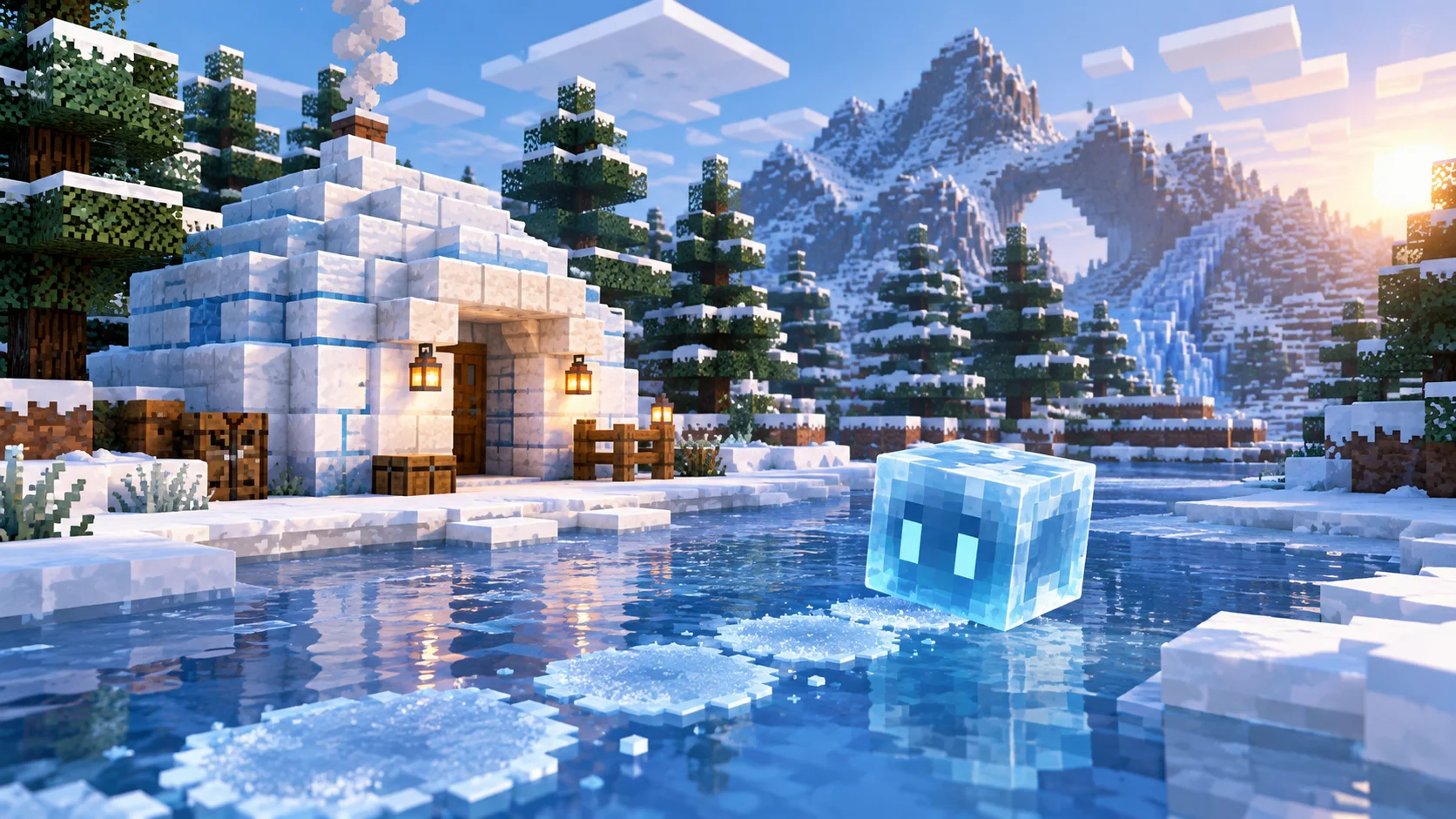
Snow Bricks are the main building addition in Minecraft 26.4 Snapshot 6. To craft them, place four Snow Blocks in a 2-by-2 square in a crafting grid. The resulting Snow Bricks are designed for cold builds, including igloos, mountain bases, winter villages, ice-cave entrances and other structures where ordinary stone or packed ice does not fit the design.
The set includes three extra shapes:
- Snow Brick Slabs for half-height floors, ledges, roofs and trim.
- Snow Brick Stairs for steps and sloped architectural details.
- Snow Brick Walls for borders, low barriers and decorative supports.
There is an important crafting limitation: the Stonecutter cannot produce Snow Brick Slabs, Stairs or Walls in this snapshot. Use the crafting table recipes instead. Also, Snow Bricks only drop themselves when mined with a shovel. If you are gathering blocks for a large build, bring the correct tool so you do not lose the expected drops.
Snow Bricks are also associated with the Sulfur Cube's Fast Sliding archetype. That connection matters for players experimenting with the new cube behaviours, not just for builders collecting a new block palette.
Cold Sulfur Cube: how the new ability works
Snapshot 6 adds a Cold Sulfur Cube archetype in the special category. A Sulfur Cube can take on this archetype after absorbing a Blue Ice block. Like the Fast Sliding archetype, it moves quickly, but the Cold version also floats and can leave a disk of Frosted Ice beneath itself as it moves over water. The effect resembles the Frost Walker enchantment, although it is produced by the cube's movement rather than by a player's boots.
The effect has specific conditions. There must be an air block above the water for Frosted Ice to be placed, and the Sulfur Cube must begin its movement while it is on the ground. If the ice does not appear, check both conditions and confirm that the cube has absorbed Blue Ice. These details are useful when testing the mechanic in a controlled world or building a demonstration for other players.
Other gameplay and visual changes
The snapshot includes several smaller changes to the cold-themed blocks and entities:
- All Packed Ice Brick variants now require a pickaxe to drop themselves when mined.
- Brittle Ice no longer cracks when a Stray stands on top of it.
- Ice Crystals can play an ambient sound when a Packed Ice block is directly underneath.
- Mobs falling through lava may take slightly less fall damage in some cases.
These changes are narrower than the new block and cube archetype, but they affect how players interact with the ice-cave content and how resource packs or adventure maps may feel during testing.
Java memory settings and technical changes
One practical change is the default Java heap setting. Minecraft now automatically sets its heap size based on the system's RAM, using up to 25% of available memory with a maximum of 4 GB. This is a default-setting change; it does not mean every installation will reserve 4 GB, and it should not be read as a guarantee of better performance on every computer. If you already use custom JVM arguments, review your launcher profile after updating rather than assuming your previous settings are still the defaults.
For creators, Snapshot 6 updates the Data Pack version to 125.1 and the Resource Pack version to 101.0. The resource-pack changes include a new Snow Bricks texture and an ambient Ice Crystal sound event. A block model named block/cube_top is removed, so pack authors should test custom models and assets against the new version.
The data-pack changes are especially relevant to advanced creators:
- Sulfur Cube archetypes gain an optional
location_based_effectsfield, using the same entry format as location-based enchantment effects. Level-based values in these definitions are evaluated at level 1. - The gradient density function can use a Vertical Anchor for its from/to coordinates when the axis is Y.
- A new
domain_warpdensity function offsets sampled coordinates. Large offsets that change rapidly can reduce performance, so use it sparingly. - Structure pool elements gain an optional
corner_constraintfield, allowing placement checks against density values at selected bounding-box corners. - New tags include
#swimmable,#swimming,#flyingand#sulfur_cube_archetype/cold.
Datapack and resource-pack authors should treat these as compatibility changes: test packs in a copy of a world, review logs for warnings, and verify custom world generation before using the snapshot for a long-running project.
Bug fixes in Snapshot 6
Mojang lists 41 fixed issues for this snapshot. The fixes cover several different systems rather than one single feature. They include a crash when opening the inventory while spectating a mob, a crash involving a scoreboard objective displayed below player names, delayed block breaking that could complete too early or stall, and missing underwater overlays when the player's head was pressed against a block above.
Other fixes address Sulfur Cubes that could despawn after splitting from a bucketed cube, Realm joining terminology that inconsistently used “Invite Code” and “Join Code”, ice-cave generation issues, brittle-ice interactions with entities and game rules, jukebox behaviour, sounds after upgrading worlds, and several UI or visual problems. Some villager trades also unexpectedly differed from 1.21.11 and are included in the fix list.
The full official changelog is the best place to check the complete issue list and technical wording, especially if you are tracking a particular bug report or maintaining a datapack.
How to install Minecraft 26.4 Snapshot 6
- Open the Minecraft Launcher and select Installations.
- Enable the Snapshots option.
- Create or select a separate snapshot installation for testing.
- Launch Snapshot 6 and test the new blocks, Sulfur Cube behaviour or datapack changes in a disposable world.
- Keep your normal survival world backed up and separate from snapshot testing.
Snapshots are experimental builds and may corrupt worlds or make them incompatible with a later stable release. Do not open your only copy of a valuable world in a testing version. Server owners and modpack creators should also check compatibility before inviting players to join; a snapshot client is not automatically compatible with servers running another version.
Is Minecraft 26.4 Snapshot 6 worth trying?
For builders, Snow Bricks are the clearest reason to try this snapshot: the slab, stair and wall variants expand the options for snowy architecture. Players interested in the new 26.4 mechanics can test the Cold Sulfur Cube's interaction with Blue Ice and water. Technical creators may be more interested in the density-function and structure-placement changes, while players affected by the listed crashes or block-breaking issues may want to see whether their particular problem is resolved.
For ordinary survival worlds, the sensible approach is to wait for the stable release unless you specifically want to test these features. Snapshot 6 is a work in progress, and its mechanics or technical details can change in later builds. Always use the official release notes as the source of truth when comparing snapshots.
Official source
Read Mojang's Minecraft 26.4 Snapshot 6 release notes for the original feature list, technical changes and full bug-fix details.