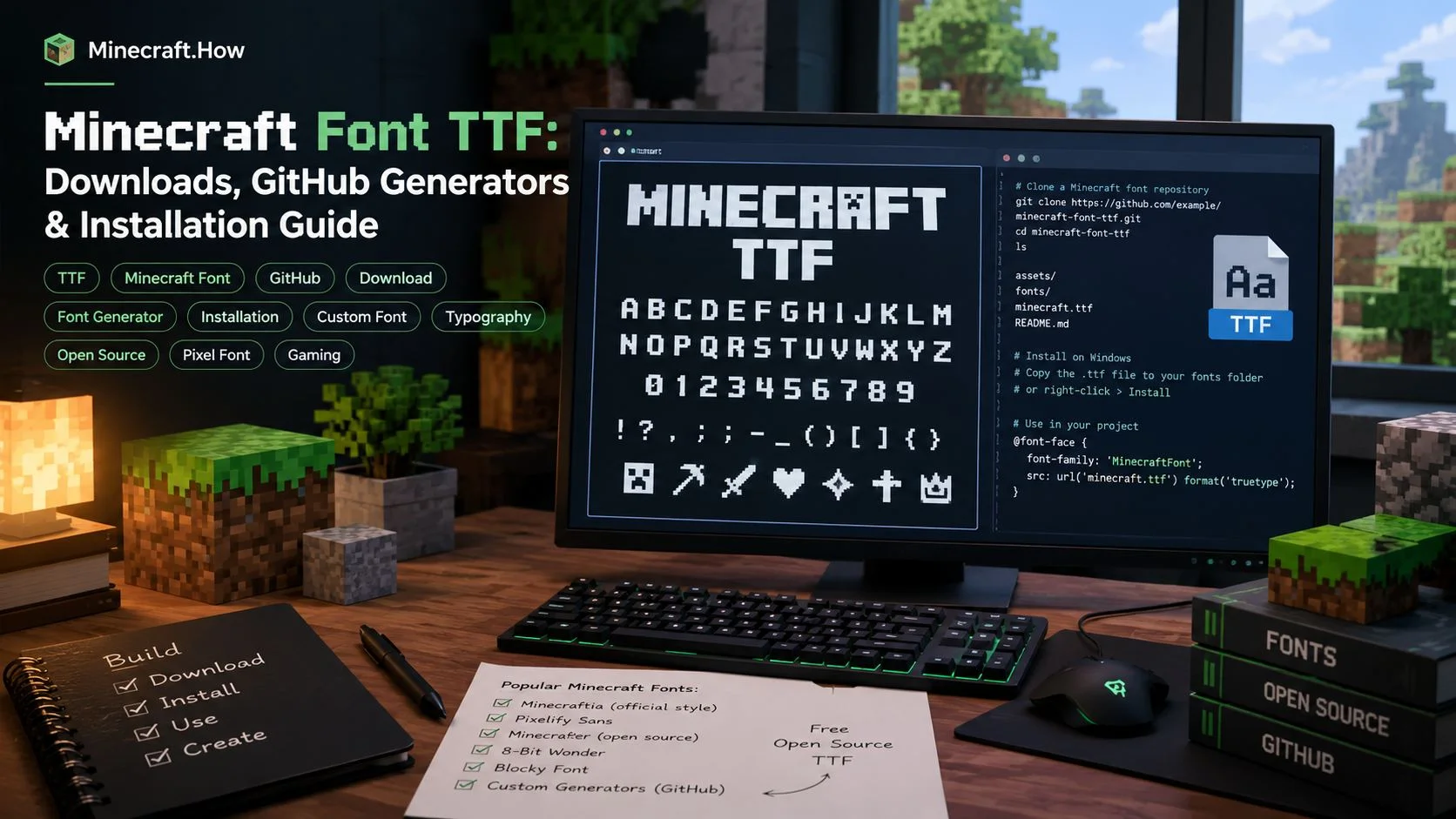

If you are searching for a Minecraft font TTF, you probably want the familiar blocky lettering from Minecraft in a format that works outside the game. A TrueType Font (.ttf) lets you use Minecraft-style text in graphic design, thumbnails, videos, websites, documents and custom projects. The best option depends on whether you want a ready-made download, a font generated from a specific Minecraft version, or a tool that can convert a resource pack's custom glyphs.
What is the Minecraft font TTF?
Minecraft's familiar interface typeface is commonly called Mojangles. In the game, its original glyphs are bitmap artwork rather than an ordinary desktop font file. A TTF converter traces those pixel shapes into scalable outlines, so applications that support TrueType can render the letters at different sizes. A good conversion aims to preserve the original pixel steps instead of smoothing the characters into a generic rounded font.
There is more than one Minecraft font to consider. The default provider is the main interface font; alt is the Standard Galactic Alphabet used by the enchanting table; illageralt contains the illager runes; and uniform is the smaller Unicode-oriented font used by the Force Unicode Font option. A download labelled simply “Minecraft font” may include only the basic Latin characters, so check its glyph coverage before using it in a multilingual design.
GitHub projects for Minecraft TTF downloads and generation
1. tryashtar/minecraft-ttf — ready-made releases and a generator
Minecraft TTF by tryashtar is the most direct starting point if you want downloadable files. Its GitHub Releases page provides generated TTF assets, including regular, bold, italic and bold-italic variants. The project covers the default font, enchanting-table lettering, illager runes and Unicode-oriented output. It also provides a Rust-based generator, so you can build fonts for a selected Minecraft version instead of relying on an old download.
Best for: people who want a ready-to-install Minecraft font TTF, several style variants, or a way to regenerate fonts after Minecraft updates. Open the releases page and choose the files you actually need. The repository README also documents how to build the fonts locally with Rust.
2. minecraft-library/font-generator — Python, OTF and TTF output
Minecraft Font Generator converts Minecraft bitmap glyphs into OpenType or TrueType outlines. It supports selecting releases or snapshots, generating regular, bold, italic and bold-italic styles, and producing alternate Galactic and Illageralt fonts when the selected game version contains those providers. It can also merge bitmap glyphs from resource packs, which is useful when a server pack adds custom icons or replaces the vanilla font sheet.
This project is especially useful when you need a repeatable build process. It uses Python 3.10 or newer and can run interactively or with command-line options. For example, after cloning the repository and installing it, you can request a specific version and TrueType output with python -m minecraft_fontgen --version latest --type truetype. Its README explains the available style and resource-pack options.
Important: this repository provides the generator, not Mojang's original font textures as downloadable assets. It extracts the bitmap resources from a Minecraft client JAR at runtime. Read the project's copyright notes and Minecraft's usage rules before distributing generated files.
3. CleanroomMC/McTTF — Java-based pixel-accurate conversion
McTTF by CleanroomMC is another open-source converter. It reads vanilla Minecraft bitmap fonts and traces their pixel boundaries into TrueType outlines. The project documents support for the default font, enchanting-table alphabet and illager runes, with regular, bold, italic and bold-italic variants. It can download the client JAR for a selected version or use a local JAR or extracted assets directory.
McTTF is a good alternative for Java developers and users who want a command-line conversion workflow. It requires Java 25 according to its README. Build it with Gradle, then run the application to generate the TTF files in its output directory. The repository also exposes a Java API, which may be useful if you want to integrate font conversion into another tool.
Which Minecraft font TTF should you choose?
- Want a direct download? Start with tryashtar's Releases page. Check the release notes and asset names so you download the right style and Unicode variant.
- Want to generate fonts from a chosen version? Compare the Python-based minecraft-library/font-generator with the Rust-based tryashtar tool.
- Prefer a Java workflow? Try CleanroomMC/McTTF, especially if you want to call the converter from Java code.
- Need custom server-pack icons? Check resource-pack support carefully. The Python generator and tryashtar project document resource-pack conversion features, but different providers and colour glyphs may have limitations.
Do not assume every TTF contains every character. Minecraft's Unicode font data is extensive, and a single TrueType file has practical glyph-count limits. Some projects therefore offer separate Unicode builds or let you choose character ranges. If you need accented Latin characters, Cyrillic, CJK text or symbols, test the exact characters in your target application before using the font in a finished design.
How to install a Minecraft TTF font on Windows
- Download the
.ttffile from a project's official GitHub Releases page, or generate it locally using the repository instructions. - Right-click the TTF file in File Explorer and choose Install or Install for all users. You can also open the file and select Install in the font preview window.
- Close and reopen applications such as Photoshop, GIMP, PowerPoint or your video editor so they refresh the installed font list.
- Select the Minecraft font family and test uppercase, lowercase, numbers, punctuation and any special characters you need.
On Linux, install the TTF in your user's ~/.local/share/fonts/ directory and refresh the font cache with fc-cache -f. On macOS, open the file in Font Book and choose Install. Application-specific font caching can mean that a program needs to be restarted.
Use a Minecraft TTF font on a website
If you are using the font in your own website, place the TTF or a web-optimised WOFF2 conversion in your site's font assets and define it with CSS. For example:
@font-face {
  font-family: "Minecraft";
  src: url("/fonts/MinecraftDefault-Regular.ttf") format("truetype");
  font-weight: 400;
  font-style: normal;
}

.minecraft-heading {
  font-family: "Minecraft", monospace;
}
Use a font file that you are permitted to host, and test it on mobile as well as desktop. A pixel font can become blurry at arbitrary sizes. The tryashtar project documents pixel-aligned display guidance and explains how its generated fonts can be used in Minecraft resource packs through a ttf font provider.
Can you use a generated TTF inside a Minecraft resource pack?
Some of these converters explicitly support the reverse workflow: placing a generated TTF back into a resource pack as a TrueType font provider. Follow the project's own example and version-specific instructions. In particular, the documented examples use a font size of 12 to match Minecraft's chat line box; blindly keeping the default size can make the result look different. A resource pack's font JSON must reference the correct namespace and file path.
Copyright and safe downloads
Prefer the original repository and its Releases page over file-sharing mirrors or repackaged downloads. The converter code may use an open-source software licence, but that does not automatically make Mojang's original bitmap artwork freely redistributable. The font-generator repository specifically warns that it extracts copyrighted assets from the official client at runtime and does not include those textures in the repository. Review the Minecraft EULA and Minecraft Usage Guidelines before sharing generated font files or using them commercially.
Bottom line: for a quick Minecraft font TTF download, check tryashtar's releases first. If you need a particular Minecraft version, resource-pack glyphs or a reproducible build, compare the Python generator and McTTF. Always verify the font's version, style, character coverage and usage permissions before installing or publishing it.