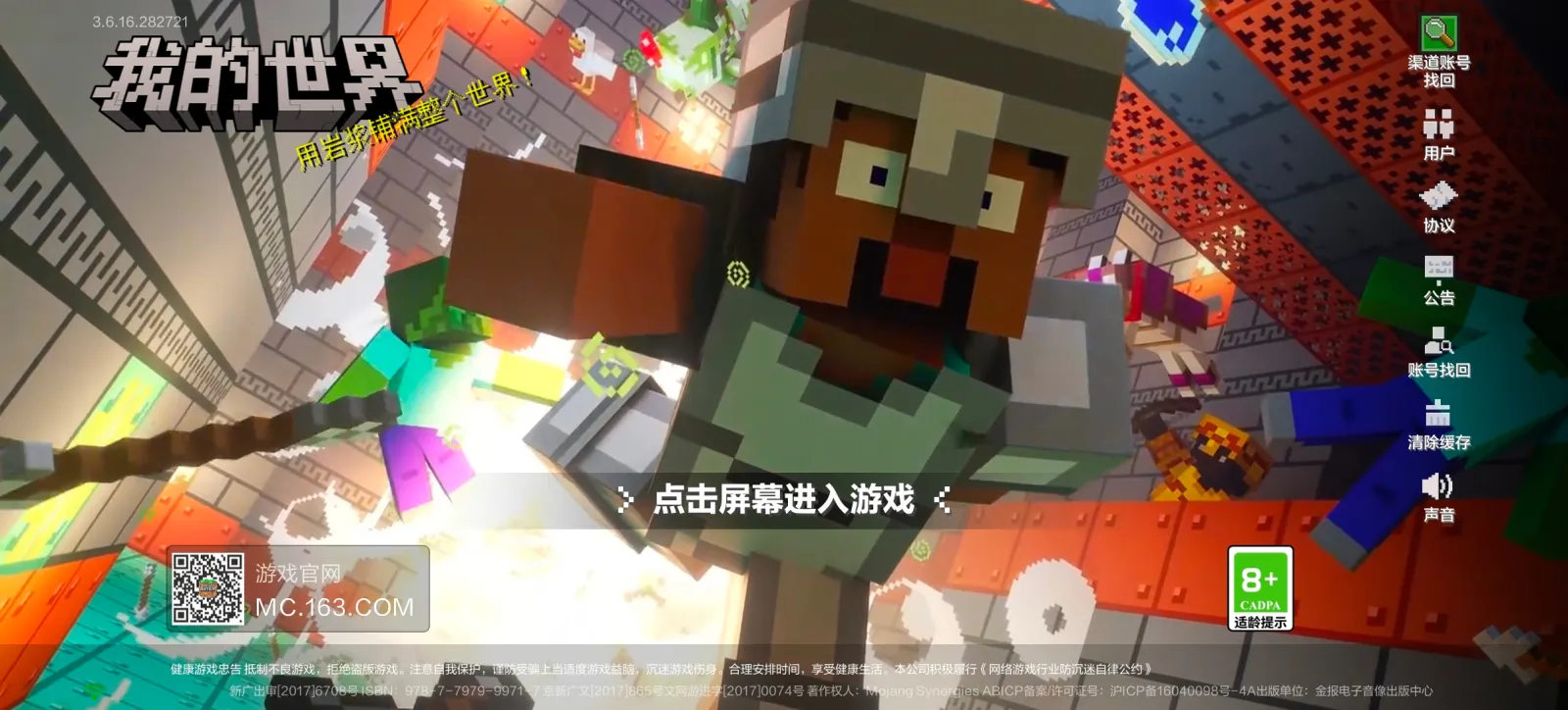

Minecraft Mobile means Bedrock Edition running on Android and iOS phones and tablets, the same core game that powers consoles and Windows, just squeezed onto a touchscreen. You grab it through the Google Play Store or the Apple App Store, and it plays cross platform with Xbox, PlayStation, Switch and Windows Bedrock players on the very same worlds and servers.
What Minecraft Mobile Is
Here's the thing a lot of new players get wrong: there's no separate "Minecraft Mobile" app with its own features tucked away somewhere. It's Bedrock Edition, full stop. Mojang's official download page lists Android and iOS right alongside Windows 10/11, Mac, Linux distributions, and even Raspberry Pi as platforms under the same overall ecosystem. That means the crafting recipes, redstone logic, and world generation on your phone match what's running on a friend's console.
Java Edition is a different animal. It's PC only (Windows, Mac, Linux), it doesn't touch mobile devices at all, and it runs on its own codebase with separate mod support and version numbers. If you've only ever played on a phone, Java's command blocks and datapacks will feel like a whole new game.
Getting It Onto Your Phone or Tablet
Installation is about as simple as mobile gaming gets. Search "Minecraft" in your device's app store, buy it once, and install it like any other app. No separate launcher, no extra steps.
Worth knowing: Mojang's storefront also sells Minecraft Dungeons, Minecraft Dungeons II, and Minecraft Legends. Those are PC and console spinoffs though, not phone titles, so don't expect to find them in your app store search.
Controller Support
Combat with your thumbs on a piece of glass is rough. Genuinely rough. Pair a Bluetooth controller and most devices switch the interface over automatically, which makes fighting mobs and building at speed a lot less frustrating.
If your phone is a few years old, dial down the render distance and graphics settings manually before you get annoyed by stutter. Takes ten seconds under Video settings, and it's the single biggest fix for choppy performance on budget hardware.
Playing on Servers From Your Phone
Bedrock's cross platform reach is arguably the best reason to play on mobile. Honestly, any server that accepts Bedrock connections works the same whether you're tapping a touchscreen or holding a controller.
On our server list right now, JackpotMC is pulling solid community votes with 260 players online, and Donutsmp is the heavyweight, sitting at over 22,000 players active. Both are worth a look if you're hunting for somewhere new to drop into.
Typing an IP address on a phone keyboard is its own small punishment, so it pays to confirm a server's actually online before you bother. Our status checker does exactly that in a few seconds.
Minecraft Server Status Checker
Skins and Seeds That Work on Mobile
Customizing your character on a phone is easier than people expect. You don't need a PC or a photo editor. Just browse, tap, apply.
Our skin gallery hosts 231,274 free skins with a 3D previewer, so you can spin the model around before committing to anything. And it loads fine in a mobile browser too, no downloads required.
Seeds matter just as much on a small screen, maybe more, since exploring a bland flat spawn on a phone gets old fast. Our seed library has 45 hand tested seeds with generated biome maps, and the community's current favorite is "Pink and White" (seed 5063885805507972583, version 1.21), a genuinely good looking spawn worth dropping into.
Java vs Bedrock: The Version Gap Explained
This trips people up constantly. The latest Java Edition release is 26.2 (released June 16, 2026), with 26.3-rc-2 currently out as a testing snapshot. None of that timeline applies directly to mobile players, since Bedrock ships its own updates on its own schedule across Android, iOS, consoles, and Windows.
Cross-play works great between Bedrock platforms. It does not work between Java and Bedrock, ever, unless a server specifically sets up compatibility between the two, and even then some features won't line up perfectly. Keep that in mind before promising a Java-playing friend you'll build together on your phone.
Worth It Or Not
For casual building, survival, and hopping onto big community servers between errands, Minecraft Mobile holds up genuinely well. Combat is the weak point. Precise PvP or tight redstone timing on a touchscreen? Grab a controller, it makes a real difference.
Short version: if you already own Bedrock Edition on any platform, mobile access usually comes bundled in through the same account, so there's little reason not to install it. If you're buying fresh, check Mojang's own store for the full Java & Bedrock bundle rather than a phone-only purchase, since it covers more ground for the same money.