Latest Minecraft Snapshot 26.2: New Blocks and Updates
Snapshot 26.2-3 is live, and Mojang's added some genuinely useful blocks alongside the usual balance tweaks. If you've been sitting on version 26.1.2, there's enough here to test out before the full release - though fair warning, snapshots can break things.
What's New in Snapshot 26.2-3
Mojang's calling this one a "quality of life" snapshot, which is code for "no massive features, but we're fixing things people complained about." A few block-related changes, some tweaks to how mobs interact with terrain, and apparently a fix for that one weird water physics issue that's been around since 1.19. Nothing Earth-shattering, but the refinement work is where Minecraft usually shines.
The snapshot philosophy is simple: test everything twice, because at some point Mojang will absolutely introduce a bug that makes dirt invisible or something equally chaotic. That's part of the fun, honestly.
New Blocks Worth Knowing About
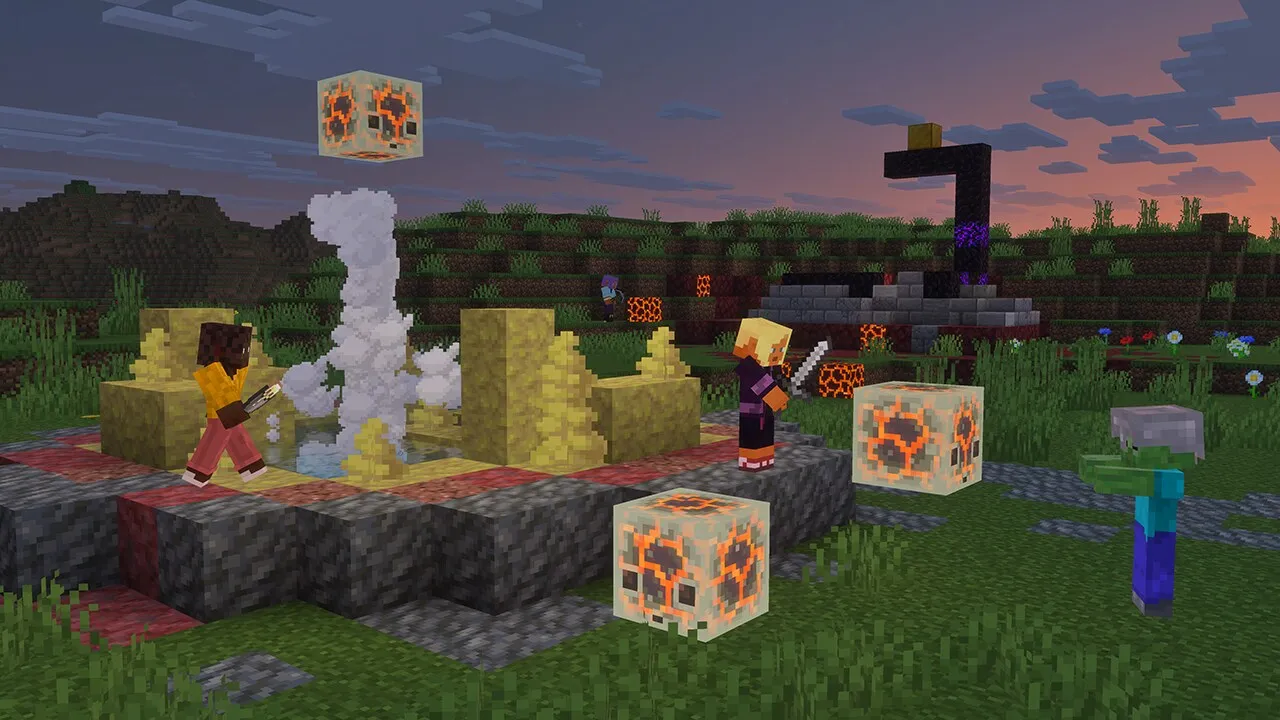
Three major additions showed up this cycle, and they're actually worth building with.
Weathered Copper Variants
Oxidized copper's been around for a while, but the new weathered variants fill a gap that players have been asking for. You get the mid-stage look without waiting three in-game days for the full oxidation process. Stack them with regular copper and you can create some really nice patina gradients on large structures.
Reinforced Deepslate
This one's actually interesting because it changes how you think about deep mining. It's got the durability you'd expect from the name. That means it's useful for building vaults or treasure rooms you don't want easily broken into.
Sculptured Quartz Blocks
Pure aesthetic win.
The sculpted variants give you textured options beyond the flat look, so if you're building something architectural (a temple, a library, whatever), you've got more visual depth to work with. They pair surprisingly well with blackstone, which has always felt like it was waiting for a companion block.
Building Ideas You Can Execute
Here's where snapshots get fun: you can start experimenting now instead of waiting until 1.27 drops in June. Ever tried building a full kitchen with vanilla blocks? It's rough. The new weathered copper and quartz variants actually make that kind of detailed build feel less janky.
If you're serious about designing skins to match your builds (and honestly, why build something epic if your character looks like they rolled out of a template), you can use our skin creator tool to whip up something custom that fits your aesthetic. Takes ten minutes, completely changes how your character looks in those screenshots.
The reinforced deepslate is already getting attention on Reddit for vault-building. The survival complexity of needing a diamond pickaxe to harvest it adds a nice gate to early-game treasure hoarding.
Performance and Technical Changes
Snapshot 26.2-3 includes some under-the-hood rendering improvements. That means even older machines should see slightly better frame rates on larger maps. Mojang's still optimizing the render distance system, and this snapshot continues that work.
There's also a fix for chunk-loading lag when you're near servers with high player counts. If you're running a multiplayer server, you might want to test this snapshot specifically for that.
If You're Running a Server, Consider This
Server admins have new options for world customization in this snapshot. The API changes mean plugins will need updating (if you're using Spigot or Paper), but the native server tools are more flexible now. And if you're setting up DNS for your server, our free Minecraft DNS tool makes the whole pointing-domains thing painless - no config headaches.
Migration from 26.1.2 is straightforward as long as you back up your world first (always, always do this before updating a snapshot).
Should You Jump on Snapshot 26.2-3 Right Now
If you're running a survival world on 26.1.2, probably not. Snapshots are unstable by design, and losing three weeks of builds to a random corruption isn't a fun Wednesday.
If you're managing a test world or a creative server where losing data isn't catastrophic, absolutely test it. That's literally what snapshots are for.
The new blocks are worth trying, and the rendering improvements are noticeable. But wait for the release candidate (probably early May based on Mojang's usual schedule) before migrating important worlds.
And honestly? The best time to mess with snapshots is when you've got friends to build with. Trying out new blocks solo gets boring fast.

Lead writer at minecraft.how. Long-time Minecraft player running a small SMP server, testing every build, mod, and seed before writing about it.
Frequently Asked Questions
Is snapshot 26.2-3 safe to use on my survival world?
What's the difference between snapshot and release versions?
When will snapshot 26.2-3 features be in a stable release?
Can I use snapshot worlds with regular survival servers?
How do I download and install snapshot 26.2-3?
Have a Question or Tip about this Guide?Community Q&A
Ask a question or help other players below. Join the discussion and share your Minecraft tips!