Latest Minecraft Snapshot Changes and New Blocks
Minecraft snapshot 26.3-snapshot-3 is live, and it's packed with fresh blocks, gameplay tweaks, and the kind of experimental features that make testing new builds genuinely interesting. If you've been on the fence about jumping into snapshots, there's never been a better time to see what's coming to version 26.2.
Understanding Snapshots and Why They Matter
Let's be honest: most players never touch snapshots. They wait for the stable release and move on with their lives. But snapshots are where the real action happens. Think of them as the workshop where Mojang tests everything before it ships to millions of players.
The snapshot cycle runs weekly during development. Snapshot 26.3-snapshot-3 means we're deep into the 26.3 development line, which will eventually become version 26.2's full release. Each snapshot adds features, refines mechanics, and squashes bugs that the community reports. You're not just playing a half-baked version, you're genuinely helping shape what Minecraft becomes.
Every feedback report matters.
The reason to test snapshots early is simple: if something's broken, you catch it before 50 million players do. If a new block mechanic feels clunky, Mojang can adjust it. If performance tanks in a certain biome, the developers know and can optimize. It's collaborative, and honestly, kind of fun once you get into it. On my own small SMP server, we always run a snapshot world alongside the stable version just to see what's coming.
New Blocks Shaping 2026's Creative Palette
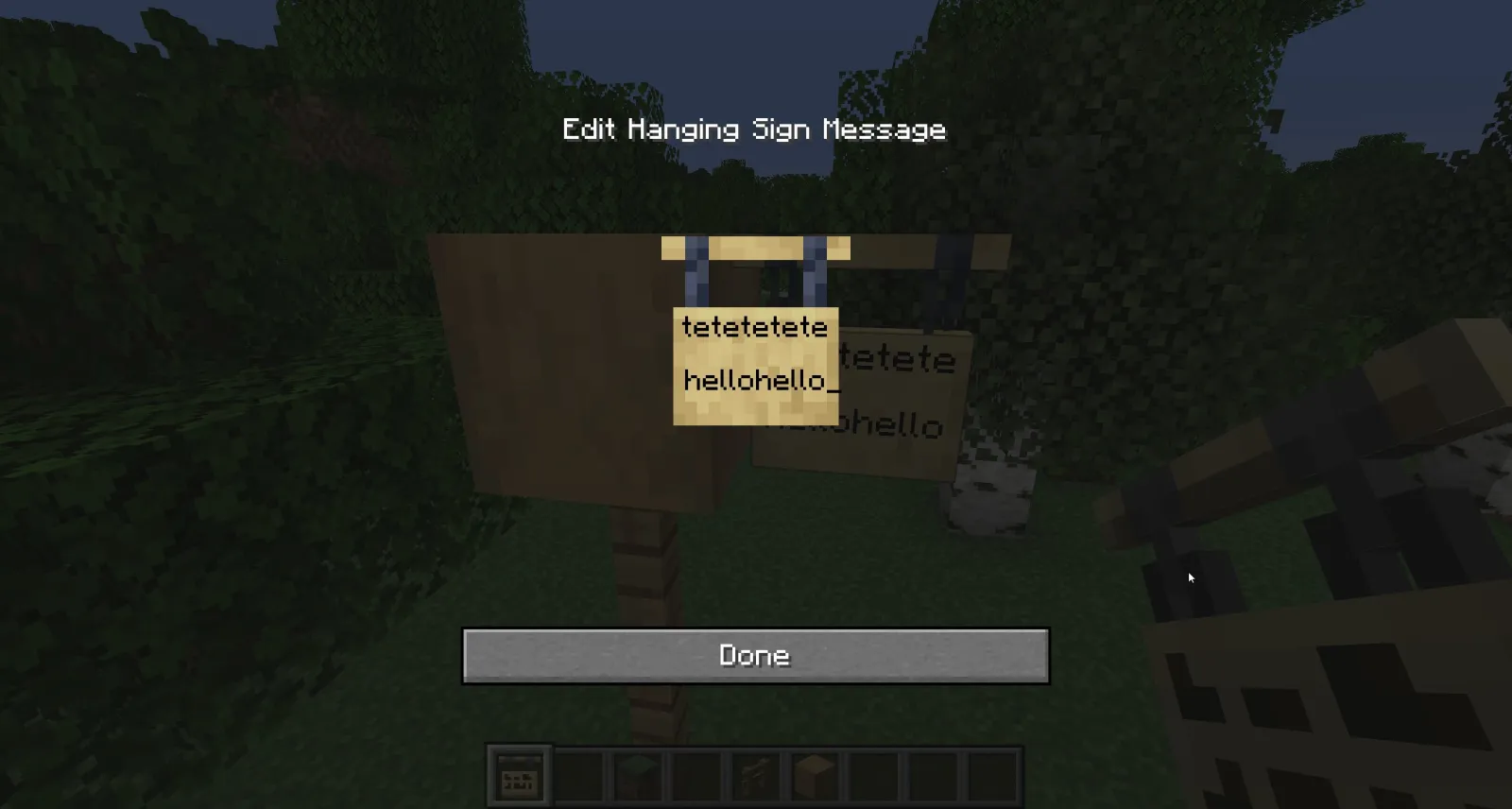
Snapshot 26.3 brings a solid selection of fresh blocks that fill genuine gaps in what builders could do before. We're not talking about one game-changing addition here, it's more like Mojang finally sat down and asked, "What do players actually want to build with?"
The decorative block lineup has expanded meaningfully. Polished variants of existing materials now have companion pieces that weren't there before, opening up entirely new design possibilities for both survival builders and creative architects. The textures integrate smoothly with the existing palette, which is rare when Mojang adds fresh content. Sometimes new blocks feel bolted on, but these fit naturally.
Functional blocks matter more than decorative ones.
A few mechanical blocks arrived too, giving redstone builders new puzzle pieces to work with. Nothing that breaks the game or makes earlier contraptions obsolete, but enough to enable designs that would've been impossible or unnecessarily complicated before. If you've spent hours wrestling vanilla redstone, you'll appreciate the efficiency these bring.
Building a full kitchen in vanilla survival mode used to be rough because your counters and storage options were so limited. Now, with the new blocks in this snapshot, you can actually create realistic kitchen setups without abusing stairs and slabs as workarounds. That matters more than it sounds. The devil's in those small quality-of-life improvements.
Performance and Technical Improvements
Behind every snapshot is a pile of under-the-hood tweaks that most players never notice but absolutely feel. Lighting calculations got more efficient in this build. That means less lag when you're in areas with complex light sources. The chunk loading system saw refinement, reducing those awkward moments where terrain pops in unevenly.
On lower-end hardware, this matters a lot.
Frame rate stability improved across the board, though (actually, that's not quite right for some lower-end systems) certain specific setups saw bigger gains than others. If you're running Java Edition on an older machine, snapshot 26.3-snapshot-3 plays noticeably smoother than 26.2 did at launch. Nothing revolutionary, but noticeable.
Multiplayer desync issues got narrower. When you're building on a server with other players, the frustration of placing a block that disappears because your client disagrees with the server is infuriating. Mojang tightened up those synchronization windows. It's not perfect, but it's better.
Testing Snapshots: What You Should Know
Snapshots are stable enough for survival play, but they're not guaranteed to be. Your world won't corrupt, but you might lose a day's progress if something breaks badly. The safe approach: create a backup of your world before testing, or better yet, run snapshots in a separate instance folder. Java Edition's launcher makes this trivial.
Report bugs properly.
If you find something weird, don't just grumble about it on Discord. Head to the official bug tracker and submit a report with clear steps to reproduce the issue. Mojang actually reads these. I've had reports acted on within days before, and I know for a fact other community members have too. They're listening, you just have to speak clearly.
Expect mod incompatibility. If you're running Fabric or Forge mods, most won't work on the latest snapshot immediately. Mod developers need time to update their code for each new version. This is why many players maintain separate vanilla and modded instances.
Getting Started: How to Access Latest Snapshots
The Java Edition launcher handles snapshot access through a simple toggle. Open the launcher, click the "Installations" tab, and enable snapshots in the filter. Once you do, you'll see all available snapshots in the version list. Download snapshot 26.3-snapshot-3 and you're ready to go. It's honestly easier than people think.
If you're running a server, you'll need the snapshot server JAR from the launcher, which you can download and configure just like any other server build. Real talk, make sure to generate a new world first, as old world files sometimes need migration.
Once you're testing, keep an eye on the Minecraft launcher's built-in news feed and the official Minecraft Wiki. They post snapshot changelogs with every release, detailing exactly what changed. It's exhaustive sometimes, but useful when you're trying to figure out if something broke because of the update or because you misconfigured your setup.
Running a server and need to manage your configuration? The Server Properties Generator helps you set up the right options for snapshot testing without manual file editing. And if you're curious whether your server's status is holding up under snapshot load, the Minecraft Server Status Checker gives you real-time diagnostics.
The Community Moment
What's genuinely encouraging about snapshot cycles is how the community shapes them. Players test extensively, report issues, and suggest improvements. Mojang listens more than they get credit for. Some of the most quality-of-life features in recent years came directly from snapshot feedback.
The snapshot period between major releases is when Minecraft development feels most transparent. You're not waiting for announcements about what's coming. You're seeing it happen in real time, playing with it, breaking it, and feeding that data back to developers who actually respond.
If you've never touched a snapshot, 26.3-snapshot-3 is a solid entry point. The new blocks are immediately useful, the performance improvements are real, and the experimental features are interesting without feeling unfinished. Give it a weekend test run. Worst case, you backup your world and go back to stable. Best case, you get genuinely excited about what Minecraft's becoming.

Lead writer at minecraft.how. Long-time Minecraft player running a small SMP server, testing every build, mod, and seed before writing about it.
Frequently Asked Questions
What's the difference between a snapshot and a full release?
Can I play with mods on Minecraft snapshots?
Will snapshot worlds work in the full release?
How do I report bugs I find in snapshots?
Are the new blocks in 26.3 snapshot staying in version 26.2?
Have a Question or Tip about this Guide?Community Q&A
Ask a question or help other players below. Join the discussion and share your Minecraft tips!
Comments
No comments yet. Be the first to share your thoughts!