Best Minecraft Texture Pack Styles: PvP, Realistic and Vanilla

There is no single best texture pack
The best Minecraft texture pack depends on what you want to see. Competitive players often value clean outlines and readable items, builders may prefer cohesive palettes, and screenshot creators may enjoy more detailed materials. A pack that looks impressive in promotional images can be distracting in a fast PvP match or demanding on an older computer. Instead of pretending one pack wins every category, this guide compares visual styles and gives a repeatable way to test them.
Vanilla-style packs for familiar gameplay
Vanilla-style resource packs keep the visual identity of Minecraft while refining colors, edges or small details. They are a good first choice if you already like the base game and simply want a fresher appearance. Because the shapes remain recognizable, these packs can be easier to use on survival servers and while following tutorials. Look for consistent item icons, readable ore textures and block patterns that still make sense at a distance. Test both daylight and cave lighting before deciding.
PvP-oriented textures
Competitive players may prefer a restrained palette, clear sword and item silhouettes, and textures that make targets easy to distinguish from the environment. A clean pack should improve readability without obscuring essential visual information. Be careful with claims that a texture pack grants an unfair gameplay advantage: some servers prohibit specific visibility changes or other modifications. Check the server rules before using custom assets in ranked modes. Test your pack in an ordinary duel or practice arena to see whether it genuinely helps you react.
Realistic and high-resolution packs
Realistic packs use more detailed textures to make stone, wood, foliage and architecture look less pixelated. They can be beautiful for cinematic builds but may increase GPU memory use, load time or visual clutter. High resolution alone does not guarantee quality; a coherent art direction matters more than the number printed on the download page. If you play on a laptop or older GPU, start with a moderate resolution and compare performance before choosing a larger pack.
Medieval, fantasy and cozy building styles
Theme-specific packs can change the atmosphere of a world without changing the actual block layout. Medieval palettes suit castles and villages, while softer cozy styles work well for cottages, farms and gardens. Choose a pack that complements your favorite biome and building materials. Check whether the author has updated the textures for recently added blocks; a half-finished pack may leave new items looking inconsistent. For a long-term building world, consistency is often more valuable than dramatic screenshots.
Compare texture packs fairly
Use the same test world, viewpoint, time of day and graphics settings for every pack. Inspect a small house, a cave, common ores, inventory icons and a group of hostile mobs. Record whether you can identify items quickly and whether frame rate or loading time changes. This method is more useful than comparing unrelated promotional images. If you publish your own review, include the game edition, pack version, texture resolution and whether shaders were enabled so readers can reproduce the results.
Where to download safely
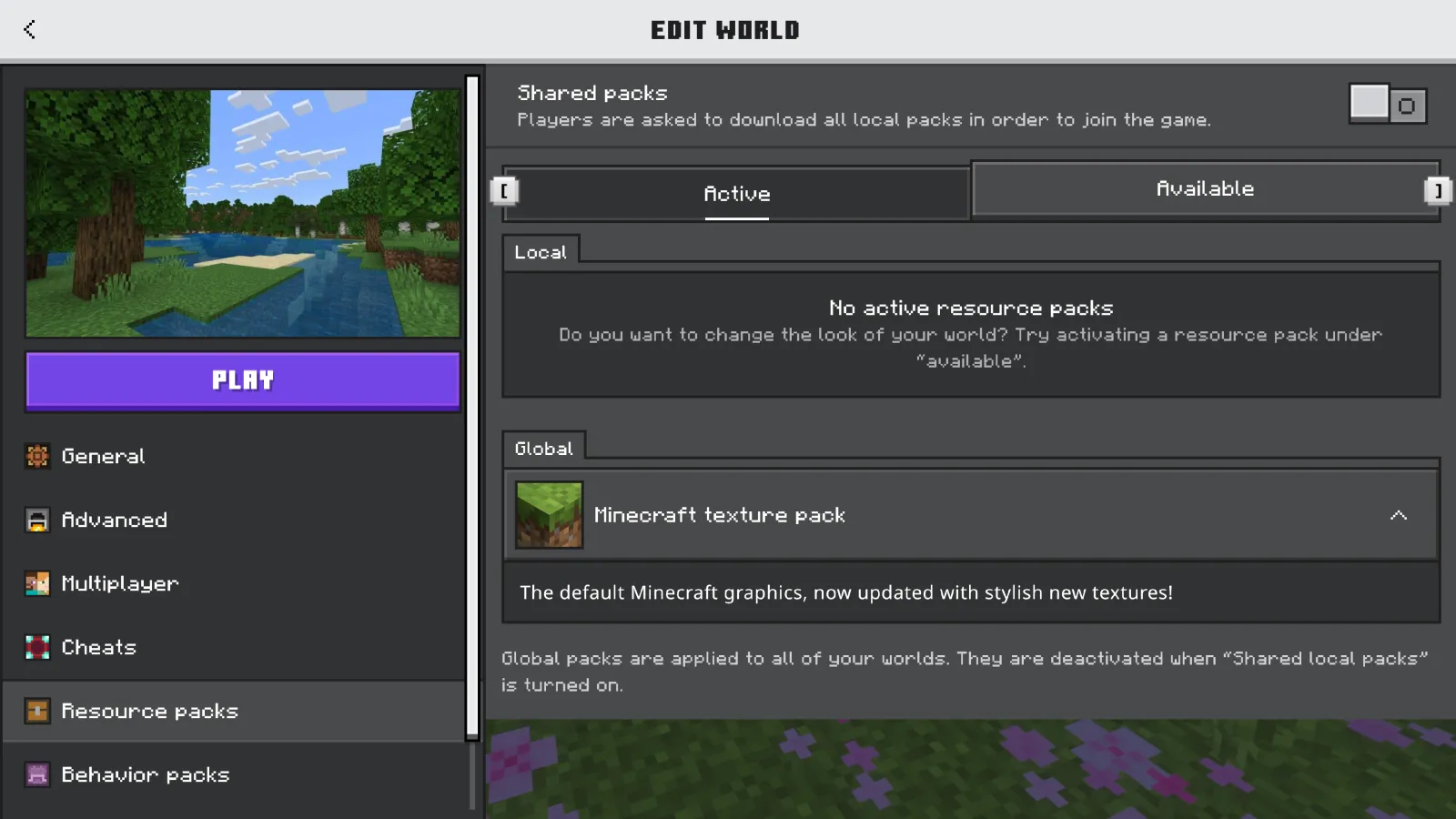
Prefer the creator's official website or a reputable distribution page that identifies the author and compatible game version. Java players can use the built-in Resource Packs menu to install compatible ZIP files, while Bedrock players should check Marketplace and supported pack workflows. Do not download suspicious executable installers or provide Microsoft account credentials to a pack site. Read redistribution licenses before rehosting someone else's texture files. An image preview is not permission to copy the full pack.
Pick a style for your multiplayer world
A server with custom items may require its own resource pack, which can override parts of your personal design. Ask the operator which assets are mandatory and test whether your pack remains readable alongside them. For builders, a consistent shared pack can make collaborative projects feel cohesive. For casual players, default textures may be the simplest choice. Explore Minecraft communities that match your preferred style and check their resource-pack requirements before joining.
Frequently Asked Questions
What texture pack is best for PvP?
Choose a readable, compatible pack that follows the rules of the server you play on.
Are realistic texture packs always better?
No. They may demand more resources and can be less readable for some players.
Can texture packs change Minecraft gameplay?
Resource packs mainly change presentation; gameplay modifications use other systems.
How should I compare texture packs?
Use the same world, settings and test scenes to judge appearance and performance fairly.
Lead writer at minecraft.how. Long-time Minecraft player running a small SMP server, testing every build, mod, and seed before writing about it.
Frequently Asked Questions
What texture pack is best for PvP?
Are realistic texture packs always better?
Can texture packs change Minecraft gameplay?
How should I compare texture packs?
Have a Question or Tip about this Guide?Community Q&A
Ask a question or help other players below. Join the discussion and share your Minecraft tips!
Comments
No comments yet. Be the first to share your thoughts!