RenderDragon Shaders: Your Safe Shader Guide for Bedrock 2026
Render-dragon-shader-list (DominoKorean/Render-dragon-shader-list)
List of shaders and related information, files, etc. that are compatible with RenderDragon.
Minecraft Bedrock Edition feels limited for visual customization. Unlike Java Edition, where Optifine and mods give you endless tweaking options, Bedrock's official features are pretty bare-bones. RenderDragon shaders bridge that gap, but finding legitimate packs is weirdly difficult. The internet is full of stolen shaders, malware-laden downloads, and fake "optimized" versions. A RenderDragon Shader List exists to cut through that noise and point you toward the real thing.
Why Bedrock Shaders Are Harder to Find (and Riskier)
Here's the situation: Mojang discontinued official shader support for Bedrock years ago. That created a vacuum. Java Edition has a thriving mod ecosystem where you can trust major platforms, but Bedrock players are left scrambling. Sites like 9Minecraft have become notorious for distributing shaders without creator permission and bundling malware alongside them. New players don't always know this, which makes them easy targets.
The problem is real. You can't easily tell which shaders are legitimate, which are stolen redistributions, and which are actively dangerous. Search "Bedrock shaders" and you'll hit scam sites before you find anything official. Even experienced players sometimes slip up and download from the wrong place.
This is where trust matters. When there's no official marketplace, the community has to create one.
What the RenderDragon Shader List Does
DominoKorean's repository on GitHub is basically a trusted directory. It's a curated list of safe, community-verified RenderDragon shaders with installation guides, creator links, and Discord communities backing them up. Instead of hunting through sketchy websites, you check the list first. If it's there, it's legitimate. And that peace of mind is genuinely valuable.
The project has 309 stars on GitHub, which tells you the community considers this a resource worth returning to. But it's not just a list. The repository includes installation walkthroughs, links to official creator Discord servers (especially the Bedrock Graphics community), and utilities that make shader management far less technical than it used to be.
It also includes a warning section about problematic sites, which is refreshingly honest. The maintainers aren't shy about calling out places that distribute fake shaders. They're protecting their community, not trying to be neutral about safety.
Understanding RenderDragon and What Shaders Do
RenderDragon is Bedrock's modern rendering engine, introduced years ago to replace the aging OpenGL/DirectX setup. When people say "RenderDragon shaders," they mean custom visual enhancements created by modding RenderDragon's files directly. But this is different from Java Edition shaders, which are created using a shader language that game engines understand natively.
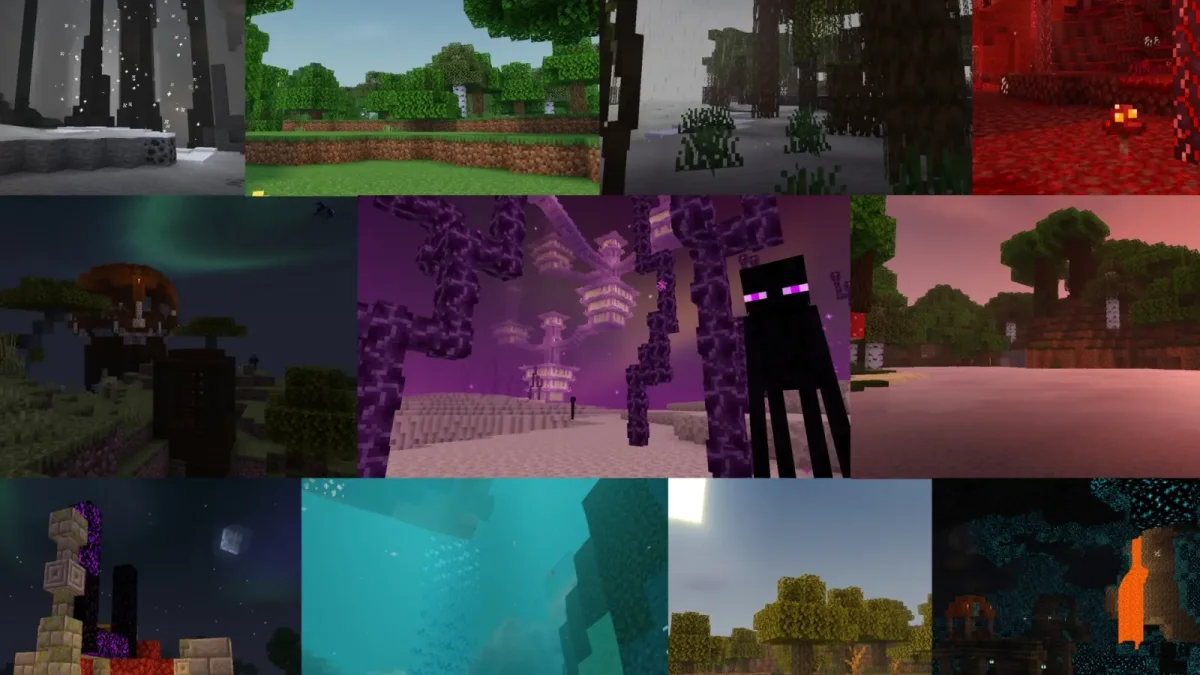
What do RenderDragon shaders actually do? They enhance lighting, improve water reflections, add shadow depth, adjust ambient colors, and generally make your world look more cinematic. Some are subtle. Others are dramatic. None of them change gameplay - they're purely visual.
The repository includes utilities that make using these shaders easier. MB Loader, for example, streamlines how you load and manage shader packs without manually digging through game files. If you've ever spent 20 minutes hunting through AppData folders trying to find where Bedrock stores textures, you'll appreciate a tool that handles it for you. BetterRenderDragon improves shader compatibility and stability. BetterResourcePackManager handles resource packs alongside shaders, since they often work together.
Setting Up Your First Shader (Step-by-Step)
The basic process is straightforward, though it depends on which shader and which method you choose.
Start by visiting the repository and picking a shader that interests you. Read the description and check what device requirements or Bedrock versions it supports. Some shaders run great on older hardware; others need recent devices to stay playable.
If you want the easiest route, use a shader loader utility. Download MB Loader from the repository, follow the installation guide, and select your shader from the list. The tool handles file management, which removes most of the complexity.
For manual installation, you'll need to extract shader files to the correct Bedrock folder. On Windows, that's typically:
AppData\Local\Packages\Microsoft.MinecraftUWP_8wekyb3d8bbwe\LocalState\games\com.mojangIt's not complicated, just easy to mess up if you're not careful about folder structure. The repository's documentation walks you through this explicitly.
Once installed, launch Bedrock, go to Settings, navigate to Graphics, and you should see your shader listed. Enable it, tweak any settings the shader offers, and you're done. Testing on a world you don't mind restarting is smart - some shaders cause unexpected visual glitches or performance dips in specific situations.
Popular Shaders and What They're Good For
The list includes dozens of options. A few have become community standards for good reason.
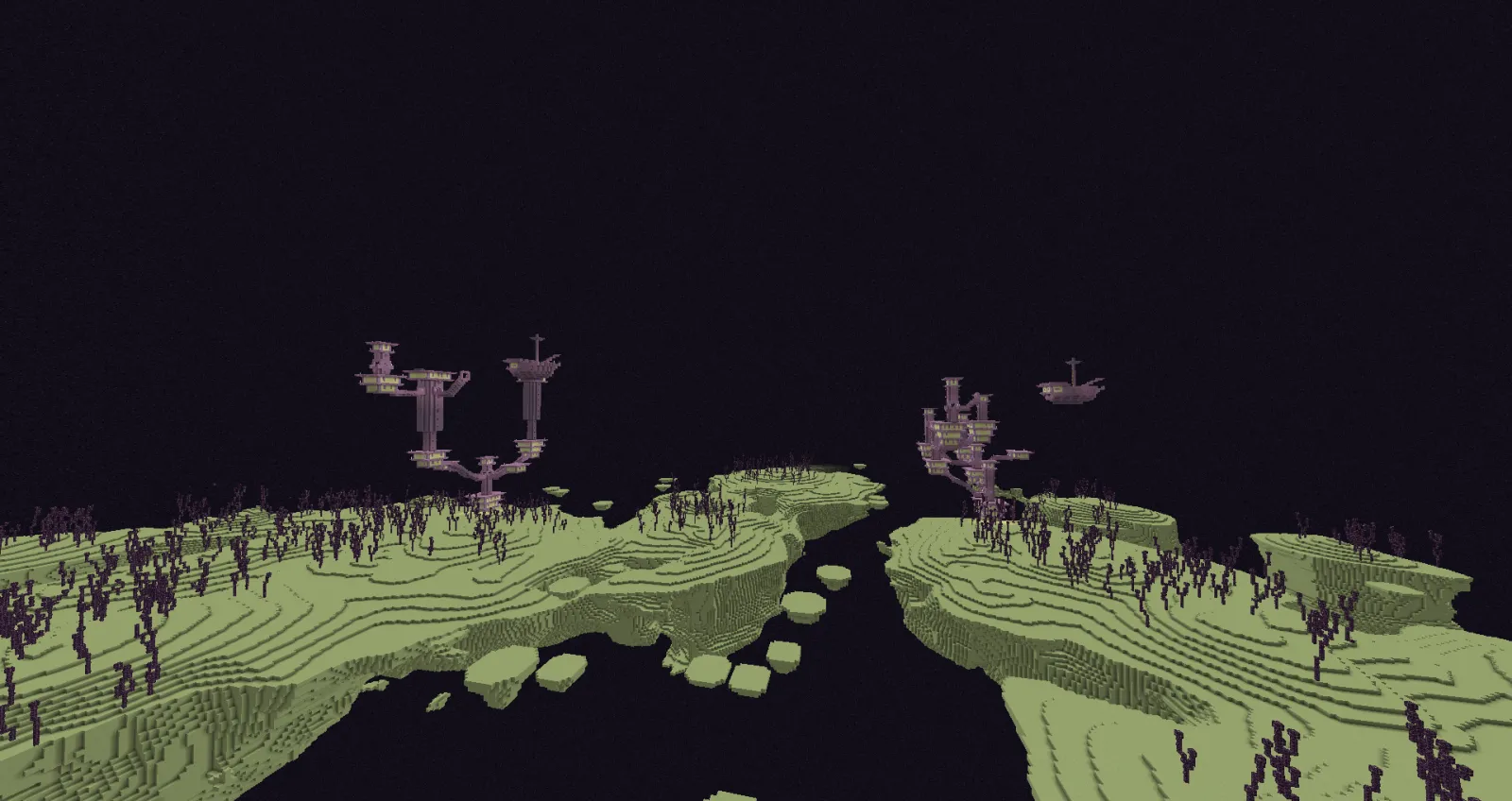
YSS RD is a solid all-around choice. So it improves lighting and water without destroying frame rates on mid-range devices. Newb X Legacy is popular with players who want clear visual improvement without going extreme - good if you're not sure how intense you want to go. Eternity Shader is for players who want cinematic lighting, detailed water reflections, and don't mind the performance cost on powerful hardware.
Each has different strengths. Some prioritize performance. Others push visual quality as far as they can. The repository notes these differences, so you can pick something realistic for your device. Unlike generic "best shaders" lists that just rank by popularity, this one acknowledges that the best shader for you depends on your hardware and preferences.
If you're also interested in curating other visual aspects of your world, exploring custom Minecraft skins is the natural next step. Shaders change how your world looks; skins change how your character appears. Together, they create a fully customized experience.
Common Pitfalls and How to Avoid Them
A few things to know before diving in:
Shader packs sometimes conflict with heavy custom resource packs. If you've got extensive texture modifications installed, some shaders might not play nicely. The solution is usually just disabling one temporarily to test compatibility.
Performance varies wildly between devices. A shader that runs smoothly on newer hardware might tank frame rates on older devices. This isn't the repository's fault - it's just how Bedrock rendering works. Start conservative and upgrade your shader if your device handles it.
Version incompatibilities happen. Bedrock updates frequently, and older shaders sometimes break until creators patch them. The repository notes known issues, but checking the shader creator's Discord is always smart if something doesn't work.
Most importantly: don't install shaders from random websites, even if they claim to be "optimized" or "improved" versions. Stick to the repository's links and official creator sources. This is where the security advantage of the list really kicks in.
Building Your Complete Bedrock Visual Setup
Shaders are one piece of a larger customization puzzle. The Bedrock Graphics Discord community backing the project is worth joining. They're active, helpful, and constantly discussing new shaders, resource packs, and updates.
Once you've got a shader running, you might want to pair it with custom textures, custom maps, or test it on a multiplayer server. If you're planning to play on community servers, it's worth checking server stability beforehand - you can use a Minecraft server status checker to verify uptime and latency before committing time to a server.
The visual transformation shaders create is genuinely dramatic. So that difference between stock Bedrock and a good shader pack is night and day. Enhanced lighting, better water, improved shadows, all running on the same hardware you already have. For Bedrock fans, this is one of the most important community resources available.
If you're mostly a Java player who loads up Bedrock occasionally, shaders might feel like overkill. But for Bedrock enthusiasts, this repository solves a problem that's plagued the community for years: how to customize your world safely. That's worth taking seriously.

Lead writer at minecraft.how. Long-time Minecraft player running a small SMP server, testing every build, mod, and seed before writing about it.
Frequently Asked Questions
What's the difference between RenderDragon shaders and Java Edition shaders?
Are RenderDragon shaders safe to download from the repository?
Will shaders tank my frame rate?
Do I need utilities like MB Loader, or can I install shaders manually?
What do RenderDragon shaders actually change about my world?
Have a Question or Tip about this Guide?Community Q&A
Ask a question or help other players below. Join the discussion and share your Minecraft tips!