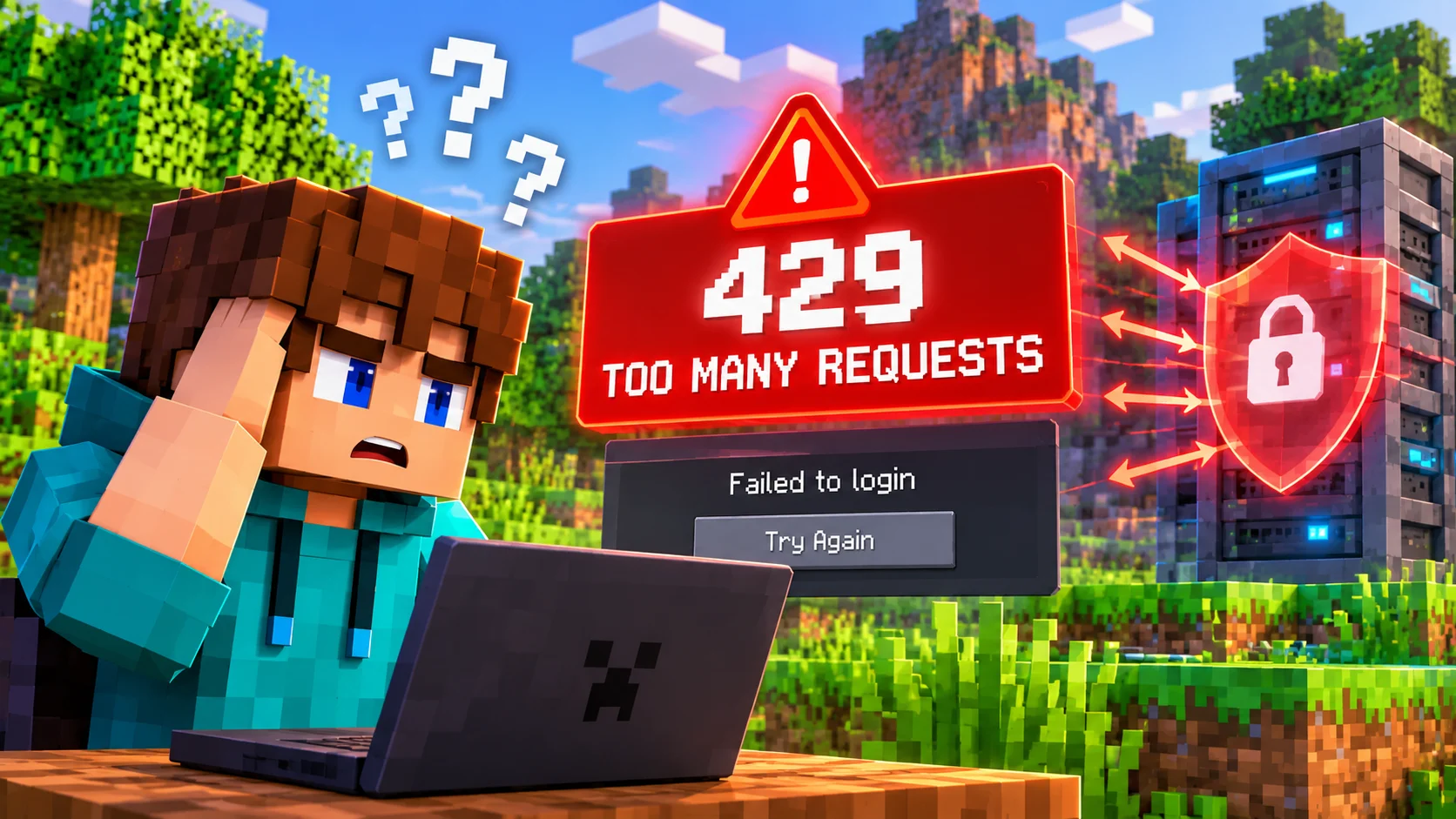

If Minecraft suddenly refuses to sign you in or displays “Failed to Log In: Status 429”, the number is an important clue. HTTP 429 means Too Many Requests. A service has decided to limit requests for a period of time. That can happen during a real Minecraft infrastructure incident, but it can also affect one connection, one endpoint, or a shared network.
The message does not automatically mean that your Microsoft account is banned, your password is incorrect, or your Minecraft installation is damaged. The useful first step is to identify which part of Minecraft is returning the error. This guide explains the meaning of Minecraft Status 429, the documented Mojang incident, and a safe troubleshooting order for players and server owners.
What does Minecraft Status 429 mean?
HTTP status code 429 Too Many Requests is defined by RFC 6585, section 4. It is a rate-limiting response. In plain English, the receiving service is refusing a request because its request limit has been reached.
The important detail is that the HTTP standard does not prescribe exactly how a service counts requests or identifies the requester. A limit can be associated with an IP address, an authenticated account, an application, a particular API endpoint, or a broader group of servers. This is why a player can see a 429 even when they have only clicked Sign In a few times. A shared public IP, VPN exit node, school network, or carrier-grade NAT may place many people behind the same outward-facing address. That is one possible explanation, not proof of the cause in an individual case.
If the response includes a Retry-After header, it can specify how long the client should wait before making another request. The header may contain a number of seconds or an HTTP date. Not every 429 response includes it, and there is no universal Minecraft timeout that applies to every endpoint.
Where can a 429 appear in Minecraft?
1. Launcher sign-in and Microsoft authentication
If the official launcher or a third-party launcher cannot complete sign-in, the failure may occur while the client is obtaining or validating Minecraft services access. Microsoft account sign-in and Minecraft's own services are connected parts of the process, but they are not one single endpoint. A successful Microsoft sign-in does not guarantee that every later Minecraft API request will succeed.
2. Joining a Java multiplayer server
Java Edition servers using online-mode authentication verify that a player has a valid session. During login, the client and server rely on Mojang session services to complete that verification. If the relevant request is rate-limited or the service cannot provide a usable response, the player may see a failed login or an authentication-server message. The game server can still be running normally while the external authentication check is failing.
3. Minecraft profile, skin, or other API requests
Profile lookups, skin-related operations, and other Minecraft services use different API paths. A 429 affecting one endpoint does not prove that every Minecraft service is unavailable. For example, a profile lookup problem and a launcher sign-in problem can have different immediate causes even if both display the same HTTP status.
4. Realms or another specific service
If the error appears only while opening Realms or using one particular feature, investigate that feature separately. Do not assume that a 429 from one service means the Java session service or all multiplayer servers are down.
A real Mojang report: WEB-8452
This is not just a theoretical explanation. Mojang's bug-tracking record WEB-8452: Minecraft API/Login responding with HTTP 429 error documents a real authentication incident in 2026. Players reported that the official launcher and other launchers failed while contacting api.minecraftservices.com. The report included cases where multiple people and devices in the same wider region experienced the same failure, which made a single damaged installation an unlikely explanation.
A Mojang representative acknowledged the confirmed issue and said the team was investigating it. On February 20, the team asked affected players to check whether recent changes had resolved the problem. On May 6, Mojang stated that infrastructure changes had been applied and marked the issue fixed. Later comments in the same report described further intermittent occurrences, so the historical fix should not be interpreted as proof that every future 429 has been eliminated.
The lesson is important: Minecraft authentication can return HTTP 429 during a service-side or regional problem. Reinstalling the launcher, changing account passwords, or repeatedly pressing Retry cannot repair infrastructure that is outside the player's control.
How to troubleshoot Failed to Log In: Status 429
- Stop repeated login attempts. Close the launcher and game instead of clicking Retry continuously. Repeated requests can keep hitting the same limit and make diagnosis harder.
- Check whether the problem is widespread. Ask a friend on a different internet connection to sign in or join an online-mode server. Look for multiple independent reports and updates from official Minecraft or Mojang support channels. A single status website or one player's report is not enough to prove a global outage.
- Identify the failing step. Does the error appear before the launcher finishes signing in, only when joining multiplayer, or only when opening Realms? Record the exact wording, time, launcher, game version, and affected feature.
- Test another connection once. A mobile hotspot can help determine whether the normal network path or shared public IP is involved. If the alternate connection works, investigate VPNs, proxies, shared networks, or the ISP route. This is a diagnostic test, not a guaranteed permanent fix.
- Temporarily disable VPN or proxy routing for a test. Some shared VPN addresses may be subject to rate limits or network filtering. Do not install an unknown VPN or “429 repair” application to get around the error.
- Check the Retry-After header if you can inspect the response. If the service provides it, wait for the specified period. If it is absent, do not assume a fixed 15-minute, one-hour, or 24-hour Minecraft rule. Wait and retry at sensible intervals.
- Sign in again only after the wait. If the issue appears isolated to one launcher, close other game instances and account tools, then perform one clean sign-out and sign-in. Avoid repeatedly removing and re-adding the account.
- Contact support if it persists. Include the exact error, timestamp and time zone, launcher and game version, operating system, whether another network works, and whether other players are affected. Never send your password, session token, or recovery codes.
What server owners should check
If several players are kicked from one server with an authentication error, first compare the same accounts against another online-mode server. If they can join elsewhere, inspect the affected server's network path to Mojang's session service, DNS resolution, outbound firewall rules, proxy configuration, and server logs.
Also review plugins and integrations that perform frequent profile, UUID, skin, or session-related lookups. Unnecessary repeated API calls and bulk lookups can create avoidable traffic. Cache data where appropriate, avoid tight retry loops, and use backoff rather than immediately repeating failed requests.
Do not switch a public server to online-mode=false just to hide an authentication failure. Offline mode removes the normal account verification step and can allow players to impersonate usernames unless the server has a carefully designed, trusted authentication layer. It is not a safe general-purpose fix for a temporary 429.
Is Minecraft Status 429 a ban?
No. A 429 response means rate limiting. It is not, by itself, evidence of a permanent ban, a Microsoft account suspension, or a compromised account. Read the exact response and use official support if you receive a separate account-enforcement message. Do not pay anyone who claims they can remove a 429 from your account or asks you to share Microsoft credentials.
Bottom line
Minecraft Status 429 is a rate-limit response, not automatically an account ban or a broken installation. The most useful response is to stop repeated requests, identify which Minecraft service is failing, compare another network or player, and wait when the evidence points to a Mojang-side incident. The documented WEB-8452 case proves that real Minecraft authentication infrastructure problems have produced this exact HTTP error.