Minecraft Server Download: Everything You Need in 2026

Downloading a Minecraft server depends entirely on what you're actually trying to do. If you want to join an existing server, there's no traditional download involved - you just need the IP address or find it in your launcher. If you're hosting your own, you'll grab free server software like Paper or Spigot and run it on your computer or a rented host.
What Is a Minecraft Server?
Let me clear up the confusion right here. Most players don't download servers at all. A Minecraft server is just another computer running server software that lets multiple people play in the same world simultaneously. It could be hosted on someone's bedroom PC, a data center, or anything in between. Your client connects to it, syncs the world, and you're playing together.
If you want to host that server yourself, you'll be downloading server software files and running them. But if you're just looking to play with others, you only need the regular Minecraft launcher and either an IP address or access to a public server list.
Single-player is just you and the world on your own PC. Servers let potentially hundreds of people build in the same space, fight each other, trade, raid dungeons together - whatever your community decides to do.
How to Download and Join a Public Server
Here's what's changed: joining a server is easier now than it's been in years. Open your launcher, navigate to multiplayer, and you're almost there.
Java Edition: Click "Multiplayer," then add a server manually if you've an IP address. Many community sites, like minecraft.how's server list, let you filter by gameplay type and find servers that match what you're looking for. Click one, grab the IP, paste it into your launcher, and connect. That's it.
Bedrock Edition: The process is nearly identical. Go to the Servers tab, add a custom server IP if you've got one, or browse the in-game server list. Bedrock's multiplayer options expanded recently with better party systems and cross-platform support improvements.
No actual downloads. No files cluttering your hard drive. Just connect and play.
One caveat: if you're joining a heavily modded Java server, you might need to download the mod pack first. Most public vanilla and light-plugin servers don't require anything extra though.
Finding the Right Server for Your Playstyle
Not all servers are built the same, and picking one genuinely matters for how much fun you'll have long-term.
Survival servers are the baseline. Vanilla or close to it, with maybe some anti-grief plugins. Just you, other players, and the world. Build stuff, farm, explore, maybe trade. If you want Minecraft without extra mechanics, this is it.
PvP servers flip that on its head. Combat's enabled, you're fighting other players, sometimes there's economy mechanics tied to kills or loot. Hypixel's the obvious heavyweight, but smaller communities often give you an actual sense of belonging instead of being a number in a massive crowd.
Then you've got specialty gamemodes. Skyblock puts you on an island and you build from almost nothing. Prison forces you to grind for freedom. Factions is player-versus-player guild warfare. Lifesteal makes PvP lethal - lose health when you take damage, gain it when you damage others. Fair warning: most of these are monetized. You can play free, but cosmetics and perks cost money. Some servers are worse about it than others.
Roleplay and creative servers exist too if that's your scene.
How do you find the right one? Try a few. Jump on server lists, read community reviews, maybe ask in Discord communities what people recommend. You'll figure out which vibes match yours pretty quickly. Some servers have amazing communities, others feel dead or toxic. Trial and error beats guessing.
Setting Up Your Own Server
Want complete control? You can host your own.
For Java Edition, Paper is the modern standard. Download the.jar file, create a folder, stick the jar in there, run `java -Xmx1G -Xms1G -jar paper.jar nogui`, and you've got a server. Seriously. You and your friends can connect locally right away. Port forwarding gets people in from outside your network, but that's a separate rabbit hole.
Spigot and Forge are alternatives if you want different plugin or mod support.
For Bedrock, actually, that's trickier. Microsoft doesn't make self-hosting straightforward for Bedrock like they do Java. You'll rent from a third-party host. Free options like Aternos exist, but they're limited. Most small servers cost $5-10 a month for decent performance and reliability.
Performance matters. A server running on your home PC will lag if too many people join, your internet hiccups, or you're running other stuff simultaneously. Hosting companies handle uptime, backups, and scaling. It's worth the cost if you're serious about it.
The Community Is More Important Than Perfection
Here's what I've realized after years of hopping between servers: the technical specs matter way less than the people.
A technically flawless server with a dead or hostile community is unbearable. A janky vanilla server with active, helpful players is somewhere you'll actually want to spend time. Communication is everything. Some servers have active Discord communities, regular events, collaborative building projects. That's when servers stop being just "a place to play" and become somewhere you want to be.
Newer players sometimes feel intimidated by established communities. Everyone's already got insane bases, rare items, reputation. Most servers don't care though - they help new players learn mechanics, give starter gear, make you feel welcome. A few have explicit beginner areas or fresh-start seasons to keep things fair.
Watch out for aggressive pay-to-win mechanics. Cosmetics? Fine. Convenience items? Sure. But if money directly makes you stronger, the game stops being fun for people who don't spend. It becomes a grind-or-pay situation.
The best servers respect your time. You shouldn't feel forced to log in daily to stay relevant. Play your way, build what interests you, hang with your friends. That's when servers justify the time investment.
Exploring What's Out There
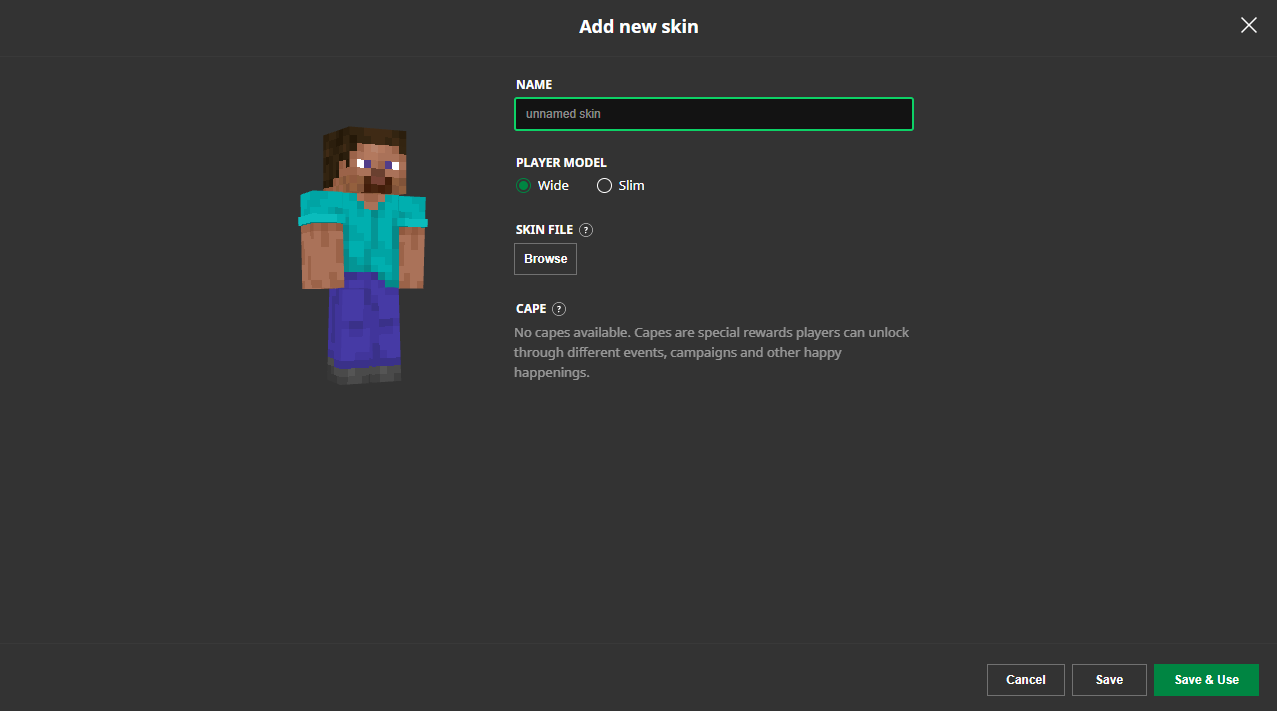
When you're browsing the minecraft.how server list, you'll notice the actual diversity of what's running out there. Servers range from tiny community projects to massive operations with hundreds of concurrent players. You'll see players with all kinds of skins - everything from classic designs to completely custom creations like the ServerSyncer skin, the ServerMiner skin, or the fuckthisserver skin, each representing different player styles and communities.
If you explore long enough, you'll find communities that match your playstyle. Maybe you're into the grind of prison servers, or the creative chaos of factions. Maybe you want something chill where you just build with friends. Options like the ServerSided skin community or the ServerFinder skin enthusiasts show how diverse the player base really is.
2026 Server Hosting Has Gotten Better
Compared to five years ago, hosting infrastructure for Minecraft is legitimately improved. Better performance, more reliable uptime, cheaper options across the board. You've got established companies handling the boring stuff (security, backups, DDoS protection) so you can focus on building and community.
Console servers also improved. PCGamesN reported on Minecraft's push toward better console experiences, with native versions improving performance significantly. That means more console players are showing up on crossplay servers, expanding communities in ways that didn't happen before.
The modding ecosystem is more stable too. Fabric is more accessible than Forge was. Plugin APIs are better documented. If you're thinking about hosting something custom, 2026 is actually a pretty good year to start.
One last thing: backups matter. Seriously. Pick a host that automatically backs up your world regularly, or if you're self-hosting, set up your own backup routine. Losing a world to corruption or server failure hurts.
Minecraft servers are way more accessible now than they were in 2015. Whether you're joining something public or hosting your own thing, the barriers are lower and the community is bigger. Take some time finding the right fit for how you actually want to play, and you'll be surprised how good it can be.