Building Servers in C#: The Obsidian Minecraft Alternative
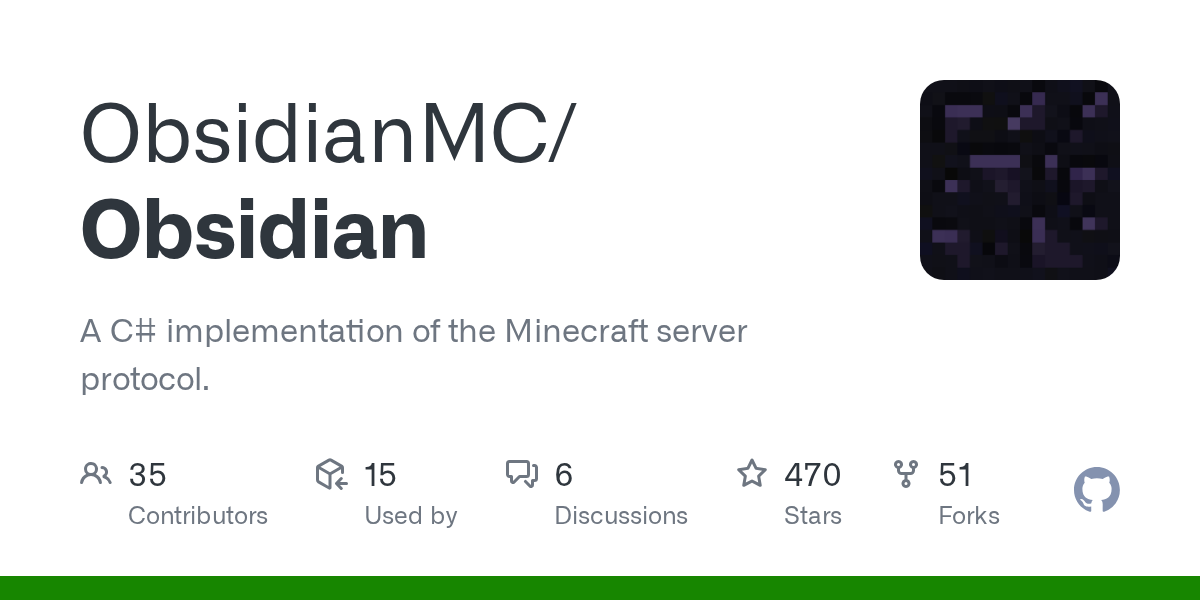
"A C# implementation of the Minecraft server protocol."
ObsidianMC/Obsidian · github.com
If you've ever wanted to run a Minecraft server without wrestling with Java memory limits or JVM quirks, Obsidian might be exactly what you're after. It's a complete reimplementation of the Minecraft server protocol in C# and.NET, built from the ground up by a dedicated team of developers who clearly wanted something different from the typical Java ecosystem.
What This Project Does
Obsidian is a C#.NET implementation of the Minecraft server protocol. Instead of using the official Mojang server or derivatives like Paper or Spigot (which all build on Java), Obsidian lets you spin up a fully functional Minecraft server written in C#. It handles player connections, chunk loading, block breaking and placing, inventory management, crafting, weather cycles, and all the core server mechanics you'd expect.
The cool part? It comes with its own plugin framework built in. You're not bolting on compatibility layers or fighting with an ancient codebase. It's designed from the start for extensibility, so adding custom gameplay features feels natural rather than like hacking around legacy code.
Currently with 470 stars on GitHub, the project is actively maintained but still in development. The roadmap shows completed features like world generation, liquid physics, and multiple gamemodes, with mobs and redstone circuits still on the horizon.
Why You'd Switch to This
Most Minecraft server operators never touch the underlying code. They just want stability and low overhead. For those people, Obsidian's biggest selling point is memory efficiency. Running a Java server means dealing with garbage collection pauses, heap allocation tuning, and all the fun that comes with the JVM. C# handles memory differently, and Obsidian's developers have optimized it aggressively from the start. If you're running a server on modest hardware or need to keep costs down on a VPS, this matters.
For developers, though, the appeal runs deeper. You get to write server plugins in C# instead of Java. If you're already working in the.NET ecosystem, or you prefer C#'s language features, you're not forcing yourself into an unfamiliar environment. The plugin framework is purpose-built, not tacked on like an afterthought. No classpath nightmares, no reflection madness just to load a JAR.
And if Docker is part of your deployment story, Obsidian supports it natively. You can containerize your server, version the configuration, and spin up new instances consistently. That's a massive quality-of-life improvement if you're serious about operations.
Getting It Running
Installation depends on how you want to run it. Obsidian provides development builds via GitHub Actions, or you can build from source yourself. You'll need the.NET 9.0 runtime installed first.
For a direct install, grab the latest artifact from the GitHub Actions page, unzip it, and run:
dotnet ObsidianApp.dllThe first run generates a config file automatically. Edit it with your preferred server settings, then run the command again. It's refreshingly straightforward compared to hunting through YAML files and system properties.
If you're container-minded, Docker support is available. Clone the repository, build the image, and run:
docker build. -t obsidian
docker run -d -p YOUR_PORT:25565 -v YOUR_PATH:/files obsidian
Obsidian pre-generates the config on startup, so you configure it in the mounted volume, then restart the container. Docker Compose support is built in too if that's your preference.
What Makes It Different
The plugin framework is designed for actual extensibility. Want to add custom commands, new block behaviors, or entirely custom gameplay? The framework doesn't fight you. Unlike server software where plugins feel bolted on, Obsidian's architecture assumes you'll be writing extensions from day one.
The world generation system already works and scales. You're not limited to vanilla generation either. The team has worked through chunk loading, block updates, and physics in a way that stays performant even with hundreds of concurrent modifications happening.
Redstone circuits and mob pathfinding are still on the roadmap. That's honest development. Most projects would've inflated their completed checklist ages ago. Real talk, the Obsidian team's transparency about what's still in progress is actually refreshing.
Memory usage gets special attention. If you've ever had a Java server balloon to 4GB for 20 players, you'll notice the difference here. C# and.NET handle long-lived, large-allocation workloads more predictably than Java's GC.
The code compiles with continuous integration checking every push, so you're not installing something that bit-rots between releases. Stability matters when you're running a server people depend on.
Real Limitations to Know About
It's still in active development. That means features are still being built out. If you need mobs with real pathfinding or fully functional redstone right now, the official server is still your move. Obsidian's roadmap shows both are coming, but they're not ready yet.
The plugin ecosystem is smaller than Java's. Way smaller. Spigot has decades of plugin history. Obsidian's community is smaller and newer, so you might not find that perfect pre-built plugin you were hoping for. You might end up writing it yourself, which isn't necessarily bad (custom code is often better anyway) but it's a real consideration.
Client compatibility is where vanilla Java servers still have an edge. Obsidian implements the protocol faithfully, but edge cases with specific client versions or mods might behave differently. Tested and works smoothly with vanilla clients on recent versions. If you're running heavy mod packs, test thoroughly before committing.
When to Reach For It
You're a C# developer who wants to run a server without touching Java. That's the core use case, and Obsidian shines there. You care about memory efficiency and want predictable resource usage. You're building something custom and want a codebase you actually understand. You like Docker and want cloud-native deployment patterns from day one.
Conversely, if you're running a massive survival server with hundreds of plugins, or you need enterprise-grade support with SLAs, stick with Paper or Purpur. If you want to use plugins written by the community without modifications, the Java ecosystem has that locked down.
For testing server concepts or building something bespoke, Obsidian is genuinely worth an afternoon of your time. Setting up a test server takes maybe 20 minutes. See if it clicks with how you think about server development.
Similar Projects Worth Knowing About
If Obsidian doesn't fit, a few alternatives exist. Paper is the community standard Java server if you want plugins and performance tweaks without rewriting everything. It's stable, battle-tested, and has massive plugin support. Velocity handles proxy duties if you're running a network. Purpur goes even further with paper, adding more features for single-server administrators.
On the alternative-implementation front, Cuberite is a C++ server implementation that's been around longer. It's mature but less actively developed than Obsidian. Karafuru is another interesting project in the space, though less actively maintained.
The tradeoff is consistent: you gain performance and language control, but you lose the established plugin ecosystem. Pick based on what matters most for your use case. If you're running vanilla or writing everything custom anyway, Obsidian becomes a genuinely solid choice.
One practical tip: if you're using Obsidian to run a public-facing server, the Minecraft MOTD Creator tool makes setting up your server's greeting message painless. You can preview exactly how it'll appear to joining players, which saves the "restart and check" loop. Similarly, the Block Search tool is handy when you're building custom plugins and need to verify block IDs and properties quickly.

Lead writer at minecraft.how. Long-time Minecraft player running a small SMP server, testing every build, mod, and seed before writing about it.