
Minecraftサーバーに参加したいけど、どこから始めたらいいか分からない?このガイドでは、2026年のMinecraftマルチプレイサーバーを見つけ、参加し、楽しむための全ての質問に答えます。
最高のMinecraftサーバーはどれ?
「最高の」サーバーはあなたが何を求めているかによって異なります。カテゴリー別のトップ推奨サーバー:
ミニゲーム向け:
- Hypixel - 何百万人ものプレイヤーが遊ぶ最大級のMinecraftサーバー。Bed Wars、SkyWars、Murder Mysteryなど多数のゲームをフィーチャー
- Mineplex - Cake WarsやBlock Huntなどのユニークなモードを備えた定番のミニゲームサーバー
- CubeCraft - EggWarsとSkyWarsで有名で、優れたアンチチート機能が特徴
サバイバル・SMP向け:
- EarthMC - 1:500スケールの地球地図上で国家を建設
- 2b2t - 最古のアナーキーサーバー(初心者向けではありません!)
- Hermitcraft風サーバー - ホワイトリスト方式のコミュニティSMPを検索
クリエイティブ建築向け:
- BuildTheEarth - 1:1スケールで地球を建設する協力プロジェクト
- PlotSquaredサーバー - 建築できるフリーのクリエイティブプロット
プロ向けヒント: Minecraftサーバーリストで、ゲームモード、バージョン、プレイヤー数でフィルタリングされたサーバーを見つけられます!
Minecraftで任意のSMPに参加する方法?
SMP(サバイバルマルチプレイ)サーバーへの参加は簡単です:
ステップバイステップガイド:
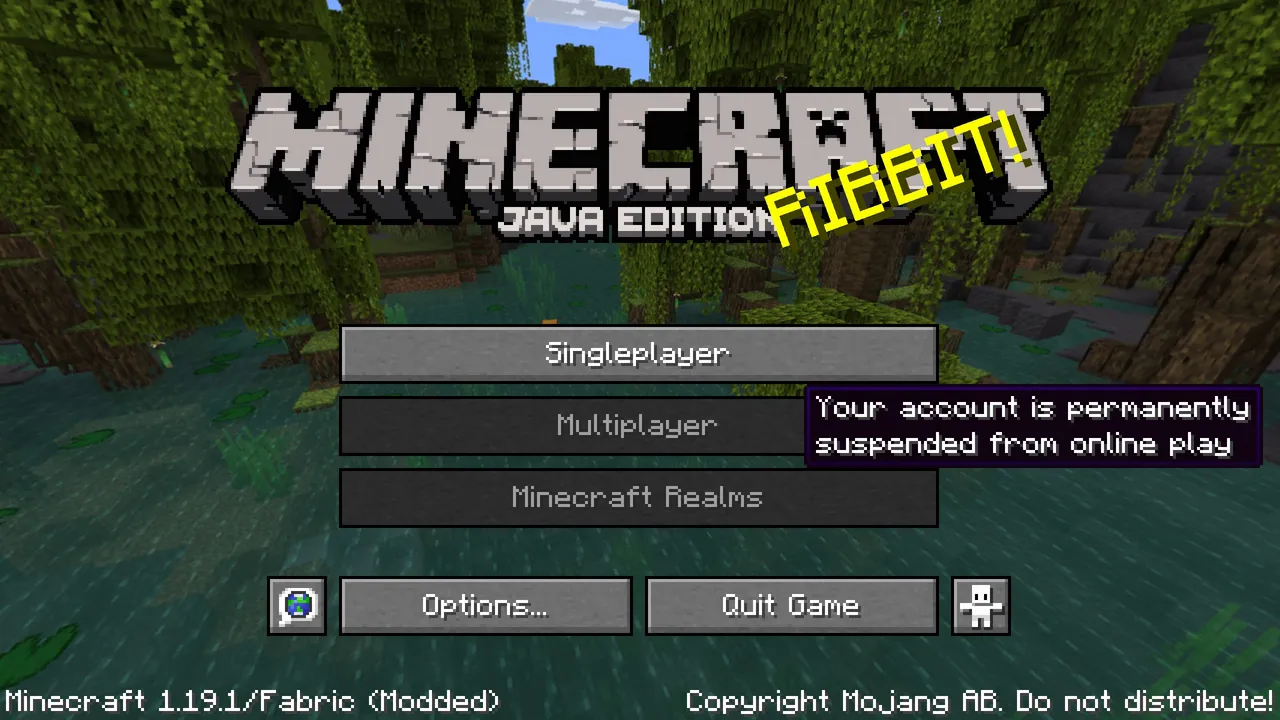
- Minecraftを起動し、メインメニューから「マルチプレイ」を選択
- 「サーバーを追加」または「ダイレクト接続」をクリック
- サーバーアドレスを入力(IPアドレスまたはドメイン名)
- 「完了」をクリックしてからサーバーを選択し、「サーバーに参加」をクリック
ホワイトリスト方式のSMPの場合:
- SMPの申込フォームを見つけます(通常Discordまたはウェブサイトにあります)
- Minecraftユーザー名を記入して申し込み
- サーバー管理者による承認を待機
- ホワイトリスト登録後、提供されたIPアドレスで参加
注意: あなたのMinecraftバージョンがサーバーのバージョンと一致していることを確認してください。Minecraftランチャーの「インストール」から変更できます。
Minecraftサーバーに参加できる場所は?
Minecraftサーバーを探す方法はいくつかあります:
| 情報源 | 最適な用途 | リンク |
|---|---|---|
| Minecraft.How | 厳選サーバーリストとレビュー | サーバー閲覧 |
| サーバーのDiscordコミュニティ | 活動的なコミュニティを探す | Discordサーバーディレクトリで検索 |
| Reddit r/mcservers | コミュニティが運営するサーバー | reddit.com/r/mcservers |
| Minecraftフォーラム | 確立されたサーバー | minecraftforum.net |
| ゲーム内のサーバーリスト | フィーチャー・パートナーサーバー | Bedrock Edition のみ |
サーバーを選ぶときは以下を考慮してください:
- プレイヤー数と活動時間帯
- サーバーのルールとコミュニティの雰囲気
- 地理的位置(ピングを改善するため)
- JavaまたはBedrock互換性
Dream SMPサーバーIPに参加する方法?
Dream SMPには通常のプレイヤーとして参加できません。
Dream SMPはプライベートな招待制サーバーで、Dream、GeorgeNotFound、Sapnap、TommyInnitなどのコンテンツクリエイターが参加しています。知っておくべきことは:
- 公開IPアドレスなし - サーバーのIPは公開されていません
- ホワイトリスト登録メンバーのみ - 招待されたストリーマーとYouTuberのみが参加できます
- コンテンツ制作に焦点 - ストーリーラインコンテンツを作成するためのもので、公開プレイ用ではありません
Dream SMP体験をしたい場合の代替案:
- 「Dream SMP風」サーバーを検索して、その体験を再現しているサーバーに参加
- ストーリーライン要素が似たロールプレイSMPに参加
- 友人と一緒に同じプラグインやmodを使用して独自のSMPを開始
- YouTubeとTwitchでDream SMPのコンテンツを視聴
Minecraftで最高のプレイヤーは誰?
公式の「ナンバー1プレイヤー」はいませんが、注目すべき人物がいます:
影響力・知名度別:
- Dream - 購読者3000万人以上の最も購読者数が多いMinecraft YouTuber
- TommyInnit - 膨大なTwitch フォロワーと文化的影響力
- Technoblade (1999-2022) - 伝説的なPvPプレイヤー、コミュニティに愛された人物
スピードラン別:
- Couriway - 複数のワールドレコードを保有
- Feinberg - 素晴らしい成績を持つトップスピードランナー
- 現在のレコード保持者 - speedrun.com/mcで最新記録を確認
PvPスキル別:
- Technoblade - Minecraft Mondayの複数イベント優勝
- Fruit Berries - MCC(Minecraft Championship)で圧倒的な成績
- Illumina - トップティアのスピードランナーでありPvPプレイヤー
建築技術別:
- Grian - Hermitcraftで有名なマスタービルダー
- BdoubleO100 - 素晴らしいテラフォーミングと建築スキルを持つプレイヤー
- fWhip - 王国建築と中世スタイルに特化
トップ10サーバーは?
2026年現在、最も人気のあるMinecraftサーバーは:
- Hypixel - ミニゲームの巨人(ピーク時15万人以上のプレイヤー)
- 2b2t - 最古のアナーキーサーバー
- Mineplex - 定番ミニゲーム
- CubeCraft - EggWarsとSkyWars
- The Hive - Bedrock Editionの最大級サーバー
- Wynncraft - MMORPG体験
- PvPLand・PvPサーバー - 競技的なPvP
- LifeSteal SMPサーバー - 人気のハート奪取メカニクス
- EarthMC - 地政学的なサーバー
- Manacube - Skyblockとプリズン
その他のサーバー: リアルタイムのプレイヤー数と投票機能付きの完全なサーバーリストをチェック!
Donut SMPに参加する方法?
Donut SMPはコンテンツクリエイターサーバーでDream SMPと似ています。知っておくべきことは:
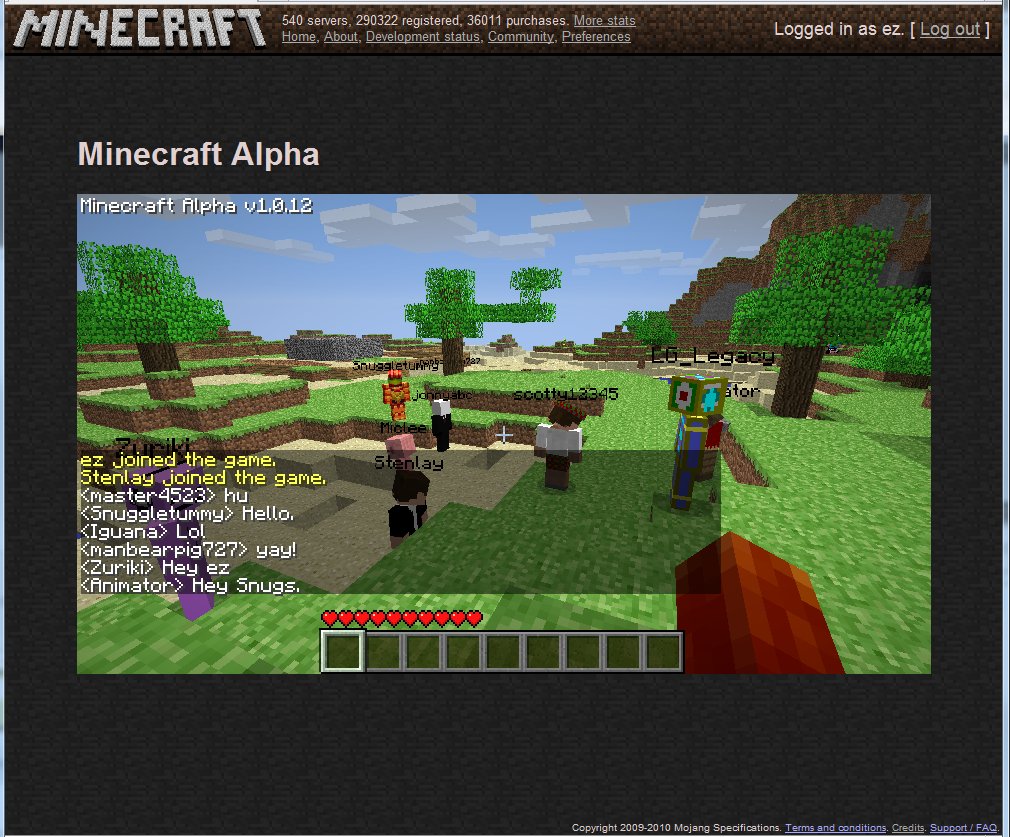
- プライベートサーバー - Dream SMPのようにコンテンツクリエイター向けの招待制
- 公開アクセスなし - 通常のプレイヤーは参加できません
- コンテンツを視聴 - YouTubeとTwitchでメンバーをフォロー
同様の体験をしたい場合?
- 公開されている「Donut SMP風」サーバーを探す
- コンテンツクリエイターコミュニティのDiscordに参加して同様のサーバーを見つける
- 同じプラグインとルールで独自のSMPを作成
Mojangのオーナーは誰?
MicrosoftがMojang Studiosを所有しています。
主な事実:
- 創立者: Markus「Notch」Persson(2009年)
- 元の名前: Mojang Specifications、後にMojang AB
- Microsoftによる買収: 2014年9月、25億ドル
- 現在のCEO: Mojang StudiosはXbox Game Studiosの傘下で運営
タイムライン:
| 年 | 出来事 |
|---|---|
| 2009 | Markus Persson がMinecraftを作成 |
| 2010 | Mojang 公式設立 |
| 2011 | Minecraft 正式リリース |
| 2014 | Microsoft が25億ドルで Mojang を買収 |
| 2020 | 「Mojang Studios」にブランド変更 |
| 2024 | Minecraftが3億5000万本以上を販売 |
NotchはMicrosoftの買収後にMojangを去りました。ゲームはMicrosoft傘下のXbox Game Studiosの Mojang Studios チームによって開発されています。
Minecraftで Ctrl+Q は何をしますか?
Ctrl+Q は持っているアイテム全てをドロップします。
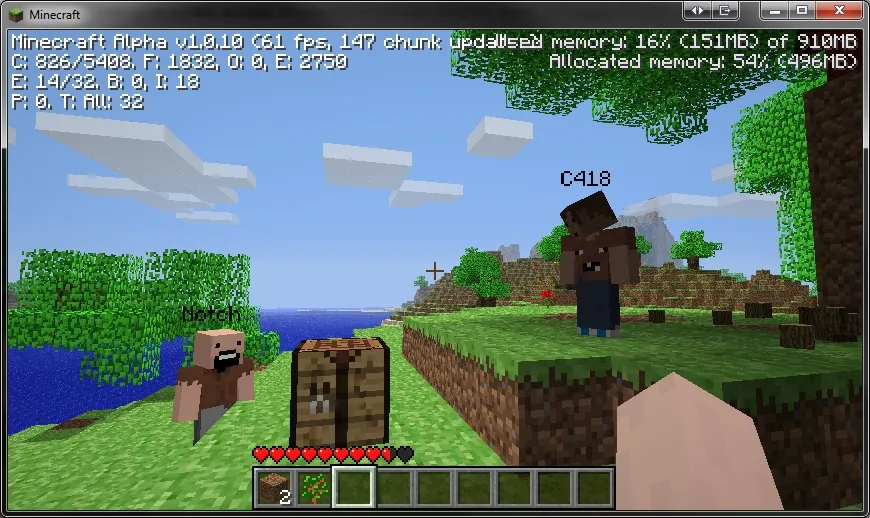
アイテムドロップコントロール:
| ショートカット | アクション |
|---|---|
| Q | 持っているスタックから1つのアイテムをドロップ |
| Ctrl+Q | 持っているアイテム全てをドロップ |
| インベントリ外をクリック | カーソルのアイテムをドロップ |
| Ctrl+インベントリ外をクリック | カーソルの全アイテムをドロップ |
その他の便利なキーボードショートカット:
- F3 - デバッグ画面(座標、FPS等)
- F5 - カメラ視点を切り替え
- Shift+クリック - インベントリ・チェスト間でアイテムを素早く移動
- 1-9キー - ホットバースロットを選択
- F - 両手のアイテムを交換
- Ctrl+ブロック選択(中央クリック) - NBTデータ付きブロックをコピー(クリエイティブモード)
注意: 溶岩やボイド付近で Ctrl+Q を使用する場合は注意してください、貴重なアイテムを誤ってドロップするかもしれません!
Minecraftサーバーの旅を開始しましょう!
マルチプレイMinecraftに飛び込む準備はできていますか?次は:
- サーバーリストを閲覧して完璧なコミュニティを見つけましょう
- サーバー要件を確認 - JavaまたはBedrock?どのバージョン?
- サーバーのDiscordに参加 - ほとんどのコミュニティは活動的なDiscordを持っています
- ルールを読む - 各サーバーは独自のガイドラインを持っています
- 楽しみましょう! - 友達を作ってゲームを楽しんでください
競争的なPvP、クリエイティブ建築、サバイバルチャレンジ、またはフレンドリーなコミュニティを探しているなら、あなたのためのMinecraftサーバーがあります。ハッピークラフティング!
よくある質問
について:クリエイティブ建築向け:?
プロ向けヒント: Minecraftサーバーリスト で、ゲームモード、バージョン、プレイヤー数でフィルタリングされたサーバーを見つけられます!
について:ホワイトリスト方式のSMPの場合:?
注意: あなたのMinecraftバージョンがサーバーのバージョンと一致していることを確認してください。Minecraftランチャーの「インストール」から変更できます。
について:タイムライン:?
NotchはMicrosoftの買収後にMojangを去りました。ゲームはMicrosoft傘下のXbox Game Studiosの Mojang Studios チームによって開発されています。
について:その他の便利なキーボードショートカット:?
注意: 溶岩やボイド付近で Ctrl+Q を使用する場合は注意してください、貴重なアイテムを誤ってドロップするかもしれません!