2026年のMinecraft Modランチャー - 選び方と理由
2026年最高のMinecraft Modランチャーは、あなたのmodローダーの種類、パックサイズ、トラブル対応能力に合わせたものです。ほとんどのプレイヤーにはPrism Launcherを最初の選択肢に、利便性ならCurseForgeを、モダンで整理されたワークフローならModrinth Appをお勧めします。
2026年にチェックすべきMinecraft Modランチャーの選択肢
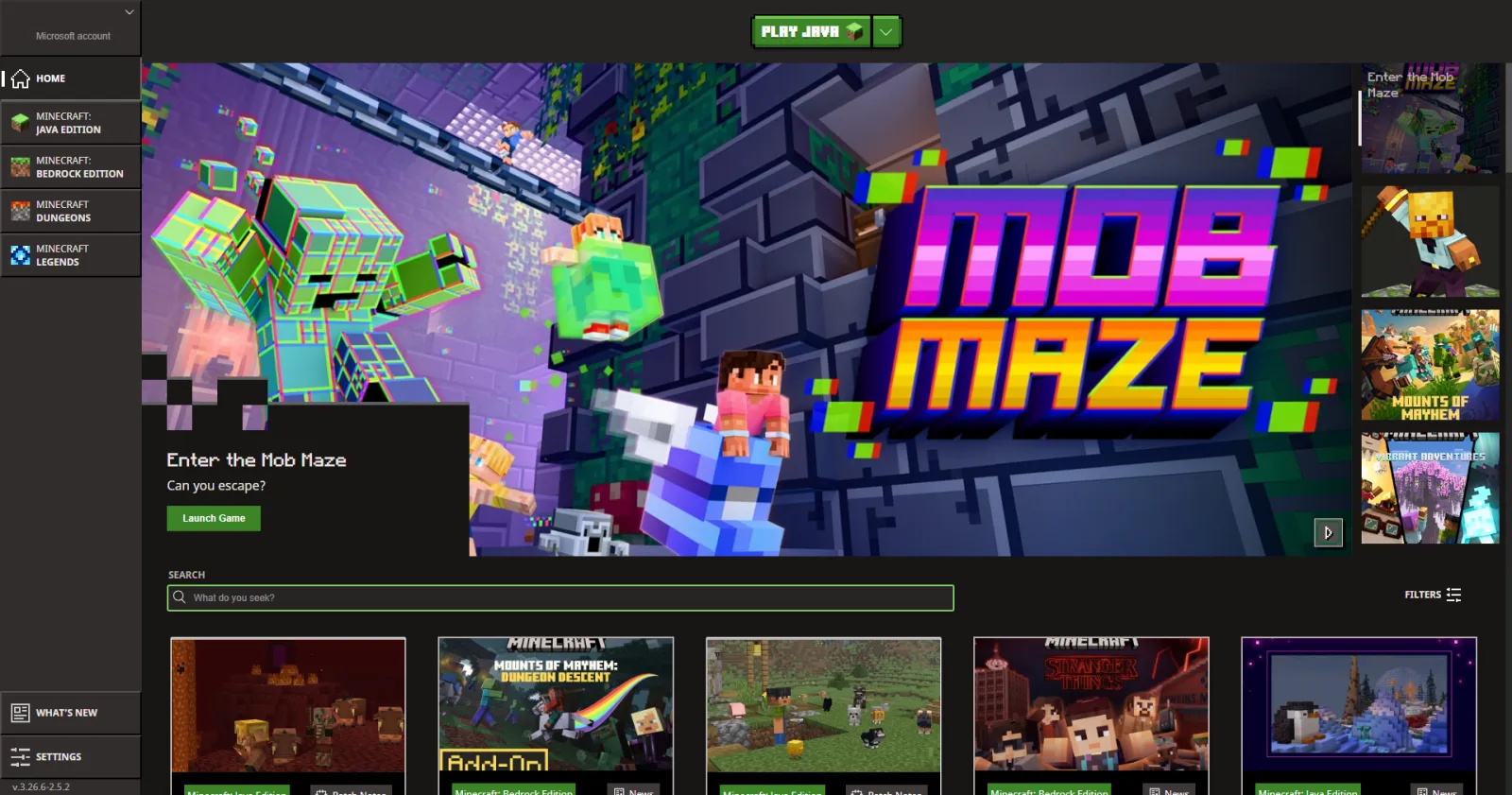
vanilla launcherだけの経験なら、本格的なMinecraft Modランチャーへの乗り換えは最初の20分は大変に感じます。でもすぐに、なぜもっと早く切り替えなかったのか不思議に思うようになります。プロファイル、独立したインスタンス、簡単なJava切り替え、パック毎のメモリ設定、ワンクリックログ確認。基本機能ですが、時間を大幅に削減できます。
プライベートSMPとカオスなキッチンシンクパックをテストした後の現在のランキング:
- Prism Launcher: コントロール、安定性、インスタンス管理の透明性を重視するなら最高の選択肢。
- CurseForge App: 主流modパックと初心者向けの最簡単パス。
- Modrinth App: クリーンなUI、強力なアップデートフロー、Fabric重視セットアップに最適。
- ATLauncher: 特定のパックと簡単インストール向けに依然有用。
- GDLauncher (Carbon): 有望で高速だが、ポーランド状況はセットアップによって異なる場合がある。
Prismが私の選択理由は、adプラットフォーム付きランチャーではなくツールのように動作するからです。独自のJavaランタイムを指定でき、リスクのあるアップデート前にインスタンスをクローンでき、Forge、NeoForge、Fabricを分離して1つの失敗したテストがサバイバルワールドを破壊しません。同じマシンで3つのプロファイルでこれをテストしました。1つはFabric 1.21.xビルド、1つはForgeレガシーパック、1つはスナップショットサンドボックス。問題なし。
CurseForgeは相変わらず、友人がパックリンクを共有して今夜プレイしたいだけなら最簡単な答えです。そしてそれは妥当です。利便性は重要です。ただし大きなパックはそこでより重く感じることができ、高度な微調整はより明らかではありません。スタートアップ引数を手で調整するのが好きなら、あなたは制限されていると感じるでしょう。
Modrinth Appは静かな競争相手です。ブラウズがより速く、よりシンプルで、アップデートは簡潔です。あなたのmodスタックがFabricエコシステムに存在するなら、自然に感じます。あなたのスタックが2019年の2つの依存modによって一緒に保持された古いForgeの歴史なら、Prismは通常その現実をより良く処理します。
1つの注意:Bedrockプレイヤーはコメント欄で誰かが叫ぶ前に、実はJavaと同じ方法でMinecraft Modランチャーを本当に使用していません。Bedrockはアドオン、マーケットプレイスコンテンツ、プラットフォーム固有のツールを使用しているからです。そしてこのガイドは主にJava Edition向けです。
セーブを壊さずにMinecraft Modランチャーを選ぶ方法
ランチャーブランドではなく、あなたのmodローダーから始めます。Forge/NeoForgeパック?Fabricパック?ランダムなYouTubeパックリンクを持つ友人グループ?それは人々が認めるより以上に決定します。
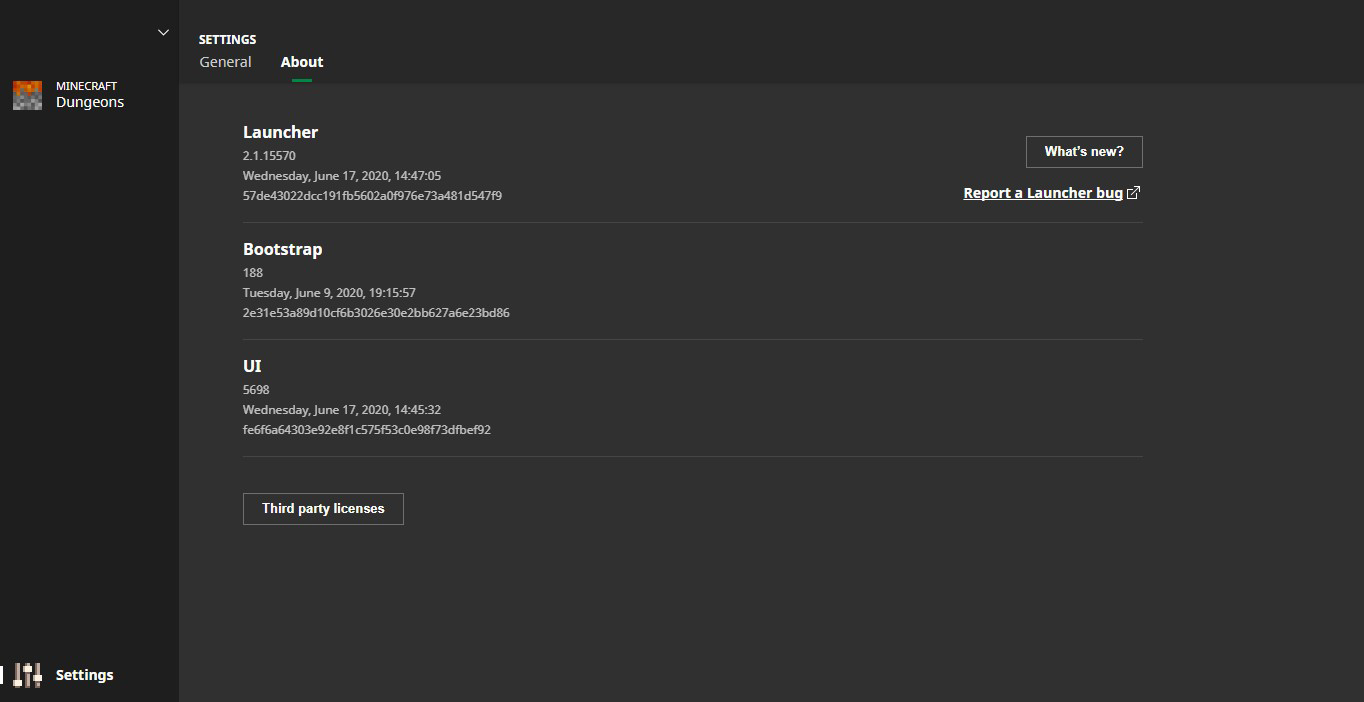
次にあなたのリスクプロファイルを確認します。絶えずアップデートしますか、それとも数ヶ月間バージョンをロックしますか?大きなビルドセッション前の午前1時にすべてをアップデートする人なら、スナップショット対応ワークフローとインスタンスの複製が必要です。PrismとModrinth Appはこれを簡単にします。主にキュレーションされたパックをインストールして放っておくなら、通常CurseForgeで十分です。
ストレージとRAMも重要です。大きなパックは割り当てられた8 GB を素早く超える可能性があり、ランチャーは隠されたメニューを探さずにインスタンス毎にメモリを調整させるべきです。また、ワールドを一時フォルダの外に保持してください。明らかに聞こえます。毎週まだ人々に起こります。
クイック選択:
- Prismを選ぶ 最大コントロールと複数ローダーが必要な場合。
- CurseForgeを選ぶ 最も簡単なパック検出と最小限のセットアップ摩擦が必要な場合。
- Modrinth Appを選ぶ モダンインターフェイスとより清潔なアップデートフローを好む場合。
そして、1つ以上のランチャーを使用できます。私はそうします。
セットアップガイド - クリーンインストール、安定したアップデート、より少ない頭痛
ステップ1: Javaを意図的にインストール
ランダムなバンドルランタイムを永遠に信頼しないでください。あなたのMinecraftターゲット用の既知の良いJavaバージョンをインストールして、ランチャーそれをポイントさせます。古いパック用に1つのランタイムと新しいバージョン用に1つを保持します。これは古典的な「昨日働いた、今日クラッシュ」スパイラルを回避します。
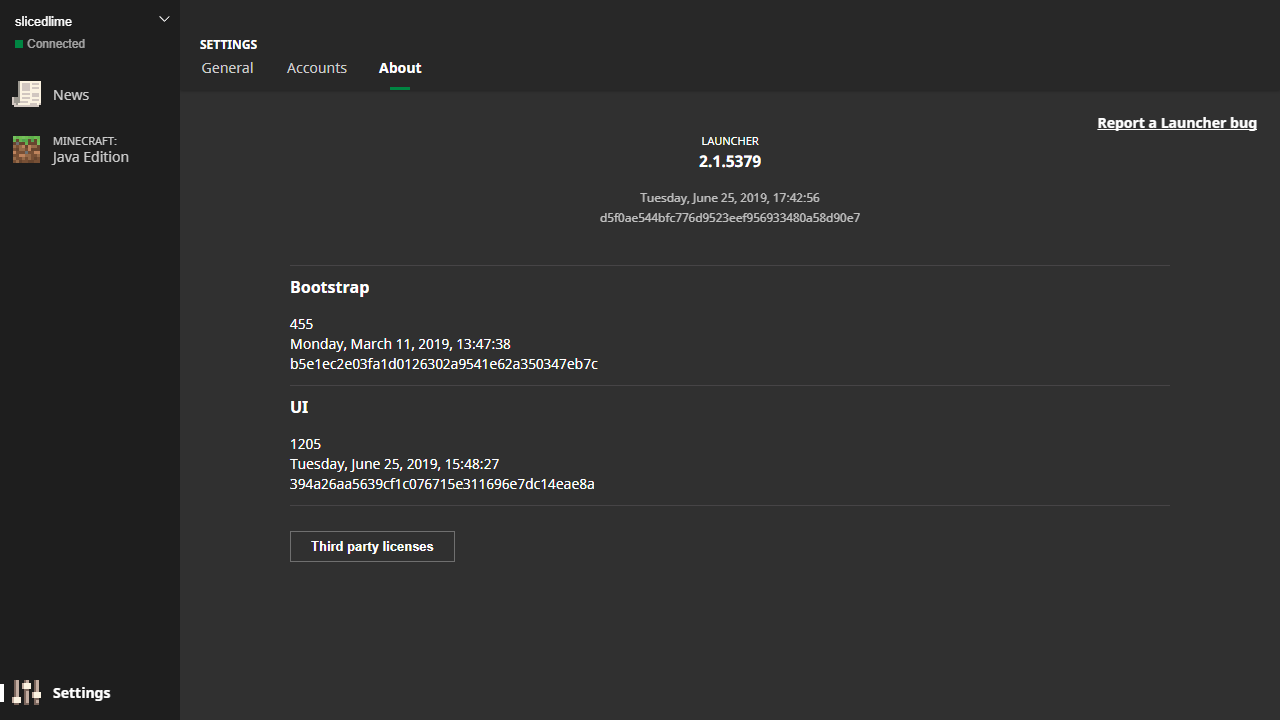
ステップ2: 分離されたインスタンスをビルド
パックまたはサーバー毎に1つのインスタンスを作成します。明確に名前を付けます: Survival-SMP-1.21, Create-Test, Vanilla-Backup。巨大なeverything-フォルダはありません。1つのプロファイルを台無しにしても、他のプロファイルは影響を受けません。
ステップ3: modをバッチで追加
一度に5-10個のmodをインストール、起動、ログがクリーンなことを確認してから続行します。一度に120個のmodをドロップするのは速いまでです。バイナリ検索トラブルシューティングは現実であり、あなたの将来の自分はあなたに感謝するでしょう。
ステップ4: アップデート前にロック
Minecraftバージョン、modローダー、または主要なAPI modを変更する前に、インスタンスをクローンします。次にクローンでテストします。すべて良いなら、メインプロファイルに昇格させます。そうでなければ、すぐにロールバックします。
小さな脱線: このプロセスは退屈に聞こえます、そしてそれはそうですが、データ回復も同じです。退屈が勝ちます。
マルチプレイヤー用の1つ以上の実用的なヒント: 共有テキストファイルまたはDiscordピン留めされた投稿で正確なmodバージョンを調整します。「同じmodpack」は、1人が新しいライブラリ依存を持っている場合は十分ではありません。それはあなたが有名な不一致エラーを取得し、5分間誰もが「サーバー」を責める方法です。天気イベントのように。
パフォーマンス、互換性、2026年プラットフォーム現実
ランチャー選択はFPSを魔法のように2倍にしませんが、起動速度、アップデート信頼性、クラッシュ回復に影響します。より良いインスタンス分離はより少ないクロスパック競合を意味します。より良いログはより速い修正を意味します。
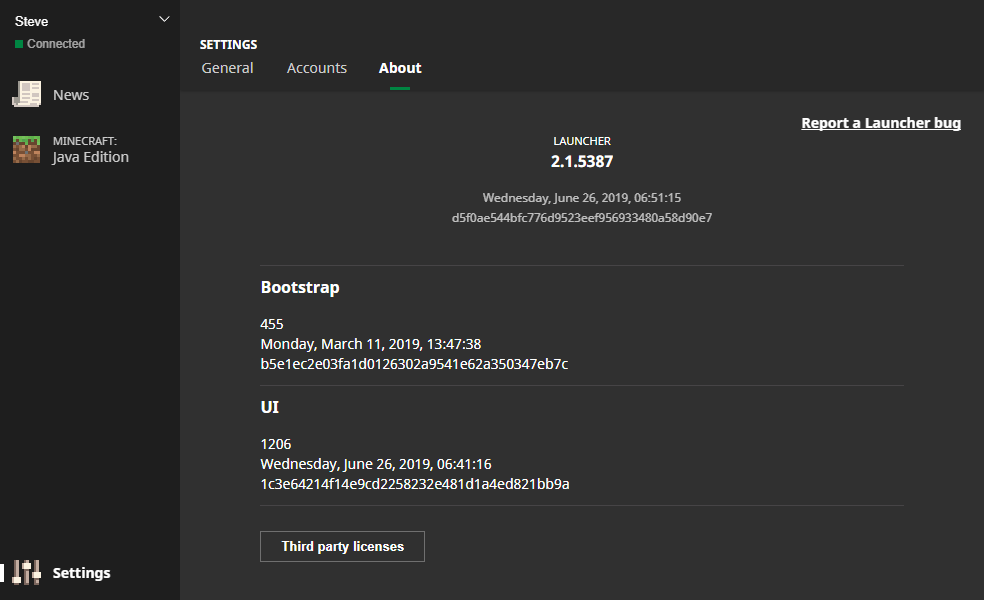
ニュースコンテキストはここで重要です。PCGamesNは2026年3月4日、Mojangのドロップケーデンスは依然として四半期ごとに見えると報告しました。1.26.1'Tiny Takeover'ウィンドウは2026年3月頃予想されています。そのペースはより頻繁なバージョンバンプを意味し、頻繁なバンプは汚いランチャーセットアップを罰します。あなたのランチャーがクローン、ピン、すぐにロールバックできなければ、あなたは痛みをボランティアしています。
コンソールプレイヤーは異なるストーリーを取得します。Loadoutは2024年6月、Mojangがネイティブps5バージョンをテスト開始したと報告しました。プラットフォームパフォーマンスに対して有用ですはい。しかし、それはJava modランチャーワークフローを直接変更しません。人々はこれらの会話を常に混ぜて、PS5アップデートがFabric依存ツリーを修正しなかった理由を不思議に思っているので、私はそれを言及します。
セキュリティ角度、簡潔で重大: 既知のプラットフォームからmodをダウンロード、利用可能な場合はファイルハッシュを確認、疑わしい再アップロードサイトを回避します。ランチャーは摩擦を減らし、信頼決定は削除しません。modページが2008年からのポップアップ博物館のように見えるなら、閉じます。
また、ワールドバックアップスケジュールを保持します。アクティブなサバイバルビルドなら毎日、カジュアルなら毎週。ランチャーはヘルプします、バックアップはワールドを保存します。
modしながらプロファイルをスタイル: スキンとアイデンティティピック
modセッションはあなたのキャラクタースタイルがあなたのパックのカオスに合致する場合、より楽しいです。あなたが汚い生存実行をしているなら、この Lockdown Life modern survival skin はテックと黙示録パックで驚くほどよく適合します。
古典的なmod風の外観については、この Mod Minecraft Skin design を試してください。ビルダー重視のサーバーで使用しました、人々はすぐに私がレッドストーンを知っていると仮定しました。私はしませんでしたが、信頼はサーキットの半分です。
あなたはニッチなものが必要な場合、elmodag Minecraft Skin と Teemodolol Minecraft Skin の雰囲気を好みます。そしてあなたが役割に名前をマッチさせたい場合、modder Minecraft Skin は明らかなピックです。
短いバージョン: ランチャーは配管を処理し、スキンは個性を処理します。
Minecraft modランチャーセットアップで人々が犯す間違い
ほとんどのクラッシュは「悪いランチャー」ではありません。彼らは悪い習慣です。
- 1つのインスタンスでローダーを混ぜる: Forgeプロファイル内のFabric mod、その後混乱。
- 一度にすべてをアップデート: 後で破損を分離することは不可能です。
- ログを無視: エラーは通常明確に書かれています、人々はそれをスキップします。
- バックアップはありません: 1つの破損したワールドで、あなたは後悔と交渉しています。
- RAMが少なすぎるまたは多すぎる: はい、過度に割り当てることは安定性を傷つけることができます。
それで、今の最高のプレイは何ですか?毎日使用するために1つのランチャーを選択し、1つのバックアップオプションをインストール保持し、インスタンスをジャンク引き出しのようにではなく、プロジェクトのように扱います。あなたは真夜中にクラスパス謎をデバッグするのに少ない時間と構築にもっと時間を費やすでしょう。
そしてあなたの友人が「ちょうど1つのmodを追加」と言うなら、最初にインスタンスをコピーします。常に。

Lead writer at minecraft.how. Long-time Minecraft player running a small SMP server, testing every build, mod, and seed before writing about it.