Multiverse-Portals: Building Custom Portal Networks on Your Server
Multiverse-Portals (Multiverse/Multiverse-Portals)
MV2's implementation of MV1 style portals.
Ever wanted custom portals on your Minecraft server that go way beyond vanilla nether portals? Multiverse-Portals turns your world into an interconnected network of destinations. It's the missing piece if you run a Bukkit or Paper server and need flexible teleportation between worlds and specific locations.
What This Project Does
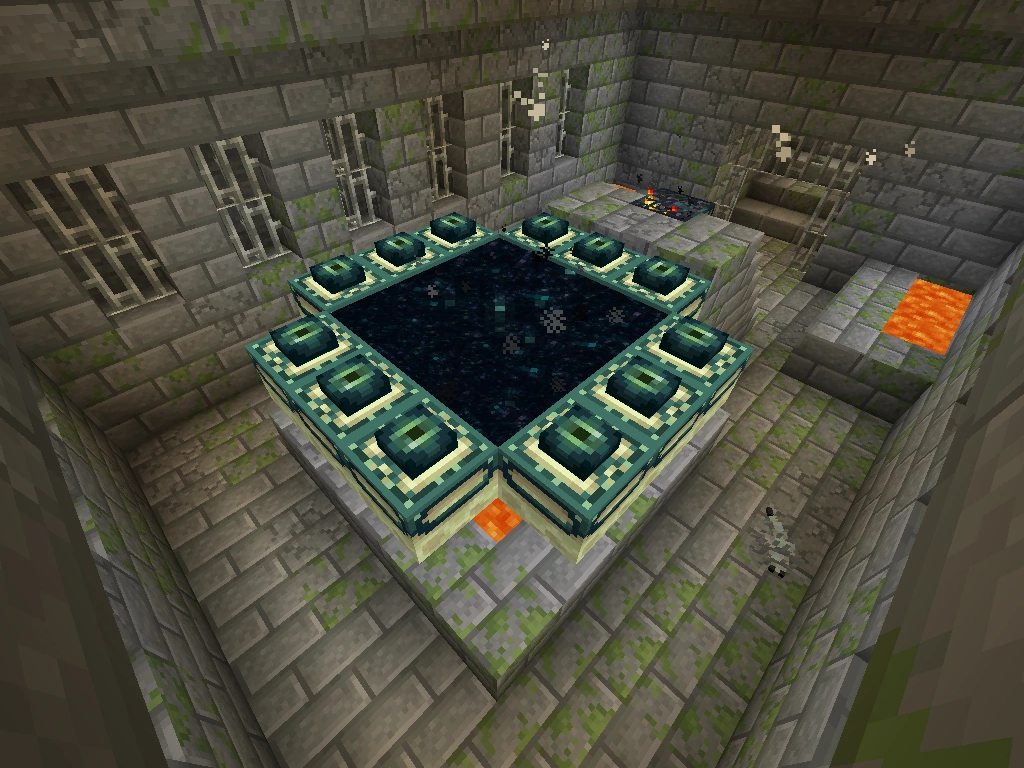
Multiverse-Portals is a plugin that sits on top of Multiverse Core, the foundational multi-world management system. Think of it as the transportation layer for servers that already have multiple worlds set up. Instead of relying on vanilla portals that only connect to the nether or end dimension, you get full control over where portals lead, what they look like, and how they behave.
The core idea is simple: place a portal frame, configure it, and decide where players get teleported. But the implementation goes further. Portals can send players to other worlds, specific anchors (named spawn points), exact coordinates, or even trigger custom commands. This flexibility is why it's become a standard tool for survival servers, creative worlds, and adventure maps.
It's built in Java and available on the major plugin repositories - Modrinth, Hangar, and Bukkit - so finding and updating it isn't a hassle.
Why You'd Want This
Let's say you're running a survival server with five different worlds: a main overworld, a mining dimension, a creative world, a nether realm, and a pvp arena. Getting players between these without Multiverse-Portals means either long trek commands or hoping they remember the coordinates you told them. With Multiverse-Portals, you place a portal frame in each world, configure them to point to the others, and suddenly your server feels like a cohesive place instead of disconnected chunks.
The plugin shines on role-play servers too. Imagine a medieval town with different districts - you can place portal frames as stone archways that send players to the market square, the tavern, or the palace. Or on a skyblock server, create portals that link different islands without requiring commands.
Game mechanics matter here. Unlike command-based teleportation, portal frames feel intentional and part of the world. Players experience them as a feature, not a workaround.
You can also pair it with Multiverse Command Destination to make portals run commands when players walk through. That opens up possibilities like automatic rank changes, loot rewards, or adventure triggers.
Getting It Installed
Installation is straightforward if you've worked with Bukkit plugins before. First, you'll need Multiverse Core already running on your server - it's the dependency that makes Multiverse-Portals work.
Download the latest release jar file from the GitHub releases page or grab it from Hangar or Modrinth:
# Download the plugin
wget https://github.com/Multiverse/Multiverse-Portals/releases/download/5.2.3/multiverse-portals-5.2.3.jar

# Move it to your plugins folder
mv multiverse-portals-5.2.3.jar /path/to/server/plugins/

# Restart the server./start.sh
After restart, the plugin generates config files in the Multiverse folder. Before you create your first portal, check the project's wiki documentation - it walks through basic usage and common configurations. The community is also active on Discord if you hit snags (though honestly, the basics are pretty intuitive).
Key Features and How They Work
The actual portal creation happens in-game. You'll use commands to define a portal's location, shape, and destination. Here's what makes the plugin useful:
- Portal frames: Define a region in the world that triggers teleportation when a player enters it. The frame size and shape are up to you - could be a small doorway or a massive gateway.
- Multiple destination types: Send players to a specific world, a named anchor point, exact coordinates, or run a command instead. But this flexibility is huge for servers with creative needs.
- Custom messages: Welcome players with a custom message when they use a portal, or warn them before they enter. Adds personality to your server.
- Per-world portals: Create the same portal in multiple worlds pointing to different destinations. Useful for hub systems where the portal behaves differently depending on which world you're in.
- Permissions-based access: Lock portals behind permission nodes so only certain players can use specific portals. Great for rank progression or protected areas.
In practice, you'll spend most of your time configuring portals for your specific world layout. The command syntax is reasonable, and the wiki has examples for common setups (hub portals, nether connections, end portals, etc.).
What Catches New Users Off Guard
Multiverse-Portals assumes you already have Multiverse Core installed and working. If you're new to the Multiverse ecosystem, starting with just Core can feel like learning extra vocabulary. Actually, that's not quite right - Core handles the worlds themselves, so you need it anyway. The plugin is the logical next step, not something mysterious on top.
Portal regions can overlap, which sometimes confuses people. If you nest portals or place them too close together, a player might trigger the wrong one. Plan your layouts carefully or use taller/narrower portal shapes to avoid accidents.
One gotcha: if you're testing commands in portals, permissions matter. Make sure your test account has the right permissions to execute the commands the portal's supposed to run, otherwise you'll spend ten minutes wondering why nothing happens.
The plugin also requires a relatively recent version of Multiverse Core to work properly. If you're running an old server setup, you might need to upgrade the parent plugin first.
When Alternatives Make Sense
If you're running a tiny survival server with just two worlds, vanilla nether/end portals do the job fine. You don't need Multiverse-Portals for that. The plugin is an investment in server infrastructure that pays off when you've multiple worlds or want polished, themed teleportation.
Multiverse-SignPortals exists for servers that prefer signs over portal frames. Both plugins coexist on the same server, so if you want sign-based teleportation alongside portal frames, you can have both.
Some servers use WorldEdit portals or custom plugins that do similar things. Honestly, the difference here's that Multiverse-Portals integrates with the broader Multiverse ecosystem - if you're already using Multiverse Core, Multiverse-Inventories, or Multiverse-NetherPortals, adding Multiverse-Portals feels natural because it speaks the same language.
Before You Set It Up
Check your server's current version compatibility. The plugin targets recent Bukkit/Paper versions, so if you're running a 1.20+ server, you're in good shape. Older setups might hit compatibility issues.
Also worth knowing: the latest release is 5.2.3, and updates happen regularly. The project is actively maintained, so you won't be stuck if bugs appear or Minecraft updates break compatibility.
If you're serious about server infrastructure, Multiverse-Portals is a solid choice. It's been around long enough to be stable, it's actively developed, and it solves a real problem for servers with multiple worlds. Just make sure Multiverse Core is already part of your setup, test your portal placements before going live, and you'll have a functional teleportation network in an hour or two.
For managing a server's player base, having a reliable server status checker helps you stay on top of uptime - which matters when players are relying on portals to travel between your worlds. And if you want to add extra appeal to your server, browsing Minecraft skins together with a well-built portal network gives players more incentive to stick around and engage with what you've built.
Open the Multiverse-Portals repo ↗
Lead writer at minecraft.how. Long-time Minecraft player running a small SMP server, testing every build, mod, and seed before writing about it.