Minecraft.How
読み込み中...
コンテンツへスキップ

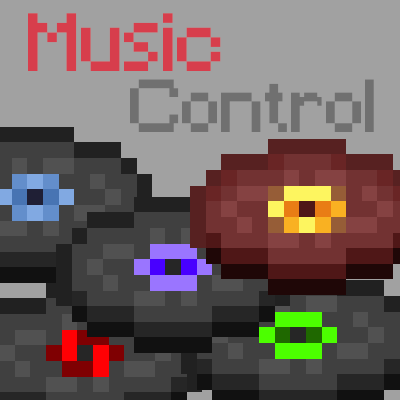
Music Control

作者 Pardys

A Fabric client-side mod that lets you skip tracks, adjust volume, and fully remap which music plays in each biome or dimension.

紹介文

このプロジェクトでできること

What it does Music Control puts a music player in your hands. You can skip the current track, go back to the previous one, pause, or change the volume with a few key presses. A configurable GUI panel lets you pick any music or sound event in the game and play it immediately. You can also decide exactly which tracks are allowed for each biome, dimension, or custom sound event, including music added by resource packs or other mods. ## Who it's for Players who want more say over the soundtrack without installing a server-side mod. But it works entirely on the client, so you can drop it into any Fabric profile and join any server. Modpack makers can include it freely under the MIT license. ## Main features - Skip, previous, pause, and volume keybinds (defaults: arrow keys, right shift, up/down). - Display the currently playing track name (right ctrl by default). - Loop toggle for the current track. - Music panel (M key) to browse and play any track or sound event. - History tracking so the same track doesn't repeat until the pool is exhausted. - Four playback modes: vanilla (biome/dimension events), disc only, all music, or per-namespace categories for modded tracks. - Full remapping: assign specific tracks to specific sound events or biomes. ## Compatibility Requires Fabric loader. Supported Minecraft versions: 1.21, 1.21.1, 1.21.3, 1.21.4, 1.21.5, 1.21.6, 1.21.7, 1.21.8, 1.21.9. Client-side only; the author states no server installation is needed and no Forge port is planned. Licensed MIT.

リアクション

リアクションするにはログインしてください。

対応状況

バージョンとローダー

記録されているリリース 8 件

ギャラリー

Music Control icon

当サイトでは、快適なご利用のためにCookieを使用しています。本サイトを継続してご利用いただくことで、Cookieの使用に同意したものとみなされます。 プライバシーポリシーを読む