Architectury API: Создавайте моды для Minecraft под все плат
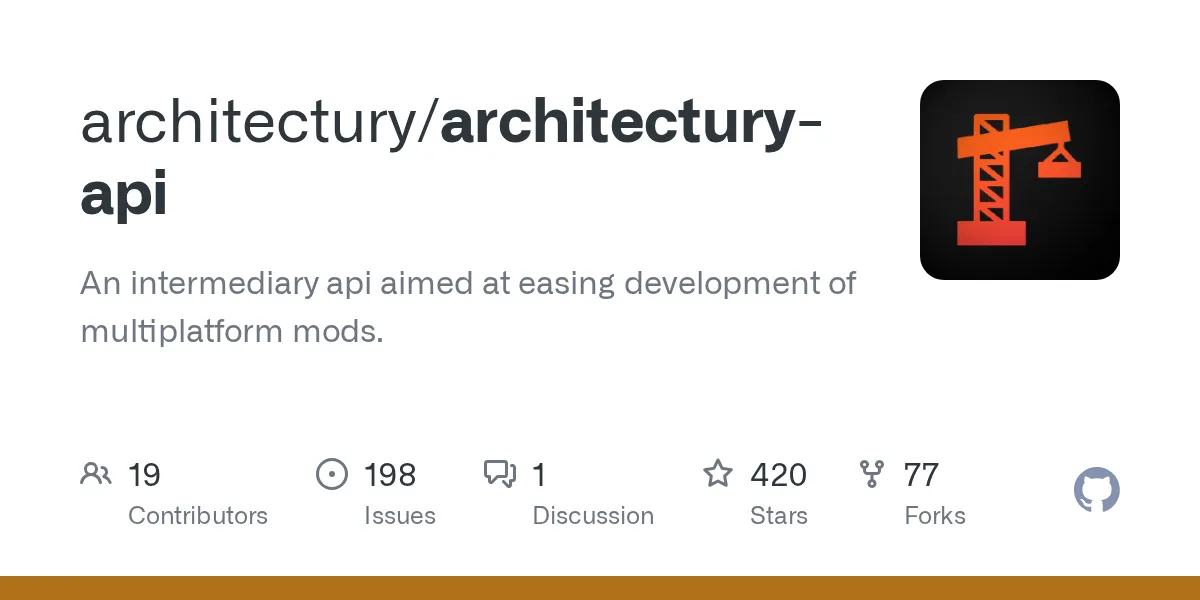
architectury/architectury-api
Посредственная API, предназначенная для упрощения разработки кроссплатформенных модов.
Посмотреть на GitHub ↗Устали писать отдельные моды для Fabric и Forge? Architectury API позволяет написать код один раз и развернуть его на нескольких загрузчиках без дублирования половины проекта. Это фреймворк, который превращает разработку кроссплатформенных модов из мучительной задачи в что-то действительно практичное.
Что делает эта API
Architectury API - не просто еще одна библиотека. Это слой перевода между двумя фундаментально разными способами моддинга Minecraft.
Представьте: Вы построили блестящий мод для Forge. Затем кто-то спрашивает, работает ли он на Fabric. Оказывается, нет, потому что Forge и Fabric реализовали основные системы совершенно по-разному, и вы вплели загрузчик-специфический код по всему проекту. Теперь вы глядите на месяцы переписки, чтобы получить тот же мод, работающий на другой платформе.
Ровно эту проблему решает Architectury. Но предоставляет унифицированный интерфейс, чтобы ваш мод мог вызывать тот загрузчик, на котором он запущен, не беспокоясь о различиях внизу. У Forge другой код, чем у Fabric? Architectury обрабатывает это за вас. Проект предоставляет более 90 hook-ов событий и абстракций для реестров, сетевого взаимодействия и обнаружения загрузчика. Вы не реинжинирите весь ландшафт API, а получаете разумный слой перевода, свободно говорящий обоими языками.
Почему разработчики модов хотят этого
Вот жестокая правда старомодной разработки кроссплатформенных модов: вы строили мод, тестили, исправляли ошибки, добавляли функции... и затем делали все это заново для другого загрузчика. Каждое исправление ошибки требовало приземления в двух местах. Каждая новая функция означала двойную работу. Большинство моддеров просто выбирали одну платформу и заканчивали.
С Architectury вы сохраняете общий код в общем модуле и упаковываете платформо-специфический стаф в отдельные папки. Большая часть вашей логики живет один раз и работает везде. Это действительно мощно, когда вы поддерживаете мод в течение месяцев или лет. Но это также означает, что вы не выбираете между сообществами. Некоторые игроки предпочитают загрузчики Fabric (особенно Quilt), другие придерживаются Forge. Посмотрите список серверов на minecraft.how и вы увидите мультиплеерные сообщества, использующие дико разные модпаки, каждый со своими предпочтениями загрузчика. Поддерживая несколько платформ, вы достигаете обе аудитории, а не оставляете одну за бортом.
Аннотация @ExpectPlatform: Как это работает
README упоминает эту аннотацию, но вот что происходит под капотом.
Предположим, вам нужно вызвать что-то, реализованное по-разному на Fabric и Forge. Возможно, рендеринг экрана, обработка событий или сетевые пакеты. Вы не можете просто вызвать оба. Люди, пытающиеся это сделать, не знают во время компиляции, какой загрузчик вы используете.
Ответ Architectury: аннотация @ExpectPlatform. Отметьте метод этой аннотацией, и вы сообщаете системе сборки: "Этот метод будет иметь разные реализации в зависимости от платформы." Ваш общий код вызывает его нормально. За кулисами процесс сборки подставляет правильную версию для каждого загрузчика. Пользователи Fabric получают реализацию Fabric, пользователи Forge - Forge. Чисто.
Это элегантно, потому что ваш общий код остается читаемым, а платформенные различия обрабатываются точно там, где они существуют, и нигде больше.
За пределами аннотаций: События, Сетевое взаимодействие, Реестры
@ExpectPlatform мощная, но Architectury не останавливается на этом.
Системы событий огромны. У Fabric и Forge они есть, но архитектурно отличаются. Architectury абстрагирует оба, так что вы регистрируете слушатели событий без ветвления, специфичного для платформы. Различия в реестре предметов? Покрыты. Сетевое взаимодействие между клиентом и сервером? То же самое treatment. Одно, что стоит отметить: вам не обязательно использовать все это. Architectury опциональна даже в проекте, построенном с их инструментами. Вы можете использовать только настройку сборки и обрабатывать различия самостоятельно, если хотите. Но если вы уже здесь, почему бы не использовать событийные hook-и и утилиты, которые они уже написали? Сэкономите время.
Что вам нужно, чтобы начать
Вот где люди путаются.
Architectury API сама по себе недостаточна. Вам нужны три части, работающие вместе. Первое - Плагин Architectury, плагин Gradle, который настраивает структуру проекта и сообщает системе сборки, как обрабатывать платформенные различия. Второе - Architectury Loom, fork Fabric Loom, добавляющий возможности кроссплатформенной сборки (декомпиляция, ремаппинг, управление средой разработки). Третье - просмотр официальных шаблонов на их GitHub, чтобы понять фактическую структуру папок и конфигурацию Gradle.
Экосистема кажется тяжелой, но на самом деле это менее накладно, чем поддержка двух отдельных проектов модов. Общая разработка, общий код, общее тестирование, только платформо-специфический код живет отдельно.
Общие вещи, которые сбивают новых моддеров
Вы не можете просто прикрутить Architectury к существующему одноплатформенному моду. Большинство игроков cần перестроить ваш проект, используя их инструменты. Это не непреодолимо, но и не нулевая работа.
@ExpectPlatform работает только на статических методах. Это реальный ограничитель, если вы привыкли к подходам на основе экземпляров. Это имеет смысл (статические методы проще подменять во время сборки), но хорошо знать заранее.
Тестирование становится более сложным. Вам нужно фактически тестировать оба загрузчика, желательно на нескольких версиях Minecraft. Ваша настройка CI должна обрабатывать это. Соло-моддеры часто пропускают полное тестирование, поэтому некоторые моды утверждают, что поддерживают кроссплатформенность, но на самом деле работают заметно лучше на одной платформе, чем на другой.
Вам это нужно?
Для быстрого экспериментального мода, вероятно, нет. Разработка на одной платформе быстрее. Но как только у вас есть что-то реальное с функциями, которые не заботятся, какой загрузчик под ним, Architectury экономит огромное количество времени.
Если ваш мод глубоко связан с платформо-специфическими функциями, или вы целитесь только на один загрузчик, пропустите его. Вы будете счастливее и быстрее. Сладкое место: у вас есть солидная идея мода, вы хотите достичь самой широкой возможной игровой аудитории, и вы не хотите поддерживать два совершенно отдельных кодбейса. Вот когда Architectury заслуживает своего места в вашей сборке.
Альтернативные подходы, достойные рассмотрения
Quilt Standard Library - еще один кроссплатформенный вариант, хотя он более ориентирован на совместимость с Quilt, чем широкий фокус Architectury на нескольких загрузчиках.
Некоторые моддеры используют аннотации процессора или Mixins для обработки платформенных различий без посредственной абстракции. Больше работы, но вы сохраняете максимальный контроль. И честно говоря, если вы всегда целитесь только на Forge или только на Fabric, вам не нужен Architectury вовсе. Используйте родные API платформы и пропустите слой абстракции entirely. Нет стыда в разработке на одной платформе, если это ваша цель.
Настоящая ценность предложения
Если ваши амбиции в моддинге выходят за рамки одной платформы, Architectury - это время, хорошо потраченное. Вот дело, проект активно поддерживается, сообщество полезно (их Discord связано на GitHub), и решение действительно работает в масштабе.
Строить кроссплатформенные моды без этого - как управлять отдельными настройками DNS вручную вместо использования инструмента - технически возможно, но зачем? Инструменты существуют, чтобы спасти вас от ненужной сложности. Экосистема моддинга Minecraft процветает на нескольких загрузчиках. Architectury делает участие в этой экосистеме практичным, а не изнурительным.

Lead writer at minecraft.how. Long-time Minecraft player running a small SMP server, testing every build, mod, and seed before writing about it.
Часто задаваемые вопросы
Что такое Architectury API и для чего она предназначена?
Как работает аннотация @ExpectPlatform в Architectury API?
Требуется ли полная перестройка проекта для использования Architectury API?
Поддерживает ли Architectury API тестирование на нескольких платформах?
Могу ли я использовать Architectury API только для части своего проекта?
Have a Question or Tip about this Guide?Community Q&A
Ask a question or help other players below. Join the discussion and share your Minecraft tips!
Комментарии
Пока нет комментариев. Станьте первым, кто поделится своим мнением!