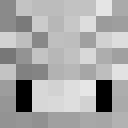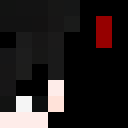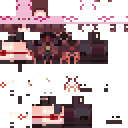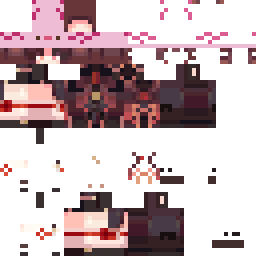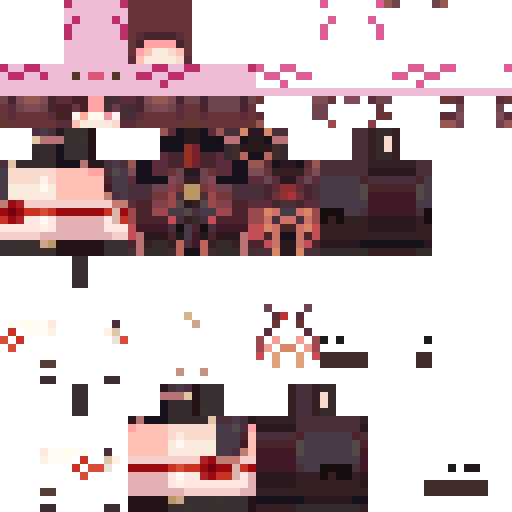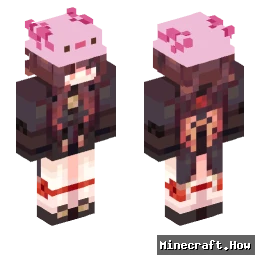
elmeriizz Minecraft Skin
✓ Approved
Download the elmeriizz Minecraft skin for Java and Bedrock Edition. Preview the skin in 3D, save the PNG, and browse related Minecraft skins.
3
Downloads
314
Views
Skin Information
Minecraft Version:java
File Size:2.3 KB
Gender:Unknown
Uploaded by:Admin User
Upload Date:5/5/2025
Minecraft profile
086d765f-8557-4644-aebb-110d9d2ef601Model
slim
Views / 30 days
31
Observed names
Dates show when minecraft.how first observed each name.
elmeriizz—
Skin history
History grows as minecraft.how observes profile changes.

Head command
/give @p minecraft:player_head[profile={name:"elmeriizz"}]PNG · 64×64
Share this skin
Scan with your phone to share this skin
Tags
MinecraftSkinselmeriizzjavaneutral
Frequently Asked Questions
To download the elmeriizz Minecraft skin:
- Click the "Download" button to get this free elmeriizz skin
- The skin file
.pngwill be saved to your device - Works with both Java Edition and Bedrock Edition
- See below for complete installation instructions
To apply the elmeriizz skin:
- Log in to your Mojang or Microsoft account on the official Minecraft website.
- Navigate to the "Skins" section in your profile.
- Upload the downloaded
.pngfile. - Launch Minecraft, and your character will now use the elmeriizz skin.
Note: The process may vary slightly between Minecraft Java Edition and Minecraft Bedrock Edition.
Yes, the elmeriizz skin is compatible with both Minecraft Java Edition and Minecraft Bedrock Edition. However, the method of applying the skin may differ slightly between the two versions. Follow the instructions provided on this page for your specific edition.
Absolutely! You can edit the elmeriizz skin using a Minecraft skin editor. Simply open the downloaded
.png file in the editor, make your changes, and save the file. Then, upload the edited skin to your Minecraft profile.If the elmeriizz skin isn't working, try the following:
- Ensure you downloaded the correct file format
.png. - Make sure you're using the correct version of Minecraft Java Edition or Bedrock Edition.
- Check that the skin file is not corrupted. Re-download the skin if necessary.
- Log out and back into your Mojang or Microsoft account to refresh your profile.
Create your own skin
Draw a pixel-perfect Minecraft skin in the browser with our free 3D skin editor.
→ Skin Creator