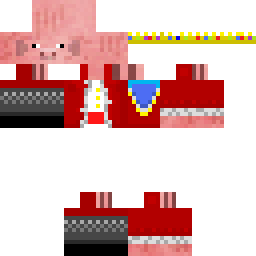
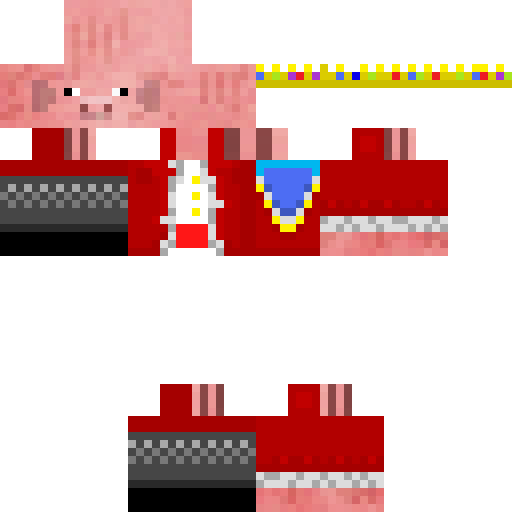
BryXD1121 Minecraft Skin
✓ Approved
Skin for BryXD1121
1
Downloads
194
Views
0
Likes
Reactions
Log in to react.
Minecraft profile
2efd9447-c580-4830-bcc5-aeab3ced5d9aModel
classic
Views / 30 days
27
Observed names
Dates show when minecraft.how first observed each name.
BryXD1121—
Skin history
History grows as minecraft.how observes profile changes.

Head command
/give @p minecraft:player_head[profile={name:"BryXD1121"}]Users with Same Texture (51 total)
51
Total Users
11.5K
Combined Views
51
Combined Downloads
 Silisaw
1.3K views1 downloads
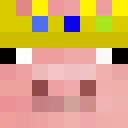 dataphreak727
223 views1 downloads
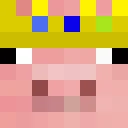 Lethix122
223 views1 downloads
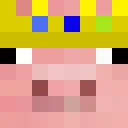 LT_TuRetas
221 views1 downloads
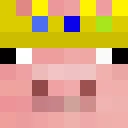 HayoCat
221 views1 downloads
 Technowarden
220 views1 downloads
 Ro_Ro_14
218 views1 downloads
 Alan_Banan
218 views1 downloads
 fleepmes
215 views1 downloads
 lfrnjesus
215 views1 downloads
 no_help1
213 views1 downloads
 SMI_1386
212 views1 downloads
 NewCream5455
212 views1 downloads
 aurel1us2
211 views1 downloads
 obl1gate
211 views1 downloads
 isomerturtle
211 views1 downloads
 xandypants
210 views1 downloads
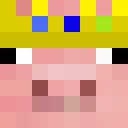 Simonek921
209 views1 downloads
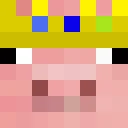 BENJT_
208 views1 downloads
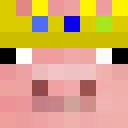 Warecow
207 views1 downloads
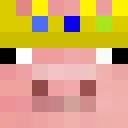 MimKA22
206 views1 downloads
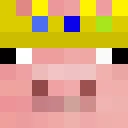 carlocheetah
206 views1 downloads
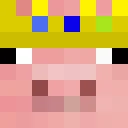 technofan326
205 views1 downloads
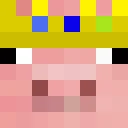 trashcan0954
205 views1 downloads
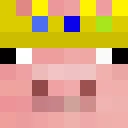 EightBears
203 views1 downloads
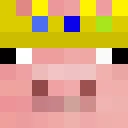 OwenBoss4272
203 views1 downloads
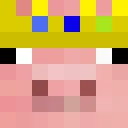 Void_Resonation
202 views1 downloads
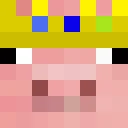 lostrock
201 views1 downloads
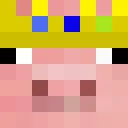 HyperionlessGod
201 views1 downloads
 Project_13
200 views1 downloads
 willrex
200 views1 downloads
 HardcoreLeveler
200 views1 downloads
 MajesticMikezev
199 views1 downloads
 Gaminghunter200
199 views1 downloads
 copyofArmcraft54
198 views1 downloads
 Farenhaid
198 views1 downloads
 Epicballs6969
197 views1 downloads
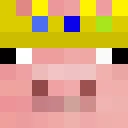 BossDude2020
196 views1 downloads
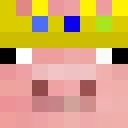 Dodekeract
196 views1 downloads
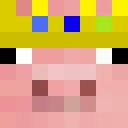 MrBujnoMb
195 views1 downloads
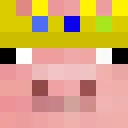 Targetlock23
193 views1 downloads
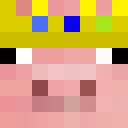 BobbieIsBuilding
193 views1 downloads
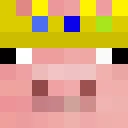 MuhammedKingdom
193 views1 downloads
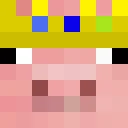 1RandomNoob
193 views1 downloads
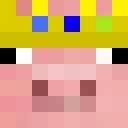 crystalclear091
192 views1 downloads
 crustingg
189 views1 downloads
 Memawslittlered
186 views1 downloads
 Dheeraj7
186 views1 downloads
 HundeschonTM
183 views1 downloads
 Perfectpea293
175 views1 downloads
PNG · 64×64
Share this skin
Scan with your phone to share this skin
Tags
MinecraftSkinsBryXD1121
Frequently Asked Questions
To download the BryXD1121 Minecraft skin:
- Click the "Download" button to get this free BryXD1121 skin
- The skin file
.pngwill be saved to your device - Works with both Java Edition and Bedrock Edition
- See below for complete installation instructions
To apply the BryXD1121 skin:
- Log in to your Mojang or Microsoft account on the official Minecraft website.
- Navigate to the "Skins" section in your profile.
- Upload the downloaded
.pngfile. - Launch Minecraft, and your character will now use the BryXD1121 skin.
Note: The process may vary slightly between Minecraft Java Edition and Minecraft Bedrock Edition.
Yes, the BryXD1121 skin is compatible with both Minecraft Java Edition and Minecraft Bedrock Edition. However, the method of applying the skin may differ slightly between the two versions. Follow the instructions provided on this page for your specific edition.
Absolutely! You can edit the BryXD1121 skin using a Minecraft skin editor. Simply open the downloaded
.png file in the editor, make your changes, and save the file. Then, upload the edited skin to your Minecraft profile.If the BryXD1121 skin isn't working, try the following:
- Ensure you downloaded the correct file format
.png. - Make sure you're using the correct version of Minecraft Java Edition or Bedrock Edition.
- Check that the skin file is not corrupted. Re-download the skin if necessary.
- Log out and back into your Mojang or Microsoft account to refresh your profile.
Create your own skin
Draw a pixel-perfect Minecraft skin in the browser with our free 3D skin editor.
→ Skin Creator