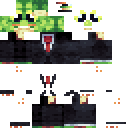
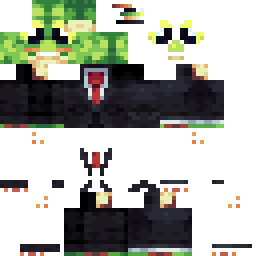
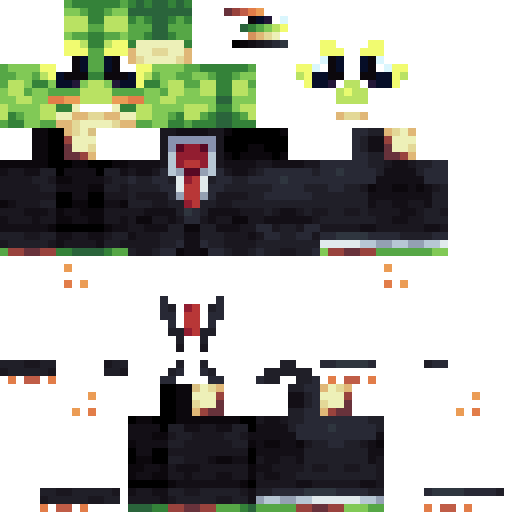
Priyanshu64 Minecraft Skin
✓ Approved
Skin for Priyanshu64
1
Downloads
177
Views
0
Likes
Reactions
Log in to react.
Minecraft profile
fbf545eb-7676-423e-981d-845802099140Model
classic
Views / 30 days
24
Observed names
Dates show when minecraft.how first observed each name.
Priyanshu64—
Skin history
History grows as minecraft.how observes profile changes.

Head command
/give @p minecraft:player_head[profile={name:"Priyanshu64"}]Users with Same Texture (37 total)
37
Total Users
7.1K
Combined Views
37
Combined Downloads
 LlBER333
383 views1 downloads
 sigmamatii
248 views1 downloads
 MrBeelzebuth
202 views1 downloads
 Farand_0
201 views1 downloads
 G30rg3_19
200 views1 downloads
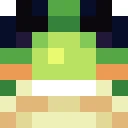 MAC98789
200 views1 downloads
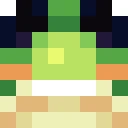 TheGoshish
198 views1 downloads
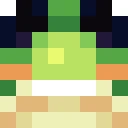 VAMGOOGH_67
196 views1 downloads
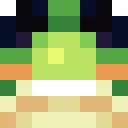 Danielsilo
194 views1 downloads
 THL2305
193 views1 downloads
 rqzrt1
193 views1 downloads
 Ark_1001
192 views1 downloads
 Deterinio
190 views1 downloads
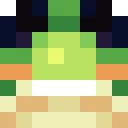 Korpivl
189 views1 downloads
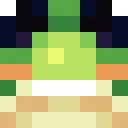 3BSE__
189 views1 downloads
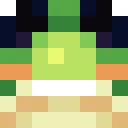 RuinEcho
189 views1 downloads
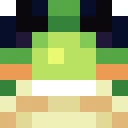 S3mT3xmc
189 views1 downloads
 tycho67
187 views1 downloads
 Fenyxrising13
187 views1 downloads
 Los_Rqat
186 views1 downloads
 Dh4nnt
185 views1 downloads
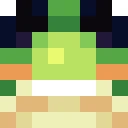 MasonBierbauch
185 views1 downloads
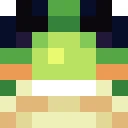 lilBully67
184 views1 downloads
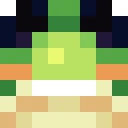 McBingleFart
183 views1 downloads
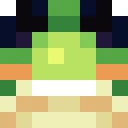 Arktostester007
181 views1 downloads
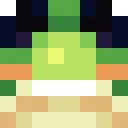 DortHit_nvr5bvnf
178 views1 downloads
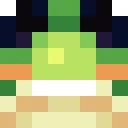 Gufio
178 views1 downloads
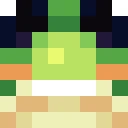 GirthyGart
177 views1 downloads
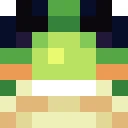 AlterApax
177 views1 downloads
 Kyzx0V
177 views1 downloads
 RainbowRose1111
174 views1 downloads
 Kropin
174 views1 downloads
 VLOdrift
174 views1 downloads
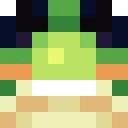 henreteziscool
173 views1 downloads
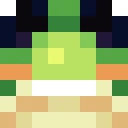 winddcs
167 views1 downloads
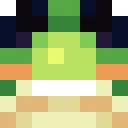 FarajTheCool
145 views1 downloads
PNG · 64×64
Share this skin
Scan with your phone to share this skin
Tags
MinecraftSkinsPriyanshu64
Frequently Asked Questions
To download the Priyanshu64 Minecraft skin:
- Click the "Download" button to get this free Priyanshu64 skin
- The skin file
.pngwill be saved to your device - Works with both Java Edition and Bedrock Edition
- See below for complete installation instructions
To apply the Priyanshu64 skin:
- Log in to your Mojang or Microsoft account on the official Minecraft website.
- Navigate to the "Skins" section in your profile.
- Upload the downloaded
.pngfile. - Launch Minecraft, and your character will now use the Priyanshu64 skin.
Note: The process may vary slightly between Minecraft Java Edition and Minecraft Bedrock Edition.
Yes, the Priyanshu64 skin is compatible with both Minecraft Java Edition and Minecraft Bedrock Edition. However, the method of applying the skin may differ slightly between the two versions. Follow the instructions provided on this page for your specific edition.
Absolutely! You can edit the Priyanshu64 skin using a Minecraft skin editor. Simply open the downloaded
.png file in the editor, make your changes, and save the file. Then, upload the edited skin to your Minecraft profile.If the Priyanshu64 skin isn't working, try the following:
- Ensure you downloaded the correct file format
.png. - Make sure you're using the correct version of Minecraft Java Edition or Bedrock Edition.
- Check that the skin file is not corrupted. Re-download the skin if necessary.
- Log out and back into your Mojang or Microsoft account to refresh your profile.
Create your own skin
Draw a pixel-perfect Minecraft skin in the browser with our free 3D skin editor.
→ Skin Creator