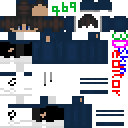
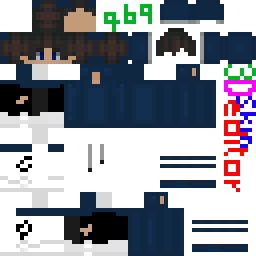
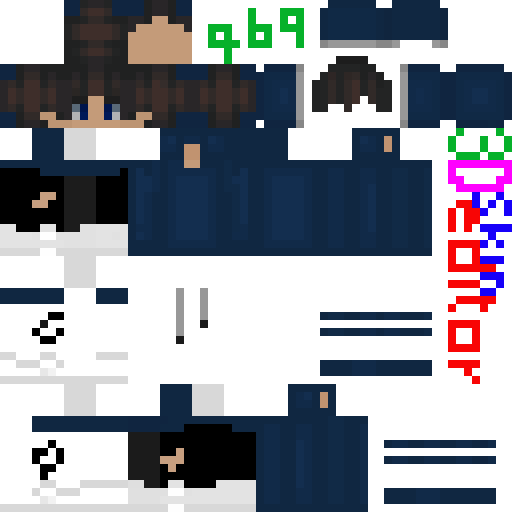
Mikeywaw Minecraft Skin
✓ Approved
Skin for Mikeywaw
1
Downloads
161
Views
0
Likes
Reactions
Log in to react.
Minecraft profile
354fcf78-7090-4a31-9576-287a953e6a04Model
classic
Views / 30 days
48
Observed names
Dates show when minecraft.how first observed each name.
Mikeywaw—
Skin history
History grows as minecraft.how observes profile changes.

Head command
/give @p minecraft:player_head[profile={name:"Mikeywaw"}]Users with Same Texture (15 total)
15
Total Users
2.7K
Combined Views
16
Combined Downloads
 mintfather
341 views1 downloads
 dlgus501
182 views1 downloads
 MouseTrap__
180 views1 downloads
 Zenovil1
179 views2 downloads
 iSadify
174 views1 downloads
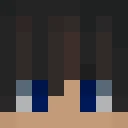 FloGamerMC
172 views1 downloads
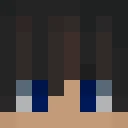 Cris_PY_Bacon
170 views1 downloads
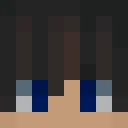 ItzKatze
169 views1 downloads
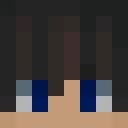 shiningat
167 views1 downloads
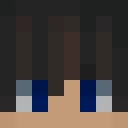 MitchPetel
167 views1 downloads
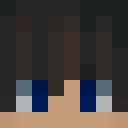 FernetBronca
164 views1 downloads
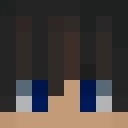 CookiesNotFound
163 views1 downloads
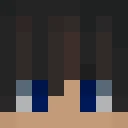 ofne
162 views1 downloads
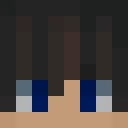 RusticRanger212
150 views1 downloads
PNG · 64×64
Share this skin
Scan with your phone to share this skin
Tags
MinecraftSkinsMikeywaw
Frequently Asked Questions
To download the Mikeywaw Minecraft skin:
- Click the "Download" button to get this free Mikeywaw skin
- The skin file
.pngwill be saved to your device - Works with both Java Edition and Bedrock Edition
- See below for complete installation instructions
To apply the Mikeywaw skin:
- Log in to your Mojang or Microsoft account on the official Minecraft website.
- Navigate to the "Skins" section in your profile.
- Upload the downloaded
.pngfile. - Launch Minecraft, and your character will now use the Mikeywaw skin.
Note: The process may vary slightly between Minecraft Java Edition and Minecraft Bedrock Edition.
Yes, the Mikeywaw skin is compatible with both Minecraft Java Edition and Minecraft Bedrock Edition. However, the method of applying the skin may differ slightly between the two versions. Follow the instructions provided on this page for your specific edition.
Absolutely! You can edit the Mikeywaw skin using a Minecraft skin editor. Simply open the downloaded
.png file in the editor, make your changes, and save the file. Then, upload the edited skin to your Minecraft profile.If the Mikeywaw skin isn't working, try the following:
- Ensure you downloaded the correct file format
.png. - Make sure you're using the correct version of Minecraft Java Edition or Bedrock Edition.
- Check that the skin file is not corrupted. Re-download the skin if necessary.
- Log out and back into your Mojang or Microsoft account to refresh your profile.
Create your own skin
Draw a pixel-perfect Minecraft skin in the browser with our free 3D skin editor.
→ Skin Creator