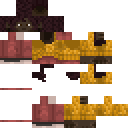
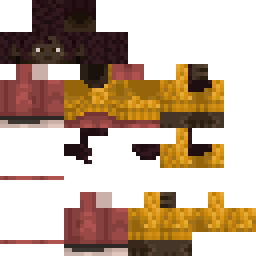
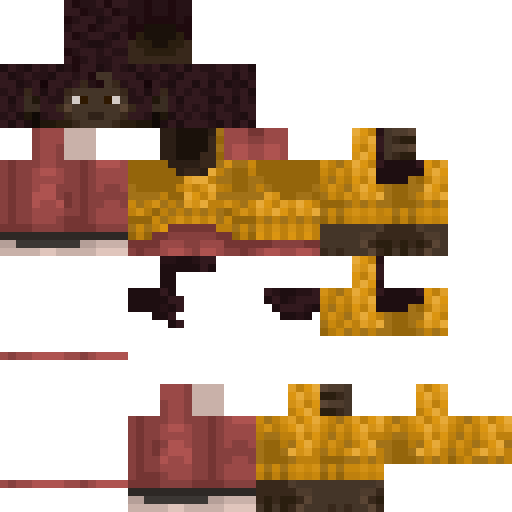
ImGregB Minecraft Skin
✓ Approved
Skin for ImGregB
1
Downloads
149
Views
0
Likes
Reactions
Log in to react.
Minecraft profile
0075dfaf-32a1-43d1-be75-ceb91409eb9cModel
classic
Views / 30 days
34
Observed names
Dates show when minecraft.how first observed each name.
ImGregB—
Skin history
History grows as minecraft.how observes profile changes.

Head command
/give @p minecraft:player_head[profile={name:"ImGregB"}]Users with Same Texture (51 total)
51
Total Users
25.5K
Combined Views
51
Combined Downloads
 lkfffffff
7.4K views1 downloads
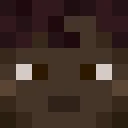 Candle_Pixie
661 views1 downloads
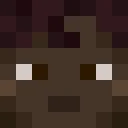 AlmightyKM1
587 views1 downloads
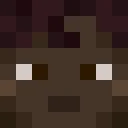 lordfanta
521 views1 downloads
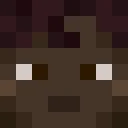 xOmega3
516 views1 downloads
 DanielCool1465
509 views1 downloads
 sfruitman1
472 views1 downloads
 ZdravGaming
469 views1 downloads
 Callm3Ren
453 views1 downloads
 donos1321
452 views1 downloads
 Lemon_836
450 views1 downloads
 Dxvx
443 views1 downloads
 God4Siege
436 views1 downloads
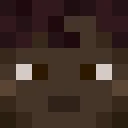 1Zinillim1
433 views1 downloads
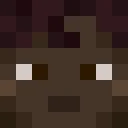 iamthacheese
432 views1 downloads
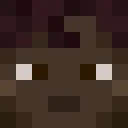 rarestand123
403 views1 downloads
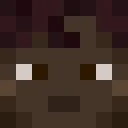 Gyatman69
399 views1 downloads
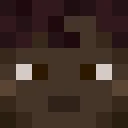 Sali24332
398 views1 downloads
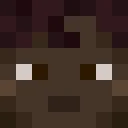 endertreefrog
394 views1 downloads
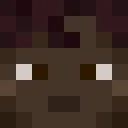 MANUELBOBL1
394 views1 downloads
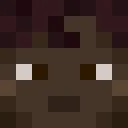 DumbKid2
381 views1 downloads
 erikeepper33
368 views1 downloads
 mcthermos03
364 views1 downloads
 n0lis
363 views1 downloads
 karp383
357 views1 downloads
 Swagdabest
351 views1 downloads
 Z9ommander
346 views1 downloads
 ShiftToMe
341 views1 downloads
 Henri_Capitant
335 views1 downloads
 FAZBEROK
331 views1 downloads
 akaurmomma24
328 views1 downloads
 LastWalter
324 views1 downloads
 Vermust
321 views1 downloads
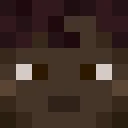 Abbie_01
302 views1 downloads
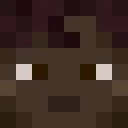 Clarcki
289 views1 downloads
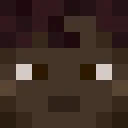 G4M3ZL4Y3R
288 views1 downloads
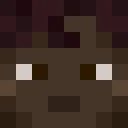 Blockbuster0203
287 views1 downloads
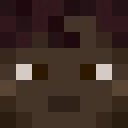 Lightingeye
285 views1 downloads
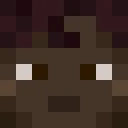 movingrice
285 views1 downloads
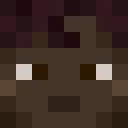 GhostToast100
278 views1 downloads
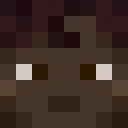 Sky_Above
274 views1 downloads
 swaywm
268 views1 downloads
 Ucigasa
260 views1 downloads
 brazil25123
260 views1 downloads
 SammyHammy6
258 views1 downloads
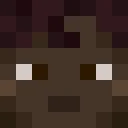 Baltazar_Gombka
256 views1 downloads
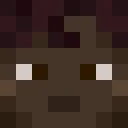 tono91
251 views1 downloads
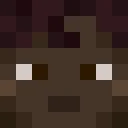 moneybeggar
244 views1 downloads
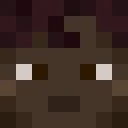 Elikaneli
243 views1 downloads
 richbigger
242 views1 downloads
PNG · 64×64
Share this skin
Scan with your phone to share this skin
Tags
MinecraftSkinsImGregB
Frequently Asked Questions
To download the ImGregB Minecraft skin:
- Click the "Download" button to get this free ImGregB skin
- The skin file
.pngwill be saved to your device - Works with both Java Edition and Bedrock Edition
- See below for complete installation instructions
To apply the ImGregB skin:
- Log in to your Mojang or Microsoft account on the official Minecraft website.
- Navigate to the "Skins" section in your profile.
- Upload the downloaded
.pngfile. - Launch Minecraft, and your character will now use the ImGregB skin.
Note: The process may vary slightly between Minecraft Java Edition and Minecraft Bedrock Edition.
Yes, the ImGregB skin is compatible with both Minecraft Java Edition and Minecraft Bedrock Edition. However, the method of applying the skin may differ slightly between the two versions. Follow the instructions provided on this page for your specific edition.
Absolutely! You can edit the ImGregB skin using a Minecraft skin editor. Simply open the downloaded
.png file in the editor, make your changes, and save the file. Then, upload the edited skin to your Minecraft profile.If the ImGregB skin isn't working, try the following:
- Ensure you downloaded the correct file format
.png. - Make sure you're using the correct version of Minecraft Java Edition or Bedrock Edition.
- Check that the skin file is not corrupted. Re-download the skin if necessary.
- Log out and back into your Mojang or Microsoft account to refresh your profile.
Create your own skin
Draw a pixel-perfect Minecraft skin in the browser with our free 3D skin editor.
→ Skin Creator