Isagi Skin Minecraft: Everything You Need in 2026

Isagi's become one of the more sought-after anime-inspired skins in Minecraft, especially after Blue Lock blew up globally. If you're looking to rep this character, you've got solid options now in 2026 across multiple variants. Here's what's actually available and how to make it work for your server or single-player world.
Why Anime Skins Matter in Minecraft
There's something about wearing a skin that actually resonates with you when you're grinding for hours on a server. Default Steve and Alex get old fast, honestly. The anime community particularly has embraced Minecraft as a place to show off favorite characters, and Blue Lock's fanbase is no exception.
Anime skins pull in community members who might not immediately think of Minecraft as "their game." It's a weird thing to say, but skins are social currency. When you're running around in something recognizable, other players notice. That's partly why the Isagi variants have picked up traction so quickly.
And look, you don't need some rare cosmetic to enjoy Minecraft. But having a skin that matches your personality makes the whole experience feel a bit more personal.
The Isagi Variants Available Right Now
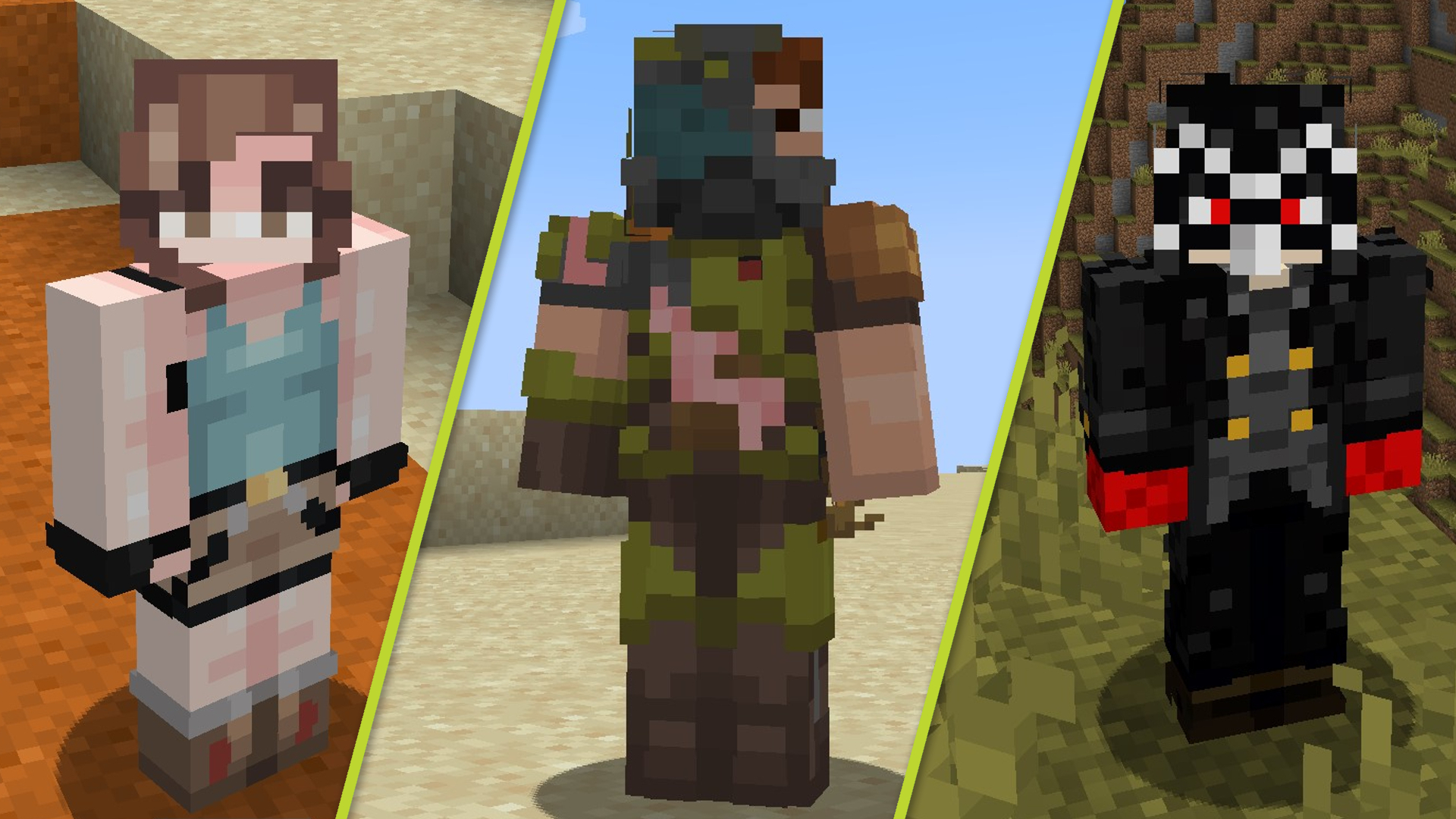
There isn't just one "Isagi skin." Instead, there are several interpretations floating around the community, each with slightly different style choices. The base designs range from casual outfit interpretations to more stylized anime-accurate versions.
The most popular variant right now is isagi Minecraft Skin, which captures the core character design with clean lines and recognizable colors. It's straightforward but effective.
If you want something with more detail and slightly different proportions, IsagiYoichi41 Minecraft Skin offers another take. The naming here actually references the character directly (Yoichi being his first name), which tells you the creator was pretty invested in accuracy.
Then there's isagi_yoichi007 Minecraft Skin, which brings a different aesthetic while keeping the character recognizable. The variety matters because Minecraft's pixel-limited canvas means different artists approach the same character completely differently.
Isagi__Yoichi Minecraft Skin is another solid choice with its own interpretation.
And if you want to explore even more variations, ISAGI_YOICHI_73 Minecraft Skin rounds out the main options. Honestly, they're all reasonable downloads depending on which art style clicks with you.
How to Download and Install These Skins
Installation's straightforward enough. Each skin file is a.png texture that you upload through your Minecraft launcher or through whatever server you're playing on. Java Edition lets you upload directly to your Minecraft account. Bedrock's slightly different depending on your platform, but the process is similar.
Most servers accept skin uploads without any hassle, especially if they're running on modern server software. Some older servers might have restrictions, but that's rare in 2026.
The trickier part isn't installing. It's choosing which variant actually matches how you see the character in your head. The pixel-art medium forces some compromises that anime doesn't have to worry about.
Comparing Quality Across Variants
Quality's subjective here, but there are actual differences worth noting. Some skins nail the character proportions and facial features. Others sacrifice exact accuracy for a cleaner, more pixel-art appropriate look.
- Shading and color depth vary between versions
- Some prioritize the signature hair style over clothing accuracy
- Facial feature definition differs significantly
- Outfit details range from minimal to highly detailed
The best version for you depends on whether you care more about anime-accuracy or how it actually looks in-game at normal render distances. From a distance, honestly, the differences blur together. Up close in a photo or during a roleplay server moment, they matter more.
Finding More Anime Skins and Variants
You're not limited to just Isagi. If you like anime-inspired skins, there's honestly a ton available now. Check out Browse All Minecraft Skins to see what else the community's created. You might find other Blue Lock characters, or completely different anime properties you didn't expect.
The cool part about 2026 is that skin creators have gotten really good at working within Minecraft's constraints. The detail level is genuinely impressive compared to even three years ago.
If you end up changing servers or want to try something new, swapping skins takes about thirty seconds. There's basically zero commitment risk in trying out a variant.
Making Your Isagi Skin Feel at Home on a Server
Once you've picked your Isagi variant, the real fun starts. Anime skins tend to perform better on servers where the community actually engages with character roleplay or theme-based builds.

If you're on a pure survival server where nobody cares about aesthetics, your skin choice won't change your gameplay experience. But if you're on anything with community events, server lore, or collaborative building projects, having a recognizable character actually creates connection.
Build something that fits. A sports-themed arena works if you're running Isagi (Blue Lock connection and all). A dormitory-style build, training facility, whatever. The skin context matters more when the rest of your build supports it.
Fair warning though: if your server leans competitive PvP, people might remember you by this skin. Not always a good thing depending on your playstyle.