Minecraft Texture Packs That Transform Your Game in 2026
Texture packs are the simplest way to completely overhaul how Minecraft looks without modding anything. In 2026, there are thousands of options ranging from hyper-realistic to stylized fantasy, meaning you can transform vanilla Minecraft into almost anything you want. Whether you're playing Java 26.1.2 or Bedrock, the visual difference between a great texture pack and vanilla can feel like playing an entirely different game.
Why Texture Packs Matter Right Now
Look, vanilla Minecraft blocks are iconic. But they're also blocky. And repetitive. And if you've been staring at those same pixels for a thousand hours, they start to feel, well, old. Texture packs fix that without requiring your computer to handle the performance hit of running actual mods.
The magic is that a good texture pack makes survival more immersive. A realistic pack makes your base feel like something you actually built. A fantasy pack makes the Nether feel genuinely alien. A stylized cartoon pack turns everything cheerful.
They also work on servers. If you're running a server (or checking one out), a coordinated texture pack between you and your community creates cohesion. Ever tried playing on a server where everyone's running different packs and nothing matches visually? Yeah. Not fun. That's where testing your server setup and getting players coordinated on packs makes a real difference.
The Realistic Route
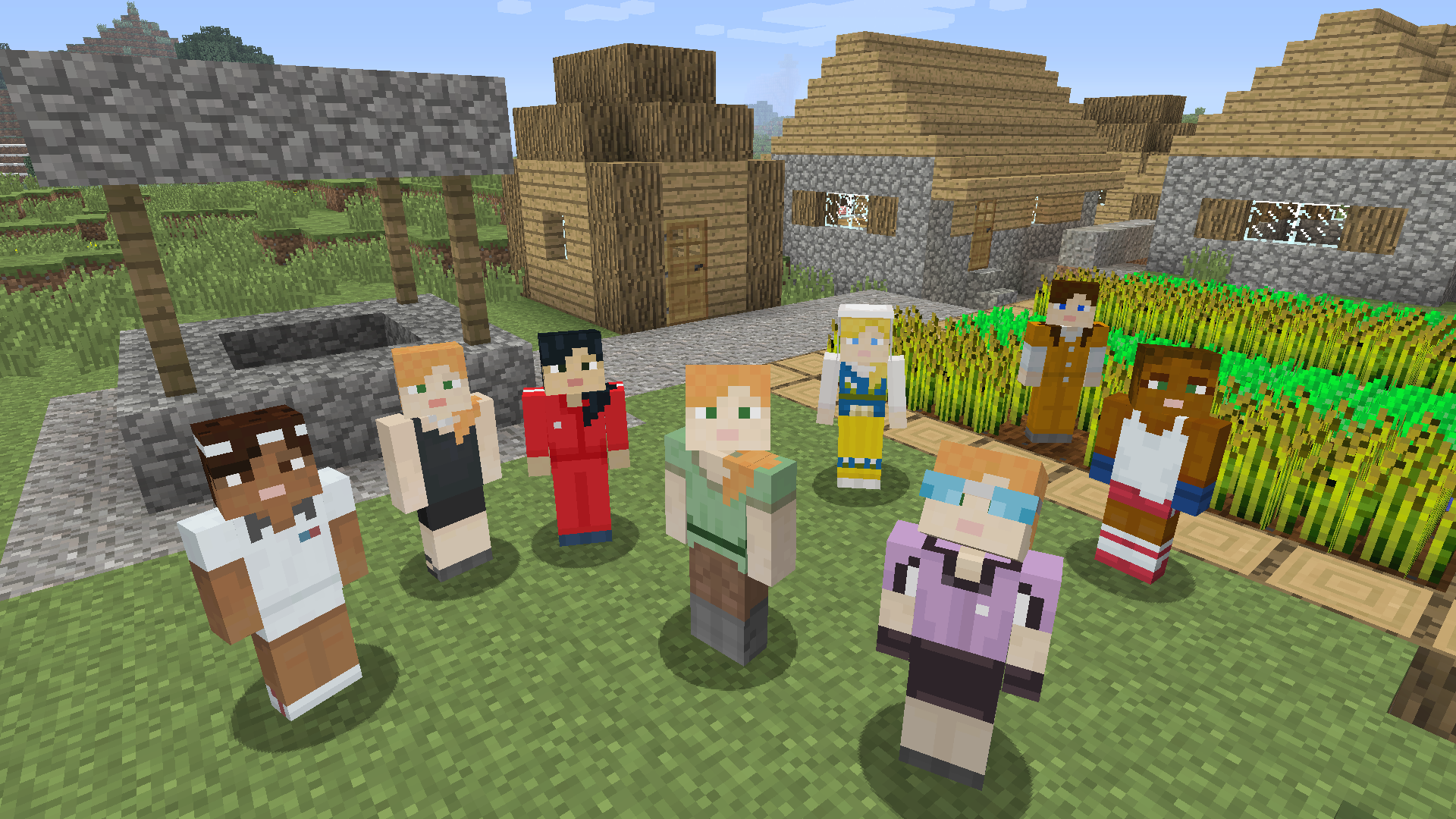
If you want Minecraft to look like it could almost exist in real life, realistic texture packs are your answer. Packs like Faithful and its various offshoots have been the gold standard for years, and in 2026 they're better than ever. The blocks actually look like materials now instead of bright colored cubes.
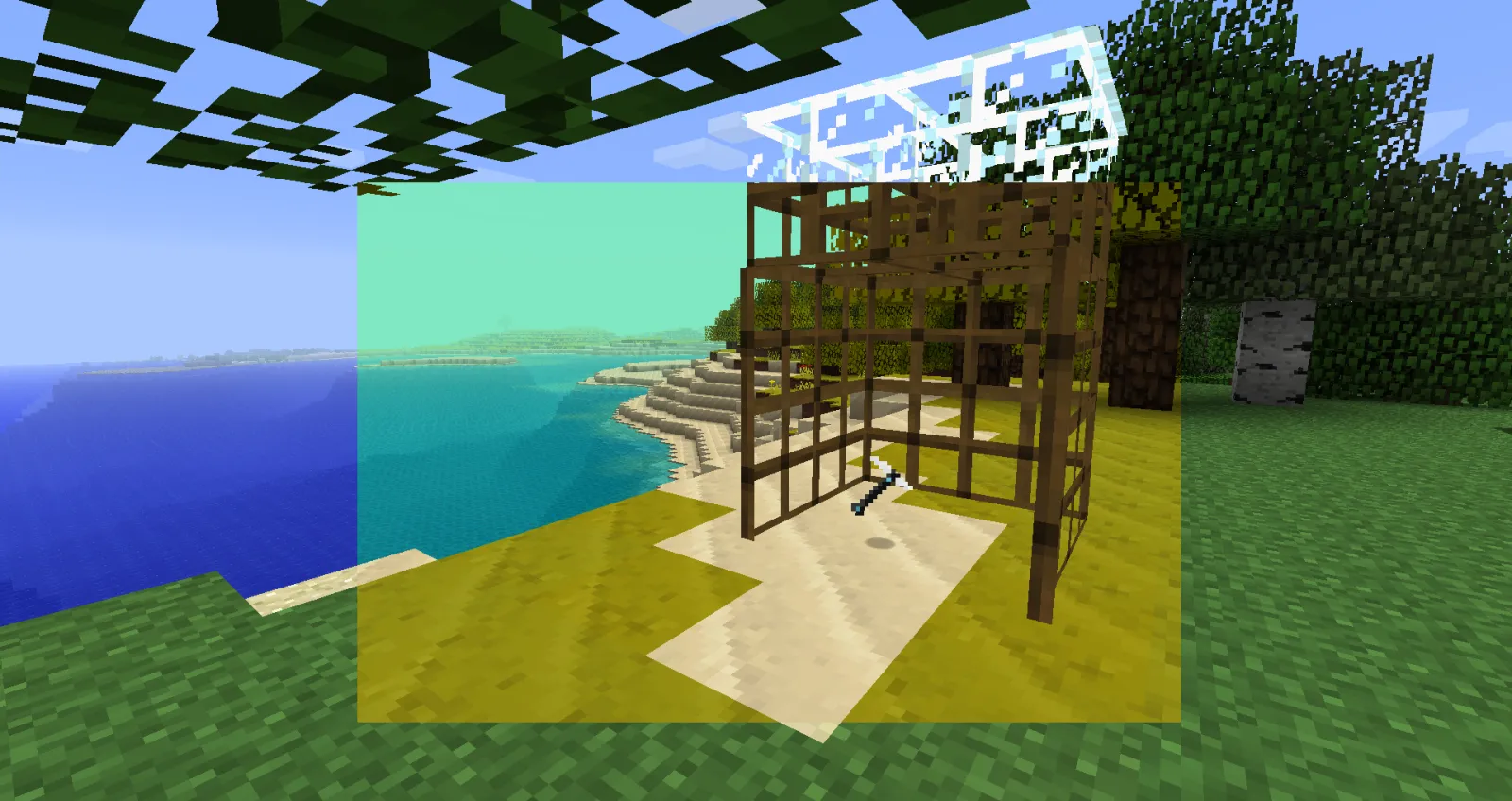
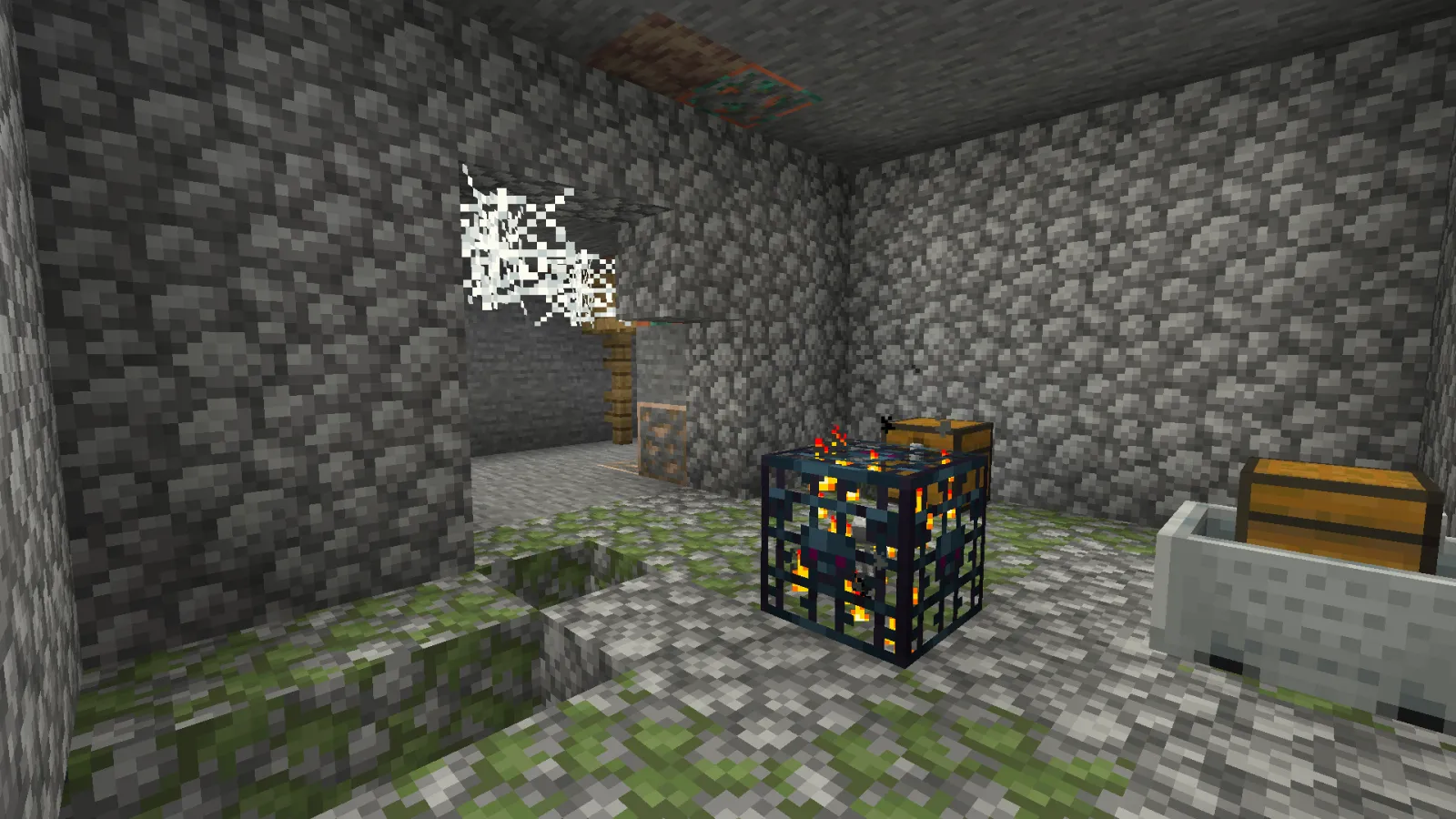
Realistic packs make water look like water, wood look like actual wood grain, and stone look weathered. Building with these packs genuinely feels different because the textures give your builds texture (obviously). A castle built in vanilla might look flat. The same castle in a realistic pack looks like it has depth.
The downside is performance. Realistic packs can demand more from your GPU, especially at higher resolutions. If you've got a decent machine, not a problem. If you're on integrated graphics, you might need to dial back the resolution or test before committing.
Fantasy and Stylized Packs
Not everyone wants realism. Some of us want Minecraft to look like it's from a fairy tale or a high-fantasy RPG. Stylized packs lean into vibrant colors, exaggerated shapes, and pure aesthetic instead of accuracy.
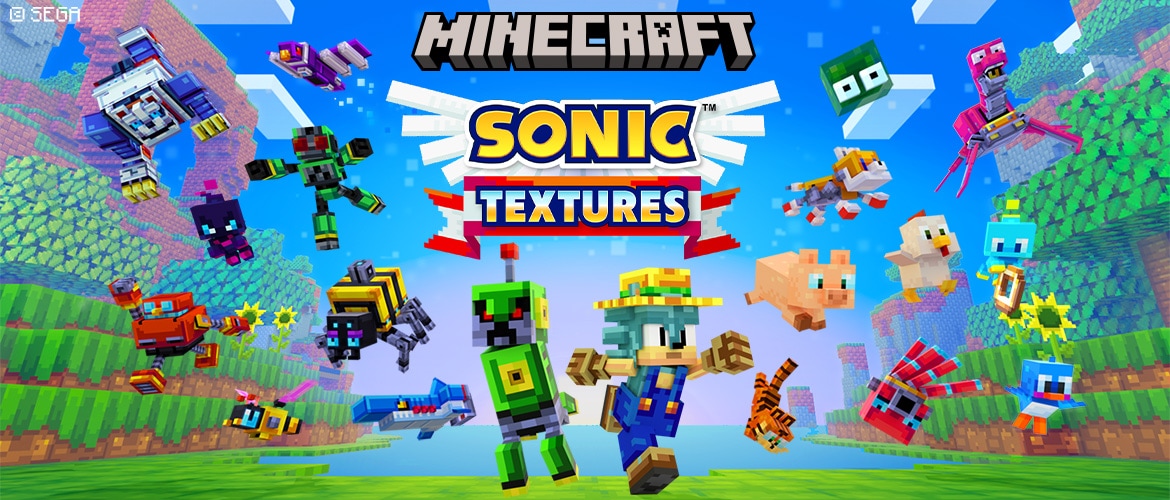
These packs often feel more Minecraft-like than realistic ones because they embrace the blocky nature of the game instead of trying to hide it. Packs in this category can be whimsical, gothic, retro-inspired, or candy-colored. Your build looks different. The mood is completely different.
Fantasy packs usually run lighter on performance too, since they're not trying to render photorealistic details. If you've got an older machine or just don't care about realism, start here.
When Performance Matters
Not everyone has a top-tier gaming PC. Some players are on laptops, some are on Steam Deck, some are literally just trying to make the game run at 60fps on a budget machine.
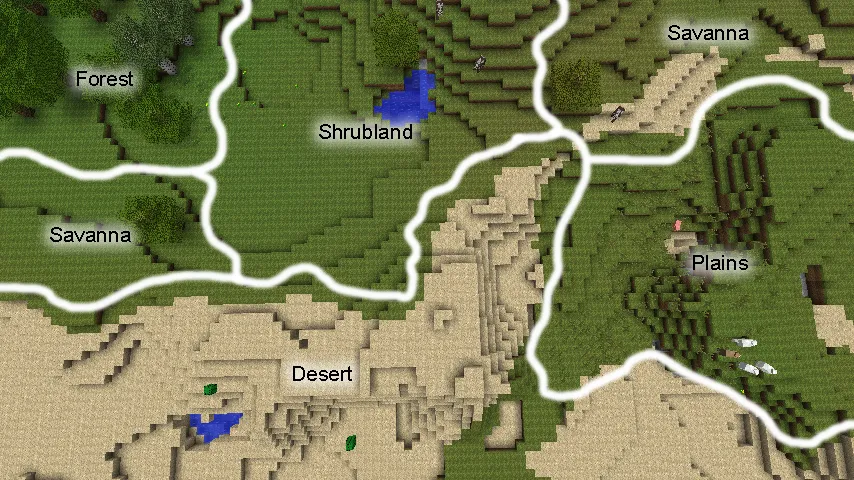
Performance-optimized texture packs exist specifically for this. They reduce file size, simplify textures, and strip out fancy effects. You lose some visual fidelity, but you gain frames. And honestly? A lot of these packs look fine. Better than fine, sometimes.
The real benefit is you don't have to choose between visual customization and playability. Look, grab a lightweight pack, get 80 fps instead of 30, and still have your game look better than vanilla.
Installation and Making It Stick
Installing a texture pack is straightforward: grab one from CurseForge or Minecraft's marketplace, drop the file into your resourcepacks folder, and enable it in-game. Java and Bedrock handle this slightly differently, but both are painless.
One thing I'd recommend: make sure whatever pack you pick actually fits your server or world aesthetic. If you're building a modern city, a medieval texture pack looks weird. This is where that text generator tool can actually help you plan signage and coordinate your visual theme before you commit to a pack.
Pro tip that nobody talks about: combine texture packs. Use one for blocks, another for UI elements. Customize your shaders if you're on Java. The possibilities are basically endless once you realize packs are modular.
What's Worth Your Time in 2026
There are so many packs now that choosing becomes the real problem. But here's the reality: if you've heard the name before, it's probably good. Packs that have been around for years got there because they're well-maintained and actually look good.
Start with one that matches your playstyle. Realistic if you want immersion. Stylized if you want fun. Lightweight if you need performance. Test it on a small build first before committing to a full playthrough. You might love it. Anyone might hate it and need to swap after an hour.
The best part is they're almost all free. Try five. Pick one. If you get bored in six months, try a different one. That's the whole point.

Lead writer at minecraft.how. Long-time Minecraft player running a small SMP server, testing every build, mod, and seed before writing about it.