
Wurst Client is an open-source hacked client for Minecraft Java Edition. It adds a large collection of optional modules for automation, movement, combat and visual information. Because some modules provide advantages that are not available in vanilla Minecraft, Wurst is not permitted on many public multiplayer servers. This guide distinguishes the current Wurst 7 project from older ForgeWurst releases and explains how to install it safely.
What is Wurst Client?
Wurst is developed by the Wurst-Imperium. The current Wurst 7 project is distributed as a Fabric mod and its source code is published on GitHub. It requires a legitimate copy of Minecraft Java Edition; Wurst is not a cracked launcher or a way to play without owning the game.
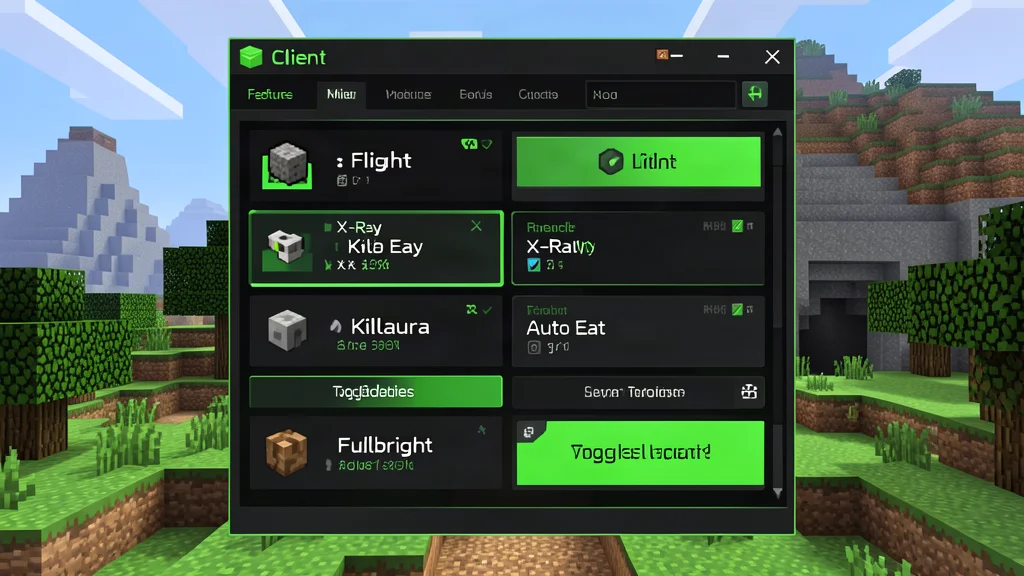
The project provides several interfaces for managing features, including ClickGUI, TabGUI and Navigator. The exact feature list changes between releases, so check the official feature list for the build you install rather than relying on a fixed count of modules.
Wurst 7 versus ForgeWurst
These names refer to different projects and should not be mixed together:
- Wurst 7: the current client line, installed as a Fabric mod with Fabric API.
- ForgeWurst: a separate legacy project for older Minecraft Forge versions. It is not the modern Wurst 7 build and should not be used with a current Fabric profile.
Do not describe Wurst 7 as supporting both Forge and Fabric. For current releases, use the Fabric installation instructions from the official repository.
Current Minecraft version support
The latest official release found during this check is Wurst 7.56.1. Its release information lists Minecraft 26.3, 26.2, 26.1.2 and 1.21.11. Snapshot support is listed separately and may change between builds. Always choose the exact file and Fabric API version shown for your game version.
Wurst is a Java Edition client. It is not available as a Bedrock add-on for consoles, mobile devices or the Windows Bedrock edition.
What features does Wurst include?
Wurst groups its modules into several broad categories. Available options can change from release to release:
- Automation: tools for repetitive tasks such as farming, mining or handling selected inventory actions.
- Movement: modules that alter movement or camera behaviour.
- Combat: optional combat-assistance modules, which are prohibited on many multiplayer servers.
- Visuals: overlays and information about blocks, entities or other players.
- Interface and utility: configuration menus, navigation, account tools and other convenience functions.
Not every feature is available on every Minecraft version, and some modules may behave differently on vanilla, Paper or custom servers. Use the current feature list and changelog for exact behaviour.
How to install Wurst 7
- Open the official Wurst 7 GitHub repository or the official Wurst download page.
- Install Fabric Loader for the Minecraft version supported by the Wurst release you selected.
- Download the matching Wurst 7 JAR and the matching Fabric API file.
- Place both JAR files in the
modsfolder for the same Minecraft instance. - Launch Minecraft using the Fabric profile and confirm that Wurst appears in the loaded mod list.
- Open the client interface and review the keybinds before enabling any modules.
The official repository provides the basic installation steps. Do not install a ForgeWurst file in a Wurst 7 Fabric profile, and do not mix JARs built for different Minecraft versions.
Download and account safety
Use the official Wurst website or the Wurst-Imperium GitHub repository. Avoid re-uploaded installers, modified JARs and download pages that bundle extra software. Wurst is open source, but that does not make every third-party copy trustworthy. Verify that the file comes from the project's own distribution channels.
The official project states that a legitimate Minecraft Java Edition licence is required. Wurst does not provide cracked accounts or bypass the game's account requirements. Never enter Microsoft passwords, recovery codes or account tokens into an unofficial download site or installer.
Can you use Wurst on multiplayer servers?
Wurst is explicitly a hacked client. Many servers prohibit the use of hacked clients or individual modules such as movement, combat assistance and ESP. Connecting successfully does not mean that a server permits the client, and server-side anti-cheat systems may detect or reject certain actions.
Read the server rules before joining and ask staff if the policy is unclear. Using prohibited features can result in a kick or ban. For singleplayer, you can experiment more freely, but make backups before testing modules that alter the world or automate actions.
Troubleshooting
- Wurst does not appear: check that you launched the Fabric profile and installed both the matching Wurst JAR and Fabric API.
- The game crashes: verify the Minecraft version and remove duplicate or outdated Wurst files.
- A module is missing: check the release notes; feature availability can vary between versions.
- A keybind does nothing: open the controls menu and check for conflicts with other mods.
- A server rejects an action: the server may block that feature. Follow its rules rather than trying to bypass its protections.
Official downloads and documentation
Use the official Wurst 7 repository for source code and installation instructions, and the Wurst website for downloads and the current feature list. The official Wurst Wiki provides additional information about modules and settings.