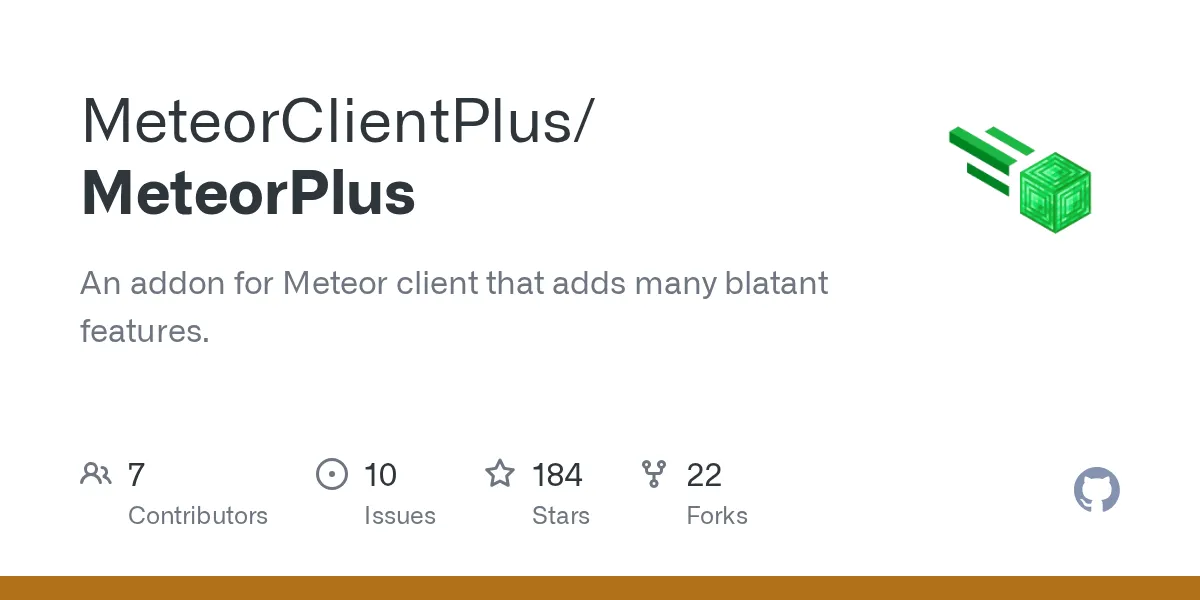

MeteorPlus is an open-source addon for Meteor Client, a modification framework for Minecraft Java Edition. It extends the client with additional movement, utility, PvE and PvP options. It is not a standalone launcher, a Bedrock add-on or an official Mojang product. Players should understand what client modifications change and check the rules of any multiplayer server before using them.
If you are choosing a client setup for MeteorPlus, our Minecraft mod launcher guide compares launchers and explains how to keep modded instances separate.
What the project contains
The project README groups its modules into PvE and PvP sections. The listed PvE tools include movement options such as Flight+, Speed+, Spider+, Jesus+, No Slow+, Fast Climb+, Gui Move+ and Timer+, alongside utilities such as Safe mine and X-Ray bruteforce. Other listed options include Trigger Bot and Auto Obsidian Farm. The PvP section lists Velocity+, Anti Bot and Teams. Names and availability can change, so consult the README and release notes for the exact build you download.
The repository also describes integrations and changes to Meteor Client features, including Chest Tracker support, Xaero's Minimap interaction, Freecam controls, waypoint display options, BetterTooltips translations, break indicators, No Render options and keybind fixes. These are project-specific additions, not features of the unmodified Minecraft game.
Compatibility before installation
MeteorPlus is made for Minecraft Java Edition and Meteor Client. A working setup requires a compatible Minecraft version, Fabric Loader, Fabric API, Meteor Client and a MeteorPlus build intended for that same game version. Do not mix JAR files from different Minecraft releases. Bedrock Edition is not supported by this project.
The GitHub releases page lists version-specific downloads, including a release for Minecraft 26.3 at the time of this review. Release availability changes over time. Check the repository before updating and select the exact matching build rather than relying on an old article or a third-party download page.
Installation overview
- Create a separate Minecraft instance for testing and back up any worlds you care about.
- Install Fabric Loader and Fabric API for the Minecraft version selected for that instance.
- Download Meteor Client for the same version from the official Meteor Client website.
- Download the matching MeteorPlus JAR from the project's GitHub releases page.
- Place the compatible client and addon JAR files in that Fabric instance's
modsfolder. - Launch the Fabric profile and check the client interface to confirm that the addon loaded.
If the game fails to start, remove the addon JAR and launch the instance again. Confirm that all component versions match, read the release notes and inspect the crash report. Avoid unofficial mirrors and do not replace files with downloads from unknown sources.
Multiplayer rules and responsible testing
Some MeteorPlus modules alter movement, combat or the information shown to the player. Those changes may be prohibited on public multiplayer networks, even when the addon itself is publicly available. A repository's feature description does not override a server's rules or guarantee that a feature will work with a particular server configuration.
For evaluation, use a private test world or a server where the owner has explicitly approved the modifications. Keep a separate instance, enable only options you understand and make a backup before testing experimental builds. If a server prohibits client modifications, do not connect with MeteorPlus enabled.
Updates and troubleshooting
Update the loader, Meteor Client and MeteorPlus as a compatible set. When one component moves to a new Minecraft version before the others, wait for matching releases instead of forcing the old JAR to load. If the addon does not appear, check the active instance's mods folder. If the game crashes, compare versions and review the latest log before reporting the issue.
The project source is public on GitHub and is distributed under the AGPL-3.0 license. Review the license before redistributing modified copies. The repository is also the best place to check current features, release notes and issue reports.
MeteorPlus is a version-specific extension for players who already understand the Meteor Client ecosystem. Verify the release, protect your worlds with backups and respect the rules of every server you visit.
Project: MeteorClientPlus/MeteorPlus on GitHub · Releases and downloads.