Minecraft 26.3 Snapshot 10 Reverts Drowned Changes and Menus
Minecraft 26.3-snapshot-10 is officially out, and it makes a very strange decision regarding underwater combat. Mojang decided to revert all the recent AI and animation changes made to the Drowned mob. Along with this surprising rollback, we get a fresh Dappled Forest main menu panorama and cleaner explorer map names.
The Sudden Reversal of Drowned Combat
Back in snapshot 2 of the current cycle, Mojang made underwater fights slightly different. Drowned mobs holding tridents were given a brand new engagement rule. If they managed to close the gap and get within three blocks of a player, they'd stop throwing their weapons. They'd use them as melee weapons instead. This update also came with a batch of fresh animations and minor visual bug fixes to make their attacks look much better.
It felt like a very solid tweak. Getting pelted with tridents at point-blank range always felt a bit clumsy. A mob stabbing you when they're literally in your face makes perfect sense.
Then Snapshot 10 arrived and wiped the slate clean. A single line in the changelog bluntly states: "Reverted recent changes to Drowned behavior and animations from this release cycle."
Just like that, the new AI is gone. The Drowned are behaving exactly as they did in snapshot 1 and the live 26.2 release. Why did they do this? We don't have an official explanation from the developers yet. The most likely culprit is that the new melee logic or the updated animations caused some nasty, unlisted bugs elsewhere in the game. Sometimes a rollback is the safest call to keep a test build stable. Game development is messy. Sometimes you've got to undo a month of work to fix a critical issue.
Actually, the issue might not just be bugs. It could be that players found the melee attacks too punishing on hard difficulty, or that the pathfinding simply didn't work right in confined underwater spaces like ruins. Trying to dodge a melee attack in water is already sluggish enough. Without any official word from the team, we can only guess what really happened behind the scenes.
Dappled Forest Takes Over the Main Menu
Not everything in this snapshot is a step backward. Boot up the game and you'll immediately notice a visual refresh before you even load a single block of your world.
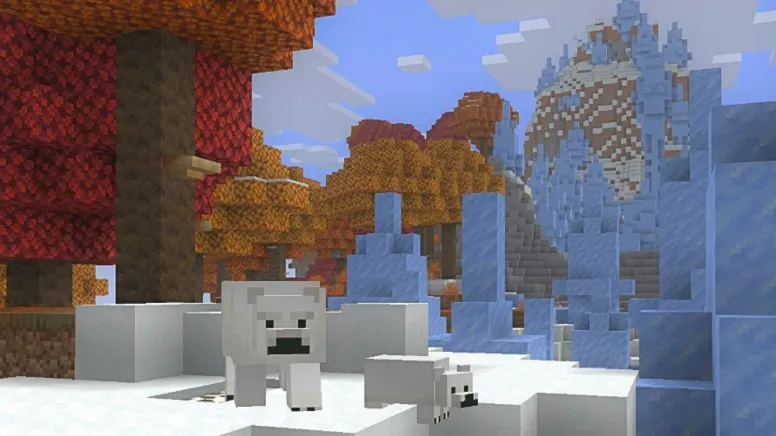
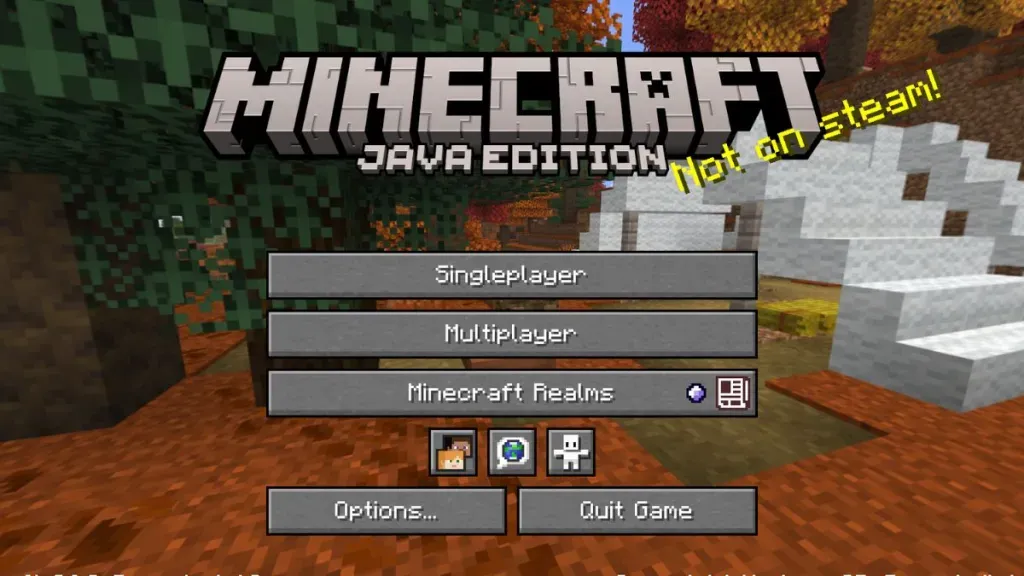
The main menu panorama has been completely updated.
It now prominently features the new Dappled Forest biome, showcasing the upcoming terrain generation along with an Abandoned Camp structure sitting in the background. The result sets a noticeably cozier mood right off the bat compared to previous menus. It's always a nice touch to see the menu screen reflect the actual atmosphere of the upcoming release cycle. The lighting in the panorama does a great job of showing off what makes the Dappled Forest unique.
Alongside the cozy background, there's a brand new Realms introduction screen.
It's a minor interface touch, but it cleans up the onboarding process for anyone setting up a subscription for the first time. The UI flows a bit better now. Speaking of hosting games, if you happen to be running a private world for your friends, taking a moment to properly configure your settings is always a smart move. We've a tool right here on the site that makes the entire process painless.
Explorer Maps Get a Naming Overhaul
Mojang's doing some long-overdue housecleaning with item names. Several Explorer Maps have been renamed in this version. This change aims to establish a much more consistent terminology across the board. If you maintain a massive chest full of maps pointing to various monuments, mansions, and buried treasure, expect their item labels to read uniformly from now on. It's a small quality-of-life change that map hoarders and dedicated cartographers will definitely appreciate.
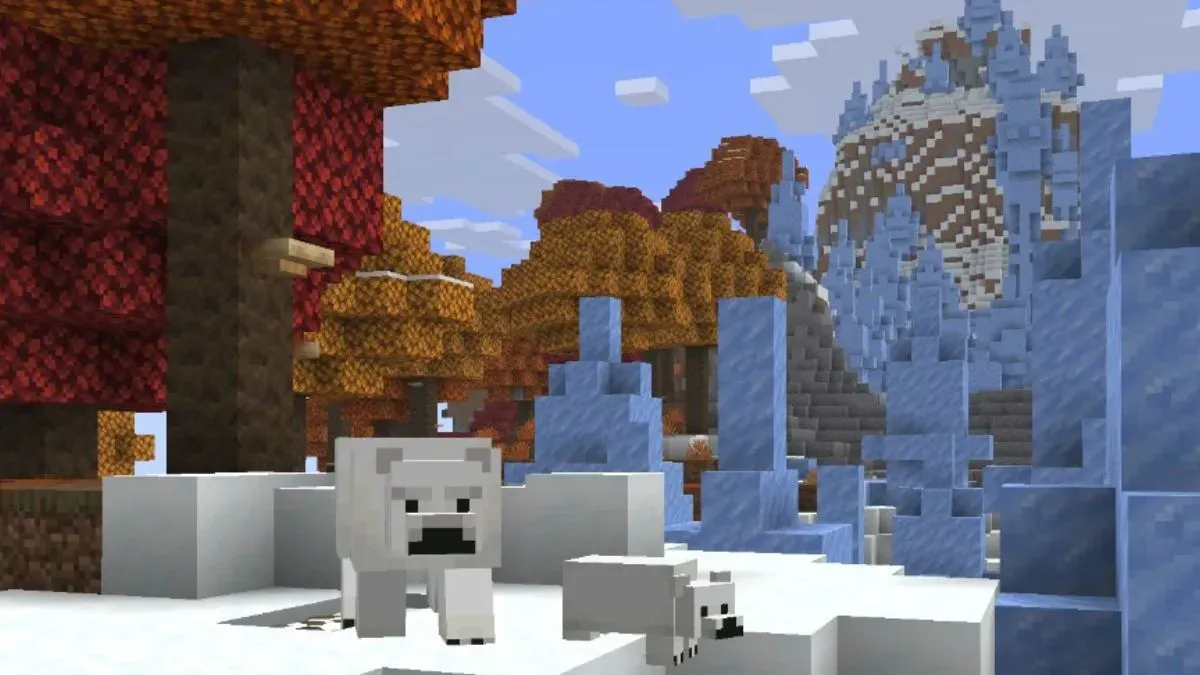
Consistent naming helps new players understand what they're holding without having to guess based on the map's colors.
Explorers get another massive boost under the hood in this version. Performance when locating structures has been drastically improved. If you've ever felt your game hitch, lag, or freeze for a solid second when trying to sniff out a rare structure, this technical boost should help smooth things out. This applies to both natural generation checks and players actively using the /locate command on a massive server map. Honestly, smoother world generation means less rubberbanding when you're flying around in Elytra trying to find something specific.
Testing Snapshots on Multiplayer
While most players stick to single-player for snapshots, some daring server owners run test worlds for their communities. Trying out the new structure locating performance on a server with multiple players exploring at once is the ultimate stress test.
Right now on our server list, networks like LigheneuSMP have 14 players online braving the recent updates. Heavy hitters like AppleMC are pulling 315 players online, though they usually stick to stable releases like 26.2 to avoid rollback headaches. If you want to see how these communities handle massive updates, check out our server list rankings.
Managing a server through snapshot season is always a gamble. You never know when a chunk-corruption bug might slip through the cracks. So, we're officially back to dealing with the classic Drowned combat mechanics. What does this mean for your ocean adventures while playing 26.3-snapshot-10?
Dealing with the Old Drowned Again
Expect them to throw those tridents from any distance, all the time.
You'll absolutely need to bring a shield if you plan on getting into ruins. The revert means you can no longer bait a Drowned into a predictable melee swing just by swimming directly at them. They'll keep tossing projectiles straight at your face even if you're touching their hitbox. Keep your guard up and don't assume you're safe just because you're in sword range.
Fighting multiple trident users underwater is still one of the most dangerous situations in the game.
If you're planning to test this snapshot out for yourself, make sure to enable snapshots in your launcher settings. Open the launcher, click over to the Installations tab, and check the Snapshots box. As always, back up your survival worlds before loading them into a test environment. You never know what might break, especially when the developers are actively ripping out recent features.
What Comes Next For The Update
Since this is only snapshot 10, there's plenty of time for the developers to figure out whatever broke the Drowned AI. We might see the melee mechanics return in a few weeks once they isolate the bug. Or, they might scrap the idea entirely and focus their efforts on polishing the Dappled Forest and Abandoned Camp features instead.

Testing phases are always volatile.
Features get added, tweaked, and sometimes entirely removed before the final release hits our launchers. The 26.2 release brought us plenty of stable features, but the 26.3 cycle is still very much a construction zone. Keep an eye out for the next few changelogs to see if the Drowned get another overhaul. For now, enjoy the smoother locating performance and the cozy new menu screen.

Lead writer at minecraft.how. Long-time Minecraft player running a small SMP server, testing every build, mod, and seed before writing about it.
Frequently Asked Questions
What changed with Drowned in Snapshot 10?
What is the new main menu panorama in Minecraft?
Why did Mojang revert the Drowned AI?
Did Explorer Maps change in Snapshot 10?
Does Snapshot 10 improve game performance?
Have a Question or Tip about this Guide?Community Q&A
Ask a question or help other players below. Join the discussion and share your Minecraft tips!
Comments
No comments yet. Be the first to share your thoughts!