MCCustomSkinLoader: Load Any Skin Offline and on Servers
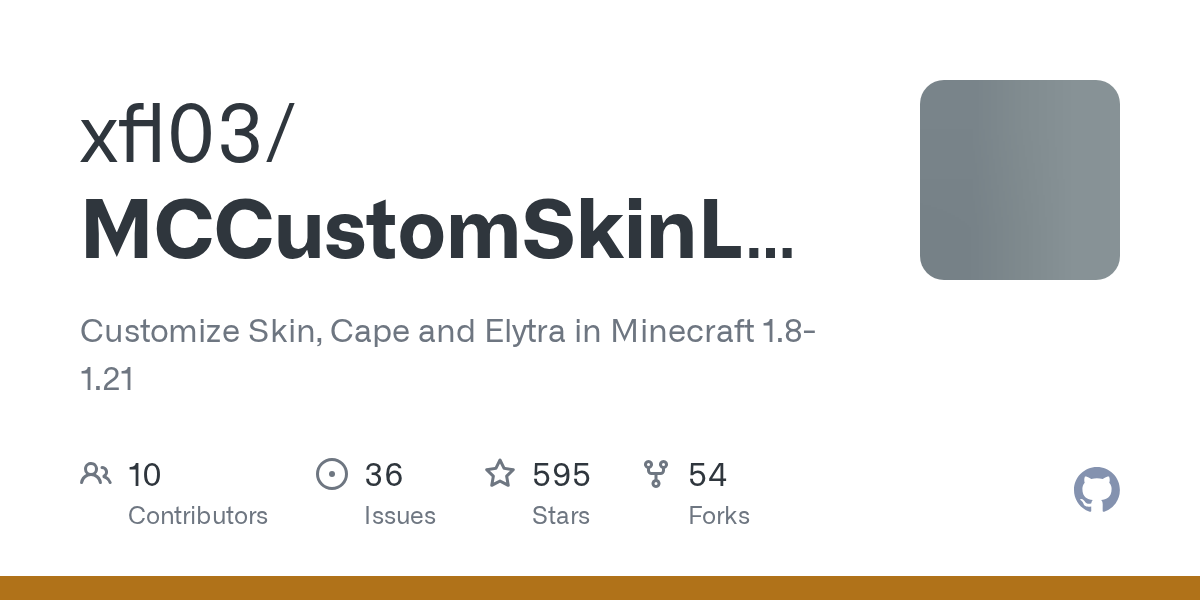
"Customize Skin, Cape and Elytra in Minecraft 1.8-1.21"
xfl03/MCCustomSkinLoader · github.com
Ever join a multiplayer server only to find your custom skin reverted to Steve or your old default? Or wanted to wear that sick cape you found but it won't load because you're offline? MCCustomSkinLoader solves both problems. It's a Minecraft mod that hooks into the game's skin loading system and lets you pull from custom APIs, local files, or pretty much anywhere else you want to store your player cosmetics.
What This Project Does
MCCustomSkinLoader isn't a skin creator. You still need to get or design your skins somewhere else (we've got a solid browse of community skins here if you need a starting point). What it does is intercept how Minecraft fetches your skin when you join a world or server, and point it toward custom sources instead of just Mojang's official API.
It handles skins, capes, and elytra textures. You can chain multiple skin sources together, so if one API goes down or doesn't have what you need, it automatically falls back to the next one in your list.
The project targets everything from Minecraft 1.8 up through 1.21, and it works across Forge, NeoForge, Fabric, and Quilt-compatible loaders. One universal jar replaces the old mess of loader-specific downloads, which honestly makes life easier.
Why You'd Want This
The obvious use case is private servers. If you're playing on a custom server (especially one where Mojang's skin system is blocked or doesn't work right), MCCustomSkinLoader gives you real control. You can set up your own skin API, point the mod to it, and everyone who installs it gets consistent cosmetics.
Then there's offline play. Run a local server or LAN world? Your skin won't sync to other players without something like this. MCCustomSkinLoader fills that gap.
But honestly, it's also just about community and self-expression. Some players use it to load skins from indie skin sites that aren't officially supported. Others run private collections. The mod opens up flexibility that vanilla Minecraft doesn't give you.
There's also a nice side effect: using it, you're not locked into Mojang's official infrastructure. If you care about that (for performance, privacy, or just redundancy), it matters.
Installation Across Different Loaders
Grab the latest universal jar from the GitHub releases page, CurseForge, or Modrinth. The installation itself is straightforward.
For Forge and NeoForge:
1. Download CustomSkinLoader_Universal-[version].jar
2. Drop it into your.minecraft/mods/ folder
3. Launch Minecraft through Forge/NeoForge as normal
4. The mod loads on startup
For Fabric:
1. Make sure Fabric Loader is installed and working
2. Drop the same jar into.minecraft/mods/
3. Run your Fabric launcher
4. First launch will take a moment (it's remapping the mod)
5. You're done
That's it. No extra setup, no arcane config files to edit just to make it work.
Supported Skin Sources and APIs
The real power of MCCustomSkinLoader is its flexibility. Out of the box, it supports:
- Mojang API - the standard Minecraft skin system
- CustomSkinAPI and CustomSkinAPIPlus - dedicated custom skin services
- UniSkinAPI - another popular indie skin API
- ElyByAPI - supports skins, capes, and elytra all in one
- Legacy APIs - older systems if you're running older infrastructure
There are also built-in integrations for specialty sites like Glitchless, MinecraftCapes, and OptiFineCape. You can prioritize them in the mod's config file, so if you trust one source more than another, you set the load order.
Want to use your own custom API or host your own skin server? You can point MCCustomSkinLoader at any endpoint you control. That's where it gets really powerful for private servers and communities.
Configuration and Common Gotchas
After installing the mod, a config file appears in your.minecraft/config/ folder. By default, it just points to Mojang's API and a couple of community ones, so you can play right away. Nothing required.
But here's where people usually trip up: if you're on a server and the admin has disabled skin loading, this mod won't magically bypass that. Server-side rules still win. So if your server doesn't allow custom skins for security or performance reasons, MCCustomSkinLoader respects that.
Another thing - actually, let me correct myself here. In earlier versions, there were occasional conflicts with servers that had strict skin validation. The latest releases (v14.28 just fixed a multiplayer skin issue in the recent changelog) handle this much better. If you're running something current, you should be fine.
On some modded servers with heavy cosmetic systems, you might see skins fail to load if the APIs are down. That's why the mod supports fallback chains - configure it right and you've got redundancy.
A Couple of Alternative Approaches
If MCCustomSkinLoader feels like overkill for what you need, there are other options. Some players just use vanilla offline mode and accept that skins won't sync. Others stick with OptiFine's cape system if they only care about that one cosmetic. Neither is better - it depends on your exact use case.
There's also the option of running a custom launcher that handles skins before the game even starts, though that's more complicated and usually not worth it unless you're managing an entire server network.
For most people though, MCCustomSkinLoader is the path of least resistance. It's maintained, it's modular, and it works across versions. The project's got nearly 600 stars on GitHub for a reason - the community finds it genuinely useful. One latest release fixed multiplayer skin issues and added support for Minecraft 26.1, so it's actively developed.
Before You Dive In
Make sure you're downloading from official sources: GitHub releases, CurseForge, or Modrinth. Don't grab it from sketchy third-party sites.
Also, if you're using it to set up a public server, think about licensing and player privacy. You're not doing anything wrong legally (it's GPL-3.0 open source), but transparency with your players matters. Look, let them know they need to install it and what you're using it for.
And honestly, test it in single-player first. Make sure your skin loads right, your cape shows up, all that. Then move to multiplayer once you know it works.
If you need skin recommendations or want to browse options before committing to a custom setup, check out our skin collection. We've also got a block search tool and Nether portal calculator if you're looking for other handy utilities while you're here.
xfl03/MCCustomSkinLoader - GPL-3.0, ★595 Visit xfl03/MCCustomSkinLoader on GitHub ↗
Lead writer at minecraft.how. Long-time Minecraft player running a small SMP server, testing every build, mod, and seed before writing about it.