La Commande Creative Minecraft - Guide Complet pour 2026
La commande Creative Minecraft est simplement la commande qui bascule votre jeu en Creative, généralement /gamemode creative ou /gamemode c, selon la version et les permissions. Commande facile, bon nombre de réserves.
Si vous avez déjà tapé la commande et obtenu uniquement un message d'erreur et une légère irritation, vous n'êtes pas seul. J'ai retesté sur un serveur Java privé, un monde Bedrock et une configuration admin très pointilleuse, et la commande fonctionne toujours bien quand le jeu vous laisse l'utiliser.
Ce guide est donc la version pratique. Pas de remplissage, pas de prétention que chaque édition se comporte pareil, et pas de mystère dramatique autour d'une commande qui existe depuis longtemps.
Les bases de la commande Creative Minecraft
Pour la plupart des joueurs, la commande que vous voulez est :
- /gamemode creative
Sur beaucoup de configurations Java Edition, cela fonctionne aussi :
- /gamemode c
Et si vous changez le mode de quelqu'un d'autre, utilisez son nom :
- /gamemode creative PlayerName
C'est la réponse directe. Mais l'édition compte.
Dans la Java Edition moderne, /gamemode creative est la version la plus sûre à taper parce qu'elle est claire et fonctionne sur les versions actuelles. Dans la Bedrock Edition, vous utiliserez généralement la même formulation, mais le traitement des commandes, les permissions de triche et les règles multijoueur peuvent être un peu différents. En fait, "un peu" est généreux. Bedrock aime faire simple jusqu'au moment où elle ne l'est plus.
Si vous jouez en solo, le seul vrai problème est si les triche sont activées. Si vous êtes sur un serveur, le vrai problème est les permissions. Si vous êtes sur un Realm, cela dépend des paramètres du propriétaire et du statut d'opérateur. Même commande, obstacles différents.
Utiliser /gamemode creative sur Java, Bedrock et les serveurs
Séparons ça de façon utile.
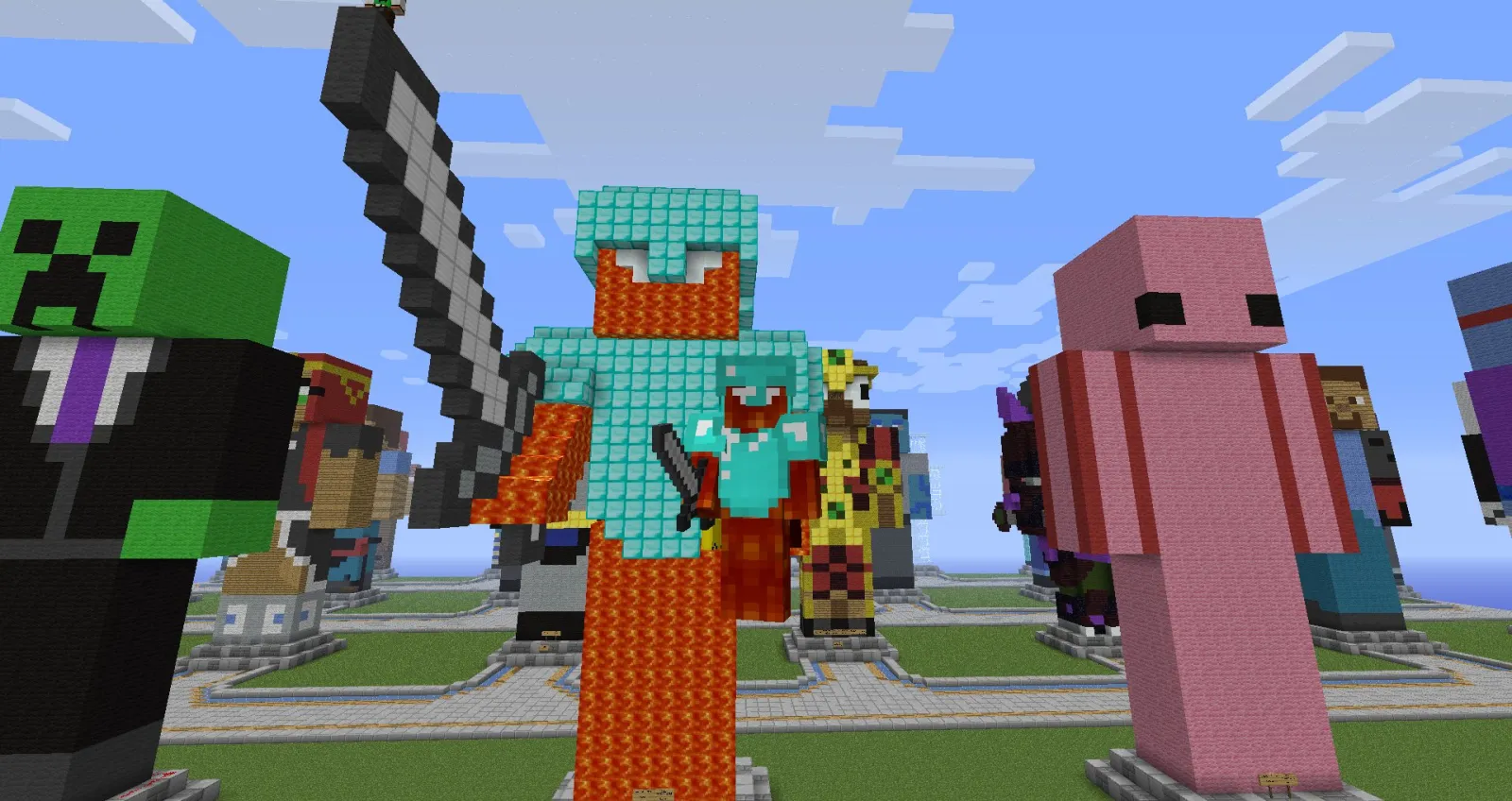
Java Edition
Ouvrez le chat, tapez /gamemode creative, appuyez sur Entrée. Si les triche sont activées en solo, c'est fini. Sur un serveur, vous avez besoin de permissions d'opérateur ou d'un rang qui autorise les commandes de mode jeu.
Je vois toujours des joueurs utiliser l'ancienne forme numérique des vieux tutoriels. C'était autrefois courant, mais ne vous y fiez plus. Les commandes basées sur le texte sont plus propres, plus faciles à retenir et moins susceptibles de vous déconcentrer quand vous construisez un mur de stockage redstone géant à 1h du matin parce que le sommeil est optionnel, apparemment.
Bedrock Edition
Ouvrez le chat et tapez /gamemode creative. Sur Bedrock, les triche doivent généralement être activées dans les paramètres du monde d'abord. Si ce n'est pas le cas, la commande ne fonctionnera pas même si vous savez exactement ce que vous faites. C'est un des pièges que Bedrock adore faire - rendre les vétérans aussi confus que des débutants.
Pour les mondes Bedrock multijoueur, les permissions du propriétaire comptent plus que tout. Si le propriétaire du monde n'a pas activé les triche ou accordé assez d'accès, vous ne changerez pas de mode peu importe à quel point vous êtes courtois.
Serveurs et Realms
Sur les serveurs, c'est là que ça se complique. Beaucoup de serveurs interdisent Creative en dehors des rangs du personnel, des mondes de parcelles ou des zones de test. Même si la syntaxe de la commande est correcte, un plugin de permissions peut la refuser.
Exemples courants :
- /gamemode creative pour vous-même
- /gamemode creative PlayerName pour un autre joueur, si vous avez des droits de modérateur ou d'admin
- /minecraft:gamemode creative si un plugin prend le contrôle de la commande courte
Celui-là vaut la peine de s'en souvenir. Si un plugin serveur personnalisé prend le contrôle de /gamemode, utiliser l'espace de noms complet peut le résoudre immédiatement.
Et oui, j'ai appris ça après cinq minutes en accusant le mauvais plugin sur un monde de test Paper. Classique.
Pourquoi la commande Creative Minecraft pourrait ne pas fonctionner
C'est la partie que la plupart des guides survole rapidement, mais c'est généralement la seule qui importe.
Si /gamemode creative échoue, c'est généralement pour l'une de ces raisons :
- Les triche ne sont pas activées dans le monde
- Vous n'avez pas les permissions d'opérateur ou d'admin
- Le serveur bloque le mode Creative avec un plugin
- Vous avez tapé la commande pour la mauvaise édition ou version
- Le nom du joueur cible est incorrect
- Un pack de commandes personnalisé interfère
Le message d'erreur exact vous en dit long. "Commande inconnue ou incomplète" signifie généralement un problème de syntaxe ou de version. "Vous n'avez pas la permission" est évident, mais les gens essaient toujours de l'ignorer par la force. Mais ça ne marche jamais. "Les triche ne sont pas activées" est l'obstacle silencieux du mode solo.
Une dernière réserve - si vous ouvrez un monde survie en LAN dans Java, vous pouvez activer temporairement les triche là-bas puis lancer la commande. C'est toujours utile en 2026, surtout pour tester rapidement les constructions. Je l'utilise quand je veux prototyper des formes de toit ou des mécanismes de commandes sans modifier complètement la configuration du monde.
Si vous êtes sur console, attendez-vous à des restrictions supplémentaires. En 2024, Mojang a commencé à tester une version PS5 native, et le support console a progressé depuis. Cela a aidé du côté plateforme, mais cela n'a pas magiquement supprimé les règles de triche au niveau du monde. Une meilleure performance ne corrige pas les paramètres d'admin. Dommage, vraiment.
Les meilleures façons de passer en Creative rapidement
Taper la commande complète chaque fois marche, mais il y a des façons plus rapides si vous changez de mode fréquemment.
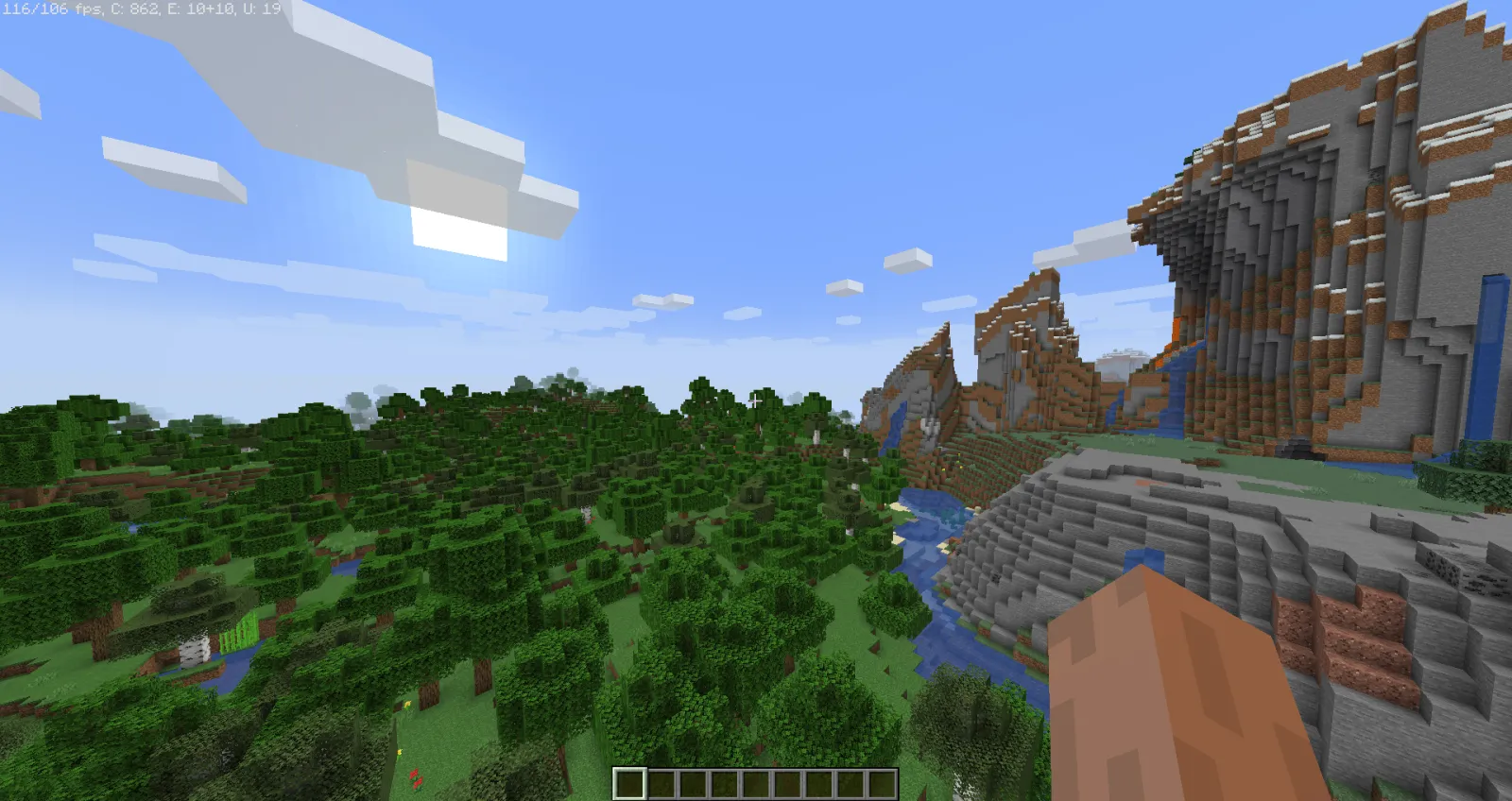
Mon choix sur Java est d'utiliser l'historique des commandes. Appuyez sur T, puis sur la flèche vers le haut, et votre dernière commande revient souvent tout de suite. Si vous testez des fermes, des comportements de mob ou des palettes de blocs, c'est beaucoup plus rapide que de la rétaper chaque fois.
Une autre option est de configurer un bloc de commande dans un monde de test :
- /gamemode creative @p
Appuyez sur un bouton, changez instantanément. Propre. Efficace. Légèrement paresseux, ce qui en termes de redstone signifie "optimisé".
Pour les créateurs de cartes et les admins serveur, les sélecteurs de ciblage sont encore mieux. Vous pouvez changer le mode du joueur le plus proche, tous les joueurs dans une zone de construction sûre, ou un utilisateur spécifique. Soyez prudent avec les sélecteurs larges sur les serveurs publics, sauf si vous aimez le chaos et les tickets de support.
Exemples utiles :
- /gamemode creative @p change le mode du joueur le plus proche
- /gamemode creative @a change le mode de tous les joueurs
- /gamemode creative Builder42 change le mode d'un joueur spécifique
Cela dit, ne lancez pas @a à la légère. Transformer un événement survie entier en Creative par erreur est exactement le type d'histoire que les admins racontent avec le regard vide.
Conseils sur la commande Creative pour construire, skins et tester
Le mode Creative n'est pas juste pour prendre des blocs. C'est pour la vitesse. Vous l'utiliserez quand vous façonnez du terrain, testez des systèmes de commandes, vérifiez le chemin des mobs ou créez des maquettes de constructions avant de les recréer en survie.
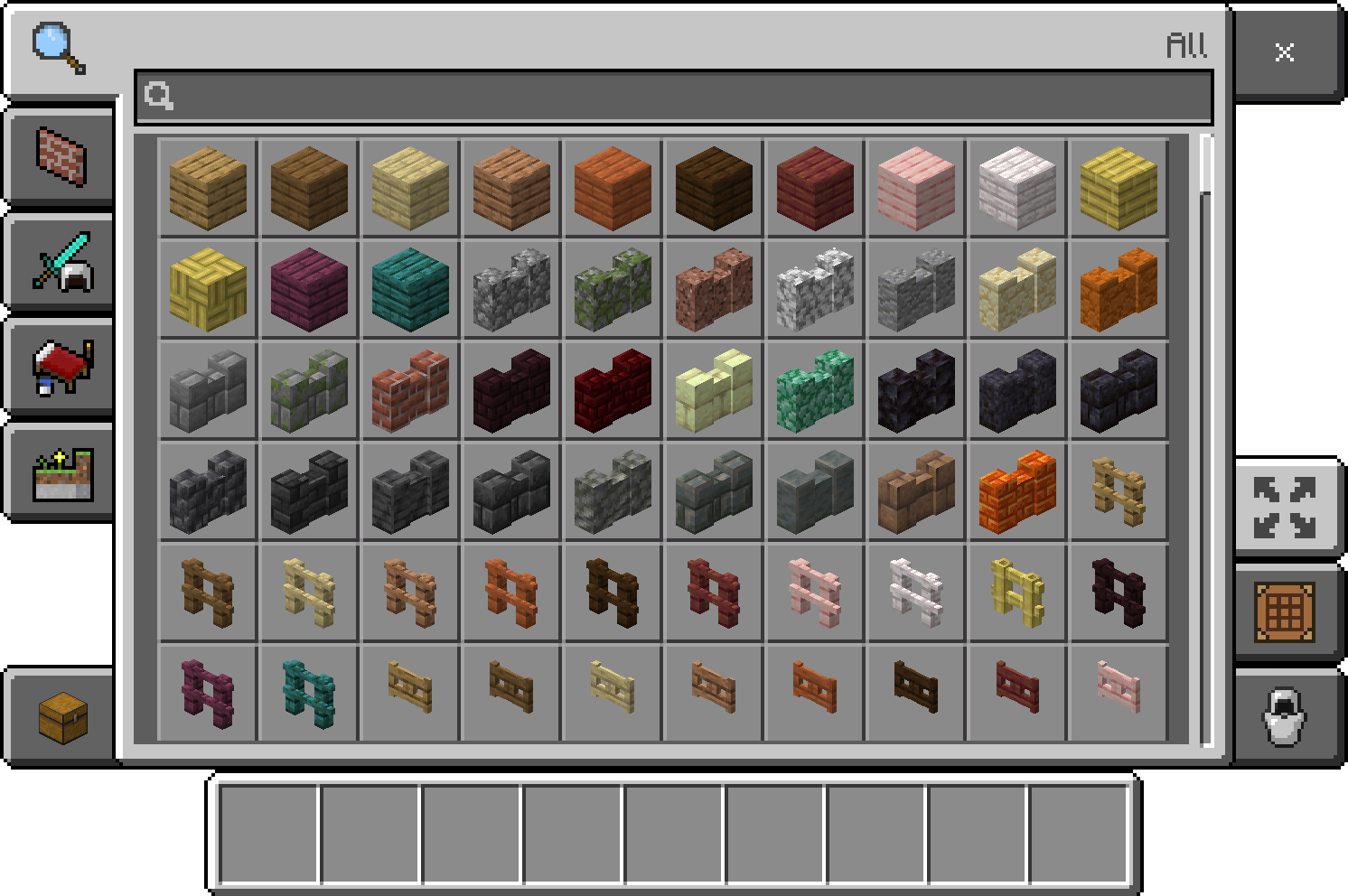
Je fais ça constamment avec des concepts décoratifs qui seraient pénibles à construire à la main. Un mur de cuisine, une ligne de toit de marché, l'intérieur exigu d'une petite boutique de potions, tout est plus simple quand vous pouvez voler, dupliquer les blocs rapidement et arrêter de faire semblant que l'échafaudage est de la décoration.
Et si vous faites des captures d'écran thématiques, le choix du skin compte vraiment plus que ce que la plupart des gens admettent. Une construction lourde en commandes paraît mieux quand le modèle de joueur correspond à la scène. Si vous configurez des laboratoires de commandes ou des vitrines de redstone, quelque chose comme commandblock370 Minecraft Skin ou commandblock Minecraft Skin correspond à l'ambiance sans effort.
Pour les projets créatifs plus légers, j'ai aussi utilisé BeeMode123 Minecraft Skin dans des constructions de village survie lumineux et drillmode Minecraft Skin pour les zones de test industriel. Bizarrement spécifique ? Bien sûr. Mais les captures d'écran, c'est la moitié du plaisir maintenant.
Si vous construisez quelque chose de plus orienté vers une histoire, Lockdown Life - Modern Survival Character Minecraft Skin fonctionne bien sur les cartes urbaines, tandis que commandblock370 Minecraft Skin fait un joli clin d'oeil visuel pour les tutoriels de commandes. Et oui, je sais que c'est une préoccupation de niche. La moitié de Minecraft aussi, honnêtement.
Notes de version pour les joueurs de 2026
La commande elle-même n'a pas beaucoup changé, mais l'écosystème qui l'entoure continue d'évoluer. C'est là l'histoire.
PCGamesN a signalé en mars 2026 que Mojang suit toujours son rythme de petites mises à jour, la prochaine version étant attendue vers la 1.26.1. La commande Creative n'en sera pas révolutionnée, mais c'est important pour les tutoriels car les mises en page, les comportements des permissions et le support de plateforme tendent à être ajustés à chaque cycle.
Donc, si vous trouvez un ancien guide vous disant d'utiliser des valeurs de mode de jeu numériques obsolètes ou d'étranges contournements spécifiques à l'édition d'il y a des années, ignorez-le. La plupart sont des vestiges d'anciennes versions Java, d'anciennes éditions de console, ou de vieux fils de forum jamais actualisés.
Voici la règle pratique actuelle :
- Utilisez /gamemode creative d'abord.
- Vérifiez les permissions de triche ou d'opérateur si cela échoue.
- Utilisez la forme complète /minecraft:gamemode creative sur les serveurs avec beaucoup de plugins.
- Ne dépannez les particularités de version qu'après ces éléments de base.
C'est l'ordre qui fait gagner du temps.
Et une dernière correction, car cela trompe les gens - vous mettre vous-même en Creative ne vous permet pas automatiquement d'utiliser toutes les autres commandes. Le mode de jeu et les permissions de commande sont des systèmes séparés sur de nombreux serveurs. Voler avec des blocs infinis ne vous rend pas un admin, malheureusement.
C'est probablement tant mieux.
Si c'était juste la réponse rapide que vous cherchiez, c'est /gamemode creative. Si vous cherchiez plutôt la réponse qui marche vraiment sur les vrais mondes, les serveurs et les configurations modernes, c'est tout le reste de ce guide.

Lead writer at minecraft.how. Long-time Minecraft player running a small SMP server, testing every build, mod, and seed before writing about it.
Questions fréquentes
Quelle est la commande pour passer en mode Créatif sur Minecraft?
Pourquoi /gamemode creative ne fonctionne pas?
Comment utiliser /gamemode creative sur Bedrock Edition?
Comment passer en mode Créatif sur un serveur ou un Realm?
Comment activer /gamemode creative dans un monde survie sans modifier les paramètres du monde?
Comment rappeler rapidement la commande /gamemode creative sur Java Edition?
Commentaires
Aucun commentaire pour le moment. Soyez le premier à partager votre avis !