MinecraftAuth: Building Minecraft Clients With Real Microsoft Login
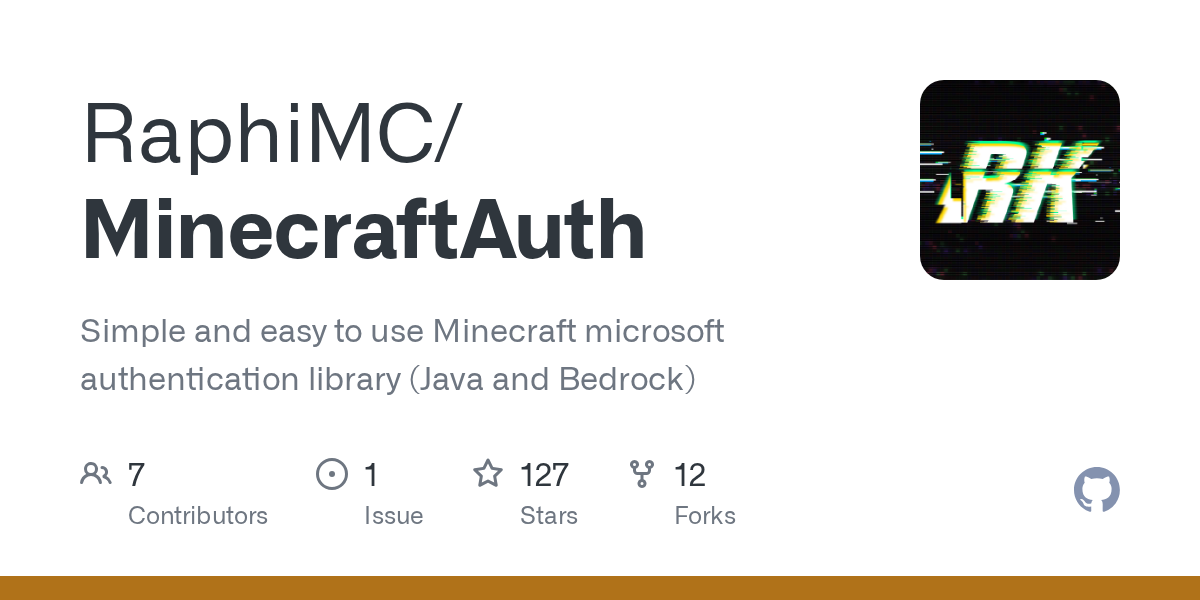
"Simple and easy to use Minecraft microsoft authentication library (Java and Bedrock)"
RaphiMC/MinecraftAuth · github.com
If you're building a custom Minecraft launcher, creating a server with authentication, or just tired of managing username-based logins, you've hit the wall that stops most projects: integrating proper Microsoft account support. MinecraftAuth is a Java library that handles exactly that problem, supporting both Java Edition and Bedrock Edition through a single, developer-friendly interface.
What MinecraftAuth Does
At its core, MinecraftAuth wraps the complexity of Microsoft's Minecraft authentication system into straightforward Java classes. Rather than reverse-engineering token endpoints or rebuilding OAuth flows yourself, you get ready-to-use authentication managers for each Minecraft edition.
The library handles token lifecycle management automatically. That means tokens refresh on their own schedule, session storage works out of the box, and your app doesn't need to worry about whether a user's token has expired the moment they try to join a server.
It also includes basic Realms API support, so if you're building something that needs to list or join player realms, that's built in rather than something you bolt on later.
When You'd Use This
The most obvious use case: custom launchers. Launcher developers lean heavily on authentication libraries because there's zero room for error. Players expect their credentials to work without friction, and you need the same solid token handling that the official launcher uses. MinecraftAuth gives you that.
Server-side applications use this too. If you're building a web dashboard or admin tool that needs to verify a player's Minecraft account, you'd pull in MinecraftAuth rather than writing auth from scratch. Bedrock multiplayer servers use it for the same reason.
There's also the offline use case. Some projects need to authenticate users once, serialize their tokens, and deserialize them later (maybe across app restarts or after a backup). MinecraftAuth handles JSON serialization of tokens natively, which saves headaches.
Getting MinecraftAuth Set Up
Installation depends on your build system. The library is available from Maven Central and other repositories, making it straightforward to add to Gradle or Maven projects.
For Gradle, add this to your `build.gradle`:
dependencies {
 implementation 'net.raphimc:MinecraftAuth:5.0.0'
}
For Maven, add this to your `pom.xml`:
<dependency>
 <groupId>net.raphimc</groupId>
 <artifactId>MinecraftAuth</artifactId>
 <version>5.0.0</version>
</dependency>
If you prefer working from the jar directly, pre-built builds are available from GitHub Actions or Lenni0451's Jenkins server.
Once imported, you'll initialize an HttpClient (the library's networking layer) and create either a JavaAuthManager or BedrockAuthManager depending on which Minecraft edition you're targeting.
Key Features and How They Work
Device code authentication is the recommended login flow. It's player-friendly: your app shows a verification URL and a code, the player enters that code on Microsoft's site, and the library waits for the login to complete. The default timeout is 5 minutes, which is plenty for most scenarios. This approach avoids opening a web browser or embedding login windows in your app.
The library also supports credential-based login if you prefer, along with JavaFX WebView windows for a more integrated experience. You can even run a local webserver as the OAuth callback, which is useful for desktop launchers. The point is: you're not locked into one flow. You pick what works for your use case.
Token management is where this library shines. Tokens expire, and handling expiration manually is a common source of bugs. MinecraftAuth manages the entire lifecycle automatically. When you request a token and it's expired, the library refreshes it before handing it back. No extra code needed on your end.
Tokens can be serialized to JSON and deserialized later. This is critical for apps that need to persist authentication across sessions or store multiple user logins. You get a clean contract for saving and loading without writing custom serialization logic.
Customizable configuration means you can override application details if needed. The default configuration uses official Minecraft application settings, which is fine for most projects. But if you need a custom client ID or different OAuth scopes, you can pass your own `MsaApplicationConfig`.
Things That Trip Up New Users
Version 5.0.0 was a major rewrite. If you're migrating from MinecraftAuth 4.x, the API changed significantly. The old step/chain abstraction is gone, replaced with token container classes. Actually, that's better for most use cases (less boilerplate), but if you're updating existing code, it's worth reading the migration guide.
One thing to keep in mind: browser APIs like `window` or `localStorage` will crash SSR environments. If you're running authentication on a server-side rendered page (which, honestly, you probably shouldn't), guard your code with `typeof window!== 'undefined'`.
The library handles network timeouts gracefully, but if you're running auth flows on constrained networks, test thoroughly. Device code auth will wait the full timeout period if something goes wrong, which can feel slow to end users.
Similar Projects and Alternatives
For older launchers, there's the original MojangAPI library, but it doesn't handle modern Microsoft accounts. If you need something lighter and don't mind managing tokens yourself, you could implement OAuth directly, but that's time you're not spending on actual features.
Some launcher projects use Mojang's legacy authentication endpoints, but Microsoft has been sunsetting those. MinecraftAuth is designed for the current ecosystem, so you're future-proofed.
If you want to ensure your server is reachable and properly responding to login requests, tools like the Minecraft Server Status Checker help verify authentication infrastructure is working. For testing login displays and messages, the Minecraft MOTD Creator is useful for crafting realistic server responses.
Open the MinecraftAuth repo ↗
Lead writer at minecraft.how. Long-time Minecraft player running a small SMP server, testing every build, mod, and seed before writing about it.