Quest Design Made Simple: Inside the Quests Minecraft Plugin
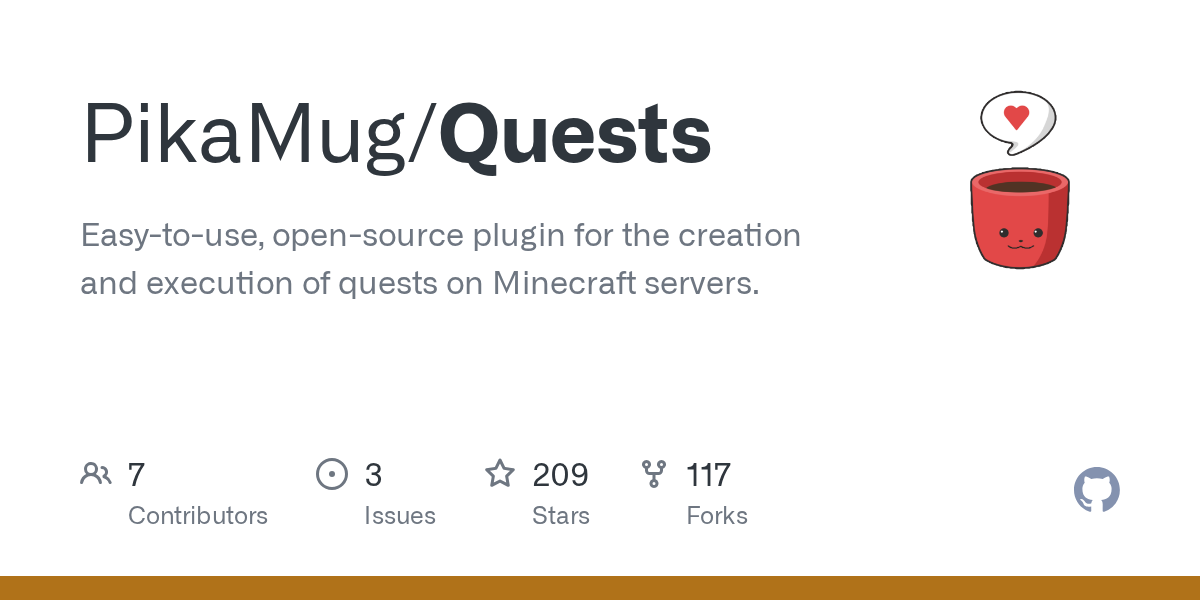
PikaMug/Quests
Easy-to-use, open-source plugin for the creation and execution of quests on Minecraft servers.
View on GitHub ↗If you run a Minecraft server, you've probably felt the friction. Players log in, they farm or build for a bit, then... they leave because there's no direction. Quests solves that problem by giving your server a built-in quest system that actually makes players want to come back.
What This Project Does
The Quests plugin turns your Minecraft server into something with a bit more structure. Players can accept quests from NPCs, complete objectives (mine diamonds, kill mobs, craft items, whatever you set up), and collect rewards. The beauty is that it's all configurable, so you're not locked into any particular quest style or difficulty.
Think of it as giving your server a progression system without forcing you to rewrite everything from scratch.
Why You'd Use It
New players especially benefit from quests. Instead of spawning in and wandering aimlessly, they get guided tasks. Mine wood. Kill 10 zombies. Craft a pickaxe. That progression feels like achievement, even if it's technically busywork. Your veteran players? They like it because it creates a secondary goal loop beyond whatever they're building.

If you're running a roleplay server, a semi-vanilla economy server, or anything with a narrative bent, this is genuinely useful. And it works on recent versions (tested on Minecraft 26.1 via Spigot), so you don't have to worry about plugin abandonment.
The MIT license also means you can modify it to fit your server's vibe, which is nice if you want custom quest types or reward mechanics.
How to Install
Installation follows the standard Bukkit/Spigot pattern. Grab the latest release (version 5.2.9 is current) from CurseForge or Modrinth, drop the JAR into your plugins folder, and restart the server.

# Basic installation workflow
# 1. Download from https://www.curseforge.com/minecraft/bukkit-plugins/quests/
# 2. Move JAR to your server's plugins directory
cp Quests-5.2.9.jar /path/to/server/plugins/

# 3. Restart the server./stop.sh./start.sh

# 4. Configure in the generated config files
cd plugins/Quests/
# Edit quests.yml to define your quests
On first load, it generates config files. That's where the actual work happens. You define quests in YAML, set objectives, rewards, and NPCs. It's not the most intuitive format if you've never edited Minecraft configs before, but the documentation (gitbook.io) walks you through it pretty clearly.
Key Features That Matter
Multiple simultaneous quests are the biggest selling point here. Players aren't locked into one quest at a time. They can accept five different chains and work toward them in whatever order feels natural. That flexibility keeps engagement higher than rigid quest systems.
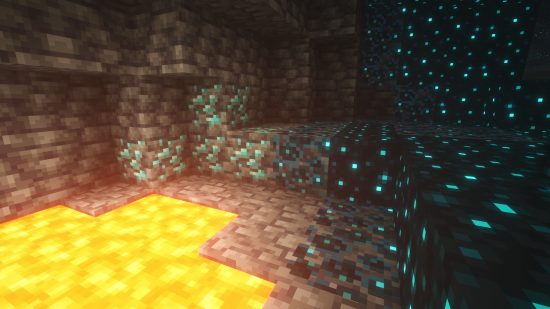
Customizable objectives let you define nearly any repeatable task as a quest goal. Mine a certain block type. Interact with a specific item. Reach a location. Kill a mob with equipment restrictions. Plant crops. Catch fish. You get the idea. The plugin has a ton of built-in objective types, and the API is documented if you want to code custom ones.
Rewards scale too. Money (if you're using an economy plugin), items, XP, effects, commands... you can chain multiple reward types to one quest. One player might want items, another prefers currency. Both are satisfied.
Quest stages are useful for building narratives. A single "main quest" can have five stages, each revealing a bit more story and unlocking the next objective. Players feel like they're progressing through something meaningful rather than just checking boxes.
Gotchas and Tips
YAML indentation breaks easily. If quests don't load, your config is probably malformed. Use a proper editor (VSCode, Sublime, anything that highlights YAML) rather than Notepad. Seriously.
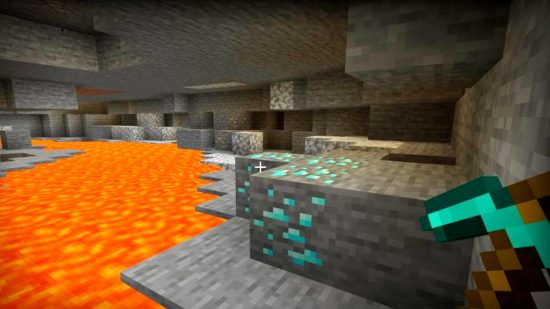
NPC integration requires additional setup. By default, Quests uses Citizens (another popular plugin) for NPC quest-givers. If you're not running Citizens, you'll need to set up alternative command-based quest acceptance, which is less polished.
Testing quest logic can be tedious. You'll want admin commands to skip objectives, reset player progress, and start quests manually while you're tuning rewards and difficulty. The plugin has these built in, but you might find yourself reloading the server a lot during setup.
One thing that surprised me: quest rewards execute immediately. If you set a quest to give a player 1000 money but they're offline, they miss it. You might want economy rewards tied to a delayed command execution or a claims system instead.
Alternatives Worth Knowing About
If Quests feels like overkill, Bukkit has lighter options. EffectLib and similar plugins add simple achievement systems. For roleplay servers specifically, MythicMobs pairs well with quest logic (objectives that trigger mob spawns, loot mechanics, etc.). And if you want ultra-deep quest design with branching dialogue trees, that's where custom server code comes in.
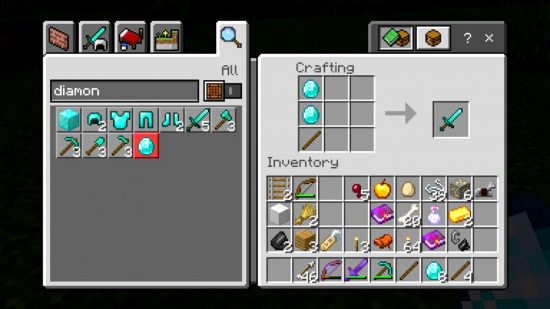
But for pure ease of use? Quests is the obvious choice. It's been around long enough to be stable (209 GitHub stars, multiple download platforms), actively maintained, and doesn't require you to be a Java developer.
Getting Started
If you're considering this, start small. One quest chain with three objectives and one reward type. Get the flow working, teach your players how to accept quests, then build from there.
When you're ready to expand your server's capabilities, also consider tools like the Minecraft Whitelist Creator to manage player access as your community grows. And if you're listing your server publicly, the Minecraft Server List is a good place to attract players who are specifically looking for servers with custom content like quests.
The plugin crowdsources translations too, so if you're running a multilingual server, community translations are available through Crowdin. That's a nice touch for international servers.
Quests won't change your server overnight, but it removes a friction point that a lot of admins overlook. Players need something to work toward, even if it's arbitrary. This plugin makes that trivially easy to provide.
Open the Quests repo ↗
Lead writer at minecraft.how. Long-time Minecraft player running a small SMP server, testing every build, mod, and seed before writing about it.