Best Minecraft Storage Mods: Organize Like a Pro
Storage is the real endgame of Minecraft, honestly. You can beat the dragon, find diamonds, build a mansion, but none of it matters if you're drowning in chests. That's where mods come in.
Vanilla Minecraft gives you exactly one choice for item storage: a wooden box that holds 27 stacks. Double it and you get 54 stacks. Great. But once you're running a base with multiple projects, automatic farms, mob grinders, and contraption workshops, you need something better. Storage mods transform this nightmare into something manageable, and some turn inventory management into a whole separate game.
Applied Energistics 2: The ME Network
If you want to feel like you're running a sci-fi space station, Applied Energistics 2 (AE2) is the way to go. Instead of chests everywhere, you build a "ME Network" where every item in your system lives in a single searchable interface accessible from anywhere. It's overkill for small survival bases. But once you experience it, vanilla chests feel like stone tools.
The core concept is simple: craft some cables, connect them together, attach storage drives, and suddenly your scattered iron, diamonds, and building blocks all live in one place. You pull items from the terminal and they appear in your inventory. No hunting through 40 chests to find the redstone.
AE2 does have a learning curve.
The power system, the drive types, P2P tunnels - it takes a tutorial or two. And it's designed for tech-heavy modpacks. If you're on a casual vanilla-plus server, it might feel like bringing industrial machinery to early survival.
Why You'll Love It
- Searchable storage for hundreds of thousands of items
- Accessible from a terminal or portable crafting terminal
- Auto-crafting system that builds items on demand
- Looks futuristic and feels genuinely powerful
Sophisticated Storage: The Practical Middle Ground
For a less intense experience, try Sophisticated Storage. It adds upgradeable wooden and iron chests that hold way more than vanilla and let you sort items with filters. Think "chest++ without the sci-fi complexity."
You craft a basic chest, then add upgrade modules to increase storage, add sorting functionality, even add auto-smelting or composting. It plays nicely with vanilla Minecraft aesthetics, so your base doesn't look like a tech factory. My pick here's Sophisticated Storage if you want big storage numbers without the modpack commitment.
The sorting system is intuitive.
Drop items in and they auto-organize based on rules you set. No more digging through piles of dirt blocks to find your slime balls. And here's what makes it special compared to AE2: the visual feedback. You see items flowing into the right chest. It feels more like Minecraft than a computer interface.
Storage Capacity Breakdown
Basic chests hold more with upgrades. A fully upgraded Sophisticated chest can store significantly more than double a vanilla double chest. The upgrades stack, so you're not locked into one configuration.
Iron Chests: No Frills, Just Storage
Iron Chests does one thing and does it extremely well: it adds bigger chests in metal tiers. Copper, iron, gold, diamond, obsidian. Each tier holds more stuff and looks slightly fancier. No power requirements. No autocrafting. No networks. Just progressively more storage space with a nice visual upgrade path.
It pairs well with other mods because it demands nothing.
Throw it in modpacks as quality-of-life padding or use it solo as a simple improvement. The obsidian chest, in particular, is a flex-worthy storage piece for a finished base that actually fits the aesthetic.
Building a Storage Room That Works
Organization systems split into two philosophies: sorting and searching.
Sorting systems physically organize items into different blocks. You set up hoppers and filters so iron goes into one chest, diamonds into another, dirt into a third. It feels hands-on and vanilla-adjacent. You see the system working. Redstone purists love this approach.
Searching systems store everything together. Applied Energistics2 and Refined Storage work this way. All items live in one network, you query for what you need, and it appears. Zero physical organization required. So this feels futuristic and ultra-convenient.
Neither is objectively better. Pick based on your vibe and how much tinkering you enjoy.
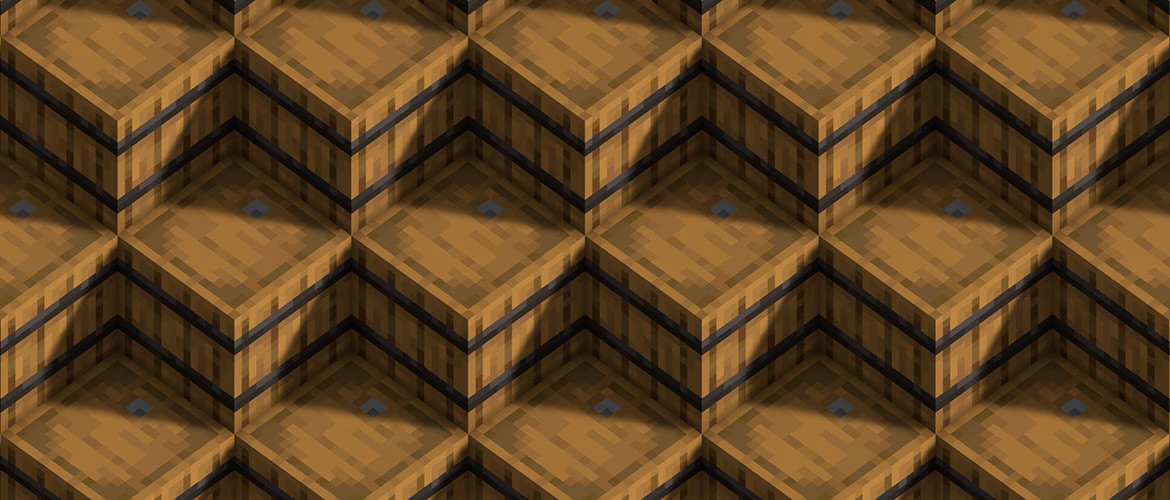
Some mods add barrel variants (Refined Storage, Create, Thermal Dynamics) that let you dedicate an entire block to a single item type. One barrel for wood stacks, one for iron ingots, one for diamonds. Your storage room becomes a wall of labeled barrels instead of a sea of identical chests. It's organized, aesthetic, and searchable from a terminal if the mod supports it.
Multiplayer Considerations
On multiplayer servers, storage becomes a social problem. Multiple players, shared storage, theft prevention. Some mods handle this better than others.
Applied Energistics 2 has built-in permission systems. Sophisticated Storage lets you lock chests with keys. Both are multiplayer-aware. If you're running a whitelisted server with trusted players, this matters less. But for public or semi-public communities, account for security in your storage plan.
Also consider performance. ME Networks and large Refined Storage systems can consume server resources, especially with auto-crafting features running constantly. Simple wooden chests don't. If your server's struggling with TPS (ticks per second), storage mods can be a hidden culprit. Test them on a dev build first.
If you're looking for a community to test storage setups on, check out the Minecraft server list for active Java Edition communities.
What Matters When Choosing
Pick a storage mod based on three questions:
- Search or sort? If you want to query for items, go Applied Energistics 2 or Refined Storage. If you want physical organization through filtering and routing, go Sophisticated Storage or barrels.
- How big is your modpack? AE2 expects a full tech tree and power system. For vanilla-plus survival, something lighter makes more sense.
- How much organizing do you want to do? Some folks love designing sorting systems. Others want to press a button and forget about it.
Here's the truth: running multiple storage solutions together works perfectly fine. Use Sophisticated chests for everyday materials, keep a small AE2 network for specialty tech items, throw some barrels around for specific material types. Storage isn't supposed to be stressful or require choosing one perfect system.
If you're setting up a server to test mods with friends, use the whitelist creator to manage who can access your test world.
Making the Final Decision
Applied Energistics 2 wins if you want maximum automation and futuristic vibes. Sophisticated Storage wins if you want practical upgrades without complexity. Iron Chests wins if you want the simplest possible expansion. And honestly, you don't need to choose just one.
Install what interests you, test it in creative mode, see how it feels. Storage mods exist to make your life easier, not more complicated. The best mod is the one you'll actually use.

Lead writer at minecraft.how. Long-time Minecraft player running a small SMP server, testing every build, mod, and seed before writing about it.