The Maintenance Plugin: Keep Your Minecraft Server Polished
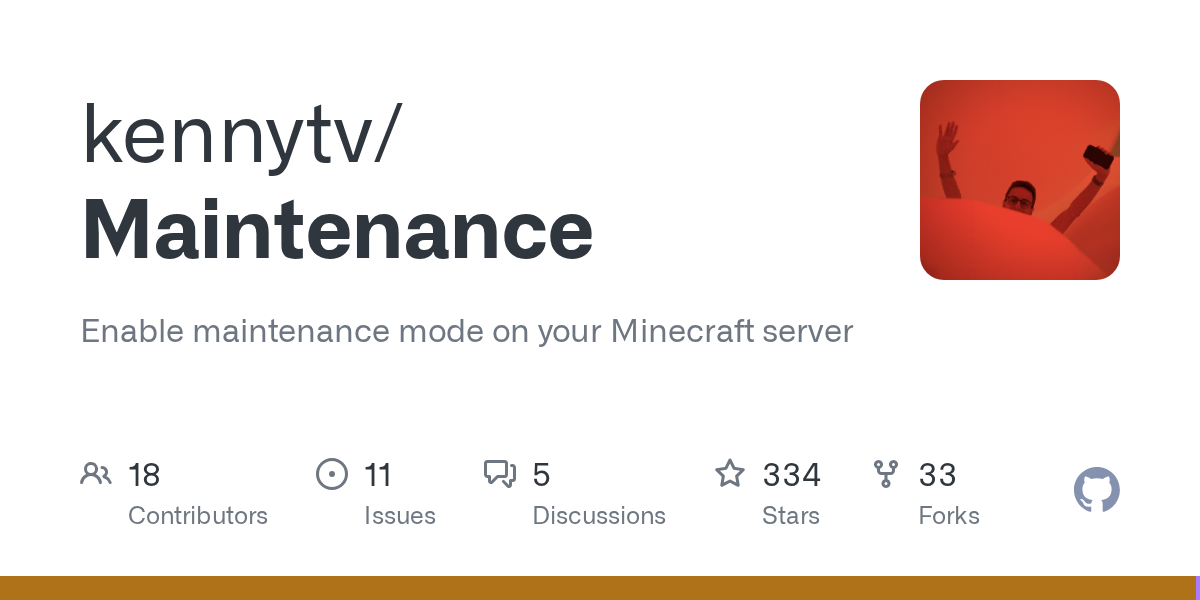
"Enable maintenance mode on your Minecraft server"
kennytv/Maintenance · github.com
Running a Minecraft server means one thing: you'll eventually need downtime. Updates, backups, security patches, bug fixes - it all requires the server to go offline. But when you just shut everything down without warning, your players get kicked mid-session, confused about what's happening, and frustrated they can't join back immediately. That's where a maintenance plugin saves the day.
Maintenance is a plugin that lets you gracefully put your server into maintenance mode. Instead of a brutal disconnect, players see a custom message explaining why the server's temporarily unavailable, when it'll be back online, and maybe a cool server icon. Some of your trusted admins and testers can still join and work while everyone else is locked out. It's the difference between looking professional and just... disappearing.
What Maintenance Does for Your Server
At its core, this plugin lets you toggle maintenance mode on and off. But "toggle maintenance" undersells what's actually happening under the hood.
When you enable maintenance, the server stays running - you're not shutting it down. Players trying to connect see a custom message instead of a timeout error. You can completely customize that message, swap in a different server icon, set an automatic timer to re-enable the server at a specific time, and grant a whitelist of players who can still join. Think of it as a "Don't Disturb" sign for your server, except the sign is interactive and informative.
It runs on multiple server types: Paper (the most popular choice for production servers), Spigot, BungeeCord for proxy setups, Sponge, and Velocity. If you're running a network of servers behind a proxy, you can even link them through Redis so one command toggles maintenance across all instances.
Why You'd Use This
Say you're running a small survival server with 20 regular players. You've spotted a nasty bug in the economy plugin that's spawning infinite diamonds. You need to shut down, roll back the database, update the plugin, and test it.
Without Maintenance, you just stop the server. Players spawn back in their homes tomorrow confused, thinking the server's dead. Some might assume it's abandoned and not come back for a week. With Maintenance enabled, they see: "Server is down for urgent bug fixes. Back online in 30 minutes." Suddenly they know what's happening and when to expect the server again. Some will even log back in after 30 minutes specifically because they know when it's coming back.
Now scale that to a larger server with 100+ concurrent players during peak hours. You're applying a security patch. You need every player to disconnect cleanly so the update doesn't corrupt data. Maintenance mode lets you queue a message that gives players a 5-minute warning to log out safely, then forcibly disconnect them when the timer hits. Way less chaotic than a crash.
And if you're managing a network of servers - say, a Skyblock, Survival, and Creative realm all behind BungeeCord - you can apply maintenance to just the Skyblock server without touching the others. Your players can still play Creative while Skyblock gets fixed.
Getting It Running
Installation is straightforward. Download the appropriate JAR for your server type (Paper, Velocity, etc.) and drop it in your plugins folder.
cd /path/to/server/plugins
wget https://github.com/kennytv/Maintenance/releases/download/5.0.0/Maintenance-Paper-5.0.0.jar
Restart your server, and the plugin generates its config file automatically. Most of the default settings are sensible - you probably want to change the maintenance message and maybe the MOTD icon.
The config file is heavily commented, so you'll know what each option does. If you want to customize the message further, you might want to explore a Minecraft text generator to get formatting and colors just right before pasting it into the config.
Once configured, you toggle maintenance with a simple command: `/maintenance on` or `/maintenance off`. If you're using a proxy like BungeeCord, you can apply it to specific servers: `/maintenance on survival-1` to put only your main survival server in maintenance mode.
Features That Matter
Beyond the basics, Maintenance has a few standout features worth knowing about.
Auto-timers. You can set a timer that automatically re-enables the server after a certain duration. Scheduled a 1-hour maintenance window? Set the timer and forget it - the server comes back online automatically. Helpful for when you're working late and don't want to remember to flip the switch.
The whitelist. You can grant specific players access during maintenance while everyone else is locked out. Perfect for letting your core admins and builders continue working on fixes or event prep. The whitelist is separate from your normal server whitelist, so it integrates cleanly.
Dynamic messages with variables. The plugin supports placeholder variables in your maintenance message. Use `%TIMER%` to show players exactly how long until the server's back. If your endtimer says the server comes back in 45 minutes, the message displays that countdown in real-time. Players see "Server coming back in 45 minutes," and they don't keep refreshing the server list wondering what's going on.
Multi-language support. If your server has international players, the plugin's translated into tons of languages. The community maintains translations via Crowdin. It's a small detail, but it shows you're thinking about your non-English players.
Proxy linking with Redis. Running multiple servers behind Velocity or BungeeCord? Sync maintenance status across all instances through a Redis connection. One command toggles maintenance on every server at once instead of running the command on each proxy individually. Saves time on large networks.
Tips and Gotchas to Know
The biggest gotcha: maintenance mode prevents logins, but it doesn't forcibly disconnect already-connected players. If someone's already on the server when you enable maintenance, they'll keep playing. You'll need to manually kick them or tell them to log out. This is actually intentional - it's safer than forcibly booting everyone, which could cause data corruption if they had unsaved changes.

Some server managers don't realize maintenance mode keeps the server running. If you're trying to restart the entire JVM process, maintenance won't help - you still need to shut down and restart the actual server software. Maintenance is for graceful, online maintenance, not for reboots.
Also, if you're adjusting other server settings while in maintenance mode (like tweaking your server properties), keep in mind that some property changes require a full restart to take effect. Maintenance mode doesn't get around those limitations.
One more thing: the default MOTD message is fine, but it's generic. Spend 10 minutes personalizing it to match your server's tone. A message that says "[MAINTENANCE] Custom survival server is down for updates" feels way more professional than the stock message, and your players will appreciate the personal touch.
Comparing to Other Options
There are other maintenance solutions out there, but Maintenance stands out for customization flexibility. Some plugins lock you into rigid messaging. Others don't support multi-language or proxy setups. Maintenance covers all those bases without bloat.
If you're running a vanilla server and just want the absolute simplest "server is down" message, you could technically just stop the server. But you lose the ability to let staff members stay connected or show players a custom reason. Not worth the trade-off.
For most server types (Paper, Velocity, BungeeCord), Maintenance is honestly the best free option. It's lightweight, actively maintained, and handles edge cases most other plugins ignore.

Lead writer at minecraft.how. Long-time Minecraft player running a small SMP server, testing every build, mod, and seed before writing about it.