마인크래프트 텍스처 팩 2026: 최고의 비주얼과 설정 방법
Minecraft texture packs in 2026 are still the quickest way to make the game feel new, whether you want cleaner PvP visuals, cozy medieval blocks, or near-real terrain. Pick a pack that fits your version, resolution, and hardware, then tune settings so it looks better without turning FPS into a slideshow.
What Minecraft Texture Packs Do in 2026
Quick reset, because people still mix this up: in modern Minecraft, "texture packs" are basically resource packs. Same idea for most players, different naming history. A pack can change block textures, item icons, mob looks, UI bits, sounds, and sometimes fonts. It doesn't add new gameplay systems by itself.
So why are minecraft texture packs still huge in 2026, when shaders and mods get all the social media clips? Control. You can change the visual identity of your world in five minutes, keep your save, keep your server rules, and roll back if it looks wrong. No migration pain, no giant modpack update spiral, no "why is my iron farm broken" panic.
I run two setups on my own worlds: one light vanilla-plus pack for survival progression, one sharper low-noise pack for PvP practice. Different goals, different visibility needs. Ever tried looting a chaotic chest room with noisy item icons? You feel it instantly.
And yes, resolution still matters more than marketing screenshots.
A 512x pack can look absurdly good in screenshots and absurdly bad in motion on average hardware. If you're on a mid-range laptop, 32x or 64x usually gives the best visual bump per frame. I tested this on a Paper SMP and a local creative world, same chunks, same weather, and the frame-time spikes were obvious once I crossed 128x.
Best Minecraft Texture Packs by Style (and Who They Suit)
There isn't one best pack. What you see is are best fits. That sounds obvious, but most players still install whatever trended last week, then wonder why caves look muddy or ores blend into stone.
My blunt take: start with your playstyle, not with YouTube thumbnails.
Vanilla-plus packs are the safest first step. They keep vanilla shapes readable while cleaning noisy textures and color balance. Great for long survival runs, especially if you build in multiple biomes and don't want one area to look "from another game."
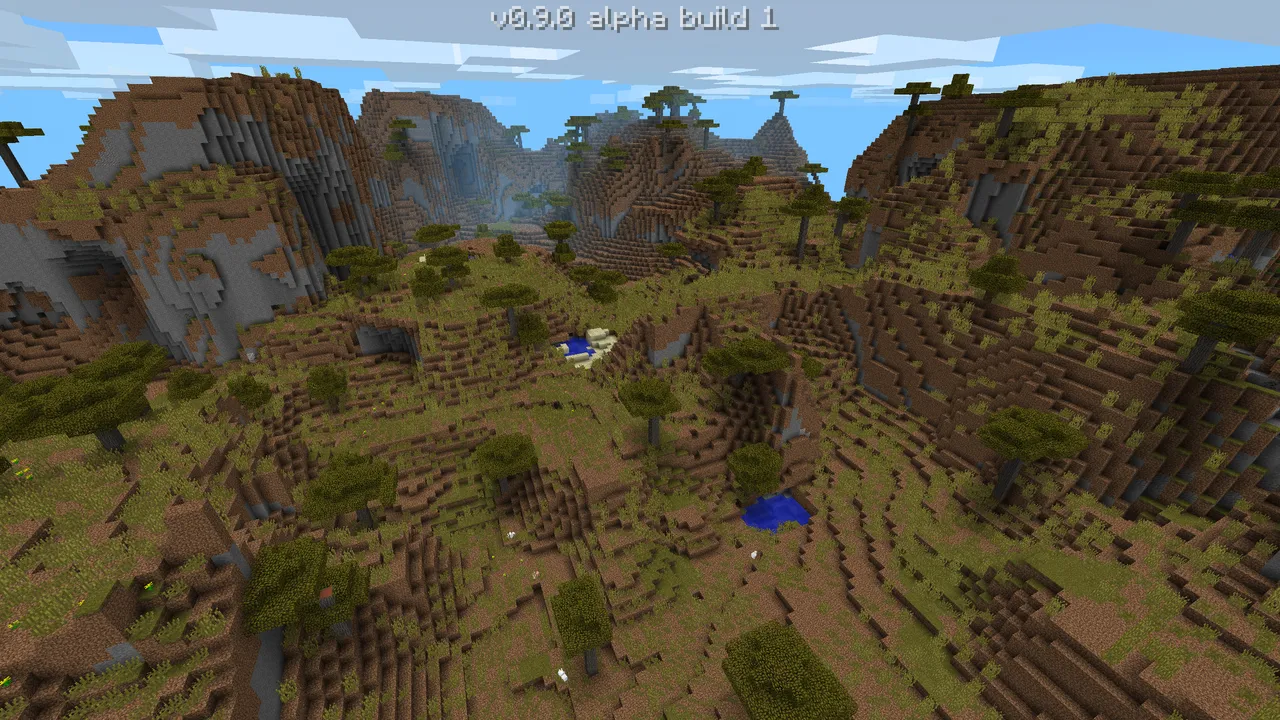
Realistic packs can be stunning for screenshots and cinematic builds, especially with good lighting. But they're easy to overrate in normal play. Mining, inventory scanning, and combat can get slower because visual contrast drops. Beautiful? Yes. Practical for everyday progression? Depends how patient you're.
Medieval and fantasy packs are still my favorite for community towns. Stone gradients and wood variations usually make builds look intentional with less effort. A plain rectangle house starts looking like a tavern if the palette is doing half the work for you (we've all done the rectangle phase).
PvP-focused packs prioritize clarity: shorter swords, cleaner particles, crisp hotbar icons. If you play minigames, these can improve decision speed more than people admit.
Low-end optimization packs are underrated heroes. They reduce visual clutter and often improve readability while cutting GPU load. If your frames dip in crowded spawn areas, this category can matter more than any "ultra realistic" option.
One caveat, actually two. First, Bedrock support can lag behind Java for niche packs. Second, "free" download pages are still full of sketchy mirrors. Stick to trusted hosts and creator links.
How to Install Minecraft Texture Packs on Java and Bedrock
Install flow is simple once you know where files go. The mistakes are usually version mismatch, wrong file format, or forgetting to activate the pack after import.
Java Edition
- Download the pack as a .zip (don't extract unless the creator says so).
- Open Minecraft, go to Options > Resource Packs, click Open Pack Folder.
- Drop the zip file into that folder.
- Back in game, move the pack to Selected, then confirm compatibility warnings if needed.
- Set pack order if you stack multiple packs, top pack overrides textures below it.
If textures look missing, your game version and pack version probably don't match. That's the number one issue, every year.
Bedrock Edition
- Use a trusted .mcpack or Marketplace source.
- Open the file, Minecraft imports it automatically.
- Enable it in Settings > Global Resources or per-world resource settings.
- For Realms, make sure the world owner sets required packs so everyone sees the same visuals.
Bedrock is easier to install on paper, but platform restrictions can be stricter, especially on consoles.
And if you're testing with friends, force everyone onto the same pack version. "It looks fine on my screen" is how you lose an evening.
Performance, Compatibility, and Common Problems
Let's talk practical stuff, because this is where minecraft texture packs stop being fun for people.
Frame rate drops come from three places: resolution too high, extra visual effects from other mods, and chunk complexity. Start by lowering pack resolution, then disable fancy leaves or heavy particles, then retest in the same location. Don't benchmark in your empty test world and expect the same result in a mega-base with 200 item frames.
I use a simple check: spawn area, redstone-heavy area, dense forest at night. If frame pacing is stable in all three, you're good.
Pack conflicts are another classic. If you stack packs, order matters. UI pack above base pack changes hotbar and menus. Audio pack above both can override sounds. Keep notes, because once you stack five packs it becomes mystery software archaeology.
- Textures not loading: wrong game version or broken zip structure.
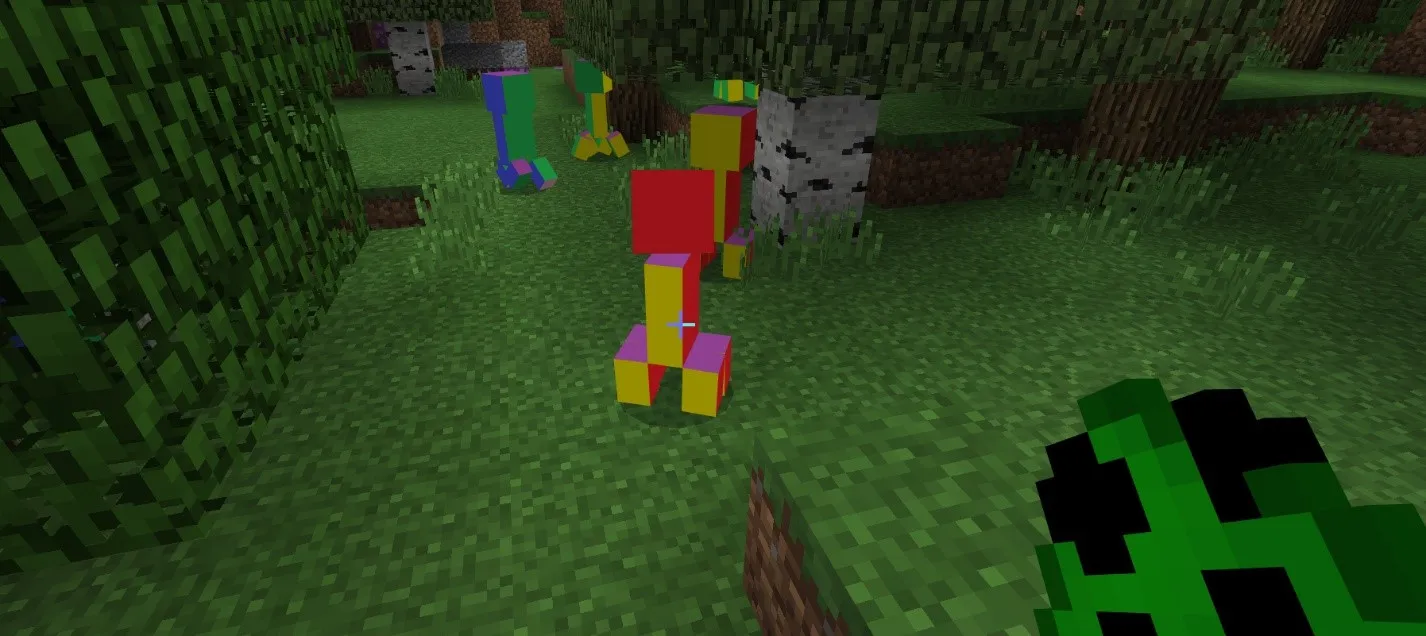
- Purple-black checker blocks: missing texture paths, often from outdated pack files.
- Mobs look vanilla unexpectedly: another pack below is overriding only some assets.
- Server mismatch warning: server requires a specific pack hash/version.
One more self-correction here: I used to tell people "just clear cache" for Bedrock issues. That's not always right on console builds, where reinstall or reimport is sometimes faster than hunting hidden cache behavior.
Matching Skins and Texture Packs for a Coherent Look
This part gets ignored, but it changes how polished your screenshots feel. A gritty medieval pack with a neon sci-fi skin can be funny for five minutes, then just visually noisy.
If you want themed character looks, these are solid starts on minecraft.how: try the rugged style in Packson742 Minecraft Skin, a cleaner modern vibe with TexturedWall Minecraft Skin, and a high-contrast option in PackSlash7 Minecraft Skin.
For brighter palettes, TexturePackscom Minecraft Skin pairs nicely with cartoon or vanilla-plus packs. If you're building moody worlds or desaturated towns, niltexture Minecraft Skin fits surprisingly well.
My rule: match skin contrast to environment contrast. If your pack has muted terrain, a slightly bolder skin outline helps readability in motion, especially in third-person clips.
What Changes in 2026, and How to Pick a Pack Right Now
Update cadence matters for pack stability. PCGamesN reported that Minecraft's "drop" schedule has been running roughly quarterly, with 1.26.1 "Tiny Takeover" estimated around March 2026. That means pack creators may need quick updates when assets shift, even in smaller releases.
Short version, don't lock yourself into abandoned packs.
The smart move is boring but effective: choose actively maintained minecraft texture packs with clear version labels and recent changelogs. If the last update is ancient and comments mention broken UI, keep scrolling.
Console players should also watch platform progress. The Loadout reported Mojang's native PS5 version testing back in 2024, and that ongoing console optimization trend affects how well higher-detail packs run in real play. You might get better headroom now than older forum posts suggest, but test on your own device before committing to heavy assets.
So, what should you install first today?
- Want stability and long survival sessions: pick a vanilla-plus 32x pack.
- Want showcase screenshots: try realistic 128x, then drop down if frames stutter.
- Want PvP clarity: use a lightweight competitive pack with simplified particles.
- Want cohesive storytelling builds: pair a themed pack with a matching skin set.
That's really the whole strategy. Start readable, scale detail only if performance stays smooth, and keep backups of your favorites before update day chaos begins.

Lead writer at minecraft.how. Long-time Minecraft player running a small SMP server, testing every build, mod, and seed before writing about it.
자주 묻는 질문
텍스처 팩과 리소스 팩은 다른 건가요?
Java Edition에 텍스처 팩을 어떻게 설치하나요?
Bedrock Edition에서는 어떻게 설치하나요?
중급 노트북에서 프레임 저하 없이 쓸 수 있는 해상도는 어떻게 되나요?
텍스처가 보라색과 검정 체크무늬로 보이면 어떻게 해야 하나요?
어떤 스타일의 텍스처 팩이 나한테 맞을지 어떻게 고르나요?
Have a Question or Tip about this Guide?Community Q&A
Ask a question or help other players below. Join the discussion and share your Minecraft tips!