Minecraft Modrinth: 2026년 모드 설치 완벽 가이드
Modrinth는 정말로 지금 가장 사용자 친화적인 모드 플랫폼입니다. 실제로 Minecraft 모딩을 해본 적이 없는 사람이 만든 것 같은 다른 플랫폼들과 달리, Modrinth는 정말 잘 알고 있습니다 - 인터페이스는 깔끔하고, 검색이 고고학처럼 느껴지지 않으며, 커뮤니티가 적극적으로 품질을 관리합니다. 그래서 바닐라 Minecraft에 지쳤지만 모딩에 압도당한다면, 이곳이 바로 당신의 시작점입니다.
Modrinth가 뭐예요?
모드 호스팅 플랫폼입니다. 그게 간단한 설명입니다. 더 자세히 말하면, Modrinth는 수천 명의 크리에이터가 클라이언트 측 모드, 서버 측 플러그인, 데이터 팩, 리소스 팩, 셰이더를 업로드하는 장소입니다. 기본적으로 Minecraft의 작동 방식이나 모양을 바꾸는 모든 것이 올라갑니다. Minecraft 모드판 GitHub라고 생각하면 되는데, 모딩을 위해 특별히 설계되었고 훨씬 덜 어렵습니다.
이 플랫폼은 2019년에 출시되었고 다른 호스팅 사이트들이 만든 실제 문제들을 해결했기 때문에 인기가 폭발했습니다.
첫째, 검색이 정말 잘 작동합니다. 게임 버전, 로더 타입(Fabric, Forge, Quilt 등), 환경(클라이언트 전용, 서버 전용 또는 둘 다)으로 필터링할 수 있고, 다운로드, 최근 업데이트, 평점으로 정렬할 수 있습니다. 둘째, 모더들이 임의의 삭제 통지나 강압적인 스폰서십 요구 없이 자신의 프로젝트를 실제로 관리할 수 있습니다. 셋째, 뭔가를 설치하기 전에 자세한 호환성 정보를 확인할 수 있어서, 40개의 모드를 다운로드했다가 나중에 3개가 서로 충돌한다는 것을 발견하는 악몽을 피할 수 있습니다.
시작하기: 런처 다운로드
여기선 선택의 폭이 많습니다.
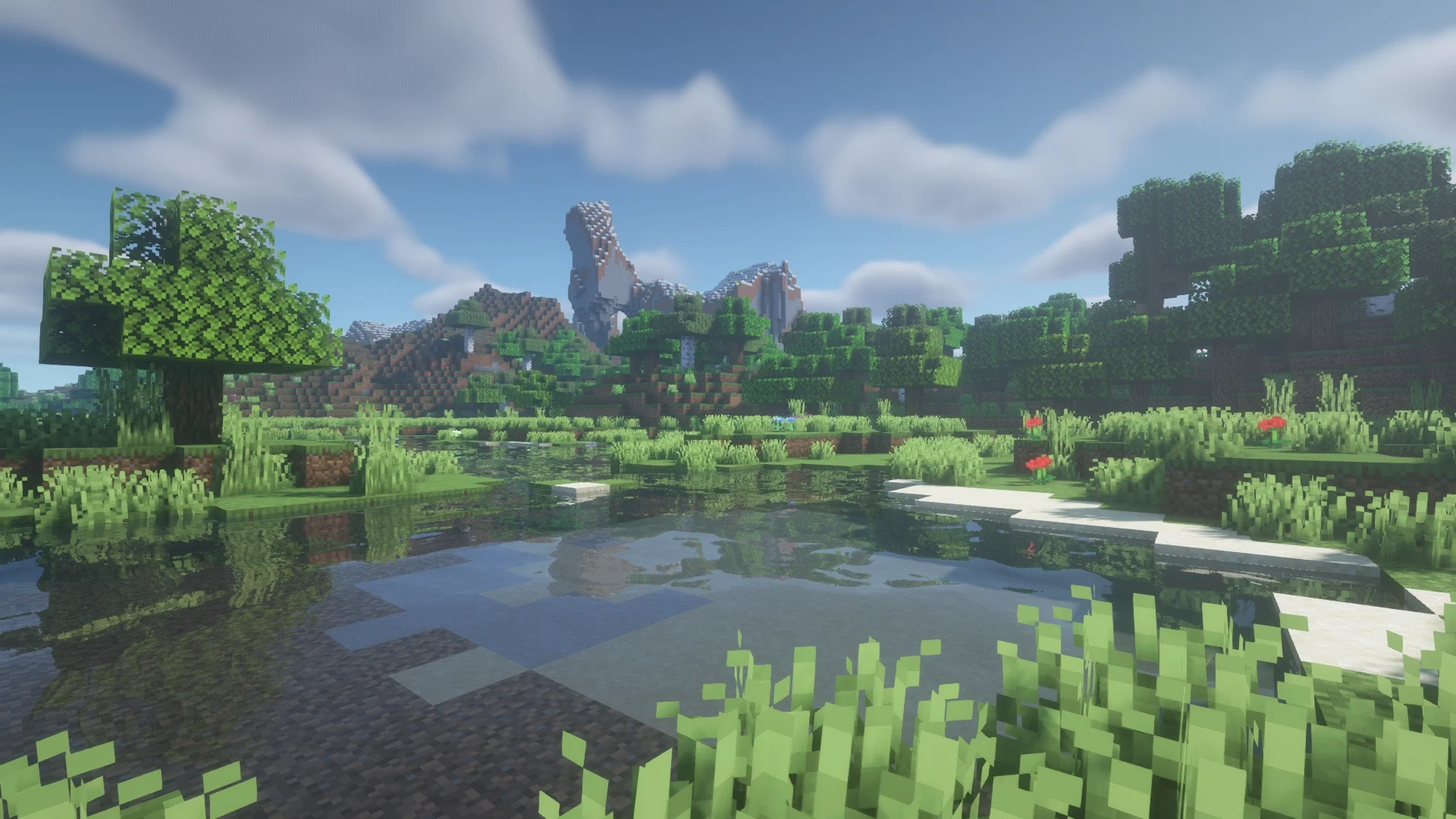
첫 번째 옵션은 Modrinth가 만든 공식 클라이언트, Modrinth Launcher를 사용하는 것입니다. 모드 설치, 버전 관리, 프로필 생성, 업데이트를 모두 한 곳에서 처리합니다. 당신의 모드를 추가하면 모든 것이 정리된 게임 인스턴스를 만들고 플레이만 누르면 됩니다. 수동으로 jar 파일을 편집하거나 폴더를 찾아다닐 필요가 없습니다 - 그냥 작동합니다. 런처는 무료, 오픈소스이며 Windows, Mac, Linux에서 실행됩니다.
두 번째 옵션은 CurseForge(예, Modrinth 콘텐츠도 호스팅함), MultiMC, 또는 Modrinth 지원을 통합한 다른 런처처럼 이미 사용 중인 것을 계속 쓰는 것입니다. 이미 좋아하는 워크플로우가 있으면 충분히 잘 작동합니다. 하지만 새로 시작한다면? 공식 런처를 그냥 받으세요.
modrinth.com에서 Modrinth Launcher를 다운로드하고 설치하면 모드를 찾아볼 준비가 완료됩니다.
함께 잘 작동하는 모드 찾기
여기가 대부분 실수하는 부분입니다. 재미있어 보이는 모드 15개를 한 번에 다운로드하고는 3시간 동안 충돌을 디버깅합니다.
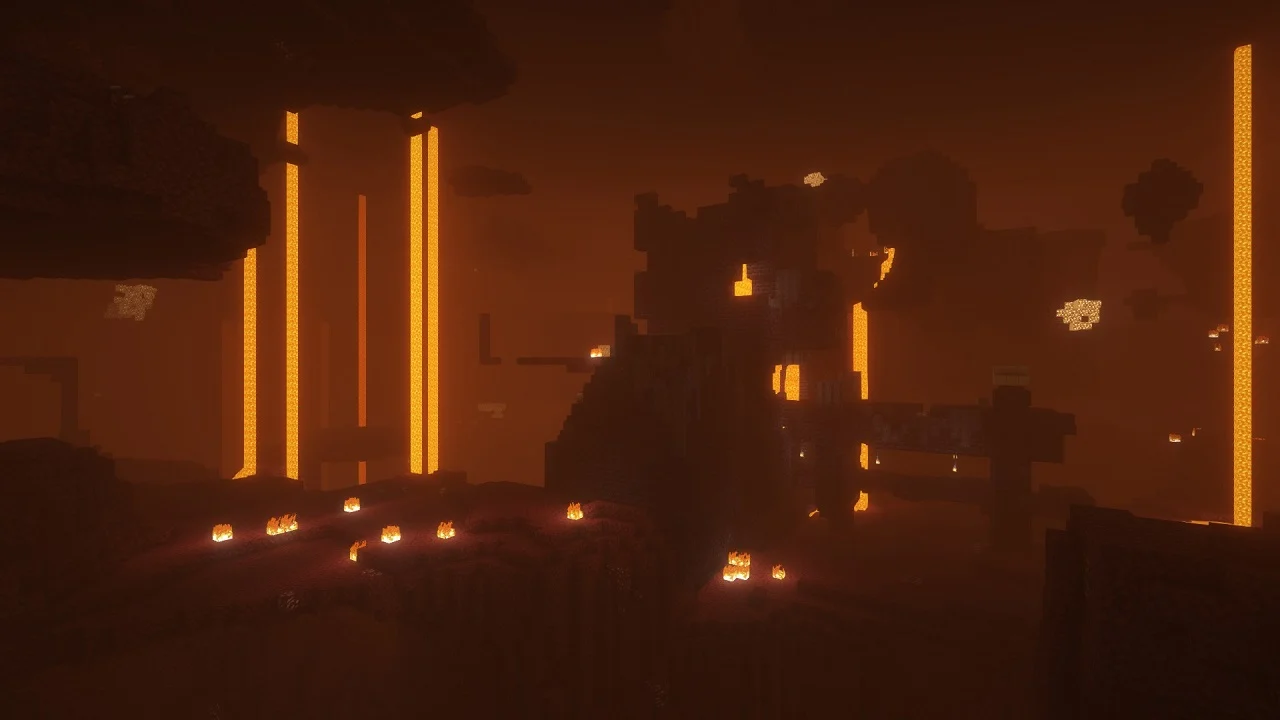
더 나은 방법: 작게 시작하세요. 당신이 정말 원하는 카테고리를 선택하세요. 예를 들어 품질 개선(QoL) 모드들을 원한다고 해봅시다 - 생존 경험을 깨지 않으면서 게임을 덜 지루하게 만드는 작은 개선들 말이에요. Modrinth에서 "quality of life" 또는 "qol"로 검색하고 다운로드 많은 순으로 정렬하면, Sodium(더 나은 성능), Fabric API(대부분의 Fabric 모드에 필수), 인벤토리 개선 모드 등을 볼 수 있습니다. 설명을 읽고, 호환성 요구사항을 확인하세요. 모드가 언제 마지막으로 업데이트되었는지도 보세요. 마지막 업데이트가 2023년인데 1.21 버전을 사용 중이면 위험 신호입니다(물론 항상 그런 건 아니지만).
다운로드하기 전에 확인해야 할 가장 중요한 것은 로더 타입입니다. Fabric을 사용하나요, 아니면 Forge? 이 둘은 호환되지 않습니다. 하나를 선택해서 고수하고, 당신이 선택한 로더를 지원하는 모드만 다운로드하세요. 모드 페이지에는 어떤 로더를 지원하는지 명확하게 표시되어 있습니다.
- Fabric은 가볍고, 빠르고, 지금 더 인기 있으며, 대부분의 새 모드가 지원합니다
- Forge는 더 오래되었고, 역사적으로 더 많은 모드들이 있지만, 속도가 느립니다
- Quilt는 Fabric의 최신 포크이고, 역시 좋지만, 생태계가 더 작습니다
2026년 새로운 플레이어라면? Fabric으로 가세요.
Modrinth 대 CurseForge: 뭐가 다를까
사람들이 자주 묻는 질문입니다.
CurseForge는 더 오래 존재해왔고 많은 크리에이터가 두 플랫폼 모두에 업로드하기 때문에 총 모드 수가 더 많습니다. CurseForge는 이제 Microsoft가 소유하고 있습니다. 이는 Microsoft Game Pass 버전의 Minecraft과 더 나은 통합을 의미하지만, 더 많은 기업 통제도 의미합니다. Modrinth는 모드 수는 적지만 큐레이션이 훨씬 더 좋습니다. 더 작고 품질에 대해 더 까다로운 커뮤니티이거든요. CurseForge에는 모딩을 풀타임 직업처럼 취급하는 크리에이터들이 있는데, 때로는 놀라운 작품을 만들기도 하고 때로는 복잡하기만 합니다.
실제 차이가 뭐냐면? Modrinth는 크리에이터를 존중합니다. 모드 설명에 광고를 강요하지 않고, 누가 업로드할 수 있는지 제한하지 않으며, 커뮤니티가 스스로를 꽤 효과적으로 관리합니다. CurseForge는 모딩을 수익화하려는 기업처럼 느껴집니다. 어느 쪽이 잘못된 건 아니에요 - 그냥 분위기가 다를 뿐입니다.
막 시작한다면 Modrinth를 사용하세요. 거기서 원하는 걸 못 찾으면 CurseForge가 당신의 백업입니다.
모두가 설치해야 하는 성능 모드
어떤 게임플레이 모드를 선택하든, 이 모드들은 게임을 고사양이 아닌 컴퓨터에서도 실제로 플레이할 수 있게 만들어줍니다.
Sodium은 필수입니다. Minecraft의 그래픽 렌더링을 완전히 다시 쓰는데, 당신의 하드웨어에 따라 프레임 속도를 3배 높일 수 있습니다. Lithium은 게임 로직을 최적화합니다. 서버 측 작업을 더 효율적으로 실행해서 CPU 부담을 줄입니다. Starlight는 조명 계산을 수정합니다. 이 세 개를 함께 설치하면(몇 가지 필수 모드 포함) 40fps에서 실행되던 게임을 120fps로 바꿀 수 있습니다. 과장이 아닙니다. 2017년식 노트북에서 직접 테스트했어요.
이 세 개 이후엔 당신의 상황에 맞게 추가 모드를 골라보세요. CPU가 약한가요? AI Improvements를 추가하세요. 나중에 서버에 올리고 싶으신가요? Indium(Sodium이 고급 렌더링이 필요한 모드들과 호환되게 해줌)을 추가하세요.
모든 것을 깨뜨리지 않고 모드 목록 관리하기
사람들이 잘 얘기하지 않는 한 가지가 있습니다: 게임 진행 중에 모드를 삭제하는 건 보통 괜찮지만, 기존 월드에 새로운 모드를 추가하는 건 더 위험합니다. 가장 안전한 방법은 모드 목록을 먼저 정하고, 월드를 만든 다음, 거기서 변경하지 않는 것입니다.
Modrinth Launcher는 인스턴스별로 관리되기 때문에 실제로 이런 식으로 운영하기 쉽습니다. "vanilla-plus" 인스턴스를 만드세요 - 성능 개선과 사소한 QoL 모드만. "magic and dimensions" 인스턴스도 만드세요 - 신중한 밸런싱이 필요한 복잡한 모드들 포함. 이렇게 분리하면, 하나를 망쳤을 때 다른 하나는 영향을 받지 않습니다.
업데이트는 끊임없이 나옵니다. Minecraft이 새 버전을 출시하면, 어떤 모드는 바로 업데이트되고 어떤 모드는 몇 주가 걸립니다. 첫 날부터 모든 걸 업데이트할 필요는 없습니다. 실제론 한 달 정도 기다려서 모딩 커뮤니티가 안정화되도록 하세요. 그렇지 않으면 당신이 모드 크리에이터들도 아직 발견하지 못한 중요한 버그를 먼저 마주칠 겁니다.
2026년에 당신의 시간을 투자할 만한 모드들
뭘 실제로 설치할지는 Minecraft에서 뭘 원하는지에 따라 달라집니다.
시스템을 너무 부담 주지 않으면서 더 좋게 보이길 원한다면: Sodium, Lithium, Starlight, Complementary Shaders, Better Trees. 이것만으로도 NASA급 컴퓨터 없이 완전한 비주얼 업그레이드가 됩니다. 더 많은 콘텐츠를 원한다면: Ecologics는 바닐라 생물 군계에 생물과 블록을 추가합니다(실제로 밸런스도 잘 맞춤), Repurposed Structures는 탐험을 다시 보람 있게 만듭니다. 건축에 관심이 있다면: Building Wands와 Valhelsia 팀 같은 크리에이터들의 장식 모드들이 좋은 선택입니다.
그런데 정말로 해줄 말은? 내게 뭘 설치하라고 물어보지 마세요. Modrinth를 "이 주 가장 인기"로 정렬하고, 20분 정도 둘러본 다음, 흥미로운 것을 고르세요. 최고의 모드 목록은 당신이 실제로 사용하고 싶은 것들입니다.

Lead writer at minecraft.how. Long-time Minecraft player running a small SMP server, testing every build, mod, and seed before writing about it.
자주 묻는 질문
Modrinth와 CurseForge의 주된 차이점은 무엇인가요?
Minecraft 모드를 설치할 때 가장 중요한 확인 사항은 무엇인가요?
시스템 부담 없이 비주얼을 업그레이드할 수 있는 모드들은 무엇인가요?
새로운 플레이어는 어떤 로더를 선택해야 하나요?
기존 월드에 새로운 모드를 추가하는 것이 위험한 이유는 무엇인가요?
Have a Question or Tip about this Guide?Community Q&A
Ask a question or help other players below. Join the discussion and share your Minecraft tips!
댓글
아직 댓글이 없습니다. 첫 번째로 의견을 남겨보세요!