Minecraft Education Edition 2026: What's New for Classrooms
Minecraft Education Edition gets meaningful updates in 2026, bringing better classroom collaboration tools, improved assessment features, and new building capabilities. If you're teaching with Minecraft, there's a lot to explore this year.
What Teachers Wanted From Education Edition
Teachers have been asking for better classroom tools for years. What's different about 2026 is that Mojang actually listened. The new update focuses on things educators mentioned repeatedly: easier class management, better student collaboration, and ways to actually measure learning.
The truth is, prior versions had potential but felt clunky in practice. Teachers wanted their students building together without constant sync issues. They wanted to see what each student learned. Most wanted tools that didn't require a PhD in server management just to run a class session. But this year's changes address those pain points directly.
Multiplayer That Works
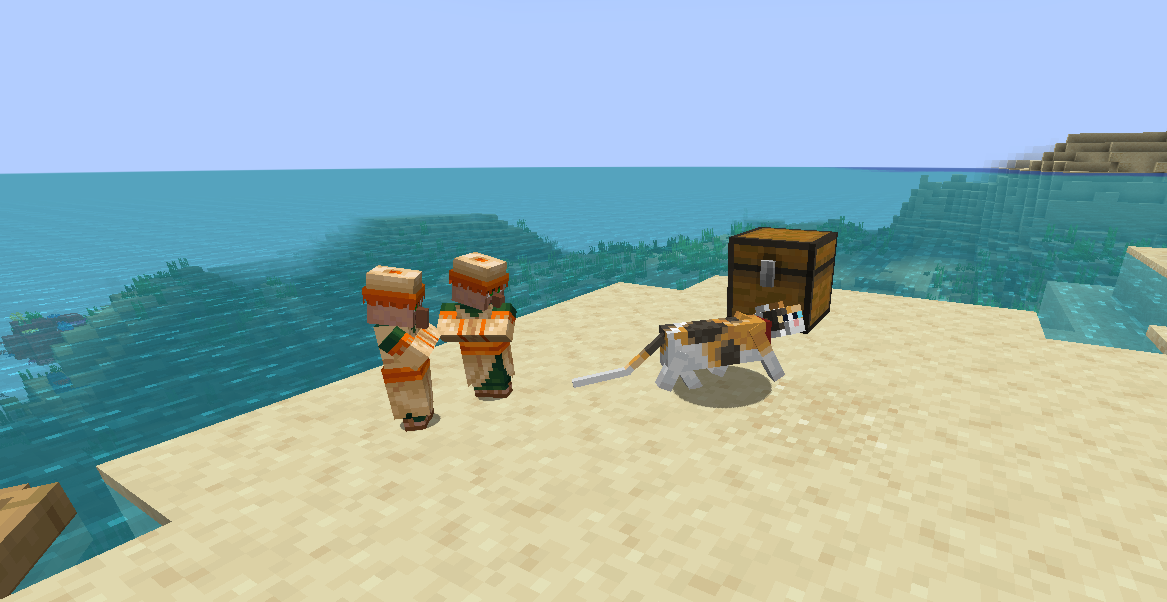
Building together is now smoother. The multiplayer improvements mean less lag and more genuine teamwork. Students see changes in real-time without the frustrating delays that made group projects feel awkward.
And honestly, that's where the learning happens.
When students build collaboratively, they've to communicate. They argue about design choices. These problem-solve together. These aren't wasted moments - they're the core of what makes Minecraft educational. The technical improvements in 2026 finally get out of the way and let teachers teach. One multiplayer now supports up to 30 students simultaneously on a single world, removing the need for split sessions or server workarounds.
Assessment Built Into the Experience
Previous versions had assessment features, but they felt tacked on. Here's the thing, teachers had to navigate confusing menus to check student progress. This year's version puts assessment right where it matters - in the building experience itself.
You're not pulling kids out of Minecraft to take a quiz.
Instead, teachers can set specific building challenges and track how students approach them. Did they solve it efficiently? Did they try multiple approaches? Did they incorporate required materials? You can see all of this without making Minecraft feel like a spreadsheet simulator. The data is there, but it stays out of the student experience. But this is genuinely better than other educational games, where assessment usually means breaking the fun with pop-up questions or having zero insight into what students understand.
Flexible Learning Scenarios
Teachers can now create scenario-based learning without hand-holding students through every step. History classes can set students loose in a customizable ancient Rome. Environmental science teachers can create specific biome scenarios. The flexibility is finally there. Use our Minecraft Block Search tool to identify specific blocks for your lesson plans - it'll help you design these worlds faster.
Expanded Chemistry and STEM Features
The chemistry features have been part of Education Edition for years, but 2026 expands them significantly. More realistic compound reactions, clearer visual feedback, and better chemical structure representation. When students create something, they actually see what's happening at a molecular level.
For STEM classes, this is huge.
Chemistry education is usually trapped between abstract textbooks and expensive (sometimes dangerous) lab work. Having a safe, interactive way to explore compounds and reactions fills a real gap. Students remember concepts better when they build them. The new periodic table interface lets students drag and combine elements to create reactions, seeing the results instantly. This year's expansion adds more realistic side reactions and catalytic processes - basically, the chemical rules are less gamified and more scientifically accurate.
Better Classroom Management
The teacher dashboard is cleaner. Fewer clicks between classroom management and actual teaching. You can mute specific students, pause the world if needed, and teleport groups around without the janky menu navigation from before.
It's not revolutionary, but it's actually usable.
For teachers managing 25+ kids, this matters. The old system would have teachers spending half the class period dealing with technical nonsense instead of teaching. Setting up server challenges or custom scenarios? Tools like our Minecraft MOTD Creator help you establish custom server messages that explain lesson objectives to students right when they join. Student progress tracking is now straightforward. You get a clear view of who's completed assignments, who's stuck, and where misconceptions might be happening. Teachers can export data for their records without jumping through multiple export wizards.
Role-Based Access Control
Different teacher accounts now have different permission levels. An instructional aide has different access than the main teacher. This prevents accidental chaos and lets schools implement clear responsibility structures. The settings sync across all devices you're logged into, which is honestly a small thing that teachers didn't know they needed until they had it.
Building Freedom With Structure
The structure blocks have been expanded. Prefab options are customizable instead of fixed templates. You're not limited to preset structures anymore. So this means scenario-based learning without it feeling overly rigid.
Building challenges are more flexible too.
"Create a sustainable farm" is different from "place these 15 specific blocks in this order." The first teaches problem-solving. The second teaches following instructions. Education Edition 2026 finally lets you choose which you need for your curriculum. The new structure-locking feature lets you protect certain parts of the world while students build in others. So a historical recreation can have the accurate base structures locked in place while students add details and their own interpretations.
Getting Started This Year
If you're new to Education Edition, starting in 2026 is easier than it would've been previously. The setup process is streamlined, and the tutorial for new teachers walks you through genuinely important stuff. Skip the fluff, focus on what works.
First, figure out what you actually want to teach. Minecraft isn't a solution looking for a problem. It works best when you have a specific learning goal: understanding ecosystems, exploring historical events, practicing collaborative problem-solving, or reinforcing math concepts. Aimless building is fun during free time, but in a classroom you need intention.
Second, start small. One unit, one class, one scenario. Let yourself get comfortable with the tools before expanding. Most teachers who struggle tried to do too much at once. Start with something straightforward, get good at managing it, then add complexity.
Then expand from there.
The learning curve is real but not steep. Teachers report getting comfortable with basic classroom management in a couple of hours. Advanced features take longer, but you don't need those immediately. Build your confidence with basics first, then layer in more complex assessment tools and scenario-building once you're confident.
One last thing: 2026 feels like the year where Education Edition stops being "Minecraft with training wheels" and becomes a solid educational platform. The improvements address real teacher concerns. They don't waste classroom time on features that sound good in marketing but don't work in practice. If you've been considering Minecraft for your classroom, this is worth reconsidering.

Lead writer at minecraft.how. Long-time Minecraft player running a small SMP server, testing every build, mod, and seed before writing about it.