Floodgate: Bridging Bedrock and Java Servers in 2026
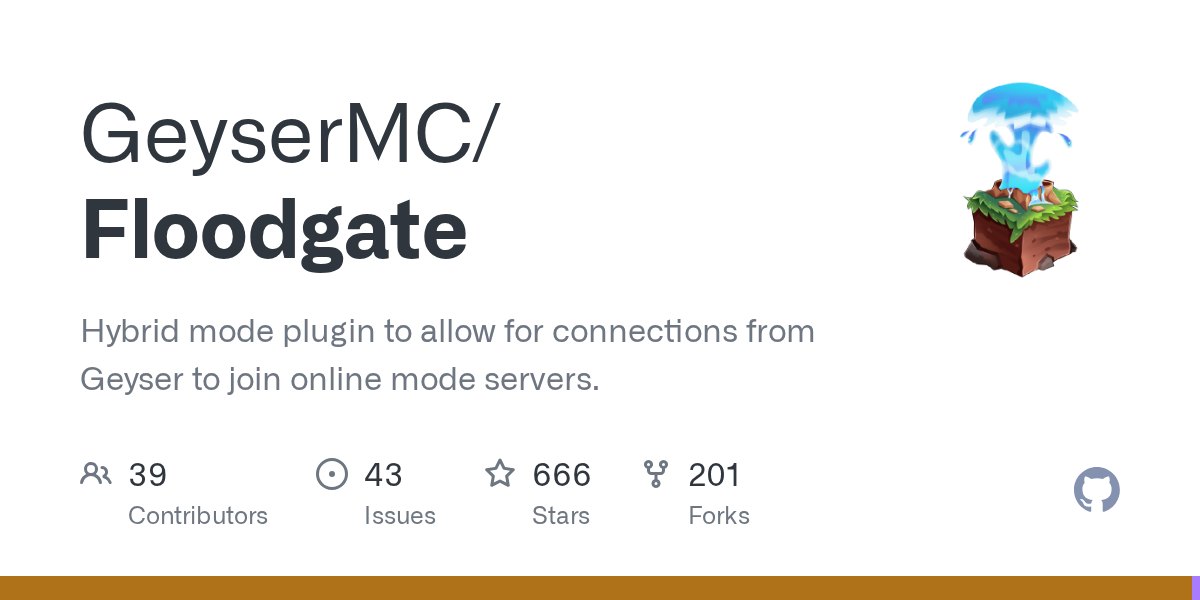
GeyserMC/Floodgate
Hybrid mode plugin to allow for connections from Geyser to join online mode servers.
View on GitHub ↗Running a Minecraft server that welcomes both Java and Bedrock players has always been a technical puzzle. Floodgate is the missing piece that makes it possible, letting your Bedrock friends (on mobile, console, or Windows 11 Edition) join the same server as Java players without breaking authentication or creating admin headaches.
What Floodgate Does
Floodgate is a plugin that solves one specific problem: letting Bedrock players authenticate on online-mode Java servers. Here's the issue it addresses. Normally, online-mode servers only accept Java Edition players with valid Mojang accounts that have logged in through the official launcher. Bedrock Edition players (whether they're on mobile, Switch, PlayStation, or Windows 11) don't have Mojang accounts and aren't in that authentication system. They can't log in at all.
That's where Geyser comes in. Geyser translates Bedrock's protocol into Java's protocol so Bedrock players can technically connect to Java servers. But Geyser alone doesn't solve the authentication problem. You can run Geyser on offline-mode servers (where anyone joins with any name), but that leaves you vulnerable to griefing, impersonation, and players nuking your server. If you want a real, secure server with actual player progression and consequences, you need online-mode.
Floodgate bridges that gap. But it provides the encryption and token system that proves to your Java server: "This Bedrock player is legitimate and verified by Geyser." No fake accounts. No impersonation. Just cryptographically signed handshakes.
It sounds simple on the surface, but behind the scenes it's doing encryption, token validation, account verification, and session management to make the whole thing work smoothly.
Why Run a Cross-Platform Server
Before you set this up, ask yourself honestly: do you actually need it?
Cross-platform servers are genuinely useful if you're in one of a few situations. You're trying to build a larger community and Bedrock players vastly outnumber Java players overall. You want to support friends on different platforms without running two separate servers. You're building a persistent economy or shared world and want everyone in one place experiencing it together.
Not every server needs this. If you're running a small vanilla realm with three close friends, offline-mode Geyser is fine. You don't need the security overhead. But if you want a thriving public server with progression that matters, shared economies, guilds, or quest systems? This is worth the effort.
How to Install and Configure
You'll need three things. A Java Edition server running Paper, Spigot, or another compatible server software. Geyser installed (usually as a plugin in the same server instance). Floodgate itself, which you download from the official GeyserMC website and drop into your plugins folder.
On first startup, Floodgate generates a keypair automatically. This is an RSA keypair: a public key and a private key. The private key signs the authentication tokens that prove Bedrock players are real. That public key lets your server verify those signatures. Keep your private key secure. If someone steals it, they can forge authentication tokens and fake Bedrock connections.
Your Geyser config file needs to be aware that Floodgate exists. In Geyser's config, set the auth-type option appropriately and point it to your Java server's address. If Geyser and Floodgate are running in the same Paper instance (which is the simplest setup), this communication happens automatically over internal IPC.
One gotcha that trips people up: if Geyser and Floodgate are on different machines (say, Geyser on a proxy server and your Java server elsewhere), you need network connectivity between them. Make sure your firewall allows connections from Geyser to your Java server on the configured port. Most people run them together in one Paper instance, so this isn't usually a problem.
How Authentication Works
Here's the flow. A Bedrock player launches Minecraft on their device. Geyser intercepts the connection. The Bedrock player's device sends their Xbox Live authentication token to Geyser (or passes it locally if Geyser is on the same device). Geyser validates with Microsoft's servers that the Xbox Live token is real.
Once validated, Geyser creates a Floodgate token that includes the Bedrock player's UUID and username. Geyser signs this token with Floodgate's private key and sends it to the Java server. The Java server receives the signed token and verifies the signature using the public key. If the signature is valid, the server trusts that the connection is legitimate and the player logs in.
From the Java server's perspective, this looks like any other legitimate player connection. Java players and Bedrock players play together in the exact same world, share the exact same inventory system, and experience the exact same economy and progression. You literally can't tell the difference from gameplay unless you check the player's UUID (Bedrock players get a deterministically derived UUID based on their original Bedrock UUID, so it stays consistent across sessions).
If you're running plugins, you can detect whether a player came through Floodgate and apply special logic if you want (like restricting certain features to Java-only or vice versa). But the default behavior is complete unification.
Actually, here's something I found surprising: if you're using tools like the Nether Portal Calculator to help players navigate the Nether across platforms, or our Text Generator for custom signage and chat messages, those work identically for Bedrock and Java players once Floodgate is handling authentication. The player experience is truly unified.
Common Issues, Troubleshooting, and Alternatives
Version mismatches between Floodgate and Geyser cause the vast majority of authentication failures. Floodgate 2.x is compatible with Geyser 2.x. Floodgate 1.x works with Geyser 1.x. If you update one without updating the other, you'll get token validation errors. Update them together, not separately.
Your server must be running in online-mode. If it's in offline-mode, Floodgate won't work properly. Yes, online-mode does have a small performance cost (Microsoft authenticates every player at login), but the security is worth it.
Bedrock players behind restrictive corporate firewalls or certain VPNs sometimes struggle to establish the connection through Geyser. This is a network infrastructure issue, not a Floodgate issue. If you're running a global server and noticing connectivity problems from certain regions, consider running a Geyser proxy closer to your target players.
When auth fails, check Floodgate's logs first. They're usually explicit about what went wrong: bad token signature, version mismatch, network timeout, or firewall blocking. Reading the error messages saves hours of debugging time.
Now, you might not need Floodgate at all. That's worth acknowledging. ViaVersion plugins handle supporting multiple Java versions on the same server, but they don't solve cross-platform play the way Floodgate does. Running two entirely separate servers (one for Java, one for Bedrock) and syncing them via a shared database is architecturally viable if you want total isolation. Some third-party hosting platforms bundle Geyser and Floodgate automatically, which is the easiest path if you don't want to configure it yourself.
But if you're running your own Java server and want to open it to Bedrock players while maintaining online-mode security? Floodgate is the standard tool. It's mature, battle-tested on servers with thousands of concurrent players, and the GeyserMC community support is solid. The project has 666 stars on GitHub and is written in Java, which makes it a natural fit for the Minecraft server ecosystem.
Open the Floodgate repo ↗
Lead writer at minecraft.how. Long-time Minecraft player running a small SMP server, testing every build, mod, and seed before writing about it.