Minecraft Live at TwitchCon: What's Coming Next
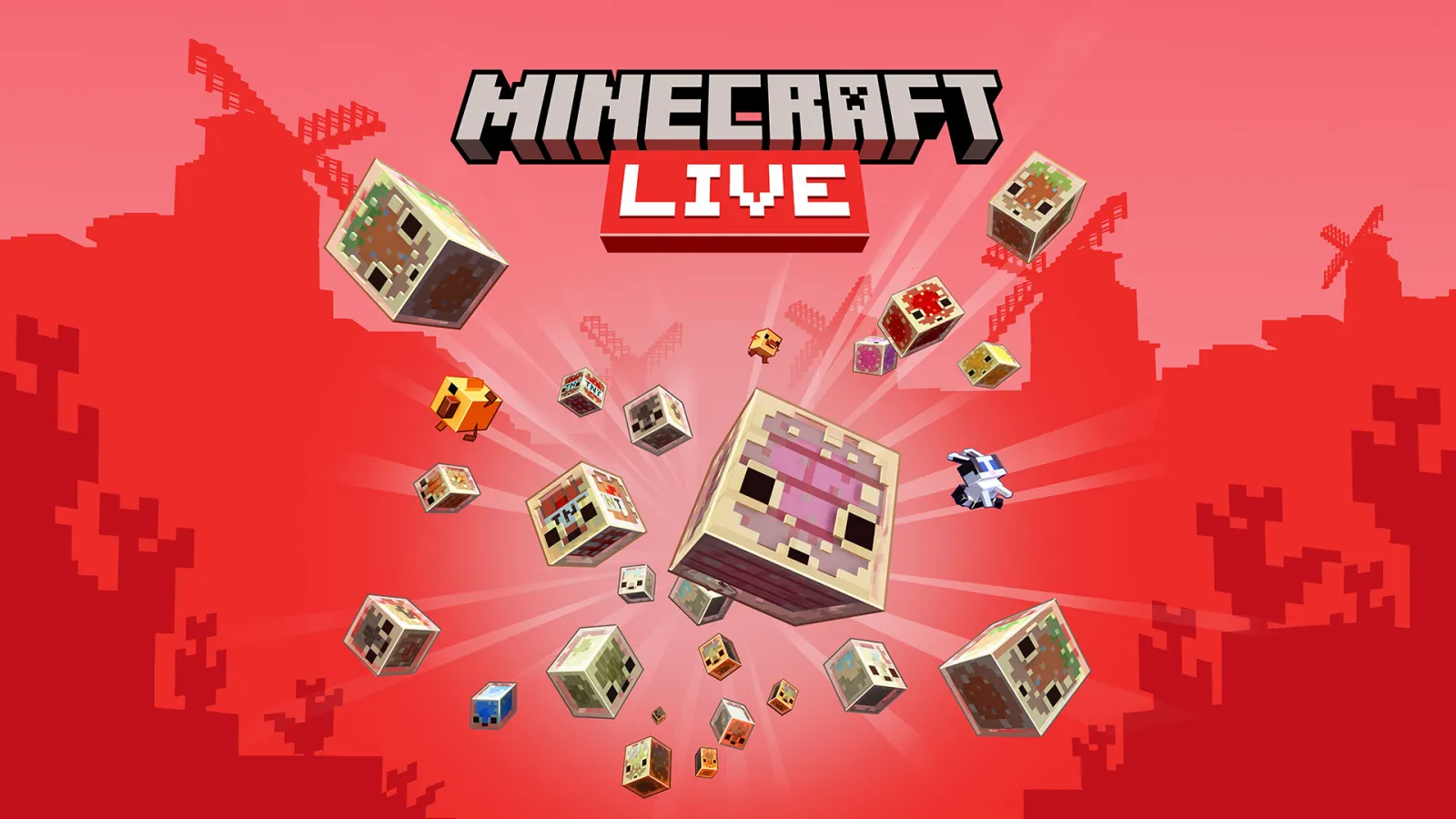
Minecraft Live is returning to TwitchCon, and this year's event is shaping up to reveal what Mojang has been cooking up for the next major update. Whether you're hyped for new blocks, biomes, or gameplay mechanics, TwitchCon's Minecraft Live showcase is where the biggest announcements happen. It's the event where speculation ends and real details begin.
What's Minecraft Live at TwitchCon?
Minecraft Live isn't a new thing, but hosting it at TwitchCon gives it a different vibe. Instead of a standalone event, it becomes part of TwitchCon's massive gaming celebration, which means bigger audience, more hype, and loads of content creators watching live and reacting in real time.
The event typically features Mojang developers talking about upcoming features, live demos of new content, and occasionally some surprises that weren't even leaked. There are usually giveaways, on-stage gameplay, and creators getting early hands-on time with features. Here's the thing, it's basically the moment where the Minecraft community stops guessing and starts knowing.
What Typically Gets Announced
If you've been following Minecraft development, you probably already know about the sulfur caves biome and sulfur cubes coming in the next snapshot cycle. But TwitchCon announcements go beyond what's currently in testing. Mojang usually reveals features that are further out, sometimes giving months of lead time before they even hit experimental snapshots.
Past events have unveiled everything from new mob types to biome overhauls to combat mechanics reworks. Some announcements are broad ("we're working on a new cave system"), while others are granular ("here's the exact spawn rate for this new block"). The key thing is that these are usually the first official confirmations of direction, which shapes how the community plans and theorizes.
And honestly, the live reactions from the community are almost as entertaining as the announcements themselves. Watching thousands of players react in real time to news they've been speculating about for months is peak Minecraft social energy.
Getting Ready: Test the Latest Snapshots
One of the smart moves before TwitchCon is to boot up the latest snapshot and see what's already in the pipeline. Right now, Minecraft Java 26.2-snapshot-7 was released on May 12, 2026, and it includes the new Friends List feature and fresh music tracks from Paula Ruiz (fingerspit) for the upcoming Chaos Cubed content.
If you haven't tried testing snapshots before, it's straightforward. Fire up your Minecraft Launcher, click the installation dropdown, and select the latest snapshot. You'll get to experience new features firsthand, which honestly gives you context for understanding what the developers are building toward. When TwitchCon rolls around and they talk about the next iteration of caves or combat, you'll already have a feel for how things are evolving.
Keep tabs on the official snapshot information and changelogs so you know what changed in each build. The developers are pretty thorough with documentation, so you can track exactly what's new and what's been polished between versions.
Why Testing Snapshots Matters
Testing snapshots isn't just for finding bugs (though that's important). It's about getting a real sense of what direction the game is heading. You'll notice balance changes, new visual effects, and gameplay tweaks that don't always make headlines but fundamentally shift how the game plays.
Building Hype: Prepare Your Server or World
While the developers are prepping their big reveals, you can prep your server or world for what's coming.
Update your server MOTD to hype TwitchCon and the upcoming changes. An eye-catching message can get players excited about what's next. If you're not sure how to format it properly or want something custom, the Minecraft MOTD Creator makes it dead simple to design something that stands out without any knowledge of formatting codes.
Similarly, if any of your players are creative types, they might be inspired to design new skins based on TwitchCon themes or whatever gets revealed at the event. The Minecraft Skin Creator is a solid place for them to start if they want something more guided than working from scratch in a pixel art tool.
The Community Angle
TwitchCon is packed with content creators, speedrunners, hardcore players, and builders. The conversations happening in chat and on Discord during the event are honestly where some of the best ideas come from. Creators are theorizing, strategizing how to adapt their content, and brainstorming builds based on what's revealed.
If you've got a Discord community or play on a multiplayer server, watching TwitchCon together makes it an event. Post predictions beforehand, react in real time, and then plan how the new content affects your shared world or server direction.
And if a particular feature gets revealed that breaks your current builds or strategies, hey, that's part of the fun. Minecraft's always evolving, and TwitchCon is where you find out how.
What Comes After the Announcements
The event itself is one night, but the fallout lasts weeks. Announced features go through several snapshot iterations before hitting the official release. This gives players time to test, provide feedback, and see how the team refines ideas based on community input.
Minecraft Java 26.1.2 is the current stable release, but whatever ships next will likely incorporate learnings from the snapshot cycle. The snapshot testing process is how Mojang catches balance issues, identifies fun interactions, and sometimes completely changes course based on feedback.
So TwitchCon isn't really the ending of the story, it's just act one. The real journey happens in the snapshots afterward.
Worth Watching
TwitchCon's Minecraft Live is worth tuning into if you want to know where the game's heading and get hyped about the next major update before anyone else. You'll catch announcements that won't be anywhere else for a while, see live gameplay, and be part of the massive community moment. Plus, armed with the latest snapshot info and some preparation, you'll actually understand what the developers are showing off instead of nodding along confused.
If you're not usually one for big gaming events, this one's legitimately exciting for Minecraft players. And if you're already locked in on the game, it's unmissable.

Lead writer at minecraft.how. Long-time Minecraft player running a small SMP server, testing every build, mod, and seed before writing about it.
Veelgestelde vragen
When is Minecraft Live at TwitchCon happening?
Can I watch Minecraft Live if I don't have a TwitchCon ticket?
What's the difference between Minecraft Live and regular snapshot releases?
Should I update to the latest snapshot before TwitchCon?
How do I access Minecraft snapshots to test new features?
Have a Question or Tip about this Guide?Community Q&A
Ask a question or help other players below. Join the discussion and share your Minecraft tips!
Reacties
Nog geen reacties. Deel als eerste je gedachten!