Minecraft Multiplayer Without Server: Smart 2026 Setup Guide

Yes, you can play Minecraft multiplayer without renting a server in 2026. The practical routes are LAN, friend-hosted worlds, and lightweight tunnel tools for internet play, with Realms as the low-maintenance fallback. Pick based on distance, device mix, and how much setup pain your group will tolerate.
Minecraft multiplayer without server, what it means now
People say "no server" and mean three different things: no paid host, no always-on machine, or no admin hassle. In technical terms, multiplayer always runs on some server process, even if it's your own game client. The real question is who hosts, for how long, and how much control you need.
In 2026, the choice is better than it used to be. Mojang's release cadence has stayed frequent, and platform support keeps improving. PCGamesN reported on the expected quarterly "drop" rhythm around the 1.26.1 window, which matters because protocol changes can break old tunnel tools for a week or two. The Loadout also covered Mojang's native PS5 push, and that matters for mixed-platform friend groups where one person is still on older console builds.
So, no, "without server" does not mean "without hosting." It means "without paying for traditional server hosting."
Best zero-rent methods in 2026 (and who should use each)
If your group is in one home, LAN wins. If your group is spread across countries, friend-host plus a tunnel is usually fastest to set up. If nobody wants to troubleshoot ports at 11:40 pm on a Friday, Realms is boring but effective.
My blunt ranking for most EU friend groups:
- LAN world for same-house play, lowest latency, almost zero setup.
- Java host + tunnel for internet co-op with mods/datapacks and full control.
- Bedrock friend join for quick cross-device sessions, less admin control.
- Realms if host uptime matters more than customization.
Could you still forward ports manually? Yes. Should everyone do it? Not really. Many EU ISPs use CGNAT now, and that alone can waste your entire evening.
Option 1: LAN multiplayer without a dedicated server
LAN is still the cleanest answer to minecraft multiplayer without server setup, as long as everyone is on the same local network. It is fast, stable, and hard to mess up unless someone is on the guest Wi-Fi by accident (this happens more than anyone admits).
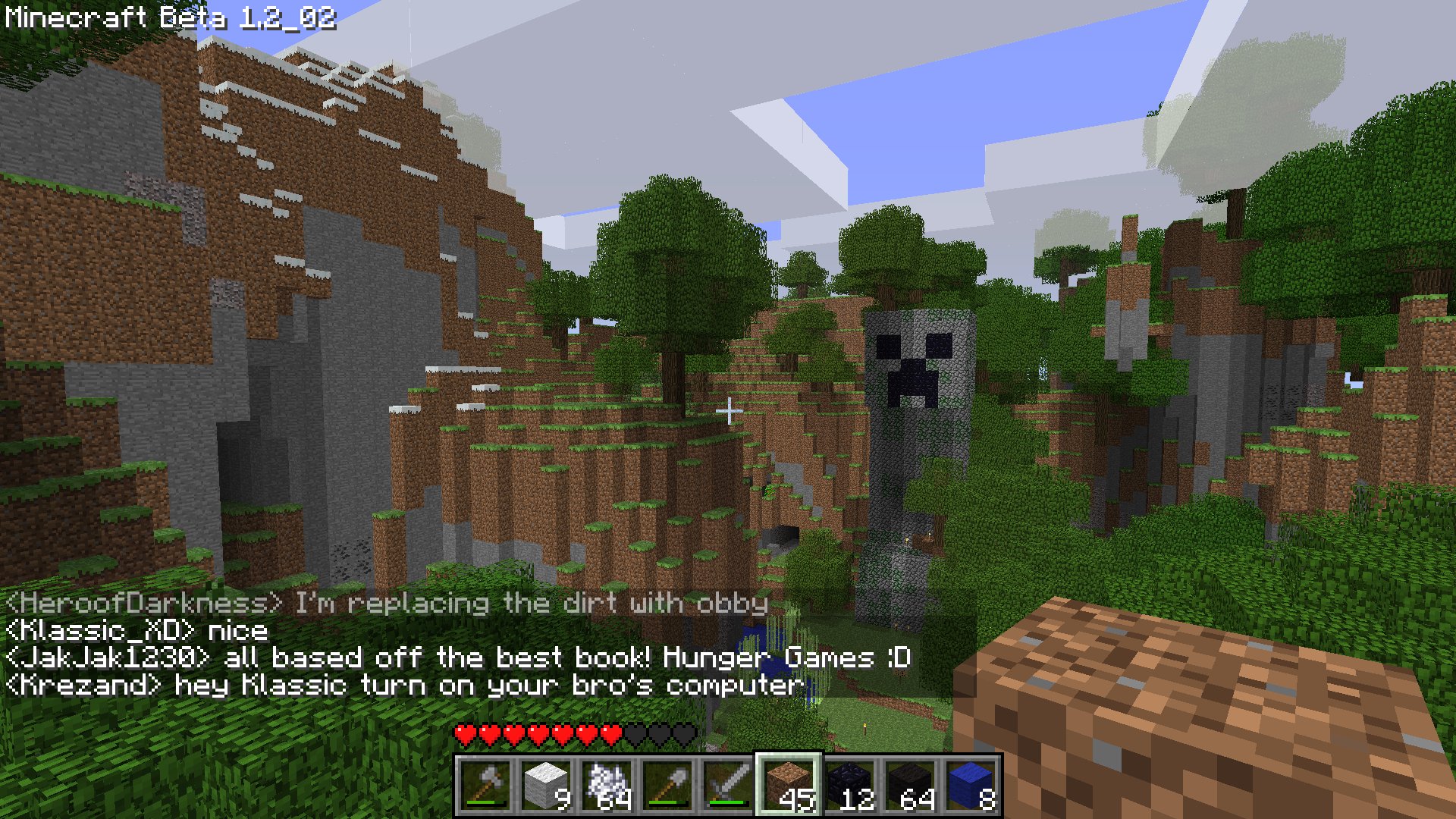
Java Edition LAN steps
- Start a singleplayer world.
- Press Esc, choose Open to LAN.
- Set game mode and cheats preference, then start LAN world.
- Other players open Multiplayer and join the detected LAN game.
If discovery fails, use direct connect with the host local IP plus port shown in chat, like 192.168.1.23:54012. Keep all players on matching game version and mod loader. Fabric host + Forge client still fails, and no amount of optimism changes that.
Bedrock LAN steps
- Host enables multiplayer in world settings.
- Everyone signs in with Microsoft accounts.
- Friends on the same network open Friends tab and join.
Actually, one correction, that's not quite right for some console privacy profiles. Child and family settings can block joining even on LAN. If join buttons are missing, check account privacy first, then network.
Short version: LAN is unbeatable for classroom sessions, sibling co-op, and local build nights.
Option 2: Online with friends, no rented host
This is where most people land. One player hosts their world, others join over the internet through either port forwarding or a tunnel layer. Port forwarding can be great when it works, but tunnel tools are usually easier for non-network people.
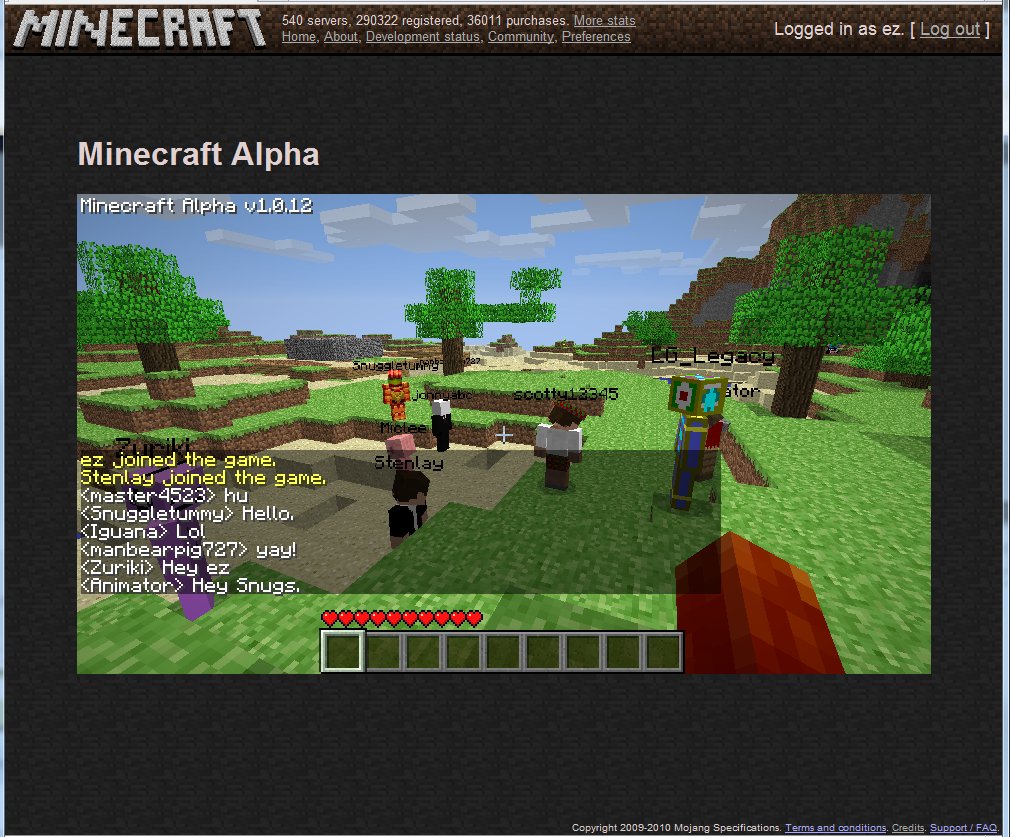
For Java, I've had the smoothest results with modern tunnel workflows that generate a public address for your local world. Some rely on a lightweight client app, some run as a command-line process. Expect tradeoffs: easier setup often means dependency on third-party uptime.
Use this decision list:
- You want fast setup: choose a tunnel tool.
- You want max performance and no relay dependency: port forward directly.
- You are behind CGNAT: tunnel or VPS relay is usually required.
- You need modpacks: host on Java and lock exact mod/version parity.
One practical rule that saves arguments: pick the host with the best upload speed, not the best GPU. Multiplayer lag is mostly upload and routing, not ray tracing.
And yes, someone will blame "Minecraft netcode" when their Wi-Fi extender is gasping in the hallway.
Quick host checklist before you invite anyone
- Match game version exactly, including loader and mods.
- Whitelist friends if possible.
- Back up the world folder before first online session.
- Limit simulation distance if host CPU is mid-range.
- Share join instructions in one message, no mystery steps.
That last point matters. Half of "it doesn't work" reports are just old IPs pasted from yesterday.
Realms vs friend-hosted worlds for EU players
Realms isn't the cheapest path, but it is often the least chaotic path. If your group plays across UK, Germany, France, Spain, and maybe one friend on unstable campus internet, central hosting gives more consistent join experience than a laptop host in one apartment.
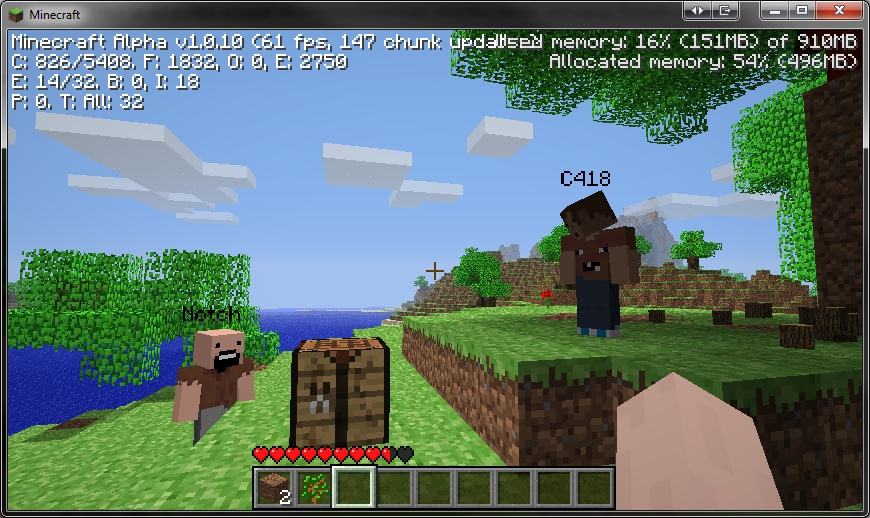
Friend-hosted worlds are better when you care about total control, large mods, custom jars, or experimental settings. Realms keeps things cleaner but more constrained. No surprise there.
My rule: if sessions are planned and host is reliable, friend-host is perfect. If sessions are spontaneous and host availability is random, Realms is worth it.
For players who want alternatives, browse active communities on the Minecraft Server List with current game modes and use private worlds only for your close-group progression map. Public server for variety, private world for long-term projects, that combo works shockingly well.
Security, stability, and performance (the part people skip)
Open-world hosting is easy. Keeping it safe is where people get lazy. Basic hygiene goes a long way, especially with direct exposure methods.
- Use whitelist and strong account security.
- Share invite details only in trusted group chats.
- Keep backups, at least one before every major build session.
- Update Java and game client after major drops, but test once before event night.
- Avoid random "one-click host" tools from unknown sites.
Patch timing matters more now because frequent drops can shift compatibility. If your Friday plan is sacred, update on Wednesday, test on Thursday, play on Friday. Boring process, fewer disasters.
Performance tuning is straightforward: lower simulation distance first, then entity load, then fancy render extras on host. Also, spread farms apart. Five auto-farms in one chunk hub sounds clever until TPS drops like a stone.
For Bedrock console users, one caveat: platform account settings and NAT type can matter more than in Java desktop setups. Check those before reinstalling anything.
What I would choose right now
If you asked me today for the best minecraft multiplayer without server route in 2026, I would pick Java friend-host plus tunnel for small trusted groups, and Realms for mixed-skill groups who hate troubleshooting. LAN still wins for same-house sessions, obviously.
For fun, we usually rotate themed skins when we launch a new world. If your crew enjoys that chaos too, try a few server-themed options like ServerSyncer Minecraft Skin, ServerMiner Minecraft Skin, and fuckthisserver Minecraft Skin. The names alone set expectations.
Want more? I also like the look of ServerSided Minecraft Skin and ServerFinder Minecraft Skin for multiplayer nights where everyone pretends this will be a "quick one-hour session." It never is.
Final practical takeaway: choose one host method, document it in your group chat, and stop changing setup every week. Consistency beats perfect tooling.