Minecraft Nether Portal Calculator Guide for 2026

A Minecraft Nether portal calculator takes your X and Z coordinates, converts them at the 8:1 Nether ratio, and gives you the best spot to build so portals link properly. If you want fast travel without random cave exits, use one.
What a Minecraft Nether Portal Calculator Does
A good calculator saves you from the classic 'close enough' mistake. Minecraft doesn't care that your mental math felt confident. It cares about coordinates, portal placement, and whether the destination has enough room to generate a safe frame.
My pick is the site's Minecraft Nether Portal Calculator tool, mostly because it removes the only part of portal building that feels like filing taxes in a lava cave. Drop in your location, convert it, then build near that target instead of guessing.
And yes, the core math is simple. Overworld to Nether is divide X and Z by 8. Nether to Overworld is multiply X and Z by 8. What trips people up is everything around the math: negative numbers, bad terrain, existing portals nearby, and the game deciding your carefully planned exit should actually live inside a cliff.
Once your world gets past the first starter-house stage, portal math stops being optional. A 2,400 block Overworld trip turns into a 300 block Nether tunnel, which is why serious survival worlds, realms, and SMPs all end up building hubs sooner or later.
That's where the calculator earns its keep.
Minecraft Nether Portal Calculator Formula and Coordinate Examples
You only scale horizontal movement. X and Z change, Y usually stays the same, because vertical travel isn't compressed between dimensions. So if your Overworld base sits at 800, 72, -320, the matching Nether target is 100, 72, -40.
Easy enough on paper. But portal linking gets messy once you add odd terrain, a crowded server hub, or six people building 'temporary' portals that somehow become permanent.
If you want the cleanest result, stand inside the portal block area when you read coordinates, not ten blocks away by your chests. That tiny difference usually won't ruin a single-player link, but stacked portals in bases or shopping districts can get weird fast.
Overworld to Nether
- Formula: X / 8, Y stays similar, Z / 8
- Example: 1200, 70, 640 becomes 150, 70, 80
- Negative example: -400, 63, 88 becomes -50, 63, 11
Nether to Overworld
- Formula: X * 8, Y stays similar, Z * 8
- Example: -75, 68, 25 becomes -600, 68, 200
- Shortcut use: Move 100 blocks in the Nether, cover about 800 in the Overworld
Negative coordinates deserve extra respect. Dividing -79 by 8 gives -9.875, so you don't need a philosophy degree here, just round to a sensible whole block near the target and make space for a proper frame.
So why not just do it in your head? Because people forget to round cleanly, flip the sign on negative coordinates, or scale Y for no reason. I've done all three, usually late at night, usually while insisting I absolutely didn't need the calculator.
One more thing: build as close to the converted coordinates as the terrain allows. A few blocks off is usually fine. A few dozen can create a different link, especially if another portal is already competing for the same destination.
How to Use a Minecraft Nether Portal Calculator for Clean Linking
This is the part most guides rush past, and it's the part that actually fixes bad portal networks.
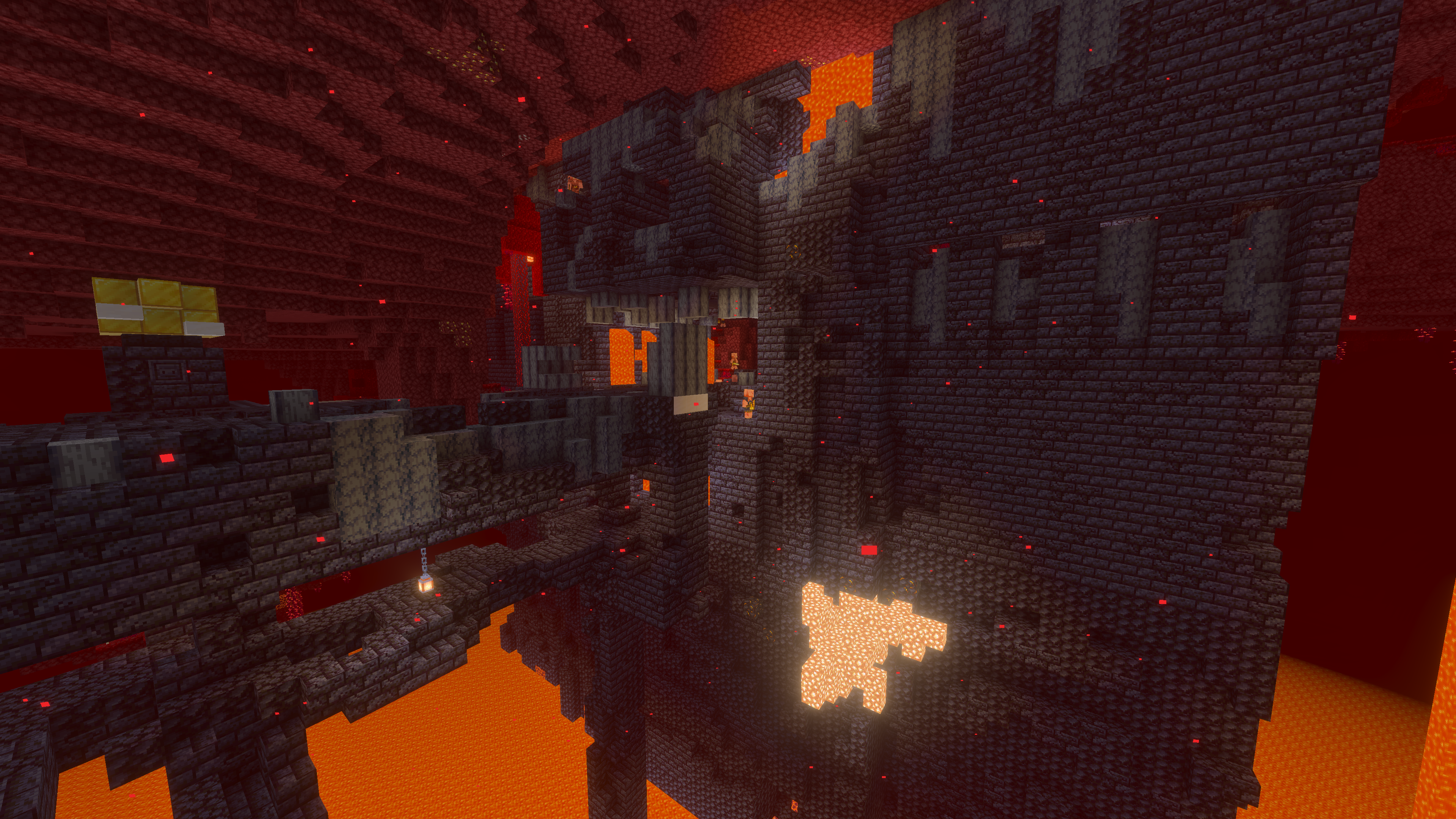
- Stand at the portal you want to keep and note the exact X, Y, and Z coordinates.
- Enter the location into the calculator and convert to the target dimension.
- Travel to the returned X and Z, then choose a safe Y level nearby instead of insisting on the exact same elevation.
- Clear space before lighting the frame. If the game can't fit a portal safely, it'll hunt for another spot and your neat plan is gone.
- Test both directions. The outbound trip working once doesn't guarantee the return link is right.
That's the boring answer. The useful answer is this: if Minecraft auto-generates a portal in the wrong place, break that bad portal, go to the calculated location, and build the receiving portal manually. Letting the game improvise is how you end up commuting through basalt deltas like it's some sort of punishment.
Working inside an existing network is fussier. Find and label the old portals first, because a portal you forgot about on the Nether roof, in a mineshaft, or behind somebody's storage room can steal the link and make you think the calculator is wrong. Usually the calculator is innocent.
I tested hub links on three survival servers over the years, and the return trip was the one that failed most often. People celebrate too early. They walk through, see purple particles, and assume the job's done. Then they come back and pop out behind somebody else's cow farm. Very spiritual experience, not efficient.
Build a little buffer room around fresh portals. Three blocks of headroom, solid floor, no lava dripping from the ceiling. Glamorous? No. Effective? Very.
Test both directions. Always.
Java vs Bedrock Portal Quirks in 2026
The nice part is the ratio doesn't change. Java, Bedrock, console, realms, giant home server held together by optimism, the coordinate math is still 8:1 for X and Z.
But the behavior around portal creation can feel different. Java tends to reward exact manual placement. Bedrock sometimes seems more willing to create a 'good enough' exit if the target area is cramped. Actually, that's not quite right for Bedrock, it isn't guessing, it's just aggressive about finding a valid spot when your ideal one is blocked.
If you're on console, this matters more than people admit. The Loadout reported in June 2024 that Mojang had begun testing a native PS5 version, and that mattered because more Bedrock players started caring about smoother travel hubs instead of treating portal linking like wizardry. Same math, same headaches, nicer hardware.
Realms and crowded servers add another wrinkle: chunk loading and partial terrain generation can make first-time tests feel off. Walk through twice before you panic, especially if the destination chunk hasn't been visited in a while.
Also, Bedrock players sometimes blame the calculator when the real problem is vertical placement. Your X and Z can be perfect and the game will still spawn the frame at a nearby safer height if your target spot is buried or obstructed.
Server lag can also make portal testing feel inconsistent. Wait for chunks to load, step back through, and verify both ends before decorating anything. Obsidian is cheap. Redoing a hub tunnel isn't.
Common Nether Portal Calculator Mistakes
Most portal problems aren't math problems. They're 'I was impatient and now I live in a wall' problems.
- Ignoring negative coordinates: -800 becomes -100, not 100. That missing minus sign sends you very far in the wrong direction.
- Scaling Y values: Don't. Y is about build height and safety, not the 8:1 travel ratio.
- Building too far from the target: 'Close enough' works until another portal is nearby.
- Lighting before clearing space: Caves, lava pockets, and low ceilings can force the game to place the portal elsewhere.
- Keeping accidental portals: If the auto-generated frame is wrong, remove it and rebuild at the calculated point.
If a portal keeps linking wrong after you rebuild it, strip the problem down. Remove the accidental portal, relight only the one you want, test again, then re-add extras one by one. It's dull troubleshooting, but it beats wandering the Nether muttering at coordinates.
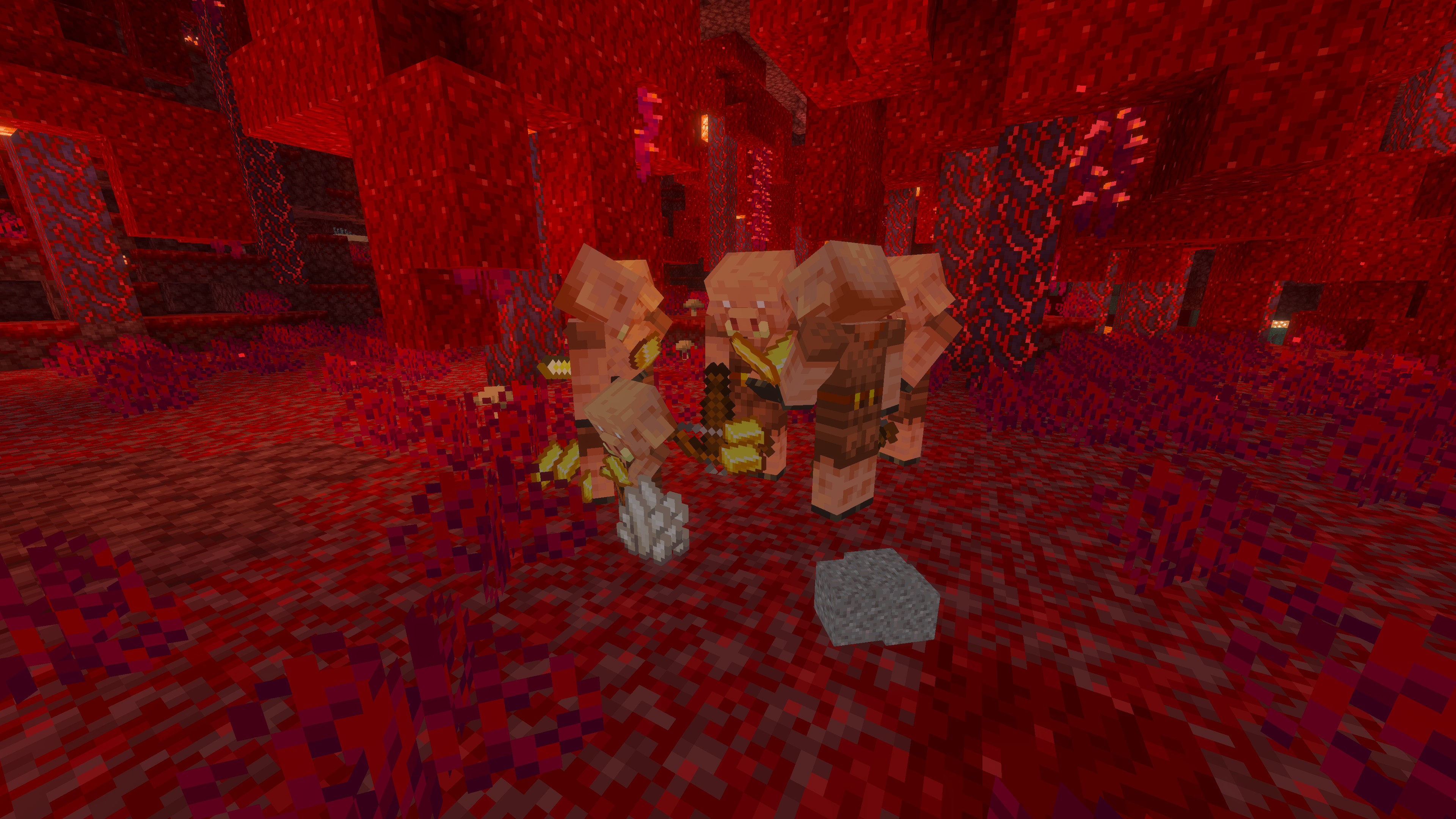
PCGamesN reported that vanilla Minecraft had more than 80 mobs as of 1.21.11, and several of the ones that love ruining portal exits live in the Nether. Ghasts knock holes in pretty builds, zombified piglins clog tight landings, and magma cubes bounce around like they pay no taxes because, frankly, they don't.
So protect the arrival room. Slab the floor if you hate surprise spawns, use blast-resistant blocks around exposed portals, and give yourself a few safe blocks to breathe before charging into whatever biome the game dropped on the other side.
Quick Portal Hub Ideas, and a Few Fun Extras
If you're already fixing your coordinates, you might as well make the hub look good. Obsidian, blackstone, basalt, and crying obsidian still make the cleanest Nether travel rooms, and I like labeling tunnels by Overworld destination instead of by biome. 'Mesa Rail' is useful. 'Left Tunnel' is how you start arguments.
Ever tried finding 'the portal by the warped forest' after skipping a world for a month? Yeah, label everything. Signs, colored glass, lodestones, item frames, whatever stops future-you from taking the wrong tunnel and ending up 6,000 blocks from home.
For a little theme, minecraft.how has a few skins that fit portal-heavy builds surprisingly well.
- jportal Minecraft skin if you want the name to do the talking
- Netheriteninja Minecraft skin for blackstone-and-netherite hubs
- portalgamer00 Minecraft skin if your base is unapologetically portal obsessed
- WoodenNetherite Minecraft skin for a rougher survival look
- NetherMoBs_UnitE Minecraft skin if your lobby already looks like a Nether field guide
Use the calculator, build close to the converted coordinates, test the return trip, then decorate. That's really the whole strategy. Fancy hub later, correct math first.