Minecraft Shaders Download: Everything You Need in 2026

Shaders transform Minecraft's vanilla visuals into something genuinely stunning. Water reflects light, shadows fall realistically, and your custom skin looks infinitely better. Downloading and installing them isn't complicated anymore, but there are definitely right and wrong approaches. Here's what you need to know in 2026.
What Are Minecraft Shaders?
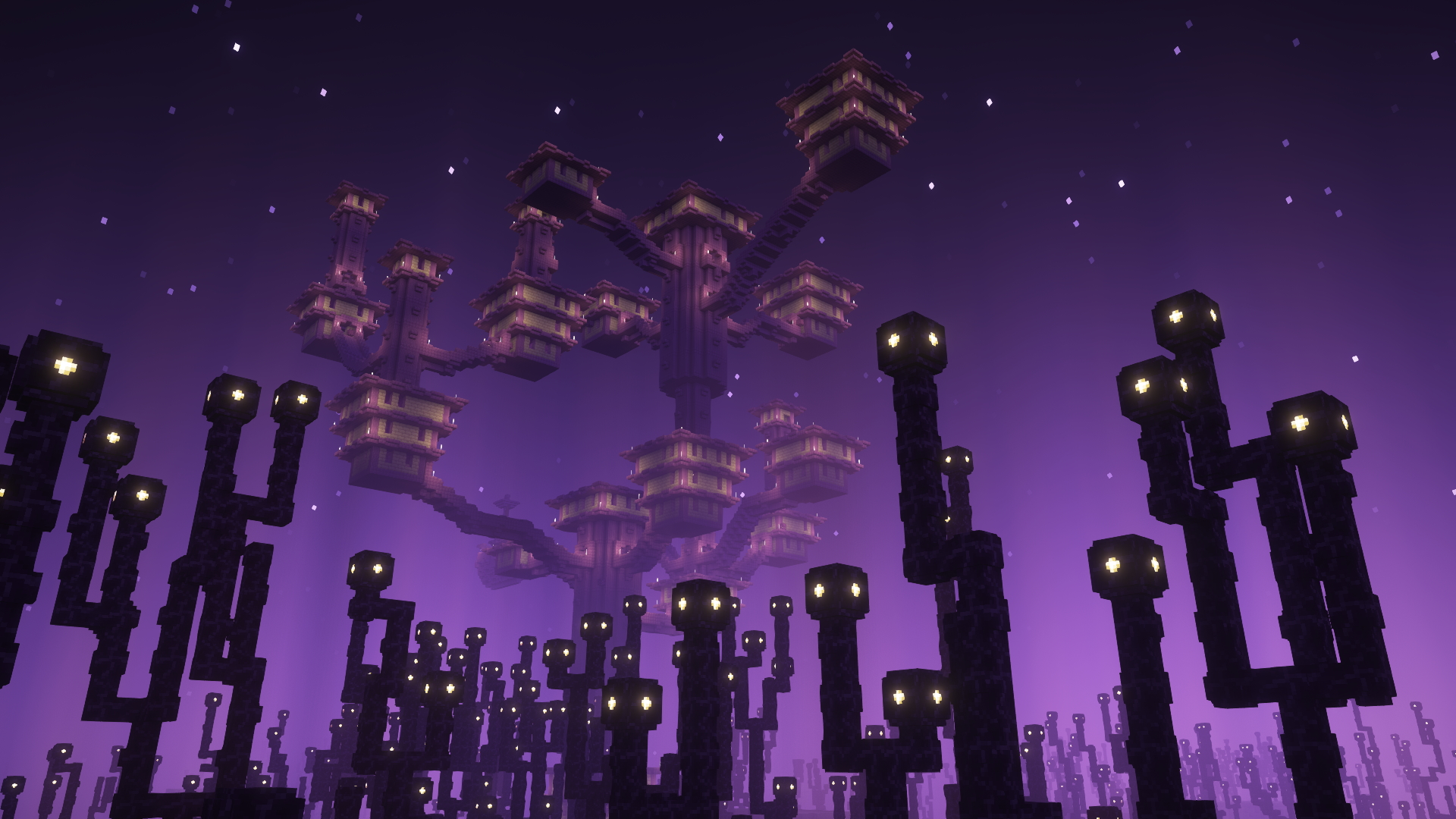
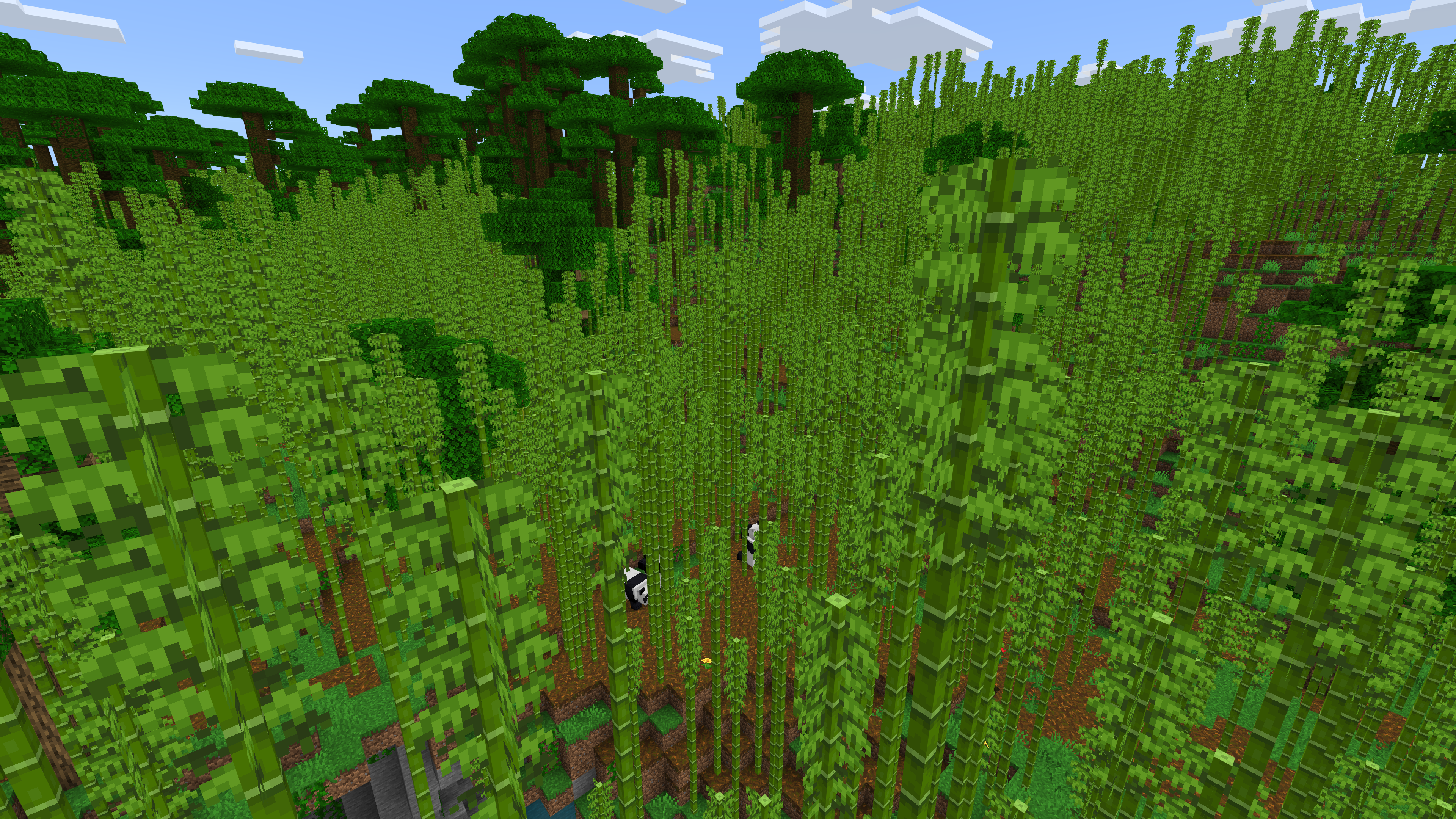
Shaders are visual enhancement mods that overhaul how the game renders light, shadow, water, and atmosphere. They don't add new blocks or mechanics. What they do is make the existing world look dramatically better. Think of it like applying professional color grading to a video.
The magic happens with real-time ray-tracing effects (in some packs) and dynamic lighting. Torches now cast actual light. Water reflects the sky. Leaves look translucent. All of this tanks your frame rate if you're not careful, which is why shader selection matters more than just picking the "best" one.
And here's the thing about 2026: more people are running decent GPUs than ever before. That GPU shortage? Ancient history. Which means shader packs that were unplayable three years ago are now smooth enough for multiplayer servers.
Where to Download Minecraft Shaders
CurseForge and Modrinth are your primary sources. Both platforms host hundreds of shader packs, with ratings, download counts, and community feedback visible immediately. You'll see how many downloads each shader gets, which is honestly a better indicator of stability than anything else.
CurseForge has more total options. Modrinth is cleaner, faster, and honestly better designed. Pick whichever one loads faster on your connection (they're different CDNs). You're not locked into one or the other.
Reddit's r/Minecraft and r/MinecraftShaders are worth browsing too. Players post comparisons, benchmarks, and recommendations regularly. The Minecraft Wiki links to official shader creator websites, which sometimes host exclusive versions or beta builds. Shader creators like Sonic Ether, Continuum, and complementary developers maintain their own communities and early-access versions.
One caveat: not every shader pack on every platform is maintained. Some haven't been updated since 1.18. Check the upload date and read recent comments before downloading anything.
Installation Methods for Windows and Mac
Installation depends on which shader loader you're using. Fabric is the modern choice. It's lightweight, fast, and updated frequently. OptiFine still works but it's older and sometimes conflicts with newer mods.
For Fabric:
- Install the Fabric loader from fabric.net (choose your Minecraft version)
- Download Iris Shaders (the Fabric shader loader) from curseforge or modrinth
- Drop the Iris jar into your mods folder
- Launch Minecraft
- Download a shader pack
- Open the Shaders folder (Iris creates it automatically) and drop the shader's zip file inside
- Restart the game and select your shader from the Shaders menu
Mac users follow the same steps. The mods folder lives in your.minecraft directory. Press Command+Shift+Period to show hidden files in Finder if you can't find it. Honestly it's less complicated than Windows because Macs don't have weird permissions issues with the AppData folder.
OptiFine is more forgiving for new users because it's a single installer, but it's also slower and less compatible with other mods. If you just want shaders with nothing else, Fabric plus Iris is the move.
Top Shader Packs for 2026
BSL Shaders remains the safest all-rounder. It runs smoothly on mid-range GPUs, looks excellent, and gets updated frequently. If you don't know what to pick, start here. You'll get good visuals without the performance cliff.
Complementary is the 2026 favorite among people who care about realism. It has ray-tracing features if your GPU supports it, and the settings menu lets you tune basically everything. Expect 30-50 fps on a decent card depending on your configuration.
Chocapic13's shader has cult status for a reason. It's visually distinctive, runs better than you'd expect, and the developer has been consistently updating it for years. Continuity pairs perfectly with it if you're mixing mods.
For something lighter, Rethinking Voxels or Super Duper vanilla-ish shader are solid. They enhance without going full cinematic.
Performance tiers roughly break down like this: lightweight packs (BSL, Rethinking Voxels) at 60-80 fps on most hardware. Mid-tier (Complementary, Chocapic) at 40-60 fps. Heavy-hitters (Path-tracing packs, Continuum) at 20-40 fps, and those require high-end GPUs.
Performance Optimization That Works
Shader selection is step one. Tweaking settings is step two.
Most shader packs include a settings menu accessible in-game. Shadow resolution, reflection quality, and ray-tracing samples are the usual culprits for FPS drops. Turn those down before you abandon a pack you actually like. A shader at 60 fps with settings dialed back beats searching for something different.
Allocate adequate RAM to Java. The launcher's default (usually 2GB) is laughable. Jump to 4-6GB if your system allows it. Open your launcher, go to Installations, click the three-dot menu on your profile, and edit JVM arguments. Change the number in "-Xmx2G" to whatever you want.
Also check your render distance. Shaders hit hard at render distance 20. Drop to 12-14 and you'll gain 10-20 fps immediately. Most players won't notice the difference in normal gameplay.
Shaders and Community Skins
Here's something cool about shaders: they make custom skins look incredible. The improved lighting and shadows actually show off the work skin creators do.
If you're building a look to pair with shaders, high-detail skins stand out more. Shaders highlight fabric textures, metallics, and layering that vanilla lighting completely flattens. Skins like ShadersBR, Shadersss, and ShaderShark1 are specifically designed with advanced lighting in mind. The creators clearly play with shaders enabled.
For a more technical approach, ShaderSK uses PBR (physically-based rendering) principles that look especially good under complementary-style shaders with dynamic lighting. The metallics actually feel metallic.
And if you want something purely functional, Downloaders is a solid, clean option that works great across any shader setup.
Common Mistakes to Avoid
Don't install shader files directly into your game's main jar. That's the old way. Loaders exist for a reason. Use them.
Don't mix conflicting mods. Some mods break shaders. Some shaders break mods. Test incrementally. Add one mod, boot the game, check for crashes or weirdness. Then add the next.
Don't expect cinematic visuals if your GPU is four years old. Shaders are intensive. The tradeoff between looks and performance is real. Set expectations accordingly.
And don't ignore VRAM. If your GPU doesn't have at least 4GB of dedicated memory, heavy shader packs will stutter. That's a hardware ceiling, not something you can tweak away.
What's Coming Next
Minecraft Live 2026 (March 21st) will probably showcase what shader creators are excited about. Usually there's a technical demo or an update announcement that makes shader devs go "oh, that changes things." Worth watching if you're serious about this stuff.
The Bedrock shader ecosystem is still lagging Java. If you play on Bedrock, your options are more limited, and performance is less predictable. Java Edition's shader community is where the action is right now.
Ray-tracing in shaders is getting better but still niche. Most people don't need true ray-tracing when modern shaders with good lighting and reflections look 95% as good. But if you've got the hardware, experimenting with it is fun.